

Pixelmotion





What is PixelMotion?
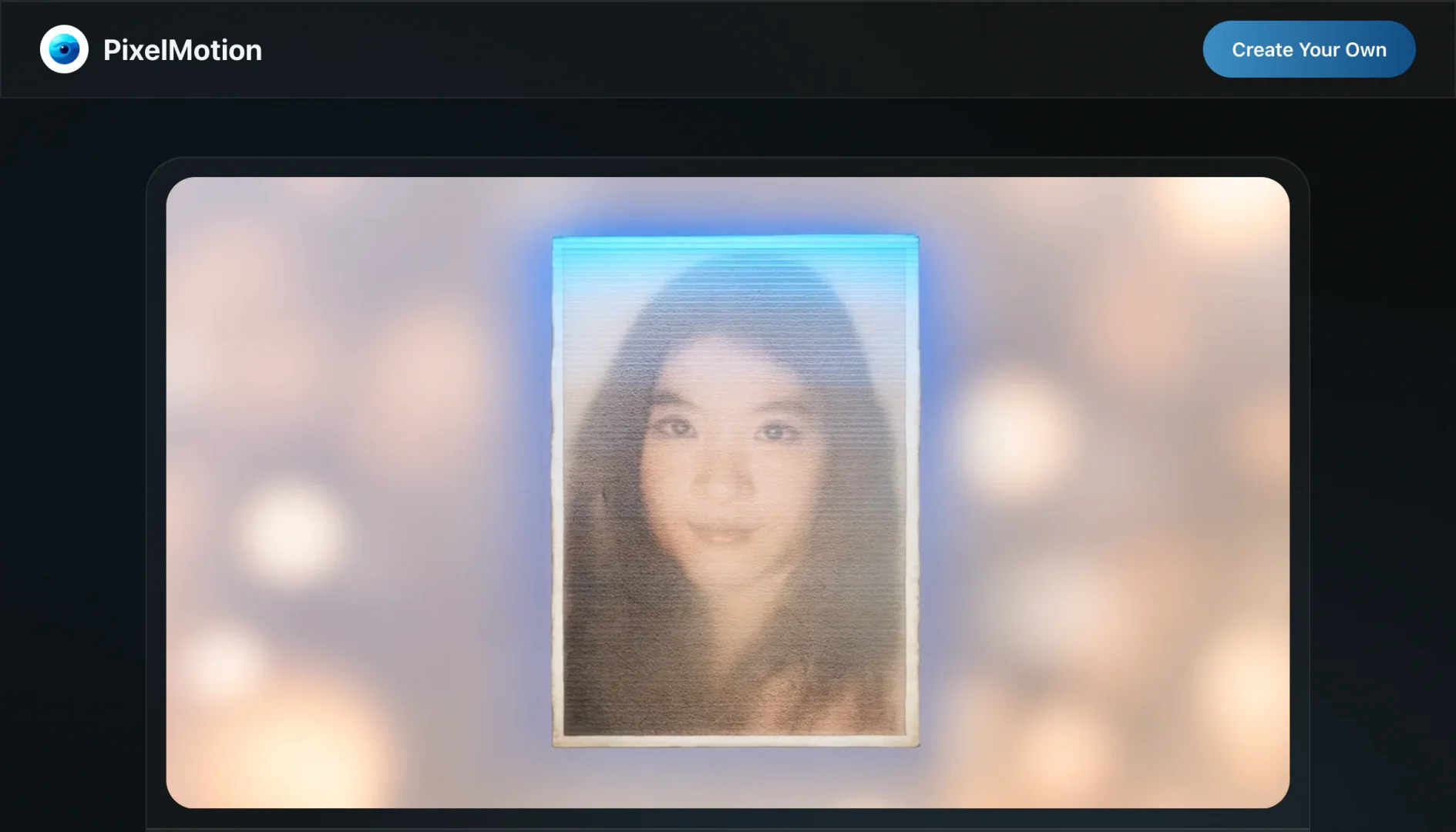
PixelMotion is an innovative AI tool designed to transform photos into stunning videos, enabling users to enhance their images and generate engaging video content effortlessly. With the power of advanced AI models, including Qwen Image 2512, Luma Ray2, Runway Gen-3, and Flux, PixelMotion streamlines the content creation process, allowing individuals and businesses to scale their content production without sacrificing quality. The platform is particularly suited for marketers, content creators, and small business owners looking to create professional-grade visual content quickly and efficiently.
How to use PixelMotion?
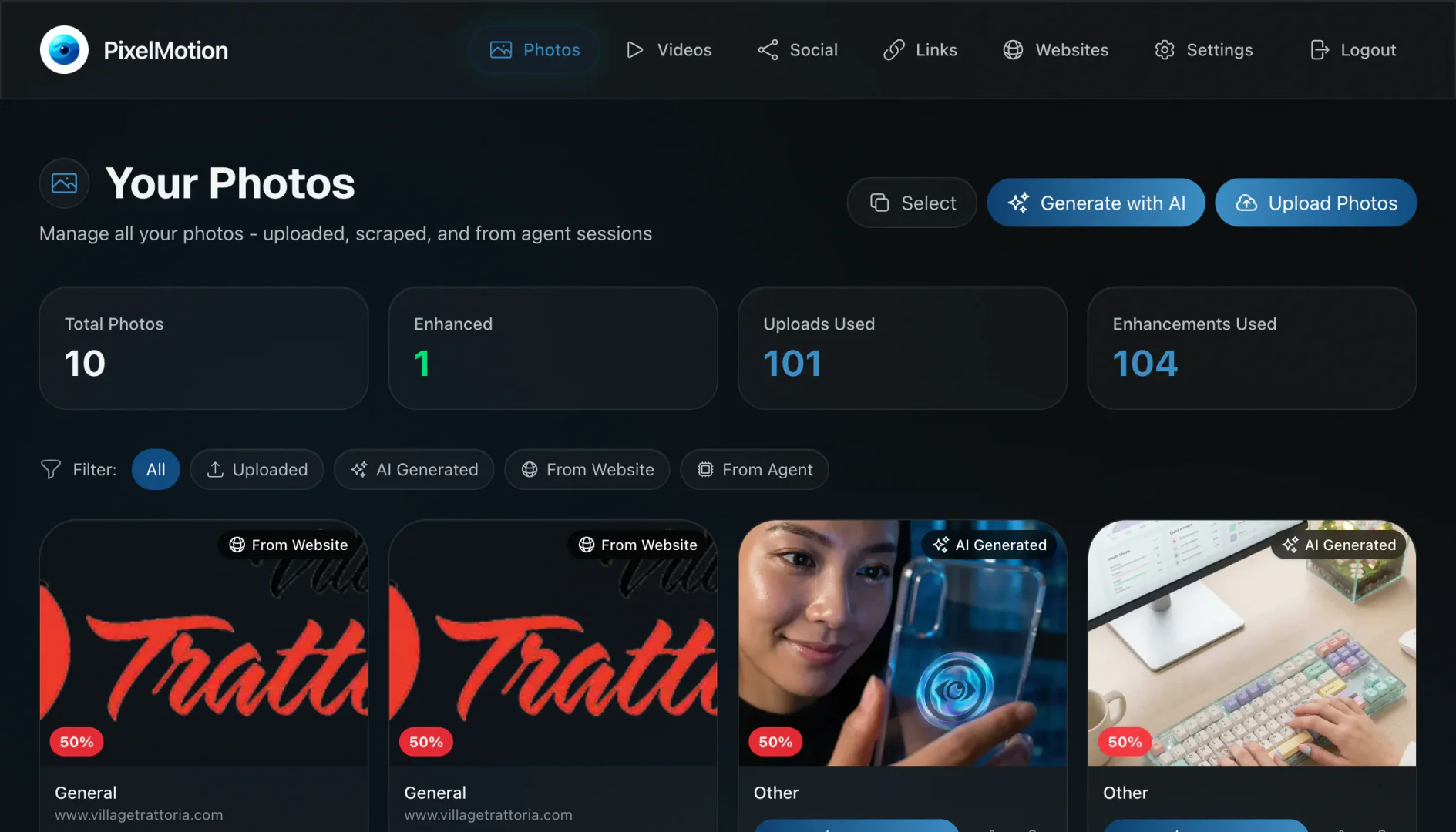
- Get Your Photos: Upload your photos directly or scrape them from any website. PixelMotion's AI will assess each image for quality.
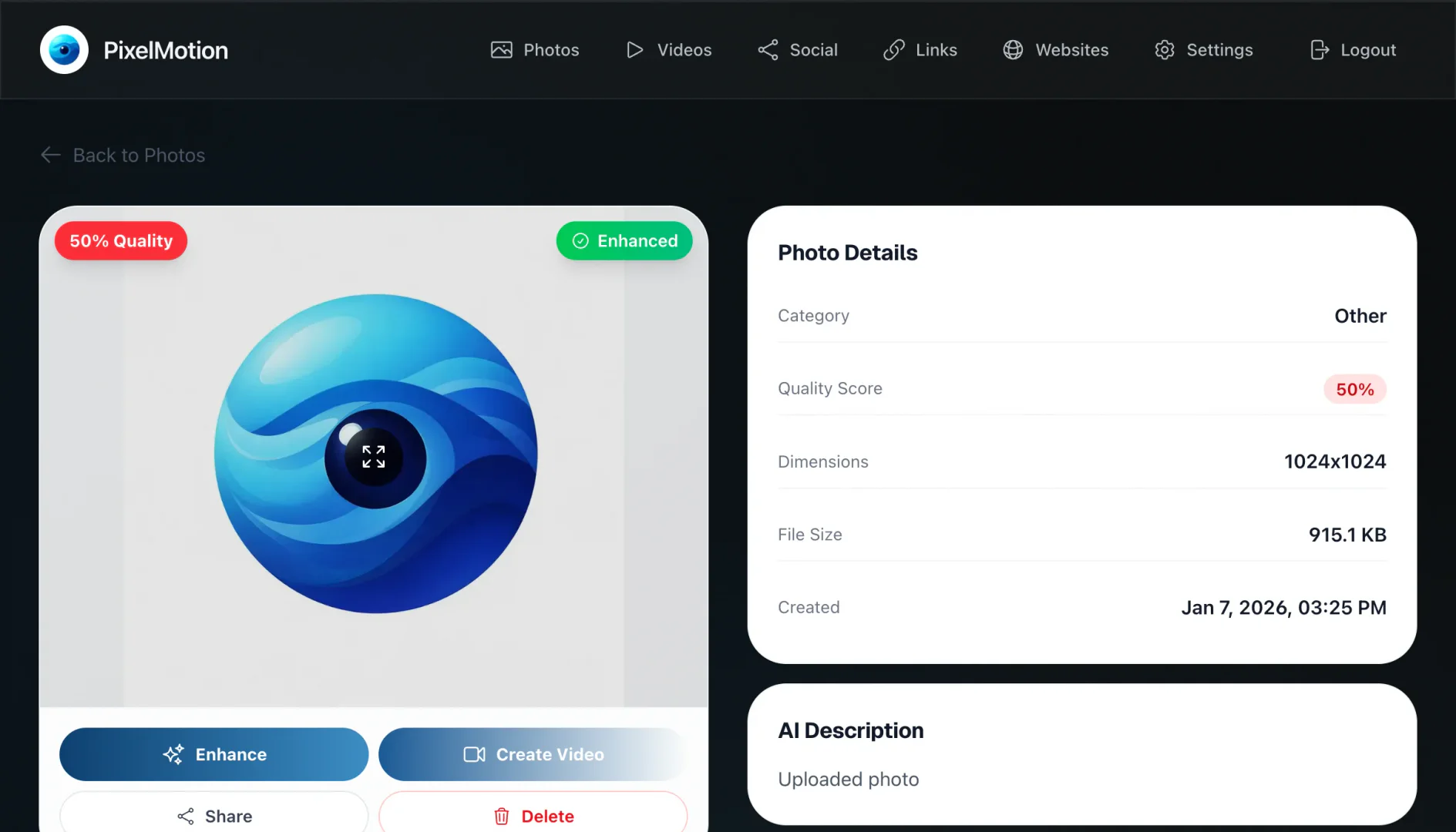
- Enhance with AI: Utilize the photo enhancement suite to upscale, sharpen, and restore images using one of the nine specialized AI models.
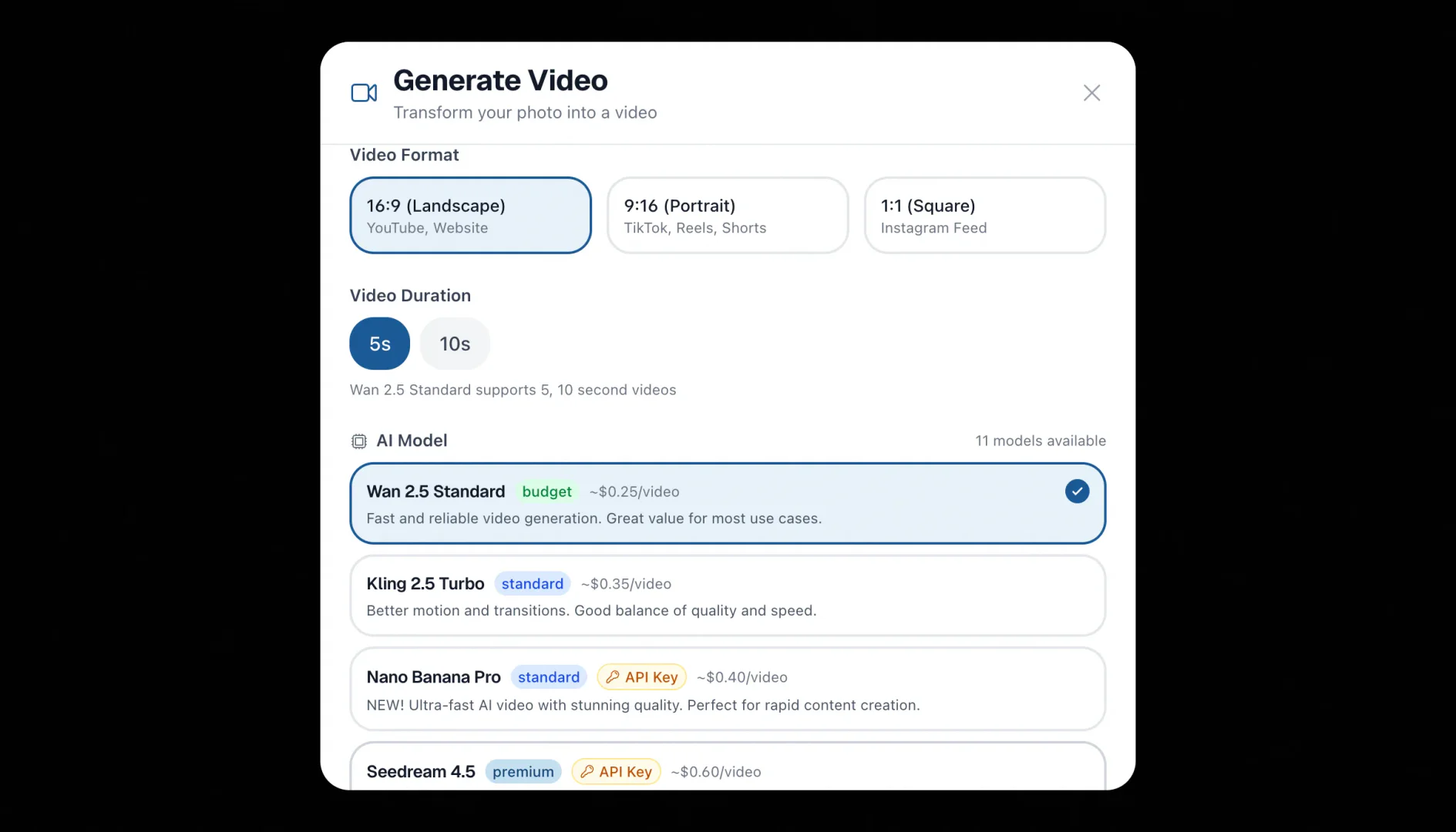
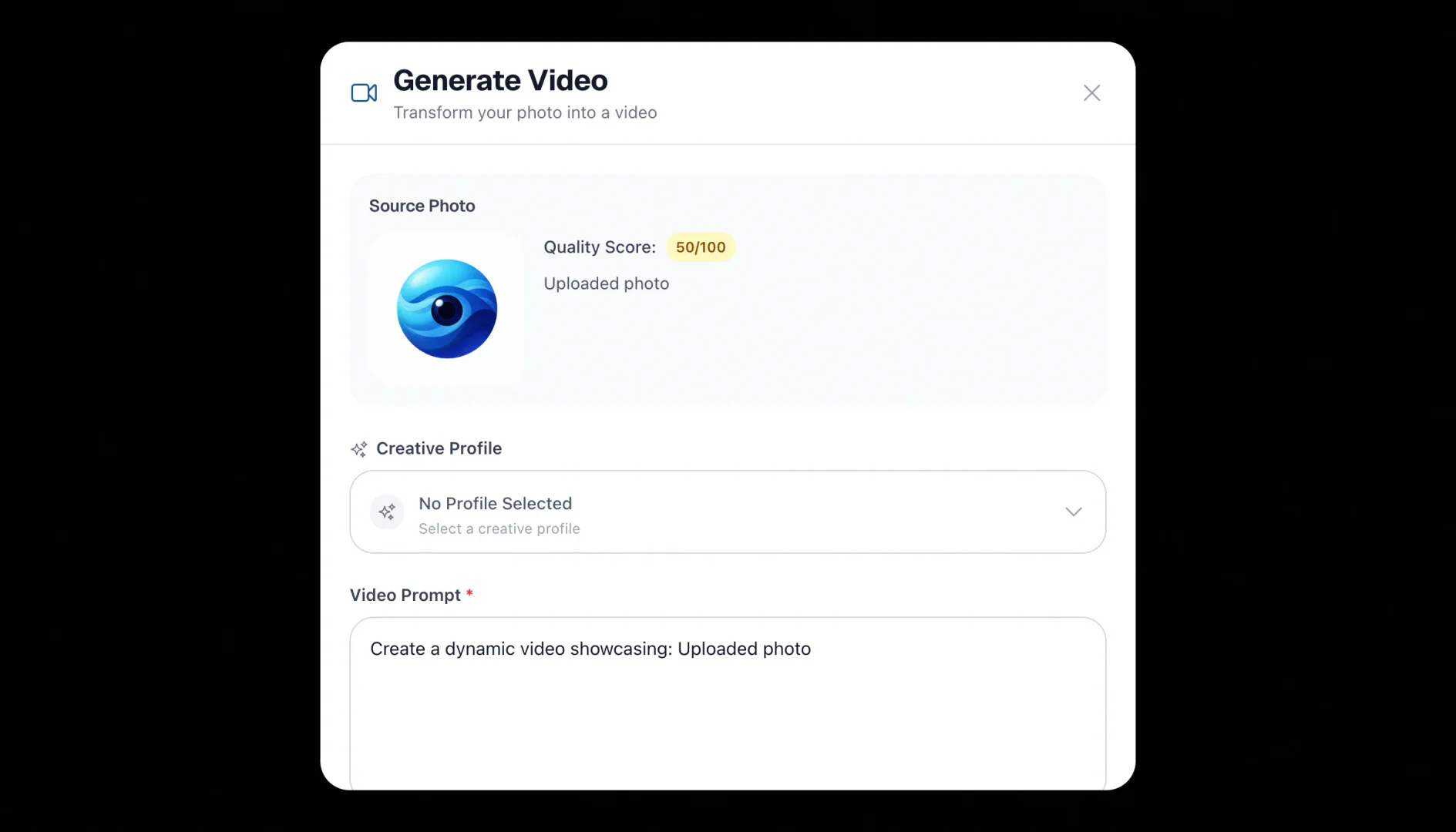
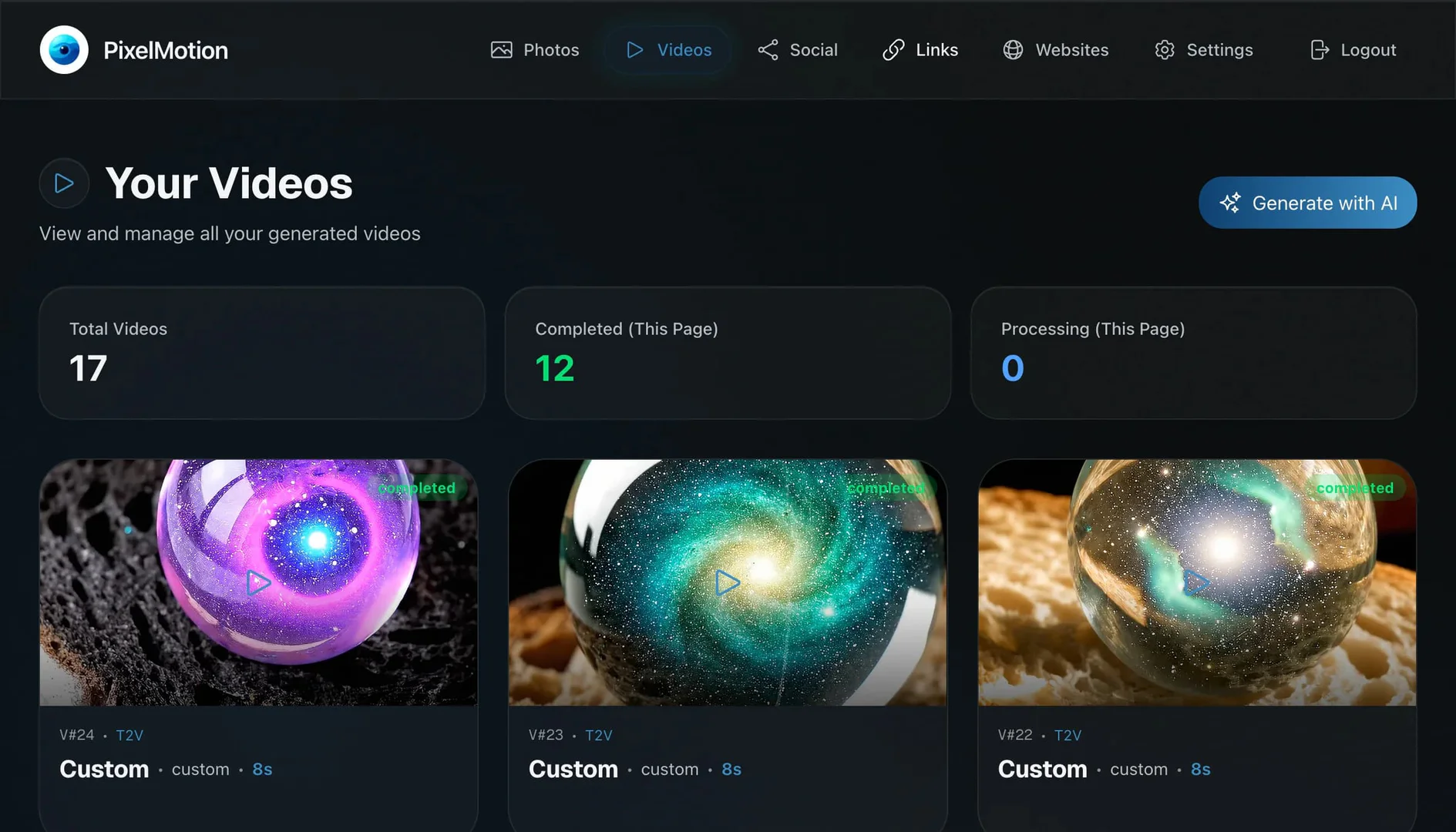
- Generate Videos: Convert your enhanced photos into engaging videos using one of the eleven AI video models available. You can also create videos based on text prompts.
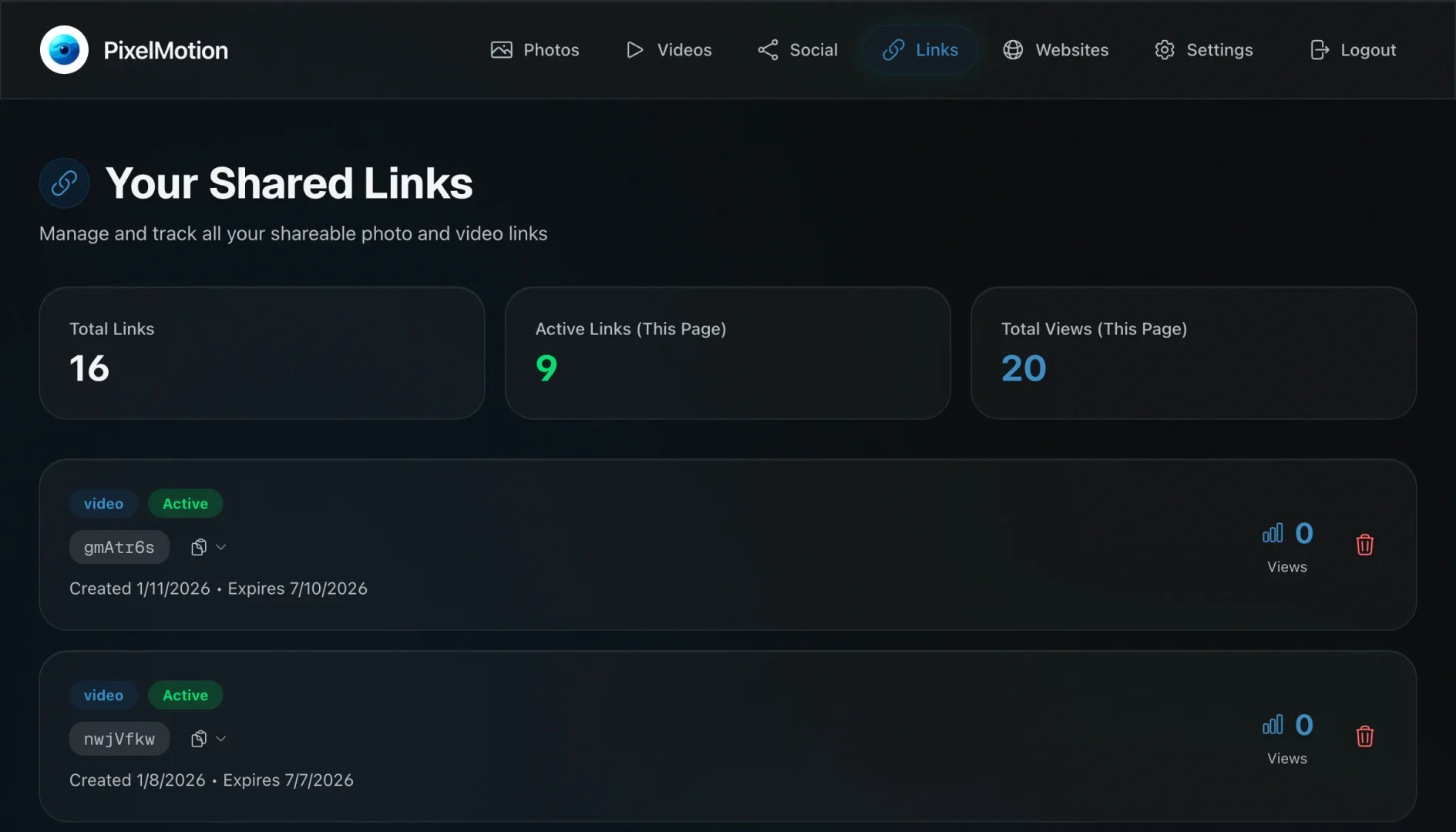
- Post Everywhere: Share your finished videos directly to platforms like YouTube and TikTok, or create shareable links for other social media.
What are the main features of PixelMotion?
- AI Photo Enhancement[1]: Enhance images with 9 specialized AI models for quality improvement.
- Video Generation[2] Engine: Create videos from photos using 11 advanced AI models, optimized for social media platforms.
- Business Search Tool: Find potential clients by scraping websites and gathering images automatically.
- Flexible Credits System: Pay for what you use with a credit-based system that allows for scalable content creation.
- Direct Posting: Share videos directly to major platforms like YouTube and TikTok with one click.
Who is PixelMotion for?
PixelMotion is designed for a diverse range of users including freelance creators, marketing teams, and small business owners. Freelancers can quickly produce professional video content for clients without needing extensive production resources. Marketing teams can leverage the platform to scale their content creation efforts without increasing their workforce. Small business owners can transform their product photos into captivating marketing videos and share them directly on social media, enhancing their online presence and customer engagement.
What are the use cases of PixelMotion?
- Social Media Marketing: Create engaging video ads from product photos and share them on platforms like TikTok and YouTube.
- Content Creation for Freelancers: Freelancers can use PixelMotion to produce high-quality video content for various clients quickly.
- Business Promotion: Small businesses can enhance their product images and generate promotional videos to attract customers and increase sales.
Product Images

Pixelmotion Pros and Cons
Pros
- Multiple AI Models Available: PixelMotion offers access to 11 video and 9 photo AI models, allowing users to choose the best tools for their content creation needs.
- Fast Content Generation: The platform enables users to turn photos into professional videos in minutes, significantly reducing the time spent on content creation.
- Direct Social Media Posting: Users can post generated videos directly to platforms like YouTube and TikTok, streamlining the sharing process.
Cons
No cons data detected for this tool
Pixelmotion Pricing
Starter
300 credits/month, ~100 enhancements or ~60 videos. Includes 2 video models (Wan 2.5, Kling Turbo), 2 photo enhancement models, 1 website to scrape, 30-day file storage, post to YouTube & TikTok, shareable links with analytics, and watermark on outputs.
Professional
800 credits/month, ~270 enhancements or ~65 premium videos. Includes 6 video models (incl. Luma Ray2, Hailuo 2.3), 5 photo models (incl. Nano Banana Pro), 5 websites with organization, 90-day file storage, no watermark, priority processing, and creative profiles for brand consistency.
Premium
2,500 credits/month, ~830 enhancements or ~70 ultra videos. Includes all 11 video models (incl. Sora 2, Veo 3.1), all 9 photo models (incl. Imagen 4, GPT Image), unlimited websites, 180-day file storage, no watermark, highest priority processing, and creative profiles for brand consistency.
100 Credits
Purchase of 100 credits for $15, $0.15 per credit.
500 Credits
Purchase of 500 credits for $60, $0.12 per credit (20% off).
2000 Credits
Purchase of 2000 credits for $180, $0.09 per credit (40% off).
For the latest pricing, please visit this link: https://www.pixelmotion.io/pricing
Prices are subject to change. Please visit the official website for the most up-to-date pricing information.
Pixelmotion Compare
| Tool Name | Introduction | Pricing | Type | Rating | Launch Date | Learn more |
|---|---|---|---|---|---|---|
 | Search_support - Chrome Web Store | Free | 🙋♂️Personal💼Work | December 31, 1984 | Get deal | |
 | Effortlessly discover top software engineers via GitHub activity. | Free | 💼Work🎨Creativity | June 20, 2025 | Get deal | |
 | Generate professional food photos effortlessly. | Free | 💼Work🎨Creativity | September 4, 2024 | Get deal |
Info current as of post date. Offers and availability may vary by location and are subject to change.
Pixelmotion Q&A
PixelMotion is a tool that turns any photo into stunning videos using AI. It enhances photos, generates scroll-stopping video content, and helps scale your content creation business.
Pixelmotion Alternatives

Kling AI empowers creators to generate stunning images and videos using advanced generative AI techniques.
- Image Generation & Editing
- AI Image Generator
- AI Video Generator
- AI Image and Video Synthesis

PixVerse transforms your ideas into stunning AI-generated videos.
- Video & Animation
- AI Video Generator
- AI Text to Video
- AI Video Creation Suite

PixVerse | Create Amazing AI Videos from Text & Photos with AI Video Generator
- Art & Design
- AI Design Generator
- AI Video Generator
- AI Image to Video