

Pulse-editor





What is Pulse Editor?
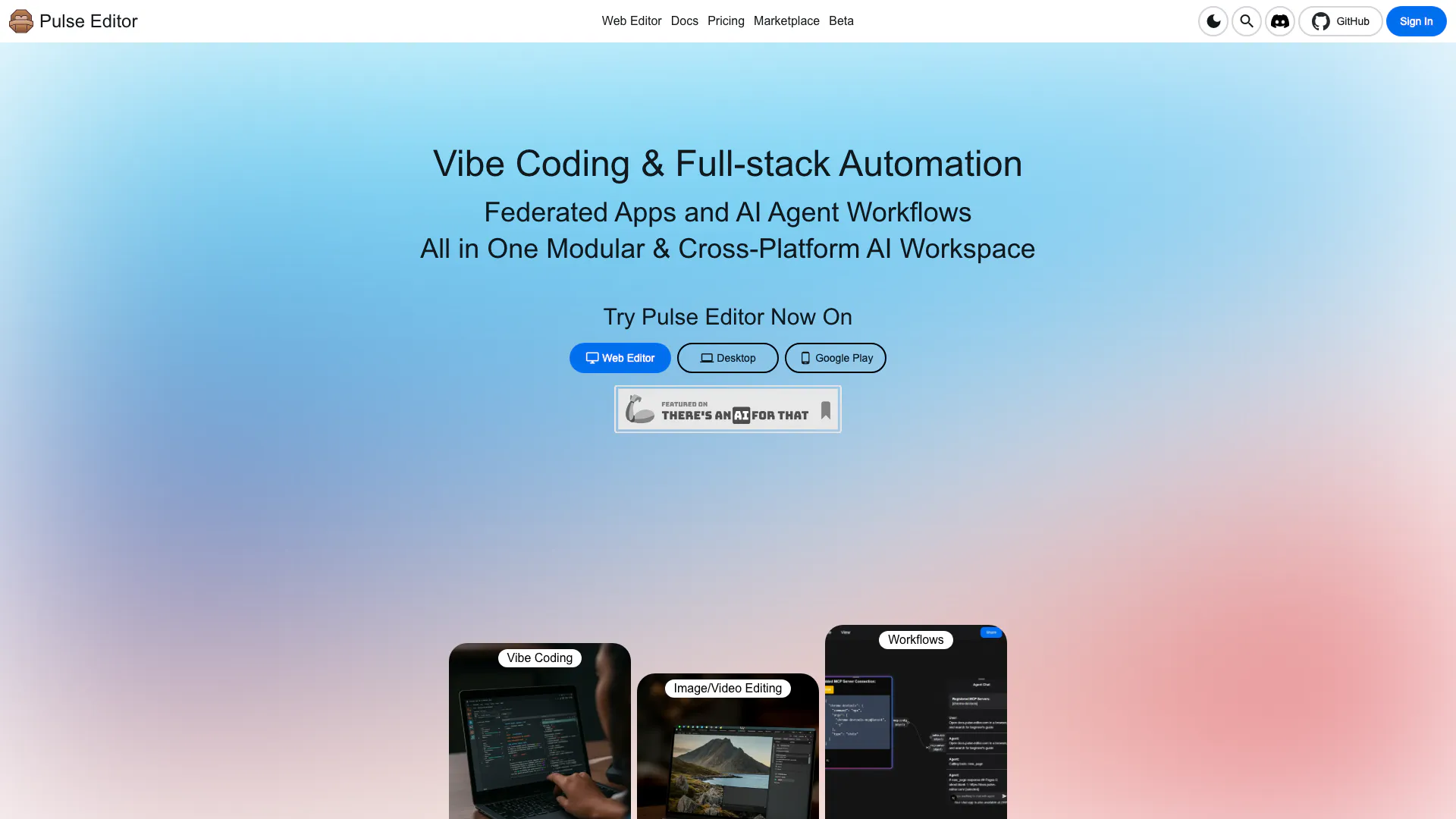
Pulse Editor is a smart, modular editor designed for creators and developers, offering AI-powered[1] features and seamless cross-platform support[3]. This innovative tool allows users to edit content effortlessly across desktop, mobile, and web platforms, making it a versatile choice for anyone looking to enhance their creative workflow. With its focus on flexibility and productivity, Pulse Editor empowers users to leverage AI agents and community-created extensions to boost their editing capabilities.
How to use Pulse Editor?
- Visit the Pulse Editor website and choose your platform: desktop, mobile, or web.
- Download the application or access the web editor directly.
- Sign in or create an account to start your editing journey.
- Explore the AI-powered features and tools available within the editor.
- Utilize community extensions and AI agents to enhance your editing experience.
What are the main features of Pulse Editor?
- AI-Powered Features: Enhance your editing capabilities with intelligent suggestions and automation.
- Cross-Platform Support: Use Pulse Editor on desktop, mobile, and web seamlessly.
- Modular Design[2]: Customize your editing environment with various extensions and plugins.
- Community Extensions: Access a marketplace of user-created tools to expand functionality.
- Vibe Coding: Integrate coding workflows into your creative projects effortlessly.
Who is Pulse Editor for?
Pulse Editor is ideal for creators, developers, and anyone involved in content creation and editing. Whether you are a software developer looking for a robust coding environment, a content creator needing advanced editing tools, or an innovator seeking to leverage AI for productivity, Pulse Editor provides the flexibility and features to meet your needs. Its modular design also appeals to those who wish to customize their workflow with community-built extensions.
What are the use cases of Pulse Editor?
- Content Creation: Use Pulse Editor to write, edit, and publish articles or blog posts with AI assistance.
- Software Development: Leverage the coding features for developing applications and automating workflows.
- Image and Video Editing: Edit multimedia content directly within the platform, enhancing visual projects.
- Collaboration: Work with teams using the shared features available on the web version for real-time editing.
Pulse-editor Video

Pulse-editor Pros and Cons
Pros
- Cross-Platform Support: Pulse Editor is designed to work seamlessly across desktop, mobile, and web platforms, allowing users to edit from any location.
- AI-Powered Features: The editor leverages AI agents to enhance productivity, making the editing process more efficient and creative.
- Modular Design: Pulse Editor's modular architecture allows for customization and extension, enabling users to tailor the editor to their specific needs.
Cons
No cons data detected for this tool
Pulse-editor Pricing
Community
Free access to Pulse Editor and community tools on your device. Use Pulse Editor on Web, Desktop, and Mobile. Create anywhere using cloud creation server. Access free & paid apps and workflows from marketplace. BYOK or run AI models offline. Build, publish, share and earn credits with your apps and workflows. Up to 1 cloud workspace computing instance. Cloud workspace with up to 1vCPU, 2GB RAM, and up to 5GB storage. 100 free credits for workflow automation and AI inferences. Access to blazing fast AI models and editor agents.
Lite
Boost your productivity with cloud workspaces. Everything in Community plan. Up to 2 cloud workspace computing instances. Cloud workspace with up to 1vCPU, 2GB RAM, and up to 10GB storage. 1,000 credits for workflow automation and AI inferences.
Essential
Essential features for creators and developers. Everything in Lite plan. Up to 5 cloud workspace computing instances. Cloud workspace with up to 2vCPU, 4GB RAM, and up to 40GB storage. 5,000 credits for workflow automation and AI inferences. Access to premium AI models and editor agents.
Pro
Unleash the power of AI assisted tools. Everything in Essential plan. Up to 10 cloud workspace computing instances. Cloud workspace with up to 4vCPU, 8GB RAM, and up to 80GB storage. 10,000 credits for workflow automation and AI inferences. Version control history.
Business
Advanced features for teams and businesses. Everything in Pro plan. Unlimited AI code completions. Dedicated cloud compute resources. 100GB storage per seat. 25,000 cloud CPU credits per seat. Team-based collaboration with roles. Custom AI model fine-tuning.
For the latest pricing, please visit this link: https://pulse-editor.com/
Prices are subject to change. Please visit the official website for the most up-to-date pricing information.
Pulse-editor Compare
| Tool Name | Introduction | Pricing | Type | Rating | Launch Date | Learn more |
|---|---|---|---|---|---|---|
 | Tutor AI - Your personal AI tutor to learn anything | Free | 🙋♂️Personal💼Work | September 23, 2007 | Get deal | |
 | Generate AI lesson plans, PowerPoints, and more with Copilot! Use Copilot to breeze through your unit planning and material creation! | Free | 💼Work | November 13, 2022 | Get deal | |
 | Try on any outfits using AI! | Free | 🙋♂️Personal🎨Creativity | January 7, 2023 | Get deal |
Info current as of post date. Offers and availability may vary by location and are subject to change.
Pulse-editor Alternatives

Play and create AI-generated adventures with infinite possibilities.
- Writing & Editing
- AI Text Generator
- AI Writing Assistants

Humanize AI Content | Bypass AI Detection | Get 100% Human Score
- Writing & Editing
- AI Text Generator
- AI Writing Assistants
- AI Detection Bypass

Gemini is Google’s AI assistant for writing and brainstorming.
- Writing & Editing
- AI Writing Assistants
- AI Chatbot
- AI Creativity and Productivity Enhancer