

Quickdataconverter





What is Quick Data Converter?
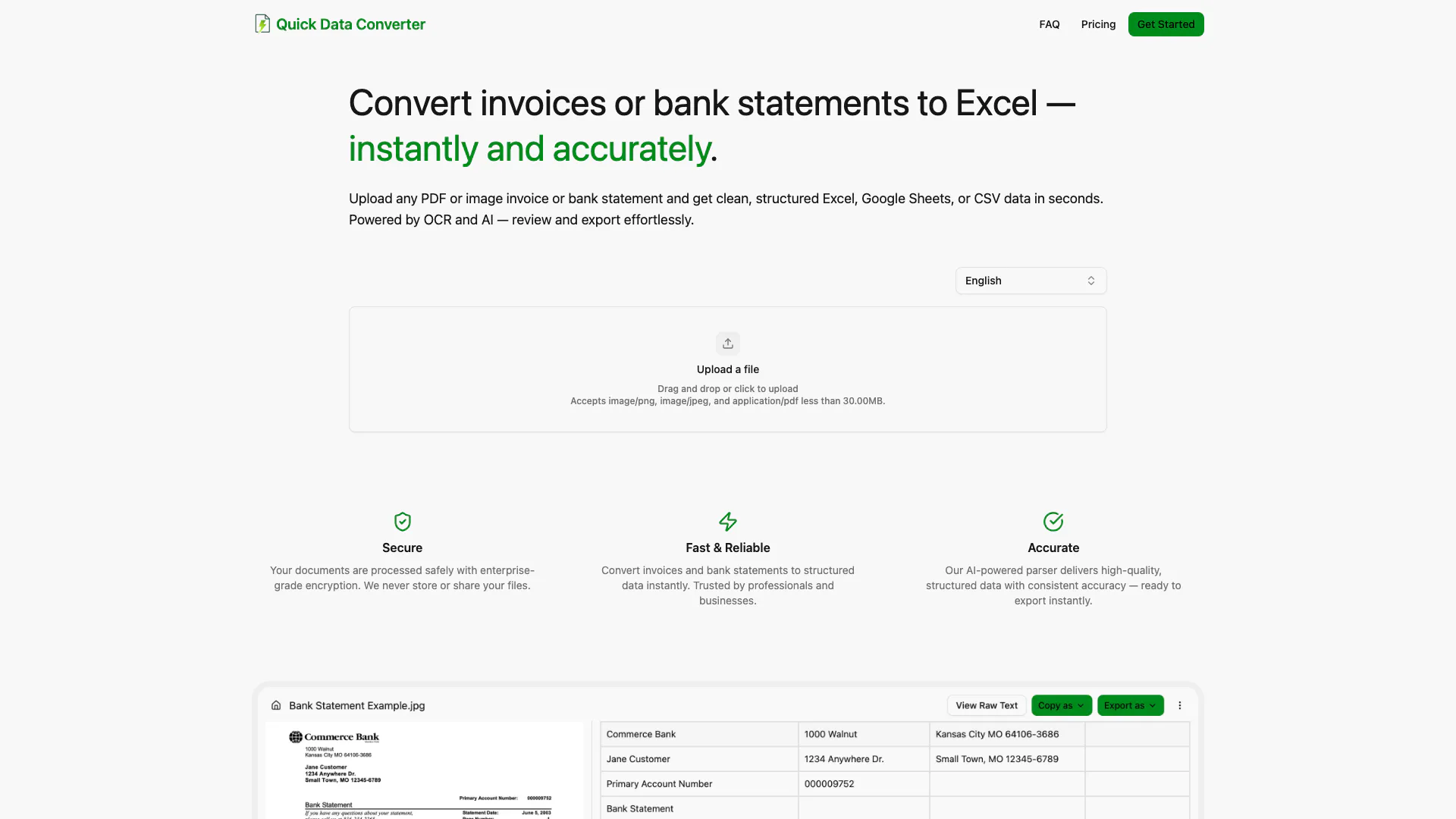
Quick Data Converter is a powerful tool designed for the rapid and accurate conversion of PDF or image invoices and bank statements into structured data formats such as Excel, Google Sheets, and CSV. This tool leverages advanced Optical Character Recognition (OCR) and artificial intelligence (AI) technology to ensure that users can upload, review, and export their documents within seconds. The core value of Quick Data Converter lies in its ability to transform unstructured data into clean, organized formats efficiently, making it an essential tool for professionals and businesses looking to streamline their data processing.
How to use Quick Data Converter?
- Upload Your Document: Visit the Quick Data Converter website and click on the upload button. You can drag and drop your PDF or image file, or click to select it from your device. Ensure your file is less than 30MB and in an acceptable format (PNG, JPEG, or PDF).
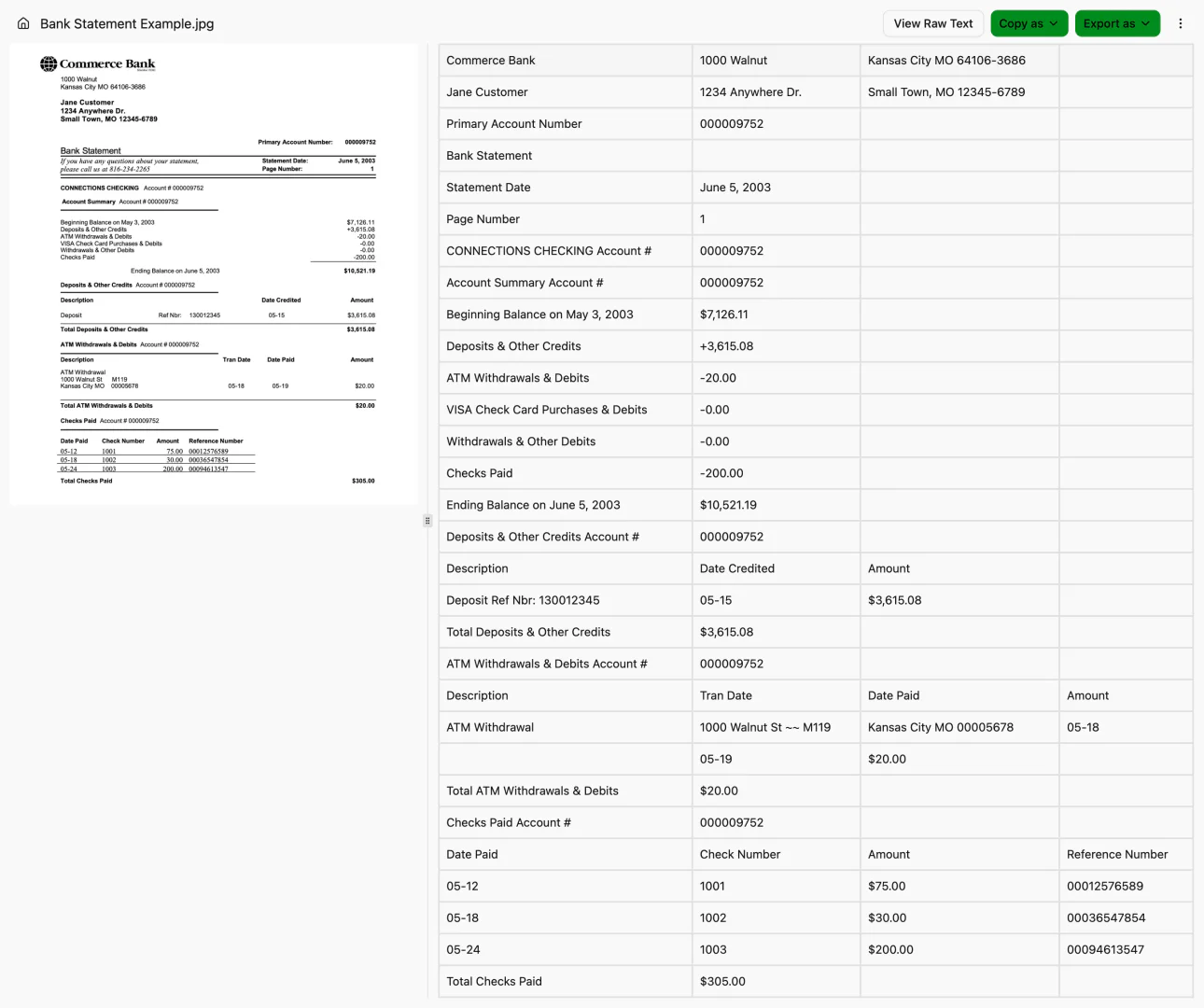
- Review the Data: After uploading, the tool will process your document using OCR technology. You can review the extracted data to ensure accuracy and make any necessary adjustments.
- Export Your Data: Once you are satisfied with the extracted data, you can export it in your preferred format, such as Excel, Google Sheets, or CSV, with just a click.
What are the main features of Quick Data Converter?
- Fast Document Conversion: Quickly convert invoices and bank statements into structured data formats.
- Multiple Export Options: Supports exports to Excel, Google Sheets, CSV, and JSON formats.
- High Accuracy: Utilizes AI-powered parsing to deliver high-quality, structured data with consistent accuracy.
- Secure Processing: Ensures that your documents are processed safely with enterprise-grade encryption, without storing or sharing your files.
- User-Friendly Interface: Designed for effortless uploading, reviewing, and exporting of documents.
Who is Quick Data Converter for?
Quick Data Converter is ideal for professionals, businesses, and individuals who frequently handle invoices and bank statements in digital formats. It caters to accountants, financial analysts, and small to medium-sized enterprises (SMEs) looking to streamline their data processing tasks. The tool is particularly beneficial for those who require fast and accurate data extraction without the need for manual editing, making it suitable for users who prioritize efficiency and accuracy in their financial documentation.
What are the use cases of Quick Data Converter?
- Automating Financial Reporting: Quickly convert bank statements into Excel for financial analysis and reporting.
- Streamlining Invoice Processing: Extract data from invoices to populate accounting software, reducing manual entry time.
- Data Migration: Facilitate the transfer of financial data from paper or image formats into digital spreadsheets for better accessibility and analysis.
Product Images
Quickdataconverter Pros and Cons
Pros
- Fast Document Conversion: Quickly convert PDF or image invoices and bank statements to structured data formats like Excel, Google Sheets, or CSV in seconds.
- High Accuracy with AI: Utilizes AI-powered parsing technology to deliver high-quality, structured data with consistent accuracy.
- Secure Processing: Documents are processed with enterprise-grade encryption, ensuring data security and privacy.
Cons
No cons data detected for this tool
Quickdataconverter Pricing
Free
5 monthly credits, Excel export, JSON export, CSV export, Raw text view.
Starter
100 monthly credits, Email support, Excel export, JSON export, CSV export, Raw text view.
Professional
500 monthly credits, Priority support, Excel export, JSON export, CSV export, Raw text view.
Business
2000 monthly credits, Dedicated support, Excel export, JSON export, CSV export, Raw text view.
For the latest pricing, please visit this link: https://quickdataconverter.com/#pricing
Prices are subject to change. Please visit the official website for the most up-to-date pricing information.
Quickdataconverter Compare
| Tool Name | Introduction | Pricing | Type | Rating | Launch Date | Learn more |
|---|---|---|---|---|---|---|
Explore AI Lawyer for easy, quick, and budget-friendly legal help. Empowering consumers and lawyers with AI-driven solutions for all your legal needs. | Free | February 11, 2023 | Get deal | |||
Explore Prompt Vibes to create unique prompts with our ChatGPT Prompt generator. Discover a collection of the best prompts designed for various uses. | Free | February 25, 2023 | Get deal | |||
Configure it once and automate your images forever without intervention—no need to review. Photos are ready to publish. Adjust backgrounds, lighting, banners, and more to fit your company branding. | Free | October 5, 2021 | Get deal |


Info current as of post date. Offers and availability may vary by location and are subject to change.
Quickdataconverter Q&A
Quick Data Converter is a tool that allows users to quickly and accurately convert PDF or image invoices and bank statements into structured data formats such as Excel, Google Sheets, and CSV.
For more FAQs, please visit this link: https://quickdataconverter.com/#faq
Quickdataconverter Alternatives

Notion AI enhances productivity by integrating AI tools directly into your workspace.
- Productivity & Office
- AI Productivity Tools
- AI Information Management Tools
- Content Management Tools

Notion is an AI-powered workspace that automates tasks and enhances team collaboration.
- Productivity & Office
- AI Productivity Tools
- AI Information Management Tools
- AI Task Management Tools
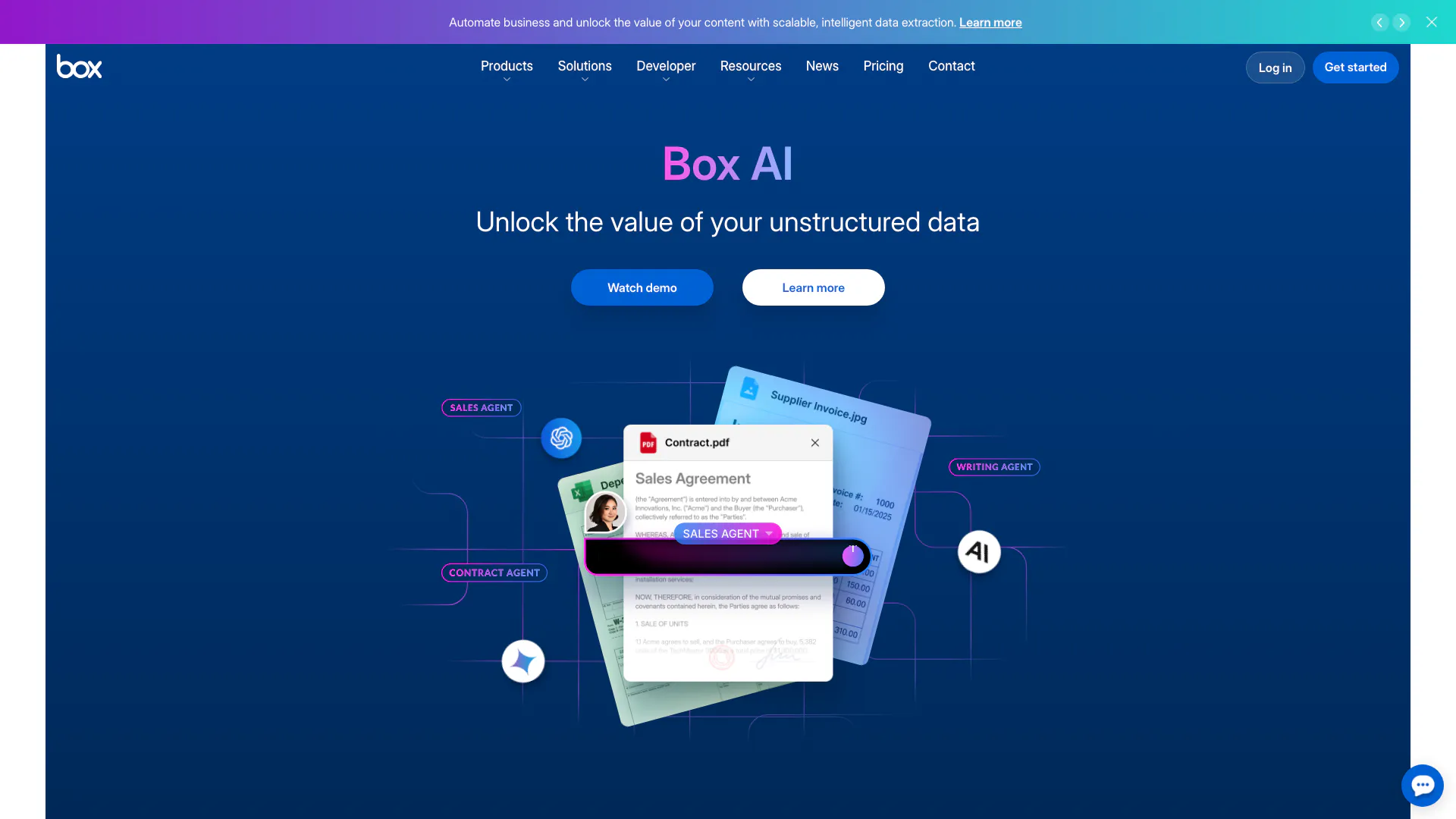
Box AI enhances enterprise productivity with intelligent content management and automation.
- Operations & Management
- AI Workflow Automation
- AI Productivity Tools
- AI Information Management Tools