

Quietforgestudio





What is Quiet Forge Studio?
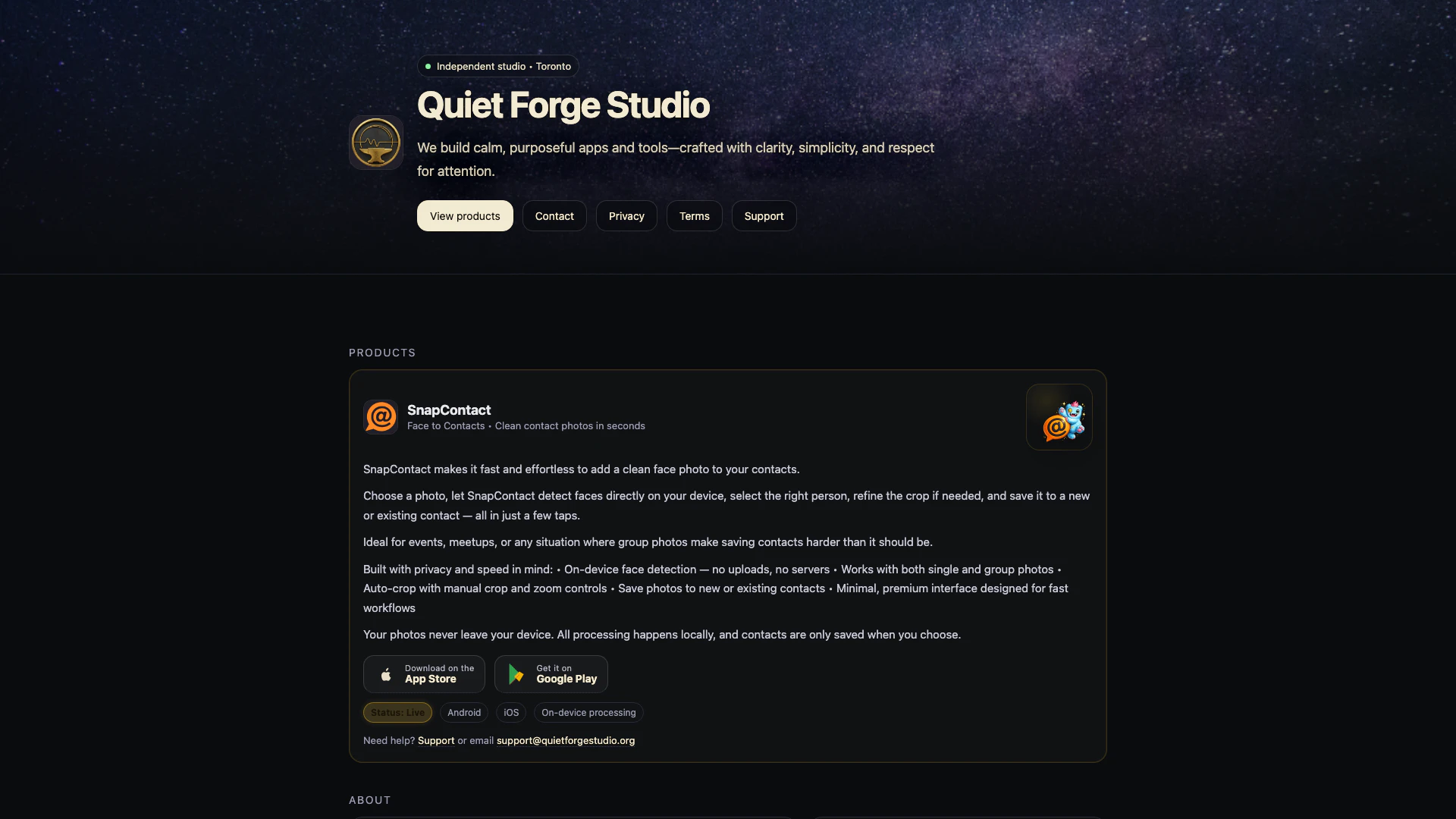
Quiet Forge Studio is an independent product studio dedicated to developing calm and purposeful apps and tools. The studio emphasizes clarity, simplicity, and respect for user attention[1] in its design philosophy. By focusing on creating tools that enhance productivity without overwhelming users, Quiet Forge Studio aims to provide a seamless experience that prioritizes user needs.
How to use Quiet Forge Studio?
- Visit the Quiet Forge Studio website at https://quietforgestudio.org/. 2. Navigate to the 'Products' section to explore the available applications. 3. Choose a product like SnapContact[5], and follow the links to download it from the App Store or Google Play. 4. Once installed, open the app and follow the on-screen instructions to start using it effectively.
What are the main features of Quiet Forge Studio?
- Focus on creating calm and purposeful apps that respect user attention.
- Simple and intuitive interfaces[2] designed for fast workflows.
- On-device processing[3] for privacy[4] and speed, ensuring user data remains secure.
- Unique products like SnapContact that streamline the process of adding contact photos, featuring on-device face detection[6] and auto-cropping capabilities.
Who is Quiet Forge Studio for?
Quiet Forge Studio is designed for individuals and professionals who value simplicity and efficiency in their digital tools. It caters to users looking for calm and purposeful applications that enhance productivity without causing distraction. Whether you are a busy professional needing to manage contacts effectively or someone who appreciates clean, user-friendly interfaces, Quiet Forge Studio's offerings are tailored to meet your needs.
What are the use cases of Quiet Forge Studio?
- Using SnapContact to quickly add clean photos to contacts during networking events or meetups.
- Leveraging on-device processing to enhance privacy while managing personal data.
- Utilizing simple tools from Quiet Forge Studio for daily productivity tasks that require clarity and focus.
Product Images



Quietforgestudio Pros and Cons
Pros
- On-Device Face Detection: SnapContact features on-device face detection, ensuring user privacy by processing images locally without uploads.
- User-Friendly Interface: The app is designed with a minimal and premium interface, allowing for fast workflows and ease of use.
- Effortless Contact Management: SnapContact simplifies adding clean face photos to contacts, making it ideal for events and group photos.
Cons
No cons data detected for this tool
Quietforgestudio Compare


Info current as of post date. Offers and availability may vary by location and are subject to change.
Quietforgestudio Q&A
You can get support for the SnapContact app by contacting us at support@quietforgestudio.org. We aim to respond within 48 hours.
For more FAQs, please visit this link: https://quietforgestudio.org/snapcontact-support.html
Quietforgestudio Alternatives
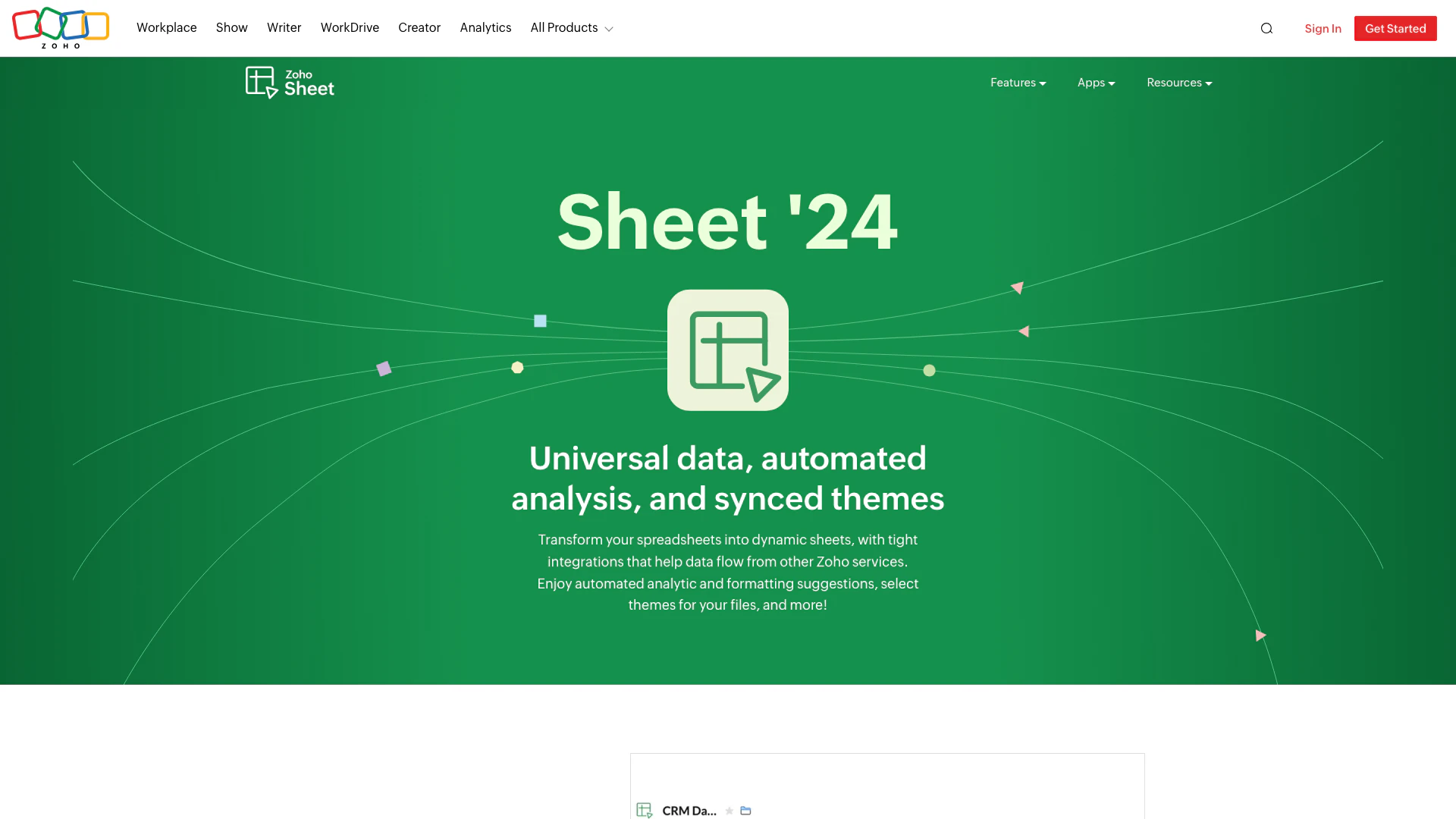
Transform your spreadsheets with Zoho Sheet's dynamic features.
- Productivity & Office
- AI Spreadsheet Tools
- AI Spreadsheet Automation Tools
- Productivity Maximization Tools

Automate customer service with Jotform AI Agents.
- Productivity & Office
- Productivity Maximization Tools
- Form Building Tools
- Content Management Tools

Boost Productivity in HubSpot with Breeze Copilot | HubSpot
- Operations & Management
- AI CRM Tools
- Ai Productivity Tools