

Quiky




What is Quiky?
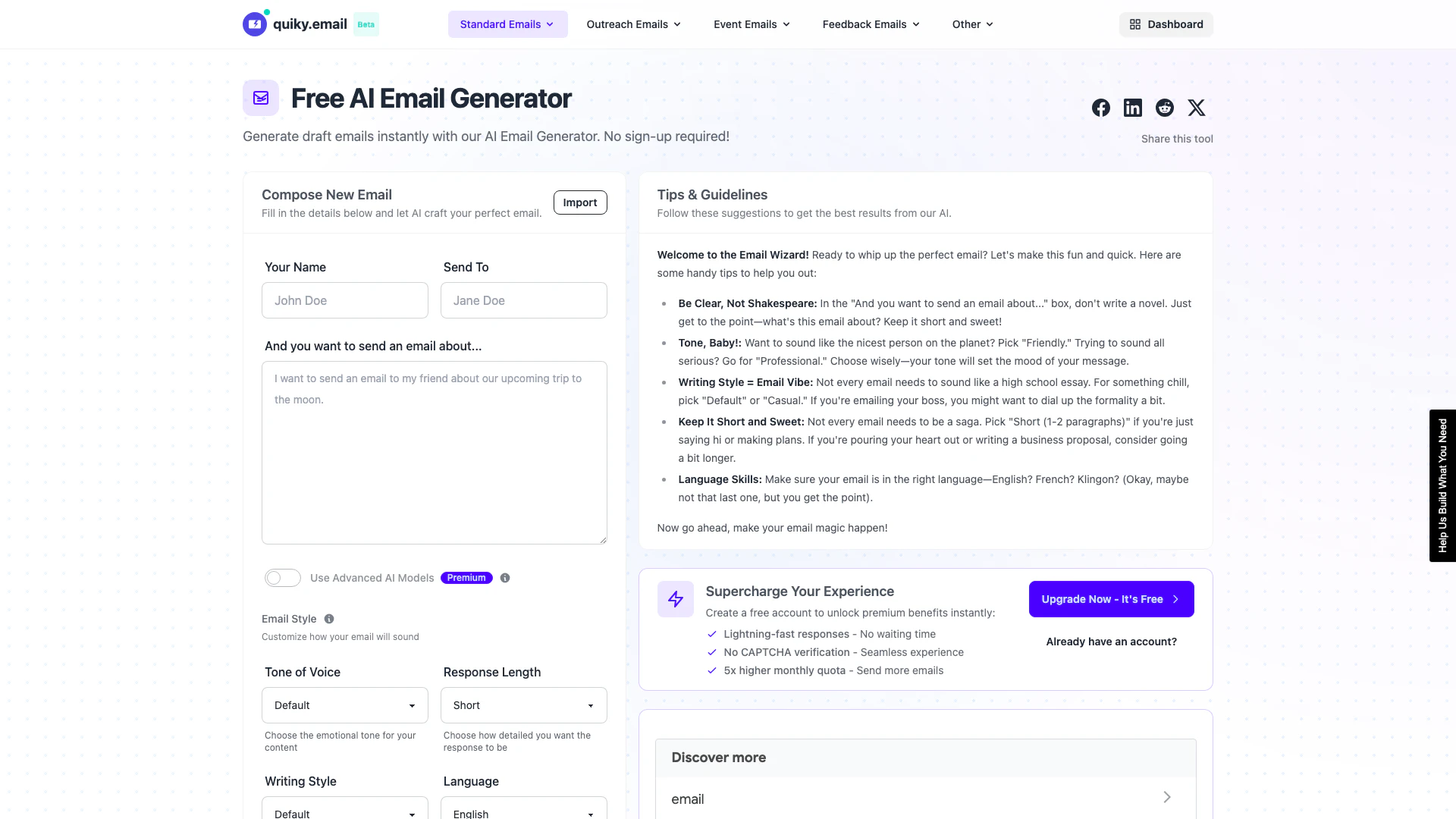
Quiky is a free AI-powered email writing assistant designed to help users compose effective emails effortlessly. With its intuitive interface, Quiky transforms your thoughts into well-structured emails in seconds, eliminating the hassle of writer's block. Users can access various email types, from standard replies to outreach and feedback emails, without the need for sign-up, making it a convenient tool for anyone looking to enhance their email communication.
How to use Quiky?
- Visit the Quiky website at https://quiky.email/compose/email.
- Fill in the required details, including your name, recipient's email address, and the subject of your email.
- Choose the tone of voice and writing style that best fits your email's purpose.
- Select the desired response length (short or medium).
- Click on the 'Generate' button to let Quiky create your email draft.
What are the main features of Quiky?
- AI Email Generator[1]: Instantly generate draft emails tailored to your needs.
- Subject Line Generator[3]: Create catchy subject lines to enhance email open rates.
- Email Templates[2]: Access various templates for different email types, including outreach, event reminders, and feedback requests.
- Customization Options: Adjust tone, style, and response length to fit the context of your email.
- No Signup Required: Use the tool without creating an account, ensuring a hassle-free experience.
Who is Quiky for?
Quiky is ideal for professionals, students, and anyone who frequently communicates via email. Whether you're a marketer needing to send outreach emails, a job seeker applying for positions, or a team member sending updates, Quiky streamlines the email writing process, making it accessible for users of all backgrounds who want to improve their email communication.
What are the use cases of Quiky?
- Professional Communication: Generate emails for job applications, follow-ups, and networking.
- Customer Outreach: Craft effective cold emails and backlink outreach messages.
- Event Coordination: Create invitations and reminders for meetings and events.
- Feedback Requests: Send professional requests for feedback or project updates.
- Personal Correspondence: Write thank-you notes and personal messages effortlessly.
Quiky Pros and Cons
Pros
- Free Email Writing Assistance: Quiky offers a free AI email generator that helps users craft emails quickly without the need for sign-up, making it accessible for anyone.
- Diverse Email Templates: The tool provides various templates for different types of emails, including outreach, event, feedback, and standard emails, catering to various user needs.
- Customizable Tone and Style: Users can customize the tone and writing style of their emails, allowing for a more personalized and appropriate communication experience.
Cons
No cons data detected for this tool
Quiky Compare



Info current as of post date. Offers and availability may vary by location and are subject to change.
Quiky Alternatives

Gemini is Google’s AI assistant for writing and brainstorming.
- Writing & Editing
- AI Writing Assistants
- AI Chatbot
- AI Creativity and Productivity Enhancer
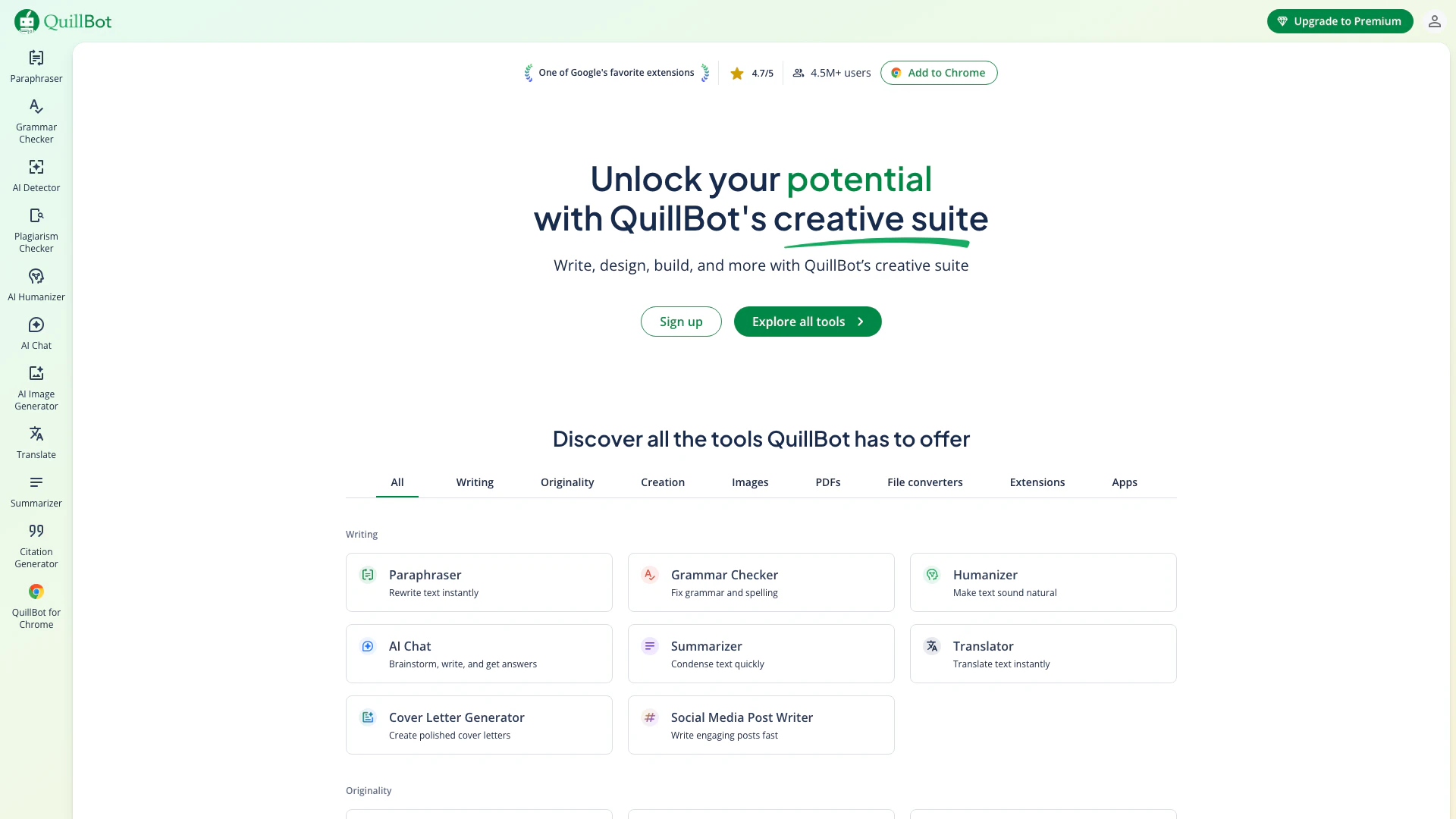
QuillBot enhances your writing with AI tools for paraphrasing, grammar checking, and more.
- Writing & Editing
- AI Grammar Checker
- AI Paraphraser & Rewriter
- AI Writing Assistants

Play and create AI-generated adventures with infinite possibilities.
- Writing & Editing
- AI Text Generator
- AI Writing Assistants