

Readydata


What is Readydata?
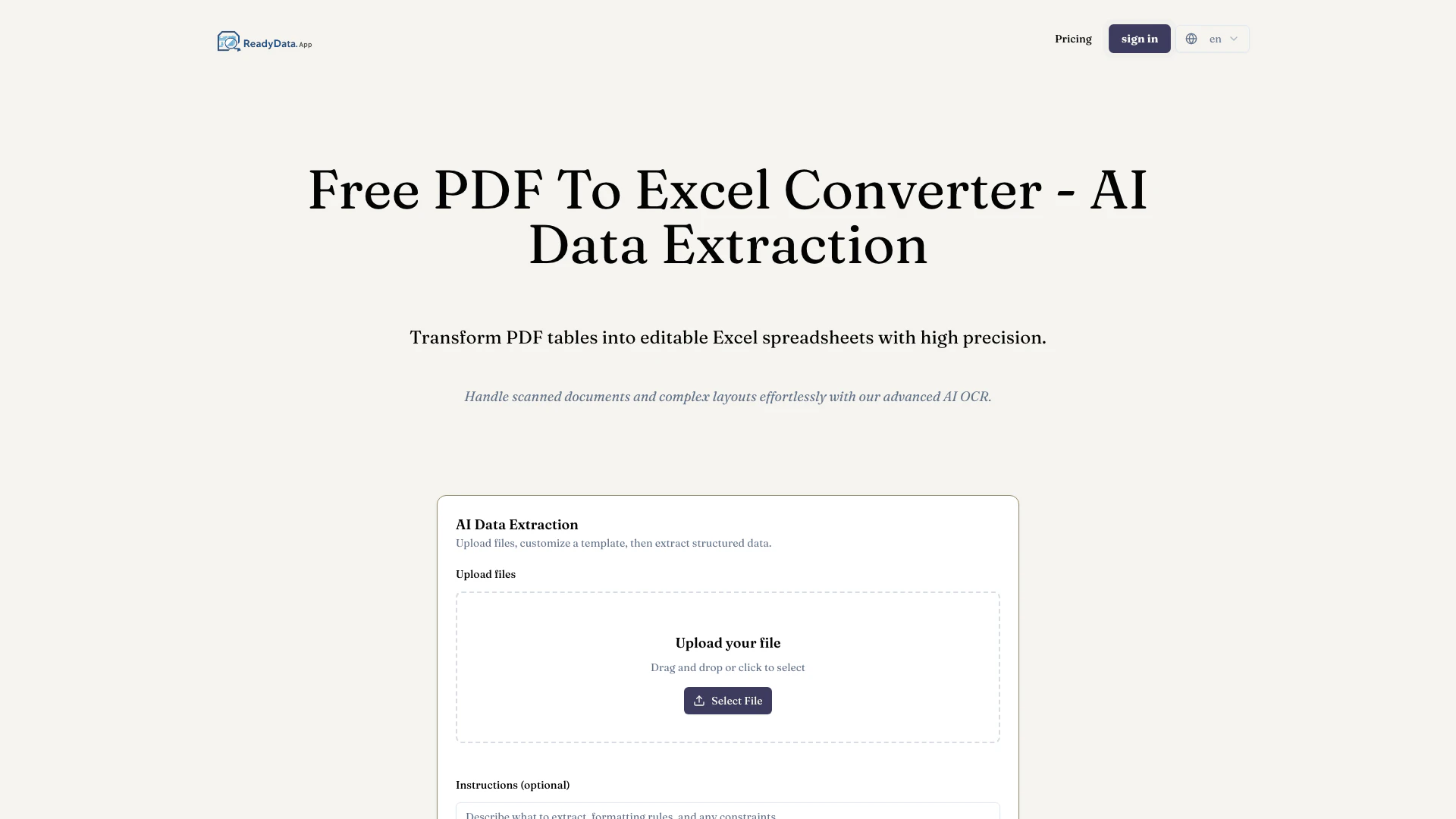
Readydata is an advanced online tool designed to convert PDF documents into editable Excel spreadsheets with high precision. Utilizing AI-powered data extraction technology, Readydata effectively handles both scanned PDFs and complex layouts, ensuring accurate extraction of tables and data into XLSX files. This tool is particularly valuable for users who need to transform uneditable PDF content into structured, editable formats, thereby streamlining data analysis and management processes.
How to use Readydata?
To use Readydata for converting PDF to Excel[1], follow these simple steps: 1. Upload PDF: Drag and drop your PDF file or image containing tables into the converter interface. 2. AI Extraction: The AI technology analyzes the document structure, accurately identifying tables, rows, and columns for extraction. 3. Download Excel: Once the extraction is complete, download your converted XLSX file, which retains the original formatting and is ready for analysis.
What are the main features of Readydata?
Readydata offers a range of powerful features, including: - AI-Powered Data Extraction: Accurately extracts tables and structured data from PDFs. - OCR Technology[2]: Handles scanned documents and images seamlessly. - Multiple File Processing: Convert several PDF files at once to enhance workflow efficiency. - Template Customization[4]: Users can customize extraction templates for specific document types. - Cross-Platform Compatibility: Works on any device with a web browser, including Windows, Mac, and Linux. - Data Privacy[3] Assurance: Files are processed securely and deleted after conversion.
Who is Readydata for?
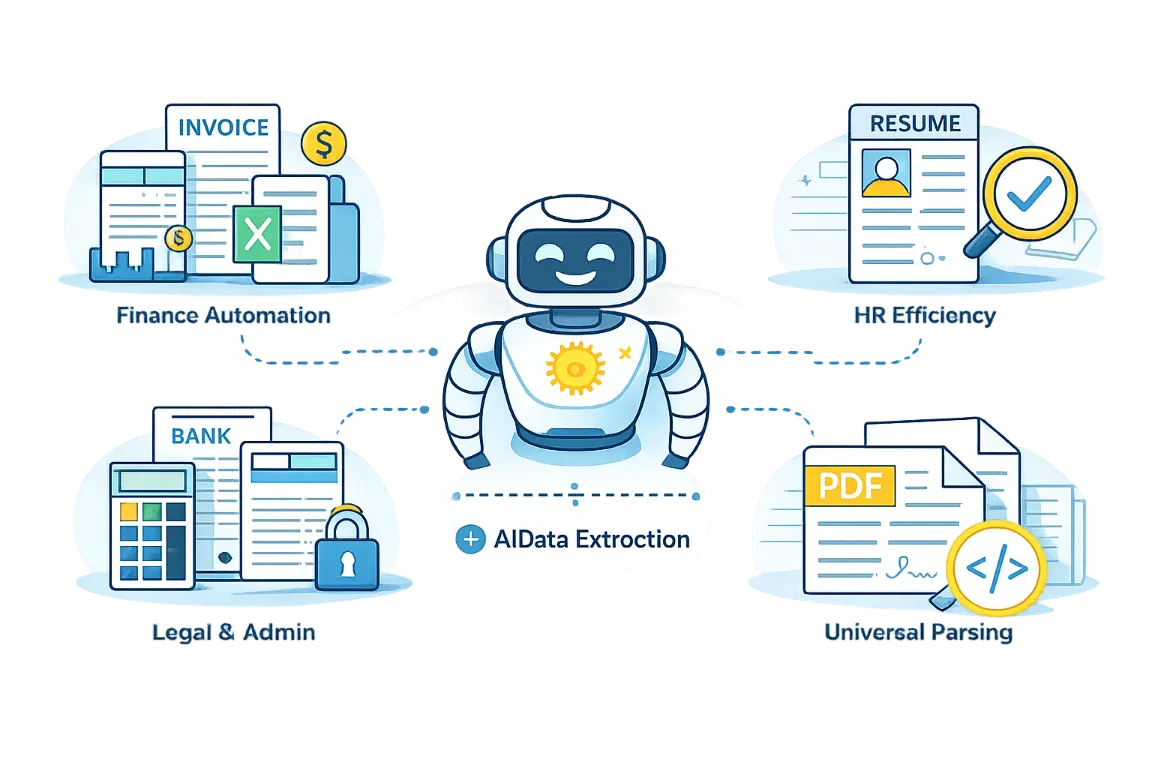
Readydata is ideal for a diverse range of users, including freelancers, small businesses, accounting firms, and enterprises. It caters to individuals and teams who frequently work with invoices, receipts, bank statements, and other data-heavy documents that require conversion from PDF to Excel. The tool is particularly beneficial for those looking to save time on manual data entry, enhance data accuracy, and streamline their workflow in data analysis and reporting.
What are the use cases of Readydata?
Readydata can be utilized in various practical scenarios, such as: 1. Invoice Processing: Quickly convert invoices from PDF format into editable Excel spreadsheets for easier tracking and management. 2. Financial Reporting: Extract data from financial statements and reports to facilitate analysis and decision-making. 3. Data Migration: Transition data from legacy PDF documents into modern Excel formats for improved accessibility and usability.
Product Images
Readydata Pros and Cons
Pros
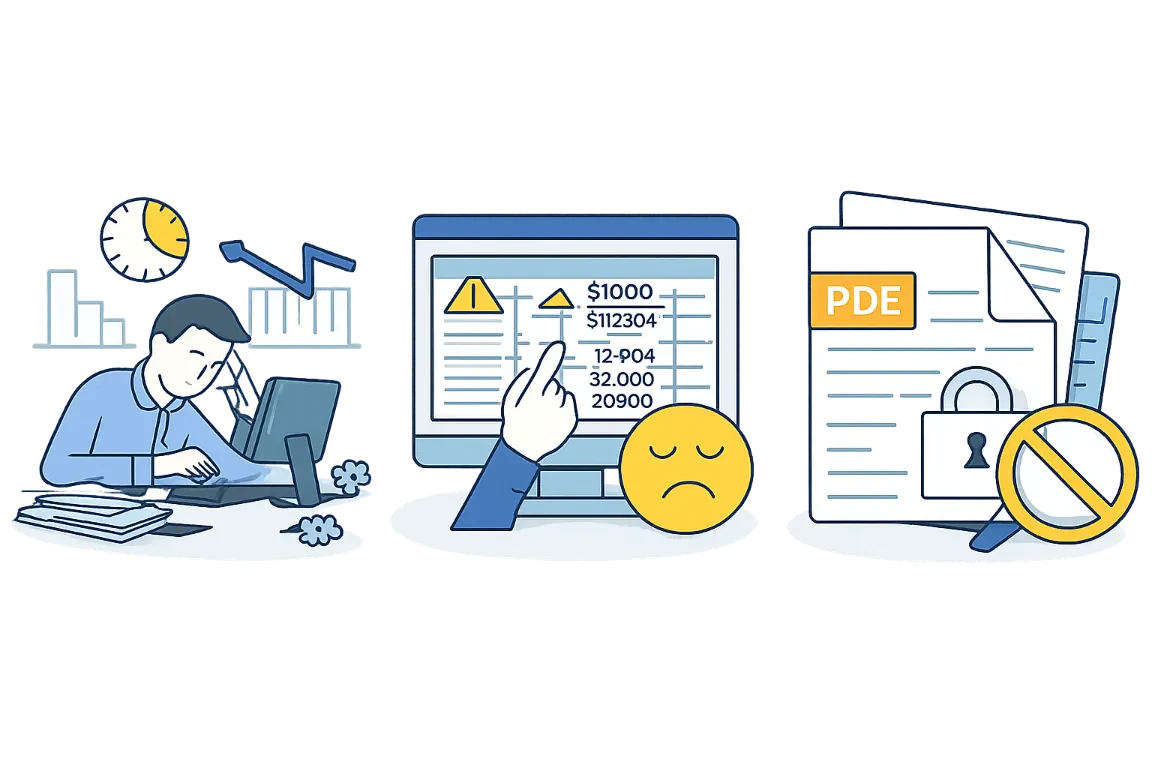
- High Precision Data Extraction: Readydata uses advanced AI technology to accurately extract tables and data from PDFs, preserving the original structure and integrity.
- Supports Scanned Documents: The tool's built-in OCR capability allows it to handle scanned PDFs and images, making it versatile for various document types.
- No Sign-Up Required: Users can start converting files immediately without the need to create an account, enhancing user convenience.
Cons
No cons data detected for this tool
Readydata Pricing
Starter
For freelancers and small businesses processing invoices, receipts, and documents. 300 credits per month, up to 5 files at once, max audio/video duration: 2 minutes, analyze up to 300 pages, 300 images, 40 min video/audio.
Pro
For accounting firms and teams handling bank statements, reports, and bulk documents. 1200 credits per month, up to 15 files at once, max audio/video duration: 6 minutes, analyze up to 1200 pages, 1200 images, 200 min video/audio.
Platinum
For enterprises automating invoice processing, financial audits, and large-scale operations. 10000 credits per month, up to 50 files at once, max audio/video duration: 6 minutes, analyze up to 10000 pages, 10000 images, 1500 min video/audio.
Free
Test our service with a few receipts or invoices daily. 1 file upload at a time, 1 free analysis per day, max audio/video duration: 30 seconds, PDF: up to 2 pages.
For the latest pricing, please visit this link: https://readydata.app/
Prices are subject to change. Please visit the official website for the most up-to-date pricing information.
Readydata Compare
| Tool Name | Introduction | Pricing | Type | Rating | Launch Date | Learn more |
|---|---|---|---|---|---|---|
Rewind | Free | February 2, 2018 | Get deal | |||
Explore AI Lawyer for easy, quick, and budget-friendly legal help. Empowering consumers and lawyers with AI-driven solutions for all your legal needs. | Free | February 11, 2023 | Get deal | |||
Edit your selfies to get the results you want with powerful and easy-to-use tools. Give your selfies the VIP treatment. Touch up, reshape & apply digital makeup. | Free | December 1, 2012 | Get deal |



Info current as of post date. Offers and availability may vary by location and are subject to change.
Readydata Q&A
The table conversion is highly accurate, thanks to our advanced AI technology that intelligently recognizes rows and columns.
For more FAQs, please visit this link: https://readydata.app/#faq
Readydata Alternatives
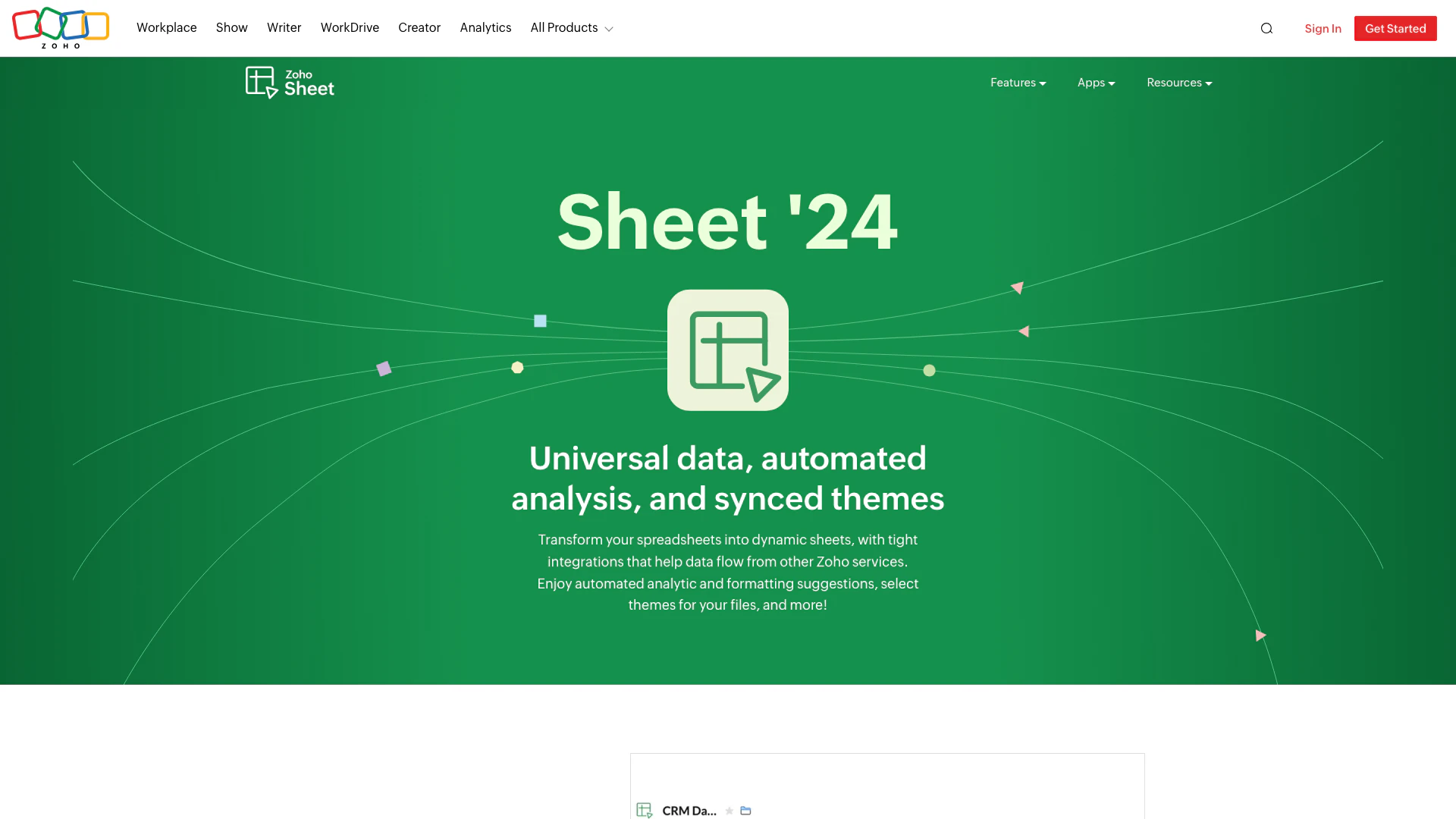
Transform your spreadsheets with Zoho Sheet's dynamic features.
- Productivity & Office
- AI Spreadsheet Tools
- AI Spreadsheet Automation Tools
- Productivity Maximization Tools
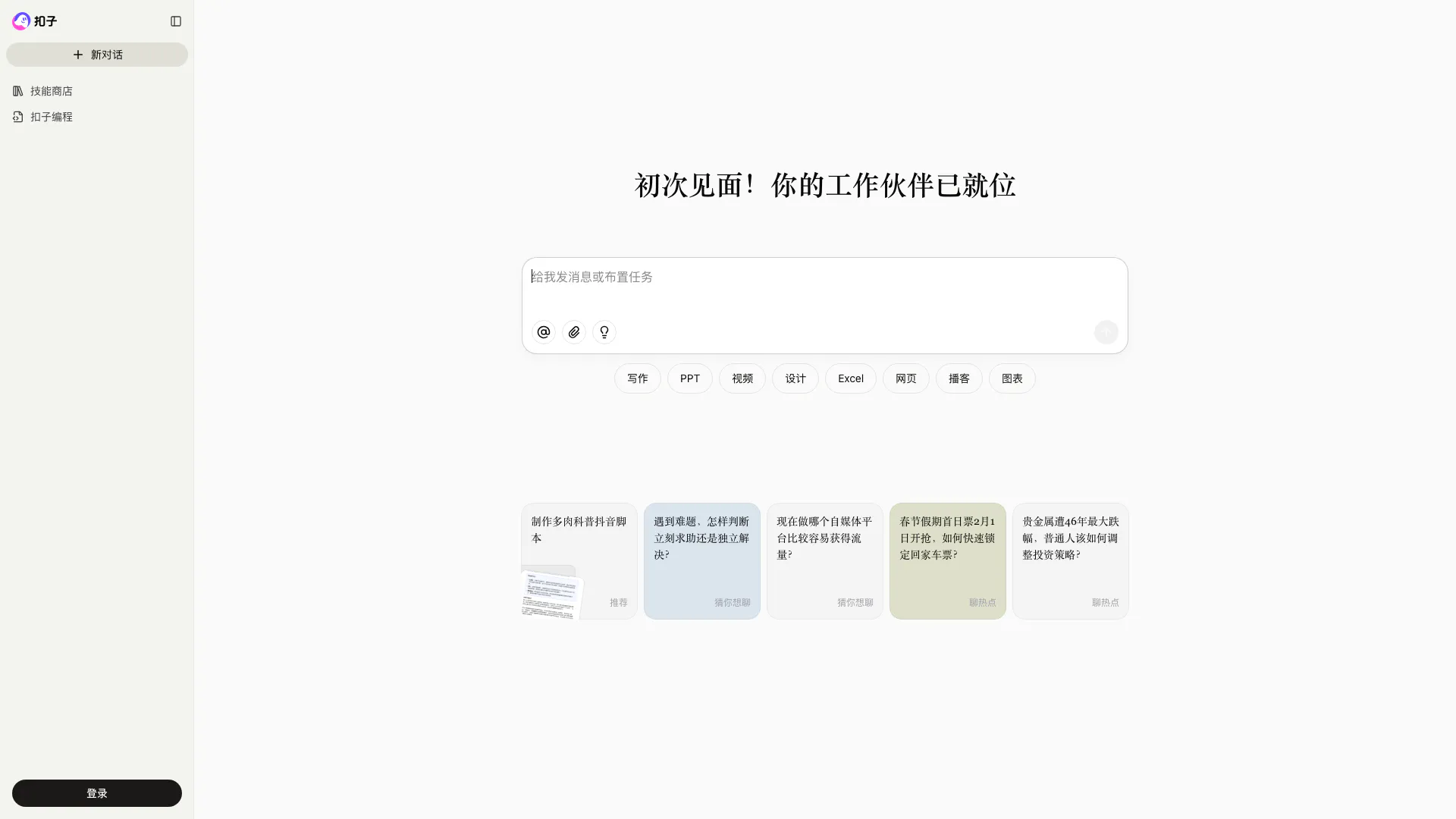
Coze is a powerful AI office assistant that enhances productivity through various automated tasks.
- Productivity & Office
- AI Productivity Tools
- AI Spreadsheet Tools
- AI File Management Tools
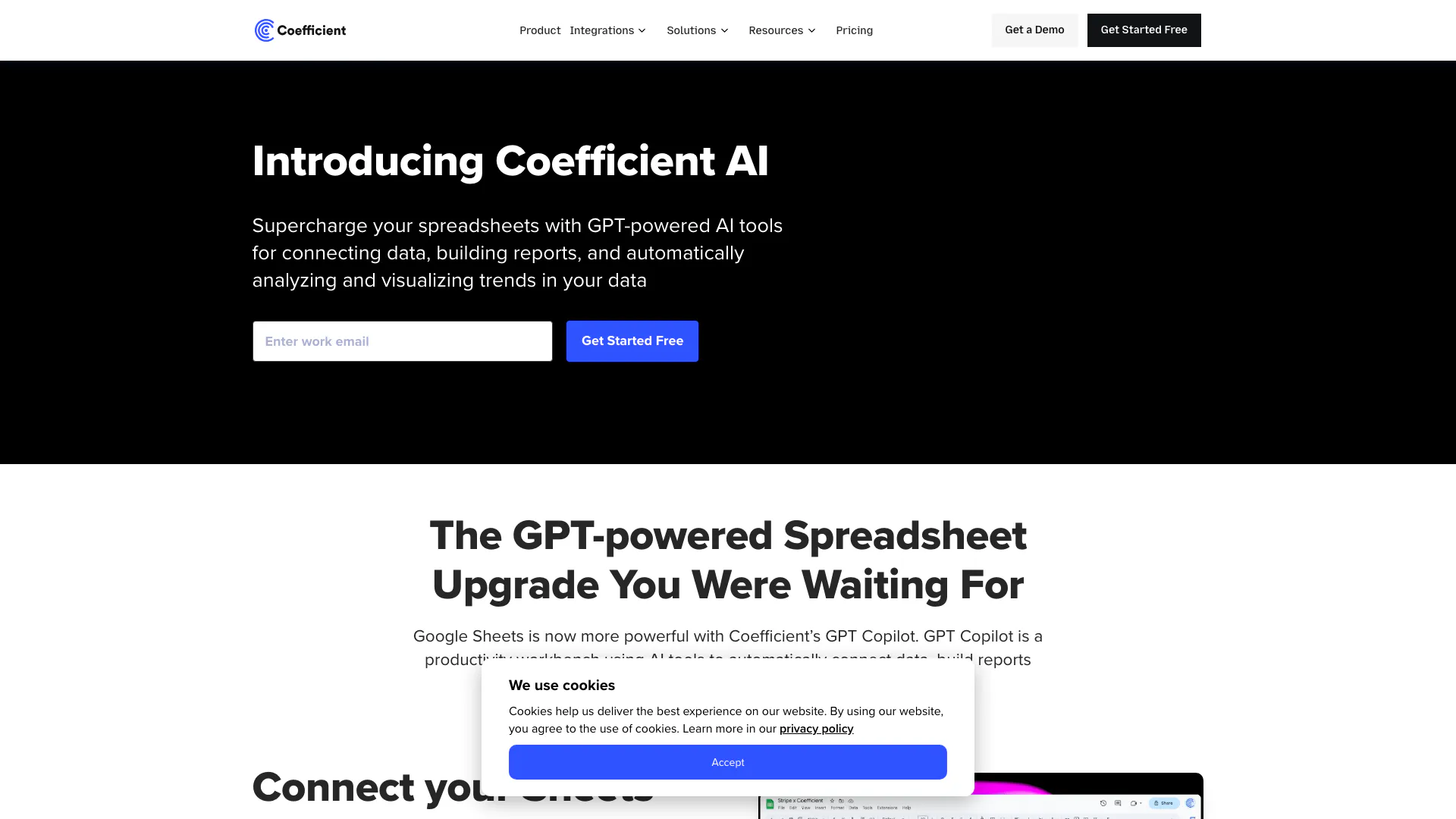
Transform your Google Sheets with AI-powered insights and automation.
- Productivity & Office
- AI Productivity Tools
- AI Information Management Tools
- AI Spreadsheet Tools