

Rejectfix



What is Rejectfix?
Rejectfix is an innovative tool specifically designed for iOS developers to streamline the process of responding to Apple App Review rejections. By allowing users to paste their rejection messages, Rejectfix generates professional replies, resubmission notes, and a clear fix checklist within seconds. This tool eliminates the guesswork involved in understanding Apple's guidelines and helps developers efficiently address issues to enhance their app's chances of approval.
How to use Rejectfix?
- Paste rejection: Copy the App Review rejection message and select the relevant guideline category. Rejectfix will automatically detect the issue type and its scope.
- Generate response: Click to generate a structured professional reply, concise review notes, and a detailed fix checklist tailored to your app's specific rejection context.
- Resubmit with confidence: Copy the generated reply, submit your app build, and track the entire case history in a clean view for future reference.
What are the main features of Rejectfix?
- Professional App Review replies: Automatically generated replies that adhere to Apple's expected tone, clear and structured without unnecessary filler.
- Resubmission notes: Concise notes summarizing the changes made, demo access, and relevant references for the reviewer.
- Fix checklist: A step-by-step guide detailing what to verify in the app build before resubmission.
- Risk scoring: Assessment of confidence and risk levels for each rejection, helping developers determine the urgency of fixes needed.
- Saved case history: A searchable log of every rejection, reply, and resubmission for easy reference and reuse.
- Copy and export-ready output: One-click functionality to copy replies and notes, with the option to export the entire case as a clean document.
Who is Rejectfix for?
Rejectfix is primarily aimed at iOS developers and app teams who frequently deal with App Store review processes. It is particularly beneficial for those who want to improve their response time and effectiveness when addressing rejection issues. Whether you are a solo developer or part of a larger team, Rejectfix provides the necessary tools to streamline your app resubmission workflow, ensuring that your responses are professional and aligned with Apple's expectations.
What are the use cases of Rejectfix?
- Handling App Review Rejections: Developers can use Rejectfix to quickly generate appropriate responses to App Store rejections, ensuring compliance with Apple's guidelines.
- Improving App Resubmission Success Rates: By utilizing the structured notes and fix checklists, developers can enhance their app's chances of approval in subsequent submissions.
- Maintaining a Case History: The tool allows users to keep track of all past rejections and responses, making it easier to reference successful strategies for future submissions.
Rejectfix Pros and Cons
Pros
- Quick Response Generation: RejectFix allows iOS developers to quickly generate professional replies and resubmission notes for App Review rejections, saving valuable time.
- Comprehensive Checklists: The tool provides clear fix checklists tailored to specific rejection guidelines, helping developers address issues effectively and avoid repeated rejections.
- Targeted Support for Common Issues: RejectFix is designed to handle the most common App Review rejection categories, ensuring developers receive relevant assistance for their specific problems.
Cons
No cons data detected for this tool
Rejectfix Pricing
Starter
Handle your first App Store rejections with confidence. 5 rejection cases, Basic reply, Basic checklist, No saved history.
Growth
For active iOS developers handling regular rejections. 20 rejection cases, Advanced App Review replies, Full resubmission notes, Saved history, Reply templates, Export and copy output, Priority guideline categories.
Agency
For teams and studios submitting multiple apps to the App Store. Unlimited rejection cases, Everything in Growth, Multiple apps & submissions, Shared workspace, Advanced templates, Team seats (placeholder), White-label export (placeholder).
For the latest pricing, please visit this link: https://www.rejectfix.com/signup
Prices are subject to change. Please visit the official website for the most up-to-date pricing information.
Rejectfix Compare


Info current as of post date. Offers and availability may vary by location and are subject to change.
Rejectfix Q&A
No. RejectFix helps you understand the rejection and respond professionally, but Apple makes the final review decision. Use the generated reply, notes, and checklist as a starting point, not a guarantee.
Rejectfix Alternatives

AI Detector - Trusted AI Checker for ChatGPT, GPT4 & Gemini
- AI Content Detection
- AI Detection Bypass
- Ai Apis
- Ai Developer Tools
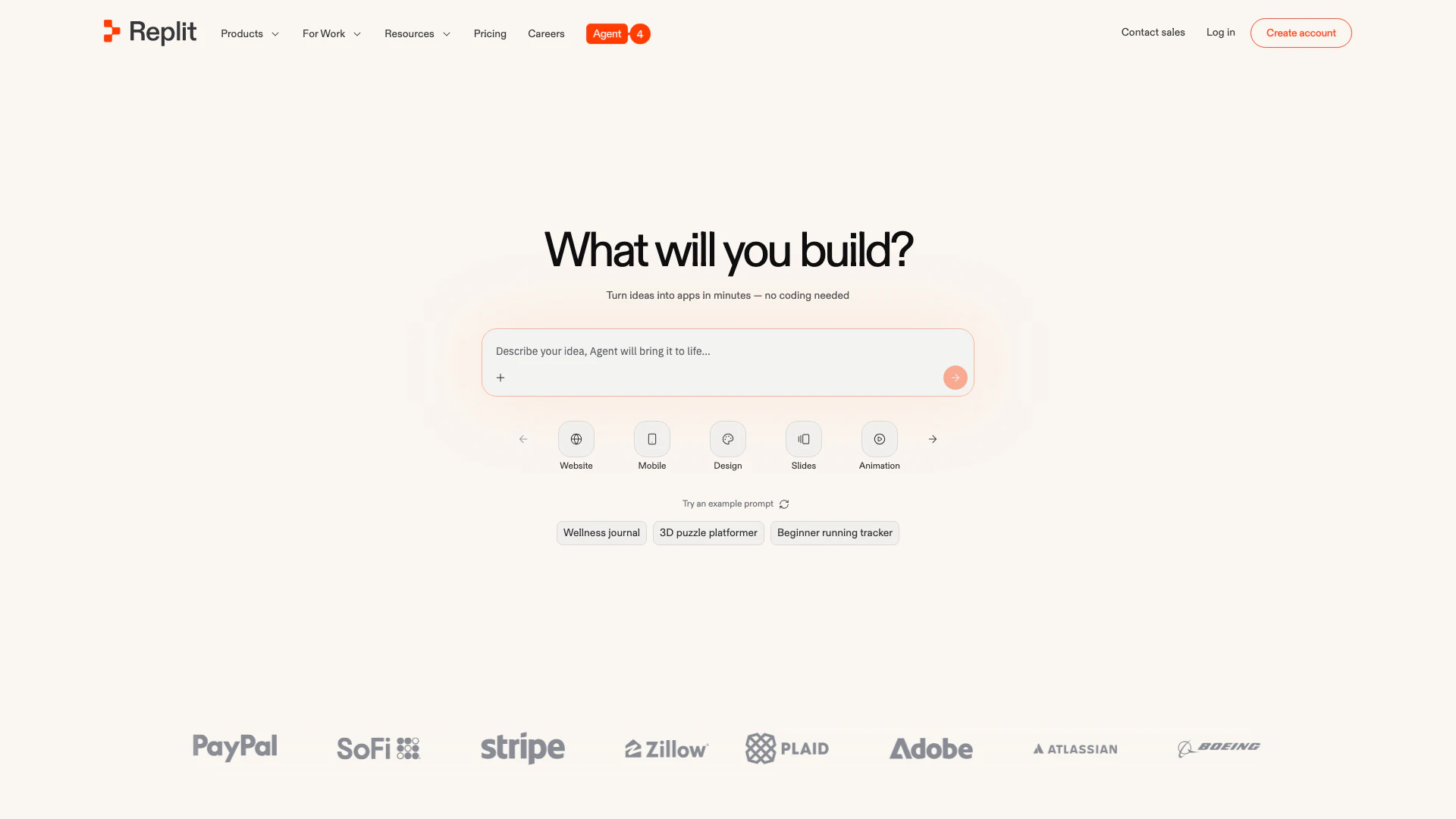
Collaborate to build and deploy software effortlessly with AI.
- Developer Tools
- Ai Developer Tools
- AI Development Tools
- SaaS Development Tools
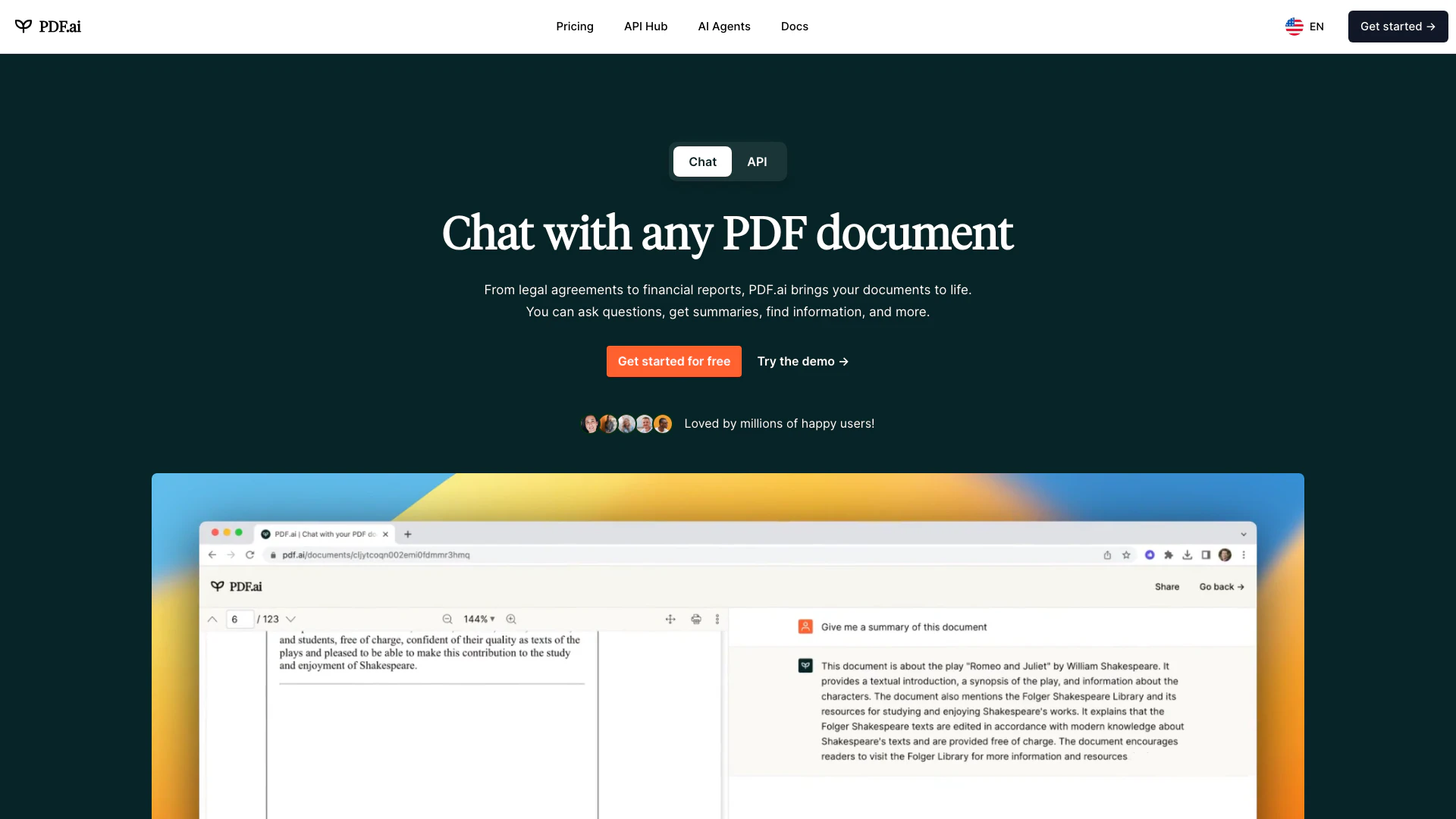
We built the ultimate ChatPDF app that allows you to chat with any PDF: ask questions, get summaries, find anything you need!
- Image Analysis
- AI Document Scanner
- Ai Developer Tools
- Ai Document Extraction