

Removebgvideo





What is Removebgvideo?
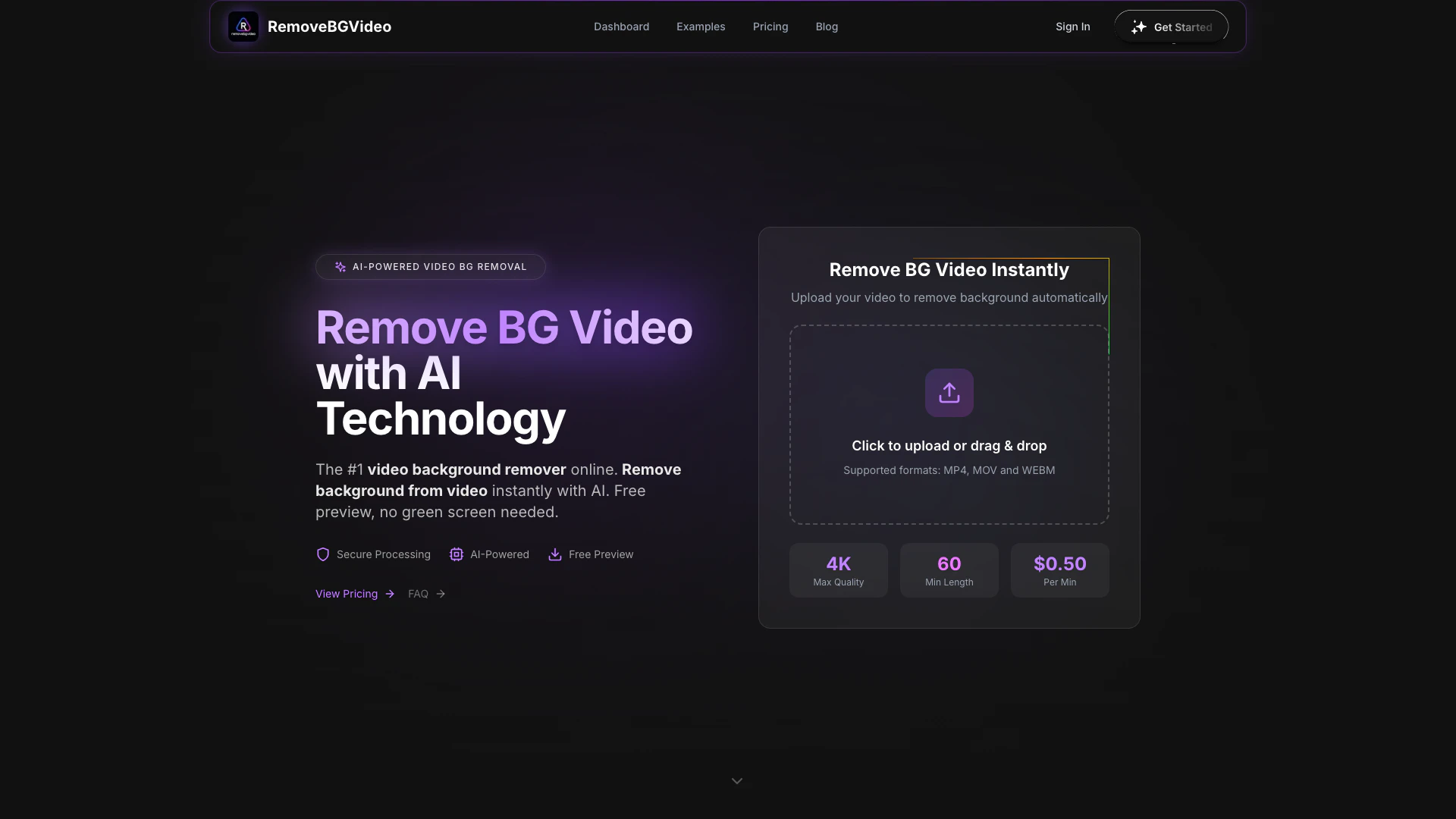
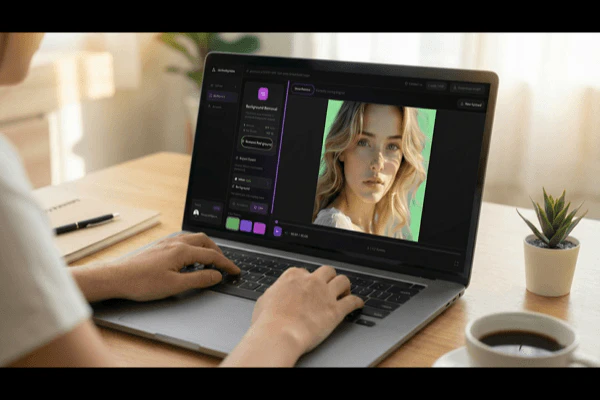
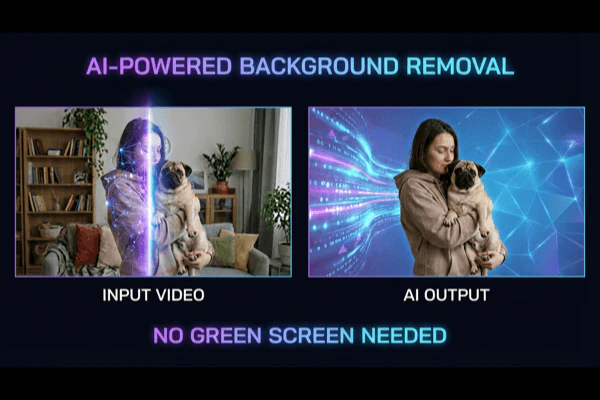
Removebgvideo is an AI-powered online tool designed to instantly remove video backgrounds without the need for a green screen. It provides a user-friendly interface that allows content creators to enhance their videos by eliminating unwanted backgrounds, making it ideal for platforms like YouTube and TikTok. With its advanced AI technology, Removebgvideo ensures professional-quality results, enabling users to focus on their content rather than technical video editing.
How to use Removebgvideo?
- Visit the Removebgvideo website and click on the 'Remove Background Now' button.
- Upload your video file by clicking to upload or dragging and dropping it into the designated area. Supported formats include MP4, MOV, and WEBM.
- Wait for the AI to process your video. The background will be removed automatically within a few minutes.
- Preview the results and, if satisfied, choose your desired output format and background options before exporting your final video.
What are the main features of Removebgvideo?
- AI-powered video background removal that works without a green screen.
- Supports multiple video formats including MP4, MOV, and WEBM.
- High-quality output up to 4K resolution.
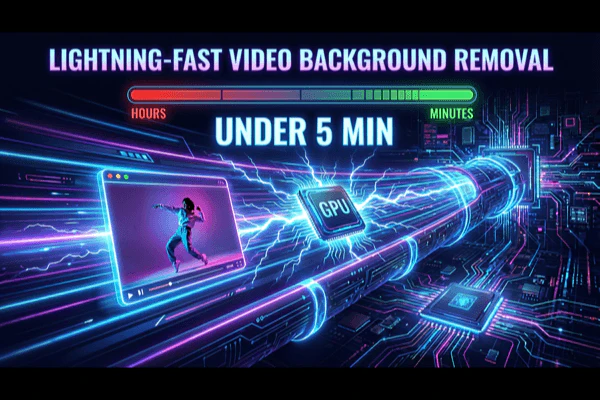
- Fast processing time, typically under 5 minutes for most videos.
- Option to customize backgrounds with solid colors or uploaded images.
- Free preview available before purchasing the final video.
Who is Removebgvideo for?
Removebgvideo is tailored for content creators, including YouTubers, TikTok users, and social media influencers, who require quick and professional video editing solutions. It is also suitable for businesses needing to produce promotional videos without the hassle of traditional video editing techniques. The tool is designed for users of all skill levels, from beginners to professionals, who want to enhance their video content effortlessly.
What are the use cases of Removebgvideo?
- Creating professional-looking YouTube videos by removing distracting backgrounds.
- Enhancing TikTok videos for a more polished appearance.
- Producing marketing videos for products without the need for costly studio setups.
- Transforming personal branding videos by eliminating cluttered backgrounds.
- Streamlining the video production process for businesses and training videos.
Product Images
Removebgvideo Pros and Cons
Pros
- AI-Powered Background Removal: Utilizes advanced AI technology to automatically detect and remove video backgrounds with high precision, eliminating the need for green screens.
- Fast Processing Speed: Processes most videos in under 5 minutes using GPU acceleration, allowing for quick background removal without sacrificing quality.
- Multiple Format Support: Supports various video formats including MP4, MOV, and WebM, enabling users to work with different types of video files easily.
Cons
No cons data detected for this tool
Removebgvideo Pricing
Basic
Perfect to test the remove background video (180 credits) • 3 minutes of processing. Includes up to 4K video processing, transparent backgrounds (webm, mov, pngs, gif, webp), and free preview for all videos.
Standard
Ideal for longer videos or multiple short videos (900 credits) • 15 minutes of processing. Includes up to 4K video processing, transparent backgrounds (webm, mov, pngs, gif, webp), batch processing (up to 20 videos), free preview for all videos, and API access (coming soon).
Pro
Made for long videos or 100+ shorter videos (3600 credits) • 60 minutes of processing. Includes up to 4K video processing, transparent backgrounds (webm, mov, pngs, gif, webp), batch processing (up to 20 videos), free preview for all videos, and API access (coming soon).
Business
For growing businesses and teams (9000 credits) • 150 minutes of processing. Includes up to 4K video processing, transparent backgrounds (webm, mov, pngs, gif, webp), free preview for all videos, batch processing (up to 20 videos), API access, and priority support.
Enterprise
Enterprise-level video processing (21600 credits) • 360 minutes of processing. Includes up to 4K video processing, transparent backgrounds (webm, mov, pngs, gif, webp), free preview for all videos, batch processing (up to 20 videos), API access, and priority support.
Premium
Professional video processing (60000 credits) • 1000 minutes of processing. Includes up to 4K video processing, transparent backgrounds (webm, mov, pngs, gif, webp), free preview for all videos, batch processing (up to 20 videos), API access, and priority support.
For the latest pricing, please visit this link: https://removebgvideo.com/pricing/
Prices are subject to change. Please visit the official website for the most up-to-date pricing information.
Analytics of Removebgvideo
Removebgvideo Website Traffic Analysis
Visits Over Time
Traffic Sources
Dec 2025 - Jan 2026 Worldwide Desktop Only
- Direct: 40.71%
- Search: 35.45%
- Referrals: 13.14%
- Social: 7.66%
- Paid Referrals: 1.99%
- Mail: 0.19%
Top Keywords
| Keyword | Volume | CPC | Estimated Value |
|---|---|---|---|
| eliminate video background | 0 | $0.00 | $160.00 |
| remove.bg video tool | 0 | $0.00 | $120.00 |
| remove video background | 16.66K | $0.35 | $190.00 |
| remove background video | 11.91K | $0.24 | $680.00 |
| video bg remove | 490 | $0.21 | $170.00 |
Removebgvideo Reviews
I shoot videos in my messy bedroom and they end up looking like I have a professional studio. My subscriber count grew 40% since using this tool. The edge detection is incredibly accurate!
Our product videos used to cost $500+ per shoot. Now the team records at their desks and we process here. Saved over $15,000 last quarter alone. Absolutely game-changing for our ROI.
Tried green screens but they were a hassle. This tool saved my course business - students keep commenting on how professional my videos look now. Processing is done in under 2 minutes!
For more reviews, visit this link: https://removebgvideo.com/#customers-success-stories
Removebgvideo Compare
| Tool Name | Introduction | Pricing | Type | Rating | Launch Date | Learn more |
|---|---|---|---|---|---|---|
 | Selamat datang di dunia penuh keseruan dan peluang yang tak terhingga! Jika Anda mencari cara untuk merasakan sensasi bermain slot tanpa harus mengeluarkan banyak uang, Anda telah berada di tempat yang tepat. | Free | 🙋♂️Personal💼Work | November 23, 2024 | Get deal | |
 | Capgo is an open-source alternative for Capacitor apps, enabling live updates and analytics. | Free | 💼Work🎨Creativity | December 29, 2021 | Get deal | |
 | Tettra streamlines knowledge management with AI-powered solutions. | Free | 💼Work🎨Creativity | December 23, 1991 | Get deal |
Info current as of post date. Offers and availability may vary by location and are subject to change.
Removebgvideo Q&A
Yes! We offer a free preview on every video you upload to remove bg video. You can test our AI video background remover quality before purchasing. Full HD exports of the complete video require payment starting at $0.50 per minute. Our free video background remover preview lets you see exactly what the final result will look like.
For more FAQs, please visit this link: https://removebgvideo.com/faq/
Removebgvideo Alternatives
- Video & Animation
- AI Video Editor
- AI Video Generator

Introducing NUI the Natural User Interface, aimed at revolutionizing how people interact with anything digital leveraging the power of AI
- Image Generation & Editing
- AI Image Generator
- AI Image Recognition
- AI Design Generator

Point Drift
- Image Generation & Editing
- AI Image Generator
- AI Design Generator
- AI Video Editor