

Sci Draw
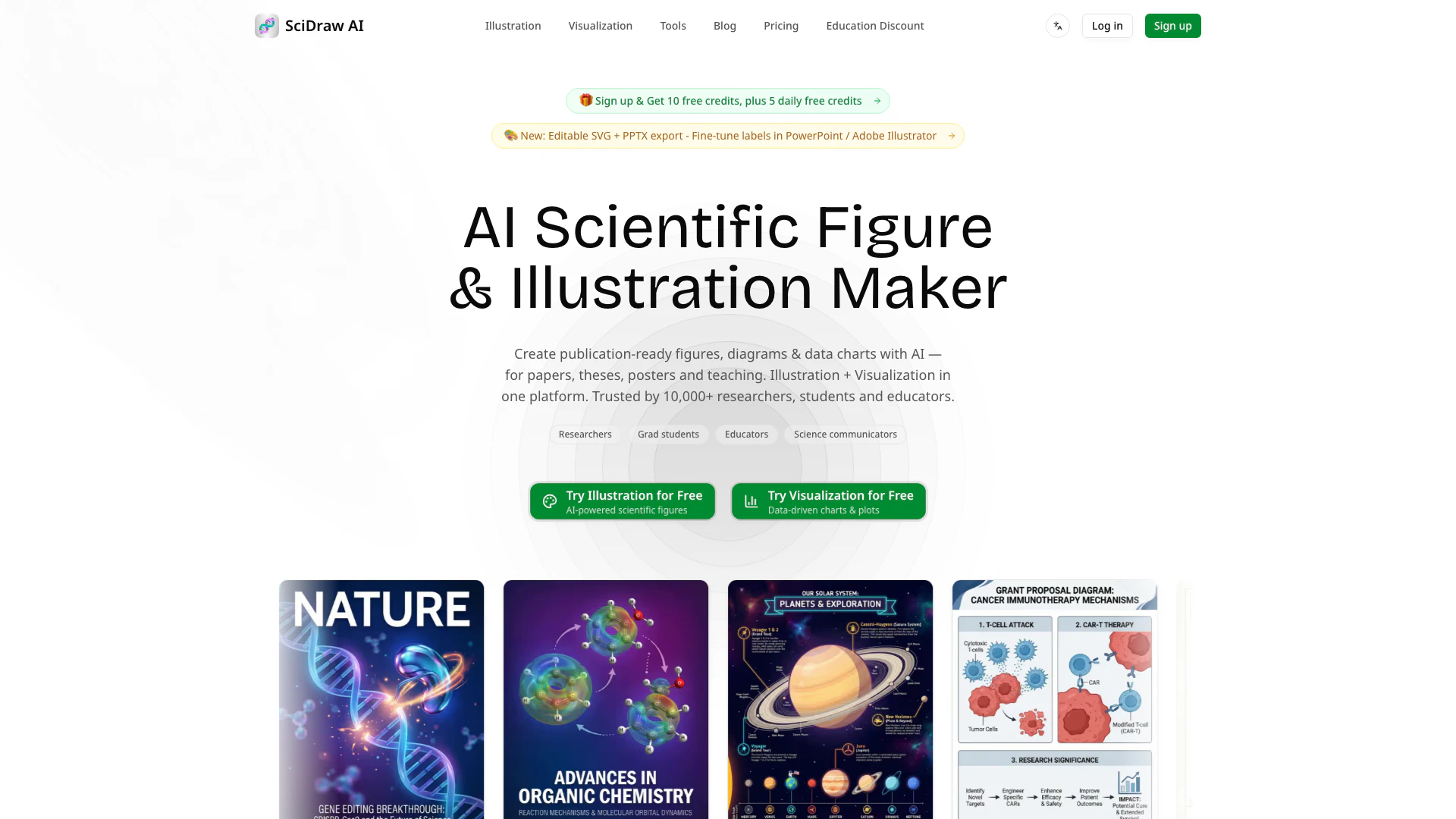


What is Sci Draw?
Sci Draw is an advanced AI-powered tool designed specifically for researchers, students, and educators to create professional scientific illustrations and data visualizations. By leveraging cutting-edge artificial intelligence, Sci Draw simplifies the process of generating high-quality visuals for academic papers, theses, posters, and teaching materials. Its core value lies in its ability to transform text descriptions and sketches into polished graphics, as well as to produce publication-ready data charts, making it an essential resource for anyone in the scientific community.
How to use Sci Draw?
- Sign Up or Log In: Create an account on the Sci Draw website or log in to your existing account.
- Choose a Mode: Select the desired AI generation mode, such as Text to Image, Sketch to Image, or Smart Data Charts.
- Input Your Data: For Text to Image, describe your scientific concept in detail. For Sketch to Image, upload your hand-drawn sketches. For Smart Data Charts, upload your CSV or Excel data files.
- Generate Visuals: Click on the generate button to allow the AI to create your illustrations or charts.
- Edit and Customize: Use the editing features to adjust text, colors, and layouts in the generated visuals.
- Export Your Work: Once satisfied with your visuals, export them in your preferred format, such as SVG, PPTX, PNG, or PDF.
What are the main features of Sci Draw?
- AI Drawing & Data Visualization: Generate illustrations and charts using AI for various scientific applications.
- Text to Image: Create professional illustrations from detailed text descriptions.
- Sketch/Image Edit: Upload sketches or reference images for transformation into refined visuals.
- Smart Data Charts: Convert CSV/Excel data into publication-ready charts with ease.
- Journal Style Presets: Adapt visuals to meet the formatting standards of top journals like Nature and Science with one click.
- Multi-Format Export: Export visuals in multiple formats, including SVG, PPTX, PNG, PDF, EPS, and TIFF.
Who is Sci Draw for?
Sci Draw is tailored for researchers, students, and educators in the scientific field who require high-quality illustrations and data visualizations. It is particularly beneficial for those preparing academic papers, theses, or presentations that demand professional-grade visuals. Additionally, educators can utilize Sci Draw to create engaging teaching materials, while students can enhance their lab reports and projects with visually appealing graphics.
What are the use cases of Sci Draw?
- Academic Publishing: Researchers can generate publication-ready illustrations and charts for their papers, ensuring they meet journal standards.
- Educational Materials: Teachers can create informative visuals for lectures and presentations, enhancing student engagement and understanding.
- Data Visualization: Scientists can quickly transform raw data from experiments into clear, visually appealing charts for analysis and presentation.
Sci Draw Pros and Cons
Pros
- AI-Powered Drawing and Visualization: Sci Draw utilizes AI to generate professional illustrations and data visualizations from text descriptions or uploaded sketches, enhancing the quality of scientific presentations.
- Time and Cost Efficiency: The tool significantly reduces drawing time by up to 90% and costs by 95%, making it an economical choice for researchers and educators.
- User-Friendly Interface: With a zero learning curve and a conversational interface, users can start creating visuals in just 5 minutes, regardless of their design experience.
Cons
No cons data detected for this tool
Sci Draw Pricing
Free
10 free credits on registration, 5 free credits every day, 7+ professional templates, 6+ visual styles, 30-day history retention, SVG vector conversion, Journal publication / Commercial use.
Standard
300 credits/month (~60 images), All AI generation modes, 7+ professional templates, 6+ visual styles, SVG vector conversion, Permanent history retention, Journal publication / Commercial use, Priority technical support, 3x faster image generation.
Premium
800 credits/month (~160 images), All AI generation modes, 7+ professional templates, 6+ visual styles, SVG vector conversion, Permanent history retention, Journal publication / Commercial use, Priority technical support, 3x faster image generation.
Enterprise
2,000 credits/month (~400 images), All AI generation modes, 7+ professional templates, 6+ visual styles, SVG vector conversion, Permanent history retention, Journal publication / Commercial use, Dedicated account manager, 5x faster image generation.
For the latest pricing, please visit this link: https://sci-draw.com/pricing
Prices are subject to change. Please visit the official website for the most up-to-date pricing information.
Sci Draw Compare
| Tool Name | Introduction | Pricing | Type | Rating | Launch Date | Learn more |
|---|---|---|---|---|---|---|
Generate AI lesson plans, PowerPoints, and more with Copilot! Use Copilot to breeze through your unit planning and material creation! | Free | November 13, 2022 | Get deal | |||
Explore AI Lawyer for easy, quick, and budget-friendly legal help. Empowering consumers and lawyers with AI-driven solutions for all your legal needs. | Free | February 11, 2023 | Get deal | |||
Tutor AI - Your personal AI tutor to learn anything | Free | September 23, 2007 | Get deal |



Info current as of post date. Offers and availability may vary by location and are subject to change.
Sci Draw Q&A
The time it takes to generate an image depends on the complexity of the request and the AI mode selected. Typically, it is designed to be quick and efficient.
Sci Draw Alternatives
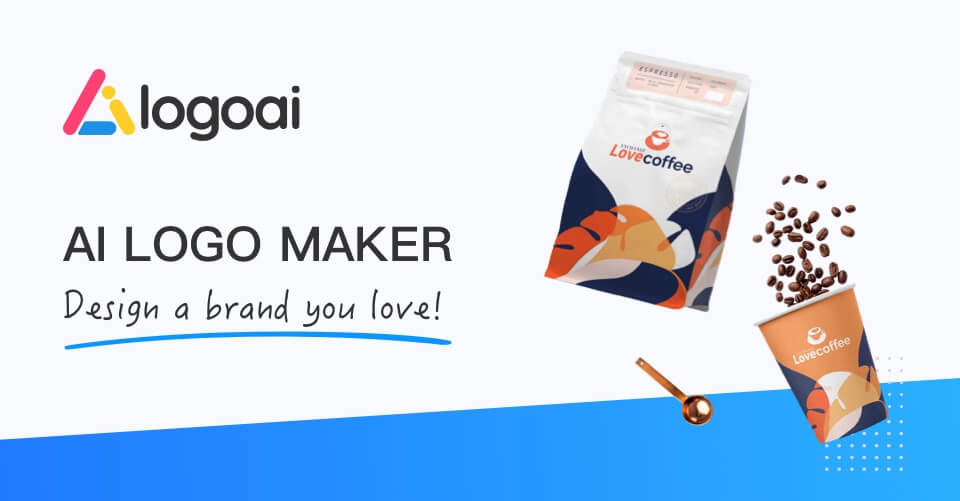
Design A New Logo & Brand Identity You Love! - LogoAI.com
- Art & Design
- AI Art Generator
- AI Design Generator
- AI Graphic Design Tools
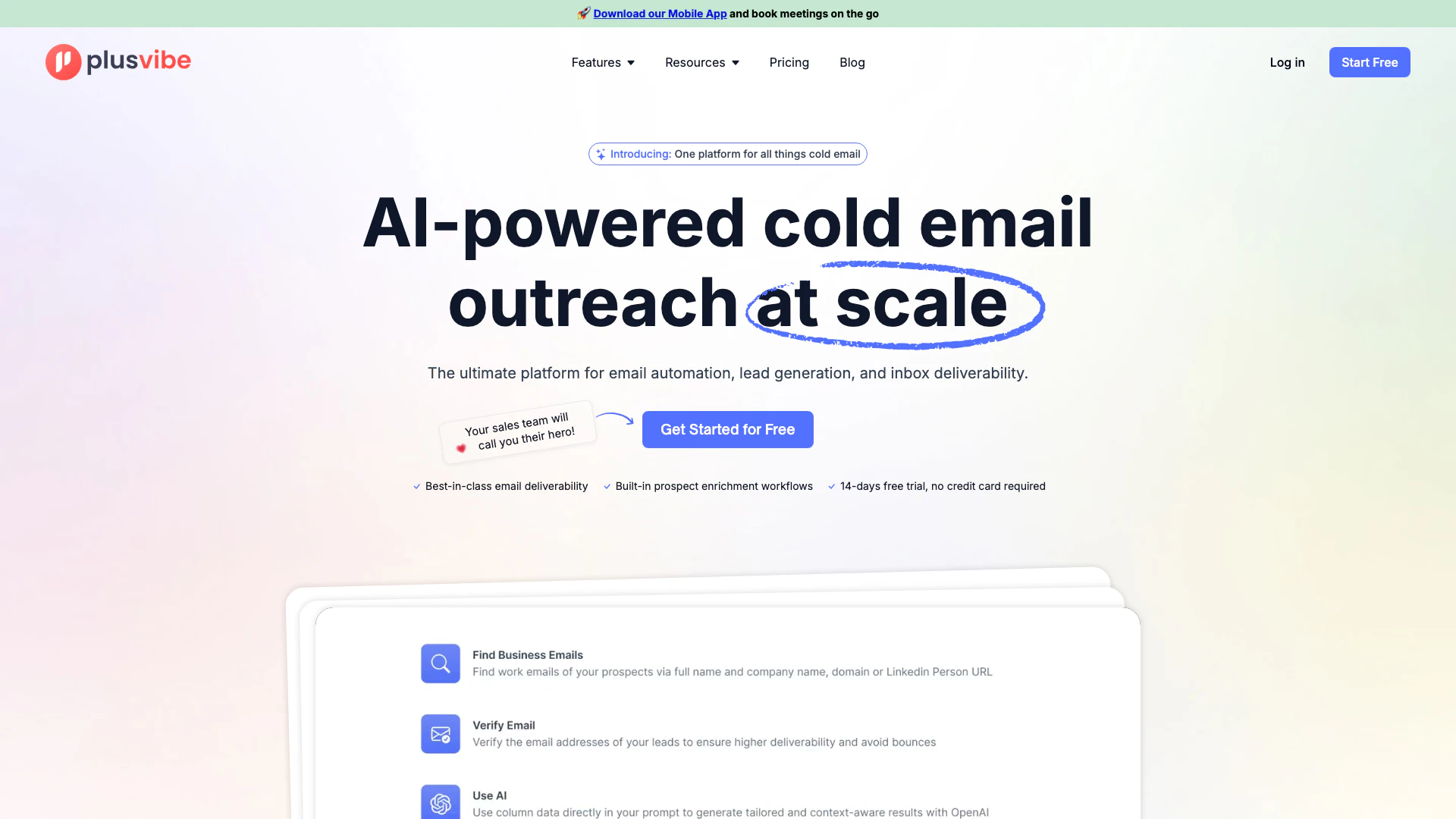
Tired of inefficient cold outreach tools? Discover a game-changing solution that guarantees superior deliverability, limitless email integrations, and AI-powered personalization.
- Image Generation & Editing
- AI Image Generator
- AI Art Generator
- AI Design Generator
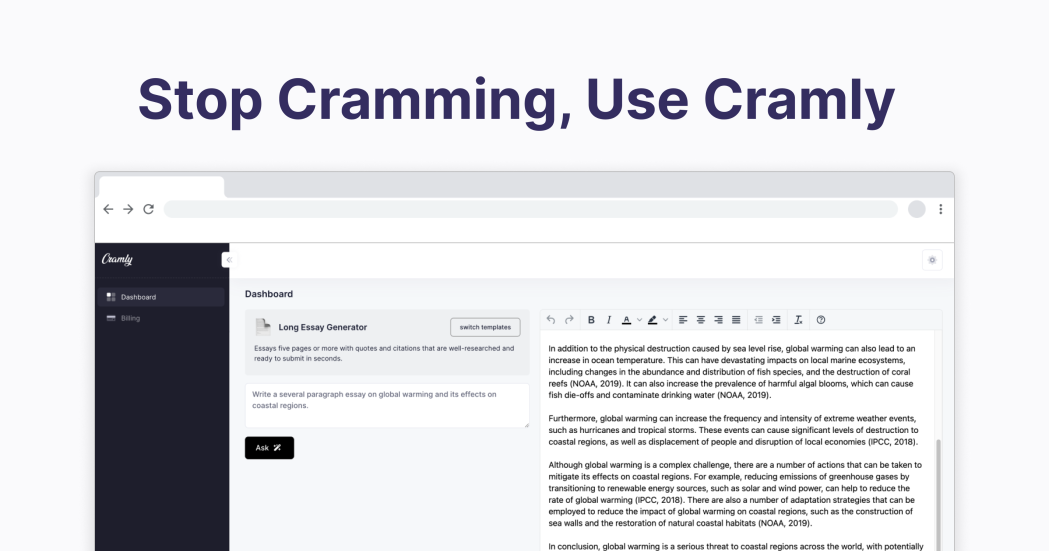
Cramly.ai
- Image Generation & Editing
- AI Image Generator
- AI Art Generator
- AI Design Generator