

Screenfine





What is Screenfine?
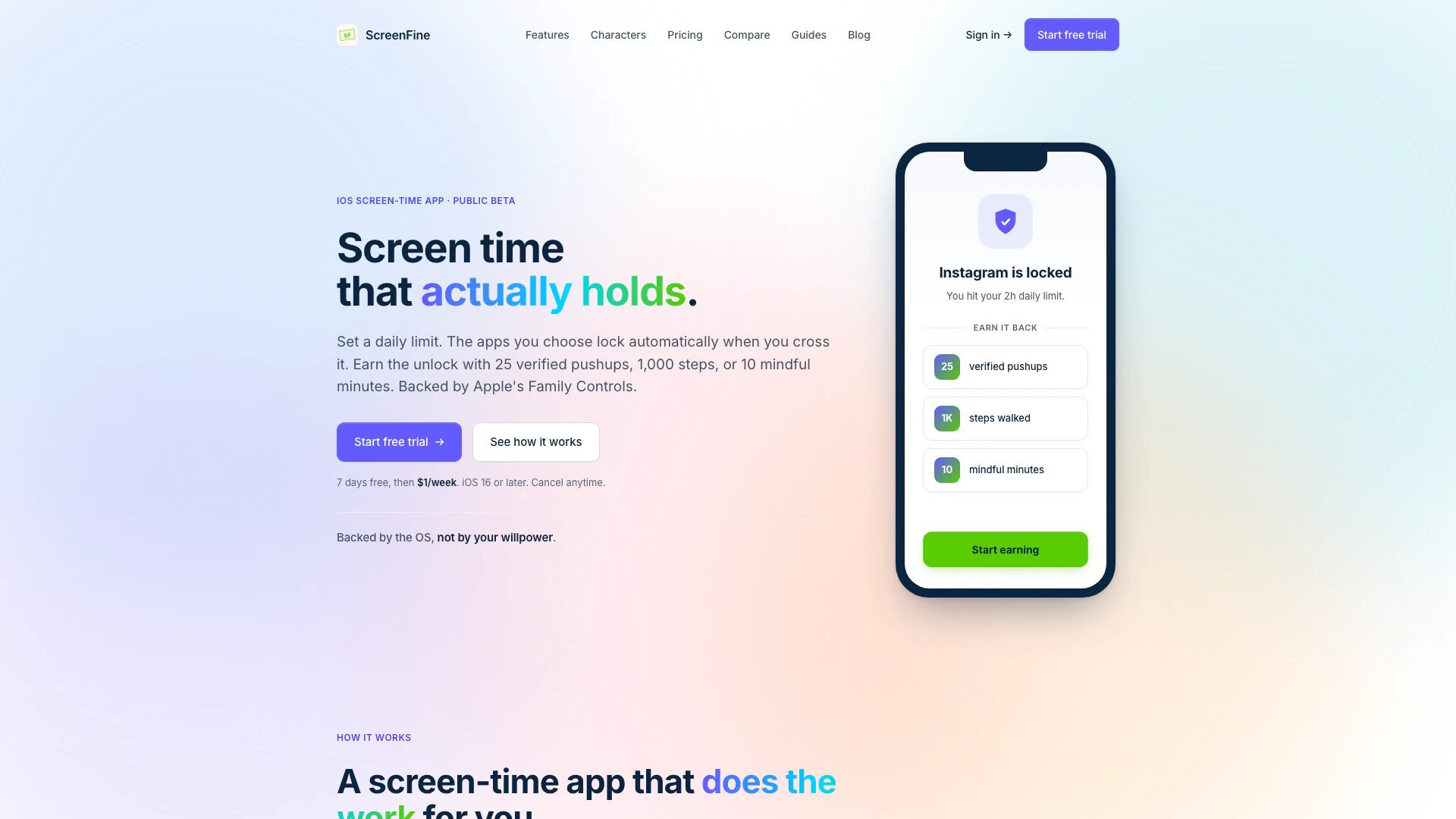
Screenfine is an innovative screen-time management app designed for iOS users, focusing on promoting healthier digital habits. By allowing users to set daily limits on app usage, Screenfine automatically locks selected applications once the limit is exceeded. Users can unlock these apps by completing physical activities such as verified pushups, walking a certain number of steps, or practicing mindfulness. This app leverages Apple's Family Controls API for a robust enforcement mechanism, making it a powerful tool for anyone looking to reduce their screen time and enhance their productivity.
How to use Screenfine?
- Download and install Screenfine from TestFlight.
- Set your desired daily limit for app usage, choosing which specific apps you want to restrict.
- Once you reach your limit, the chosen apps will automatically lock. To unlock them, complete one of the following activities:
- Perform 25 verified pushups
- Walk 1,000 steps
- Meditate for 10 mindful minutes.
- Monitor your usage and achievements through weekly insights provided by the app.
What are the main features of Screenfine?
- Daily limit setting for app usage.
- Automatic app locking through Apple's Family Controls API.
- Unlock apps by completing verified physical activities.
- Personalized AI roast characters that provide motivation and feedback.
- Per-app limits in addition to total daily caps.
- Weekly insights report to track progress and usage patterns.
- Simple subscription model at $1 per week after a 7-day free trial.
Who is Screenfine for?
Screenfine is ideal for anyone looking to regain control over their screen time, including students, professionals, and parents. It is particularly beneficial for individuals who find themselves frequently distracted by social media, games, or news apps. By incorporating physical activities into the app usage management process, Screenfine promotes a healthier lifestyle, making it suitable for fitness enthusiasts and those seeking mindfulness practices. Whether you want to improve your focus at work or create a more balanced digital life, Screenfine offers the tools to help you achieve your goals.
What are the use cases of Screenfine?
- Reducing distractions during work or study sessions by limiting access to social media apps.
- Encouraging physical activity by integrating exercise into daily screen time management.
- Helping parents manage their children's screen time effectively while promoting healthier habits.
- Assisting users in developing a more mindful relationship with technology by enforcing breaks and encouraging offline activities.
Screenfine Pros and Cons
Pros
- Daily Usage Limit Enforcement: ScreenFine allows users to set a daily limit on app usage, automatically locking apps when the limit is exceeded, which helps in managing screen time effectively.
- Earn Unlocks Through Activity: Users can unlock their apps by completing physical activities like pushups, walking, or mindfulness, promoting a healthier lifestyle alongside screen time management.
- OS-Level App Locking: The app utilizes Apple's Family Controls API to lock apps at the OS level, preventing users from bypassing restrictions, unlike traditional apps that may allow temporary overrides.
Cons
No cons data detected for this tool
Screenfine Pricing
ScreenFine
One plan, one dollar a week. No tier menu, no upsell wall. Everything is in the base plan. Includes OS-level app shielding via Family Controls, per-app and total daily limits, camera-verified pushups & squats, HealthKit steps, workouts, mindful minutes, 6 AI roast characters, and a weekly insights report.
For the latest pricing, please visit this link: https://screenfine.info/pricing/
Prices are subject to change. Please visit the official website for the most up-to-date pricing information.
Screenfine Compare
| Tool Name | Introduction | Pricing | Type | Rating | Launch Date | Learn more |
|---|---|---|---|---|---|---|
AiSofiya offers AI-powered tools, chatbots, and automation to help websites and businesses work smarter, faster, and 24/7. | Free | January 10, 2023 | Get deal | |||
2Mn+ readymade ChatGPT prompt ideas built by prompt engineers, using insights from eCommerce experts - that really work! | Free | February 6, 2023 | Get deal | |||
Rewind | Free | February 2, 2018 | Get deal |



Info current as of post date. Offers and availability may vary by location and are subject to change.
Screenfine Q&A
Opal asks you nicely and you bypass it. Brick needs a physical accessory. ScreenFine uses Apple's Family Controls API to shield at the OS level. There is no pause button or 'just 5 more minutes' exit.
Screenfine Alternatives
Wave Ai enhances workplace wellness with AI coaching.
- Health & Wellness
- AI Healthcare Tools
- AI Mental Health Tools
- Virtual Health Coaching Tools

Woebot Health offers innovative AI-driven mental wellness solutions.
- Health & Wellness
- AI Mental Health Tools
- AI Therapy Assistant
- Virtual Health Coaching Tools
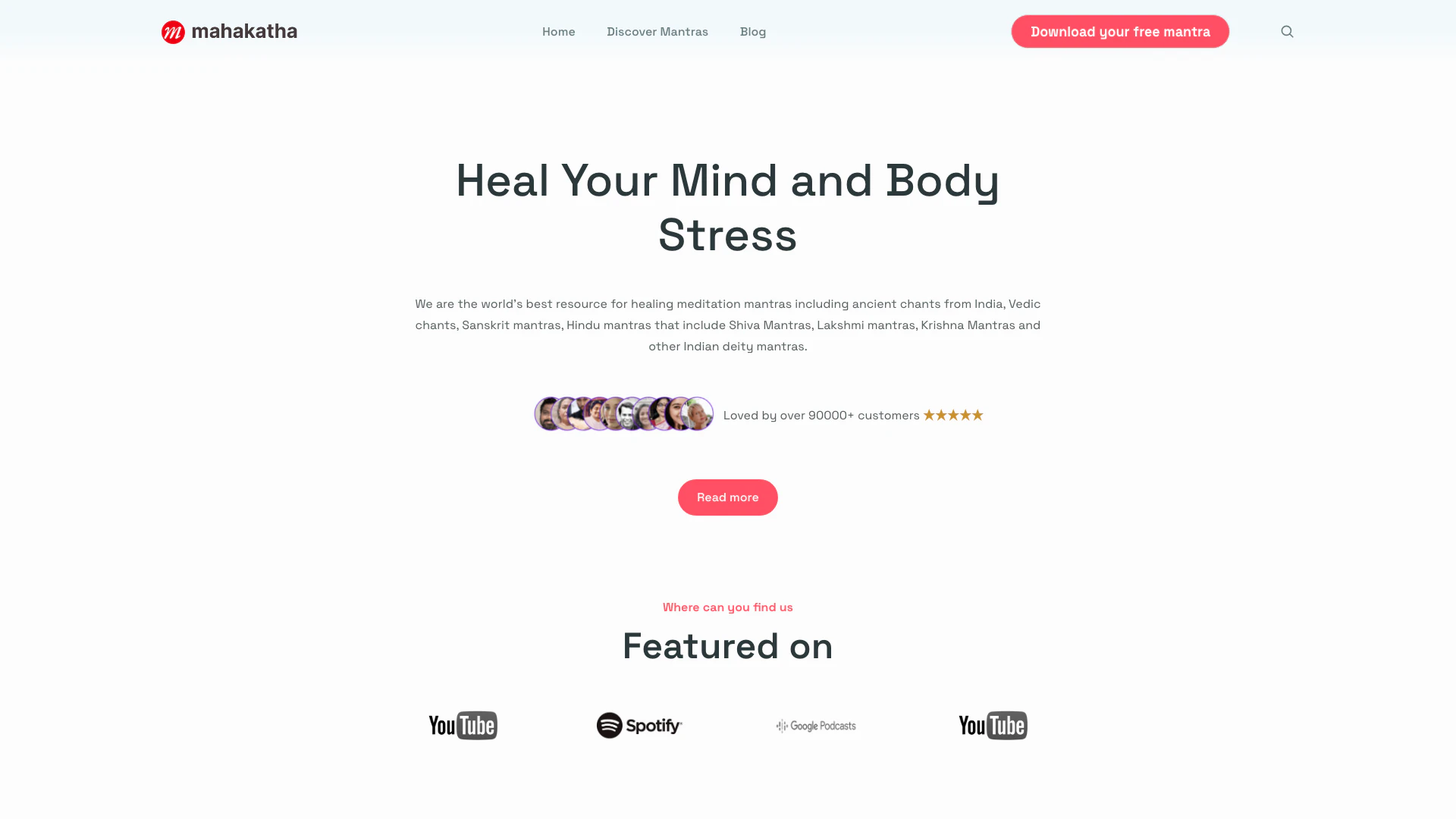
Explore healing through ancient meditation mantras.
- Health & Wellness
- AI Mental Health Tools
- Virtual Health Coaching Tools