
Screensage
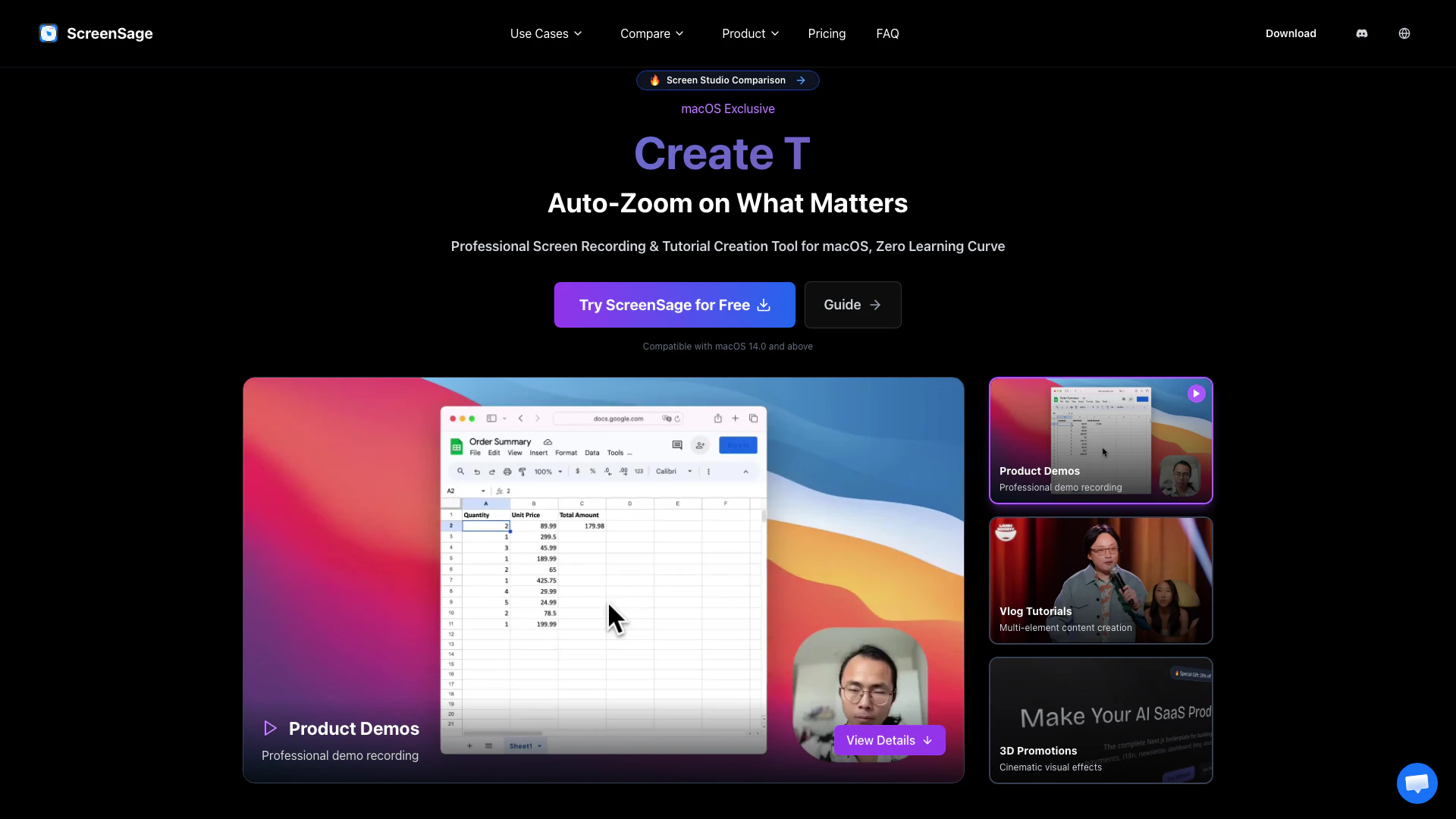





What is ScreenSage?
ScreenSage Pro is a powerful macOS screen recording tool designed specifically for creating high-quality product demos, tutorials, and 3D promotional videos. It allows users to record their screens with exceptional clarity, automatically zoom in on clicks and movements, and export polished walkthroughs quickly. With features like smart mouse tracking, text input tracking, and AI caption generation, ScreenSage Pro simplifies the recording process, making it accessible for users with no prior experience in video editing or production.
How to use ScreenSage?
- Download and install ScreenSage Pro from the official website.
- Launch the application and select your recording preferences, such as screen area and audio input.
- Start recording by clicking the 'Record' button. You can use features like auto-zoom and text input tracking during the recording.
- After finishing your recording, use the built-in editing tools to polish your video, including adding background music and captions.
- Export your final video in your desired format and share it as needed.
What are the main features of ScreenSage?
- High-quality screen recording tailored for macOS users.
- Auto-zoom functionality that focuses on clicks and typing for enhanced clarity.
- Smart mouse tracking that zooms into action areas, ensuring viewers can follow along easily.
- AI caption generation that converts narration into accurate captions in multiple languages.
- Dynamic camera layouts, including picture-in-picture and side-by-side recording options.
- Multi-microphone recording capability for capturing audio from various sources simultaneously.
- Privacy protection features that automatically mask sensitive information during recordings.
Who is ScreenSage for?
ScreenSage is designed for content creators, educators, and professionals who need to produce high-quality video tutorials, product demos, and promotional materials. It is particularly beneficial for software developers, trainers, and marketers who require a user-friendly tool to create engaging visual content without a steep learning curve. Additionally, its advanced features make it suitable for anyone looking to enhance their online presentations or instructional videos.
What are the use cases of ScreenSage?
- Creating detailed software tutorials that demonstrate functionality and features in real-time.
- Recording product demos for showcasing new applications or updates to potential customers.
- Developing engaging promotional videos that incorporate 3D effects and dynamic visuals.
- Producing educational content for online courses or training sessions, including multi-element presentations.
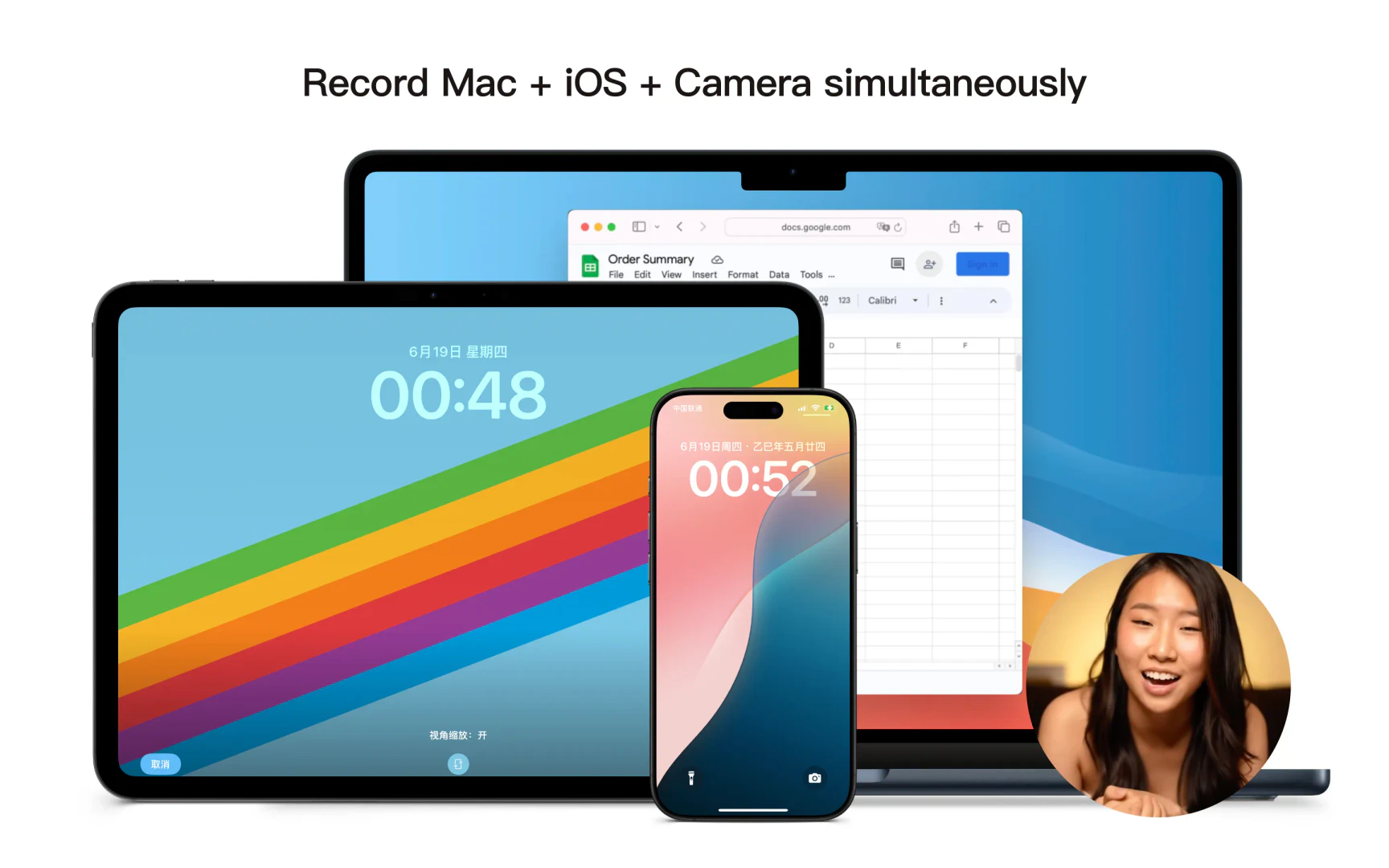
- Capturing creative processes, such as drawing on an iPad, with simultaneous camera recording for art tutorials.
Product Images
Screensage Pros and Cons
Pros
- High-Quality Screen Recording: ScreenSage Pro offers high-quality screen recording, making it ideal for product demos, tutorials, and promotional videos.
- Auto-Zoom Feature: The auto-zoom feature intelligently focuses on clicks and movements, ensuring viewers see important details clearly.
- Multi-Microphone Support: Supports recording from multiple microphones simultaneously, allowing for rich audio capture during tutorials and demos.
- AI Caption Generation: Advanced AI technology generates accurate captions from narration, enhancing accessibility and viewer engagement.
Cons
No cons data detected for this tool
Screensage Pricing
Single Device
1 year of free updates. Extend updates for $39 after the first year. Renew to get the latest updates or keep using the version you have forever.
Pro
Limited Time Discount. 1 year of free updates. Extend updates for $69 after the first year. Renew to get the latest updates or keep using the version you have forever.
Lifetime
All Pro plan benefits. Lifetime updates. Priority support channel. Save $150 with limited time offer.
For the latest pricing, please visit this link: https://screensage.pro/#pricing
Prices are subject to change. Please visit the official website for the most up-to-date pricing information.
Analytics of Screensage
Screensage Website Traffic Analysis
Visits Over Time
Traffic Sources
Nov 2025 - Jan 2026 Worldwide Desktop Only
- Direct: 48.84%
- Search: 36.05%
- Referrals: 7.09%
- Social: 7.04%
- Paid Referrals: 0.77%
- Mail: 0.07%
Top Keywords
| Keyword | Volume | CPC | Estimated Value |
|---|---|---|---|
| screen studio | 65.29K | $0.82 | $110.00 |
| screensage | 450 | $0.00 | $210.00 |
| screensage pro | 420 | $0.00 | $140.00 |
| screen sage | 300 | $0.00 | $280.00 |
| screen sage. | 120 | $0.00 | $110.00 |
Screensage Compare
| Tool Name | Introduction | Pricing | Type | Rating | Launch Date | Learn more |
|---|---|---|---|---|---|---|
 | Create stunning images effortlessly with Raphael AI. | Free | 🎨Creativity | January 9, 2025 | Get deal | |
 | Gupshup enables businesses to automate customer interactions with AI-driven agents. | Free | 💼Work🎨Creativity | January 11, 2016 | Get deal | |
 | Basquio is the AI tool that transforms your CSV, Excel, or spreadsheet data into a polished analysis deck complete with charts and a narrative report, ready for presentation in just 15 minutes. | Free | 🎨Creativity | March 13, 2026 | Get deal |
Info current as of post date. Offers and availability may vary by location and are subject to change.
Screensage Q&A
ScreenSage goes beyond simple screen recording by intelligently tracking mouse movements, clicks, styles, and keyboard input positions. While traditional screen recording software requires you to manually add these effects in separate video editing software, ScreenSage automates the entire process within the app. This automation not only makes the process simple and efficient but also eliminates the need for secondary editing in other software, saving you significant post-production time.
For more FAQs, please visit this link: https://screensage.pro/#faq
Screensage Alternatives
- Video & Animation
- AI Video Editor
- AI Video Generator
Introducing NUI the Natural User Interface, aimed at revolutionizing how people interact with anything digital leveraging the power of AI
- Image Generation & Editing
- AI Image Generator
- AI Image Recognition
- AI Design Generator

Point Drift
- Image Generation & Editing
- AI Image Generator
- AI Design Generator
- AI Video Editor