

Screenshow





What is Screenshow?
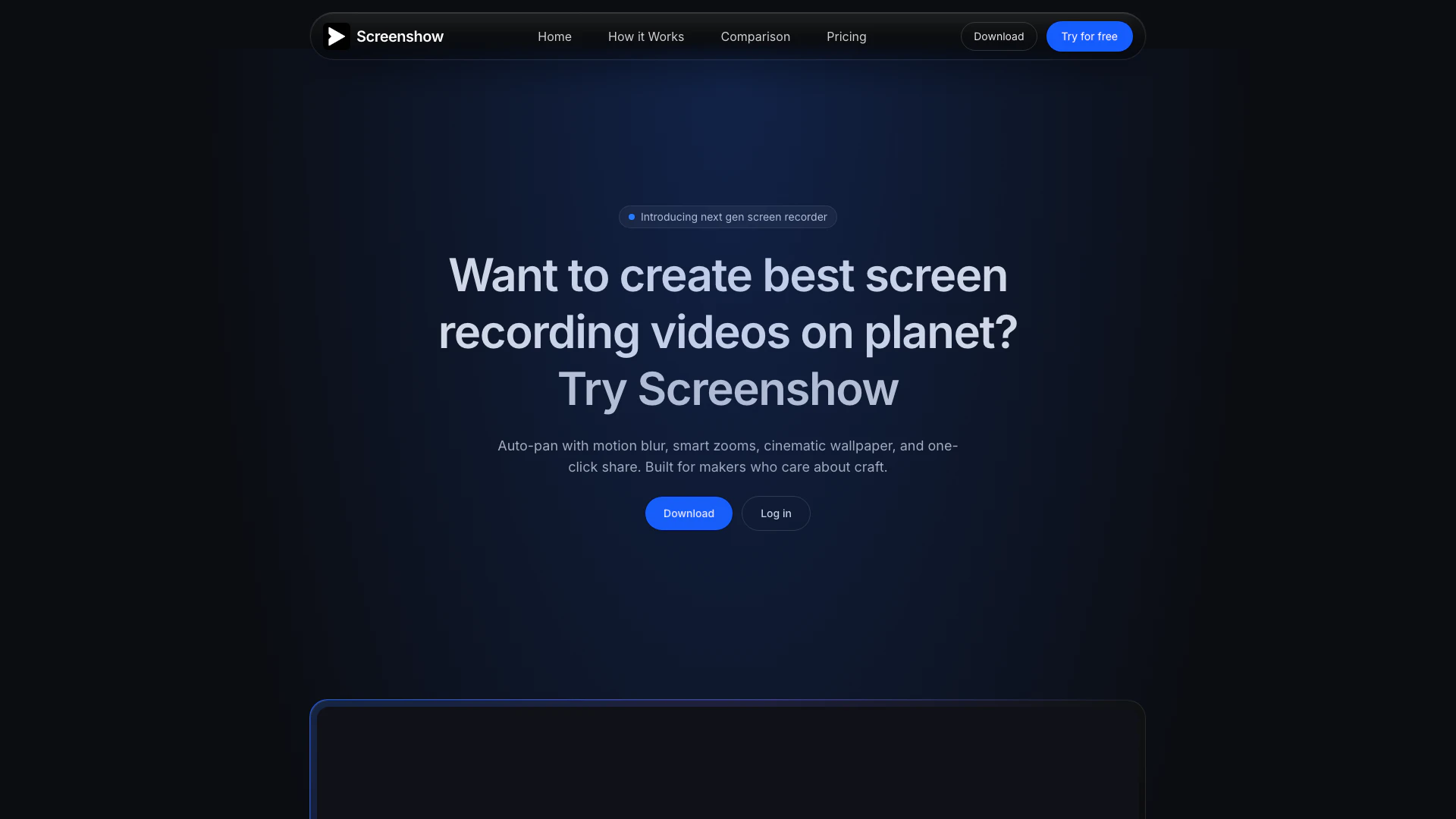
Screenshow is a professional screen recording tool specifically designed for macOS users. It transforms mundane screen recordings into stunning videos using advanced features like auto-pan, motion blur, smart zooms, and cinematic effects. With its user-friendly interface, Screenshow allows creators to produce high-quality videos quickly, making it an ideal choice for content makers who prioritize craftsmanship and visual appeal.
How to use Screenshow?
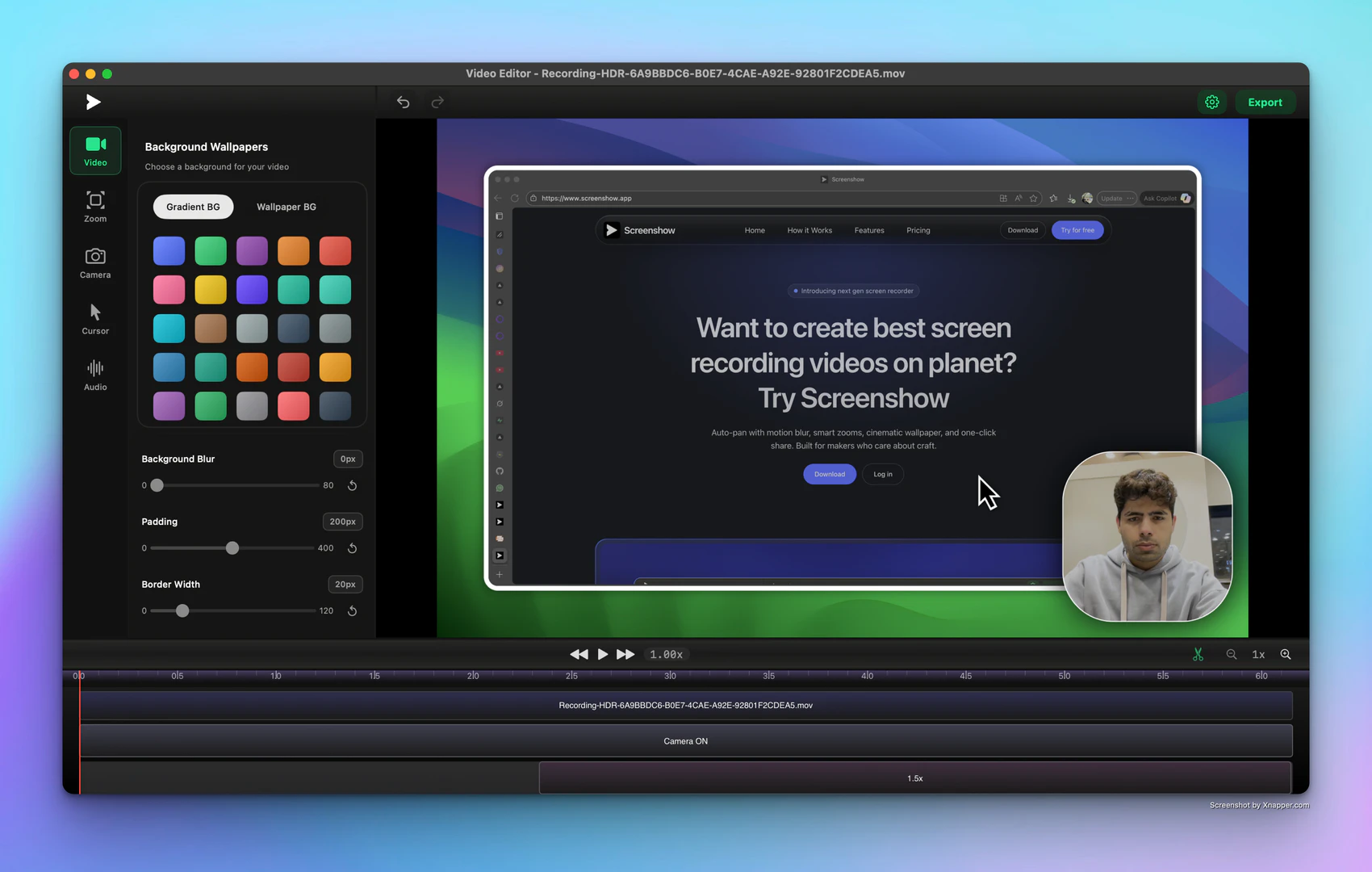
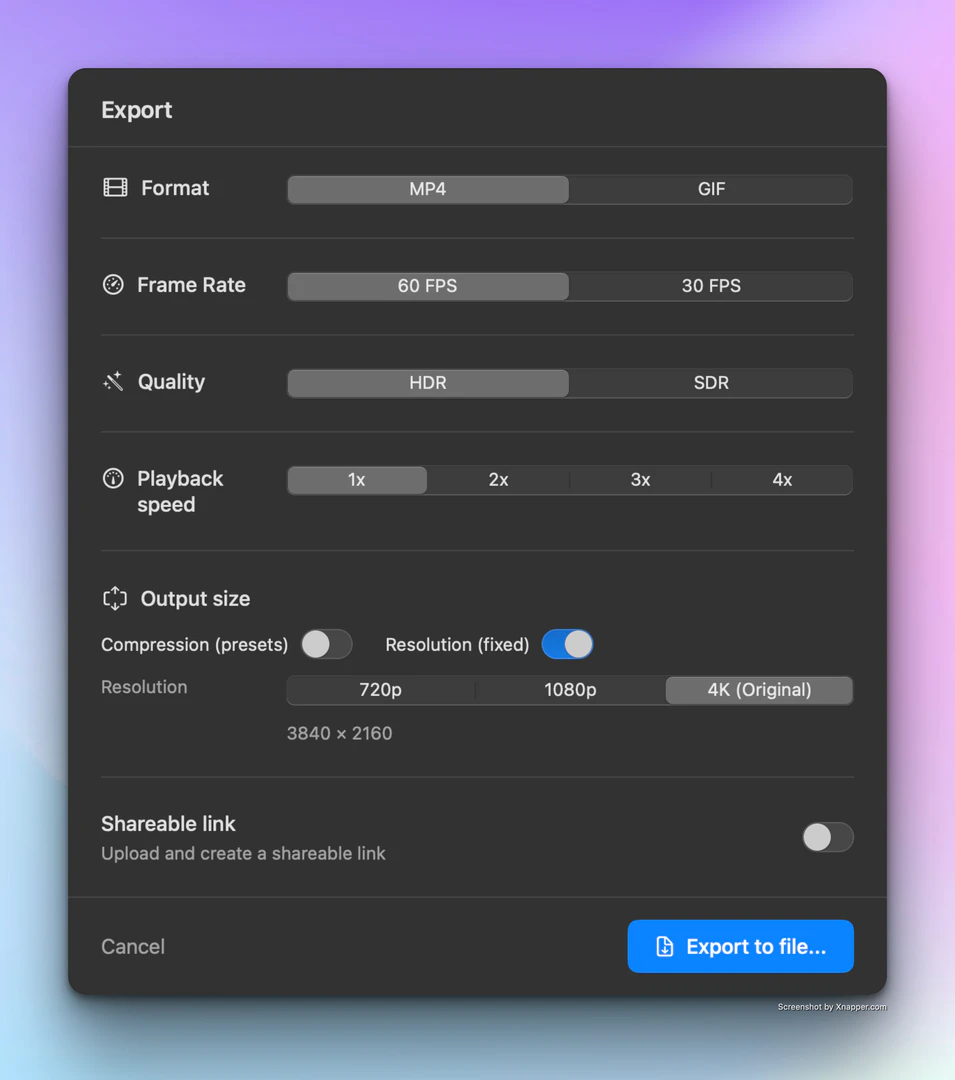
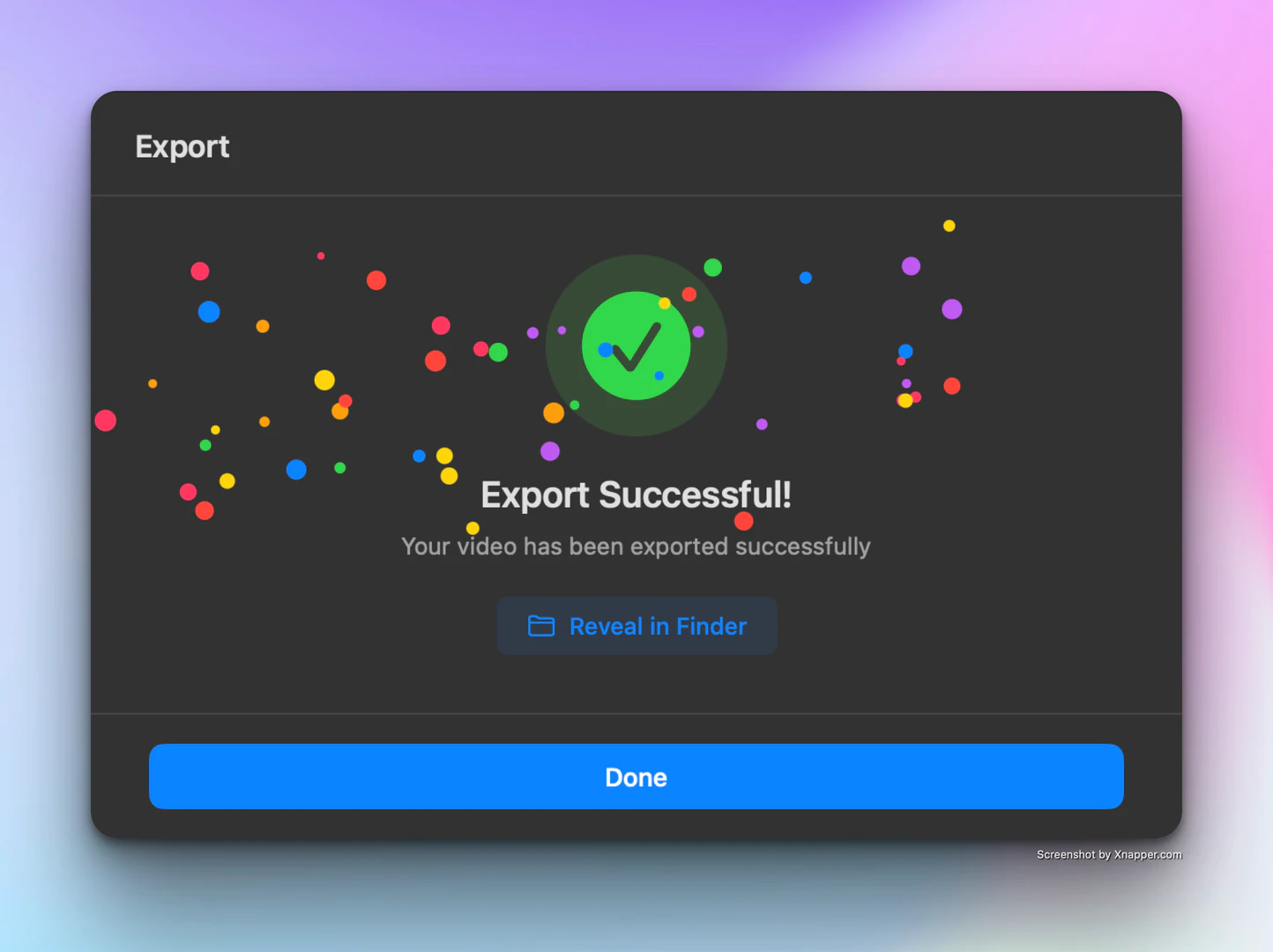
To use Screenshow, follow these steps: 1. Choose & Record: Select the area you want to record—whether it's a window, the entire display, or a custom area. Click to start recording your screen. 2. Auto-Edit Magic: Once you stop recording, the editor will open with a pre-edited video that includes features like auto-pan and motion blur. You can further customize your video if needed. 3. Export or Share: Choose your export settings and either share your video instantly or export it locally. 4. Get Your Video: After hitting export, your cinematic video will be saved on your device, ready for use.
What are the main features of Screenshow?
Screenshow offers a variety of powerful features that enhance the screen recording experience, including: - Auto-Pan: Automatically pans across your screen for a dynamic viewing experience. - Motion Blur: Adds motion blur effects to create a more cinematic feel. - Smart Zooms: Intelligent zooming features that focus on key areas of your recording. - Cinematic Wallpapers: Use beautiful wallpapers to enhance the aesthetic of your videos. - One-Click Share: Easily share your recordings with just a click, similar to platforms like Loom.
Who is Screenshow for?
Screenshow is designed for content creators, educators, marketers, and anyone who needs to produce high-quality screen recordings. It caters to individuals who appreciate craftsmanship in video production and seek to engage their audience with visually appealing content. Whether you're creating tutorials, product demos, or presentations, Screenshow provides the tools necessary to elevate your recordings.
What are the use cases of Screenshow?
Screenshow can be utilized in various scenarios, including: 1. Creating Tutorial Videos: Educators can record step-by-step guides to help students learn new software or concepts. 2. Product Demonstrations: Marketers can showcase product features and functionalities in an engaging manner. 3. Presentation Recordings: Professionals can capture their screen during presentations to share insights with colleagues or clients.
Product Images

Screenshow Pros and Cons
Pros
- Professional Cinematic Effects: Screenshow offers advanced cinematic effects such as auto-pan, motion blur, and smart zooms, allowing users to create visually stunning videos effortlessly.
- User-Friendly Editing Process: The tool features an auto-editing function that simplifies the video creation process, enabling users to transform recordings into polished videos in just a few clicks.
- Flexible Export Options: Screenshow allows users to export videos locally or share them instantly online, providing flexibility in how users can distribute their content.
Cons
No cons data detected for this tool
Analytics of Screenshow
Screenshow Website Traffic Analysis
Visits Over Time
Traffic Sources
Dec 2025 - Jan 2026 Worldwide Desktop Only
- Direct: 97.65%
- Search: 0.90%
- Referrals: 0.88%
- Social: 0.41%
- Paid Referrals: 0.15%
- Mail: 0.00%
Top Keywords
| Keyword | Volume | CPC | Estimated Value |
|---|---|---|---|
| screenshow | 330 | $0.00 | $40.00 |
Screenshow Compare
| Tool Name | Introduction | Pricing | Type | Rating | Launch Date | Learn more |
|---|---|---|---|---|---|---|
 | Transform AI text into natural writing effortlessly. | Free | 🙋♂️Personal💼Work🎨Creativity | September 7, 2025 | Get deal | |
 | Automate your sales outreach with AI-driven precision. | Free | 💼Work🎨Creativity | October 22, 2024 | Get deal | |
 | Automate your Depop sales with Resellify. | Free Trial | 💼Work🎨Creativity | September 24, 2025 | Get deal |
Info current as of post date. Offers and availability may vary by location and are subject to change.
Screenshow Q&A
Because we are better. I have bought my own stocks. Trust me, sometime you just have to take a leap of faith..
Screenshow Alternatives
- Video & Animation
- AI Video Editor
- AI Video Generator
Introducing NUI the Natural User Interface, aimed at revolutionizing how people interact with anything digital leveraging the power of AI
- Image Generation & Editing
- AI Image Generator
- AI Image Recognition
- AI Design Generator

Point Drift
- Image Generation & Editing
- AI Image Generator
- AI Design Generator
- AI Video Editor