

Simplecommenter





What is Simple Commenter?
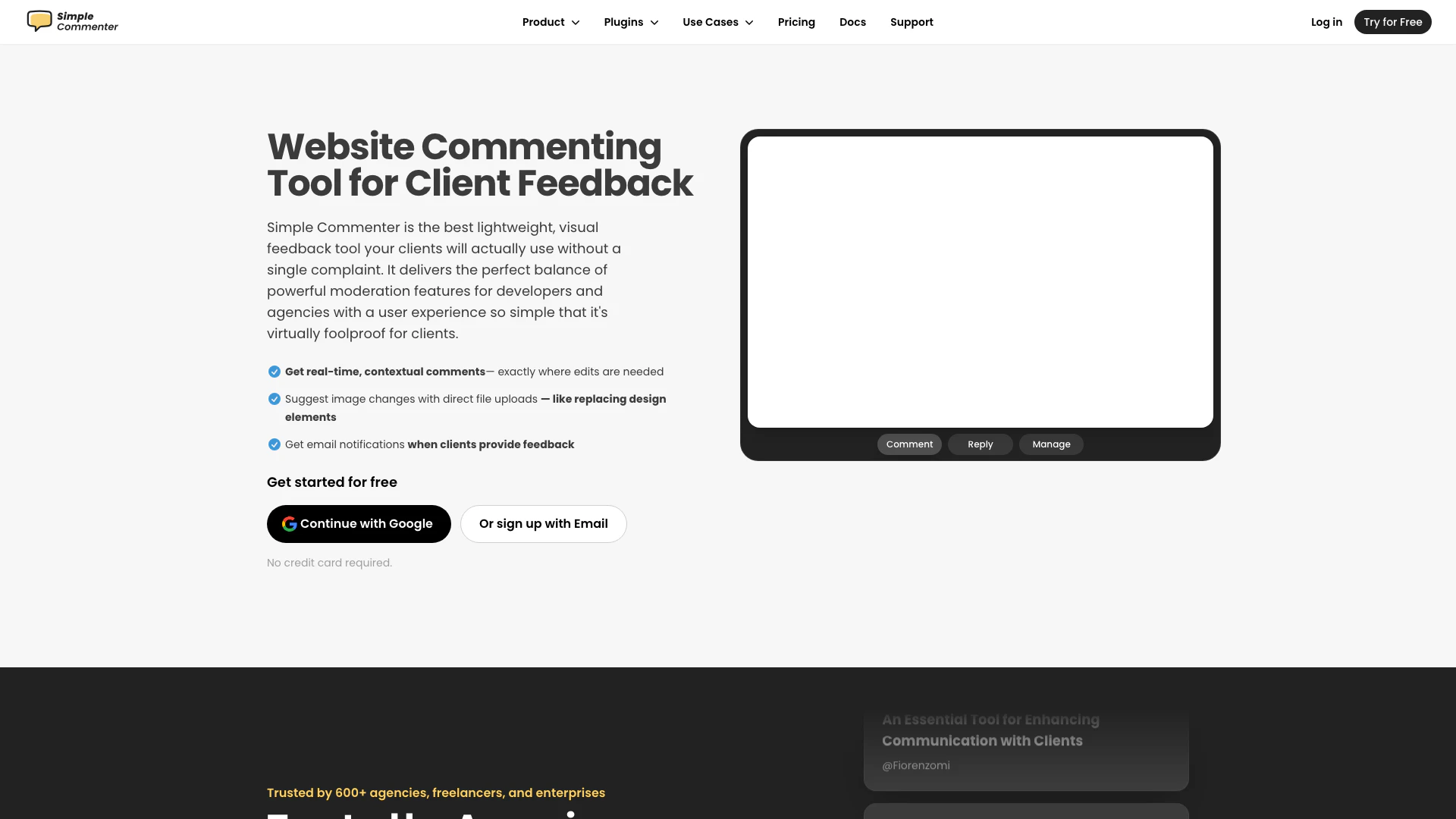
Simple Commenter is a website commenting tool designed to streamline the client feedback process for web professionals. It replaces traditional email threads and spreadsheets with a clear, visual interface that allows clients to provide contextual comments directly on the website. This tool is particularly beneficial for developers and agencies, as it enhances communication and collaboration, enabling faster approvals and more efficient workflows. With its lightweight design and user-friendly experience, Simple Commenter ensures that clients can easily engage without technical barriers.
How to use Simple Commenter?
- Install the Tool: Add the Simple Commenter script to your website by including the provided code snippet in your site’s HTML. This process takes only a few minutes.
- Enable Client Feedback Mode: Once installed, activate the Client Feedback Mode to allow clients to leave comments directly on the website. They can simply hover over elements and click to add feedback.
- Manage Feedback: Use the Simple Commenter web app to organize and manage comments. You can also integrate it with project management tools like Trello or Slack for better workflow.
What are the main features of Simple Commenter?
- Real-Time Feedback: Clients can leave comments directly on the website, providing feedback exactly where changes are needed.
- File Uploads: Users can suggest image changes by directly uploading files, making it easy to communicate design modifications.
- Email Notifications: Get instant alerts when clients provide feedback, ensuring timely responses.
- Moderation Tools: Manage comments effectively with features that allow you to approve, resolve, or archive feedback.
- Integration Capabilities: Connect with popular project management tools like Jira, Trello, and Slack to streamline workflows.
Who is Simple Commenter for?
Simple Commenter is designed for web professionals including freelancers, agencies, and developers who require an efficient way to gather client feedback on websites. It is particularly useful for those who work with non-technical clients, as the tool's simplicity allows users to leave feedback without needing extensive training or technical knowledge. It caters to a wide range of users, from startups seeking quick approvals to established agencies managing multiple projects.
What are the use cases of Simple Commenter?
- Website Design Projects: Use Simple Commenter to gather feedback on design mockups and live websites, facilitating faster revisions and approvals.
- Client Collaboration: Enable clients to provide direct feedback on their projects, reducing the need for lengthy email exchanges and improving communication.
- Project Management: Integrate with task management tools to streamline the feedback process and keep all project information organized and accessible.
Simplecommenter Pricing
Monthly Plan
Simple pricing with a monthly billing option.
Annual Plan
Simple pricing with an annual billing option. Save an additional 10%.
For the latest pricing, please visit this link: https://www.simplecommenter.com/pricing
Prices are subject to change. Please visit the official website for the most up-to-date pricing information.
Analytics of Simplecommenter
Simplecommenter Website Traffic Analysis
Visits Over Time
Traffic Sources
Nov 2025 - Jan 2026 Worldwide Desktop Only
- Direct: 44.03%
- Search: 38.66%
- Social: 10.32%
- Referrals: 5.60%
- Paid Referrals: 1.14%
- Mail: 0.09%
Top Regions
| Region | Percentage |
|---|---|
🇺🇸 United States | 72.63% |
🇮🇳 India | 15.96% |
🇬🇧 United Kingdom | 11.41% |
- United States: 72.63%
- India: 15.96%
- United Kingdom: 11.41%
Top Keywords
| Keyword | Volume | CPC | Estimated Value |
|---|---|---|---|
| commentor | 1.97K | $0.00 | $0.00 |
| commenter | 1.54K | $0.00 | $10.00 |
| simple commmenter | 140 | $0.00 | $130.00 |
| website comments | 90 | $0.00 | $50.00 |
| simple commenter | 30 | $0.00 | $30.00 |
Simplecommenter Compare
| Tool Name | Introduction | Pricing | Type | Rating | Launch Date | Learn more |
|---|---|---|---|---|---|---|
Tutor AI - Your personal AI tutor to learn anything | Free | September 23, 2007 | Get deal | |||
Generate AI lesson plans, PowerPoints, and more with Copilot! Use Copilot to breeze through your unit planning and material creation! | Free | November 13, 2022 | Get deal | |||
🧠 AI-powered image resizer for social media | Free | June 8, 2021 | Get deal |



Info current as of post date. Offers and availability may vary by location and are subject to change.
Simplecommenter Q&A
The best thing about Simple Commenter is its user-friendly interface that allows clients to provide clear, visual feedback directly on the website without the need for complicated processes or sign-ups.
For more FAQs, please visit this link: https://www.simplecommenter.com/#faq
Simplecommenter Alternatives

Notion is an AI-powered workspace that automates tasks and enhances team collaboration.
- Productivity & Office
- AI Productivity Tools
- AI Information Management Tools
- AI Task Management Tools

Monday is an AI-powered work platform that enhances team productivity.
- Productivity & Office
- AI Productivity Tools
- AI Task Management Tools
- AI Collaboration Tools for Preparation
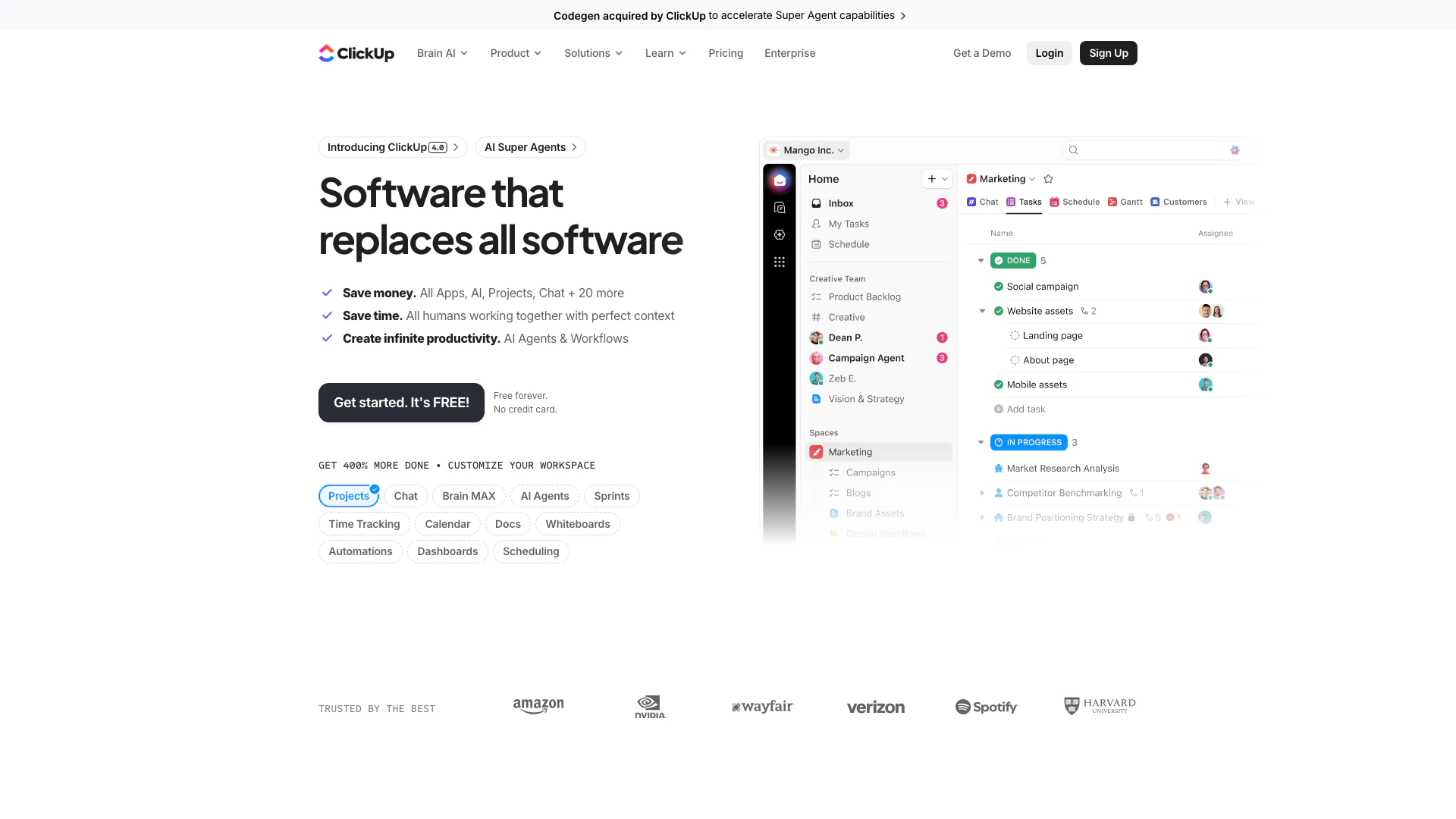
ClickUp is an all-in-one productivity platform designed to streamline tasks, documents, and collaboration.
- Productivity & Office
- AI Productivity Tools
- AI Task Management Tools
- AI Collaboration Tools for Preparation