

Simplesvgs
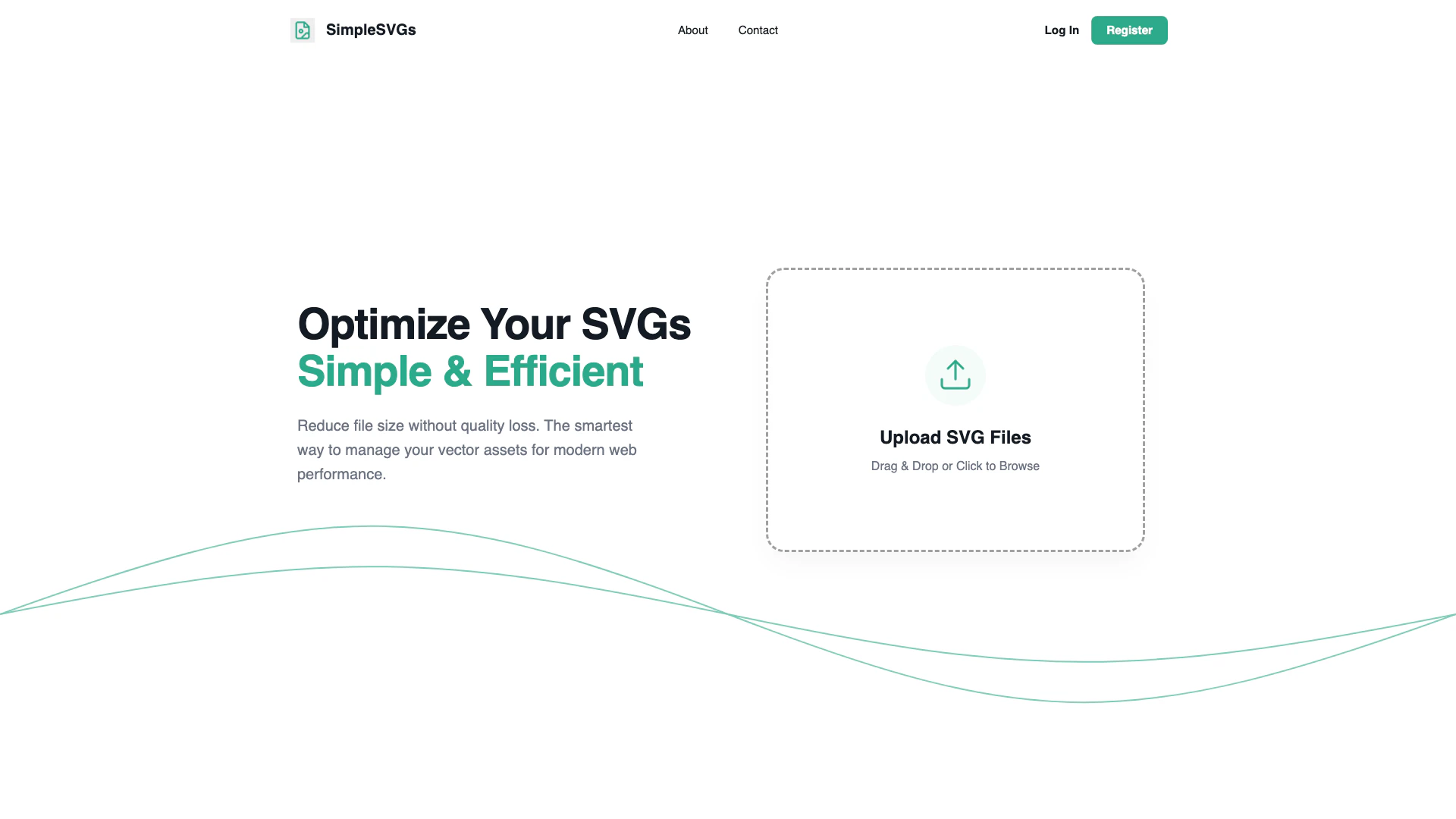





What is SimpleSVGs?
SimpleSVGs is an online tool designed to optimize and compress SVG files efficiently. It allows users to reduce the size of their SVG graphics without sacrificing quality, making it an ideal solution for web performance. Being 100% browser-based, SimpleSVGs ensures user privacy and instant processing, as there is no need to upload files to a server. This makes it a valuable asset for developers looking to manage vector graphics effectively.
How to use SimpleSVGs?
- Visit the SimpleSVGs website at https://www.simplesvgs.online/.
- Upload your SVG files by dragging and dropping them into the designated area or by clicking to browse your files.
- Once uploaded, the tool will automatically optimize and compress the SVG files in your browser.
- Download the optimized SVG files to your device.
What are the main features of SimpleSVGs?
- SVG Optimization: Reduce SVG file sizes without quality loss.
- Browser-Based Processing: Instant optimization without server uploads, ensuring privacy and speed.
- Batch Processing: Optimize multiple SVG files at once, saving time and effort.
- SEO Ready: Clean code structure that enhances search engine performance and improves Core Web Vitals.
Who is SimpleSVGs for?
SimpleSVGs is targeted towards web developers, designers, and anyone who works with vector graphics. It is particularly useful for those looking to enhance web performance by optimizing SVG files for faster loading times and better SEO. The tool is suitable for both individual users and teams who need a reliable solution for managing vector assets.
What are the use cases of SimpleSVGs?
- Web Development: Optimize SVGs for websites to improve loading speeds and user experience.
- Graphic Design: Prepare SVG files for production-ready assets in design projects.
- SEO Optimization: Clean up SVG code to enhance search engine visibility and performance.
Simplesvgs Pros and Cons
Pros
- Efficient SVG Optimization: Reduce SVG file size without losing quality, ensuring optimal web performance.
- Instant Processing: Process SVG files directly in the browser with zero latency, avoiding server uploads.
- Batch Processing Capability: Optimize multiple SVG files simultaneously, saving time and effort.
- Privacy-Friendly: No server uploads mean your files remain private and secure during optimization.
Cons
No cons data detected for this tool
Simplesvgs Compare
| Tool Name | Introduction | Pricing | Type | Rating | Launch Date | Learn more |
|---|---|---|---|---|---|---|
🧠 AI-powered image resizer for social media | Free | June 8, 2021 | Get deal | |||
Explore AI Lawyer for easy, quick, and budget-friendly legal help. Empowering consumers and lawyers with AI-driven solutions for all your legal needs. | Free | February 11, 2023 | Get deal | |||
2Mn+ readymade ChatGPT prompt ideas built by prompt engineers, using insights from eCommerce experts - that really work! | Free | February 6, 2023 | Get deal |



Info current as of post date. Offers and availability may vary by location and are subject to change.
Simplesvgs Alternatives
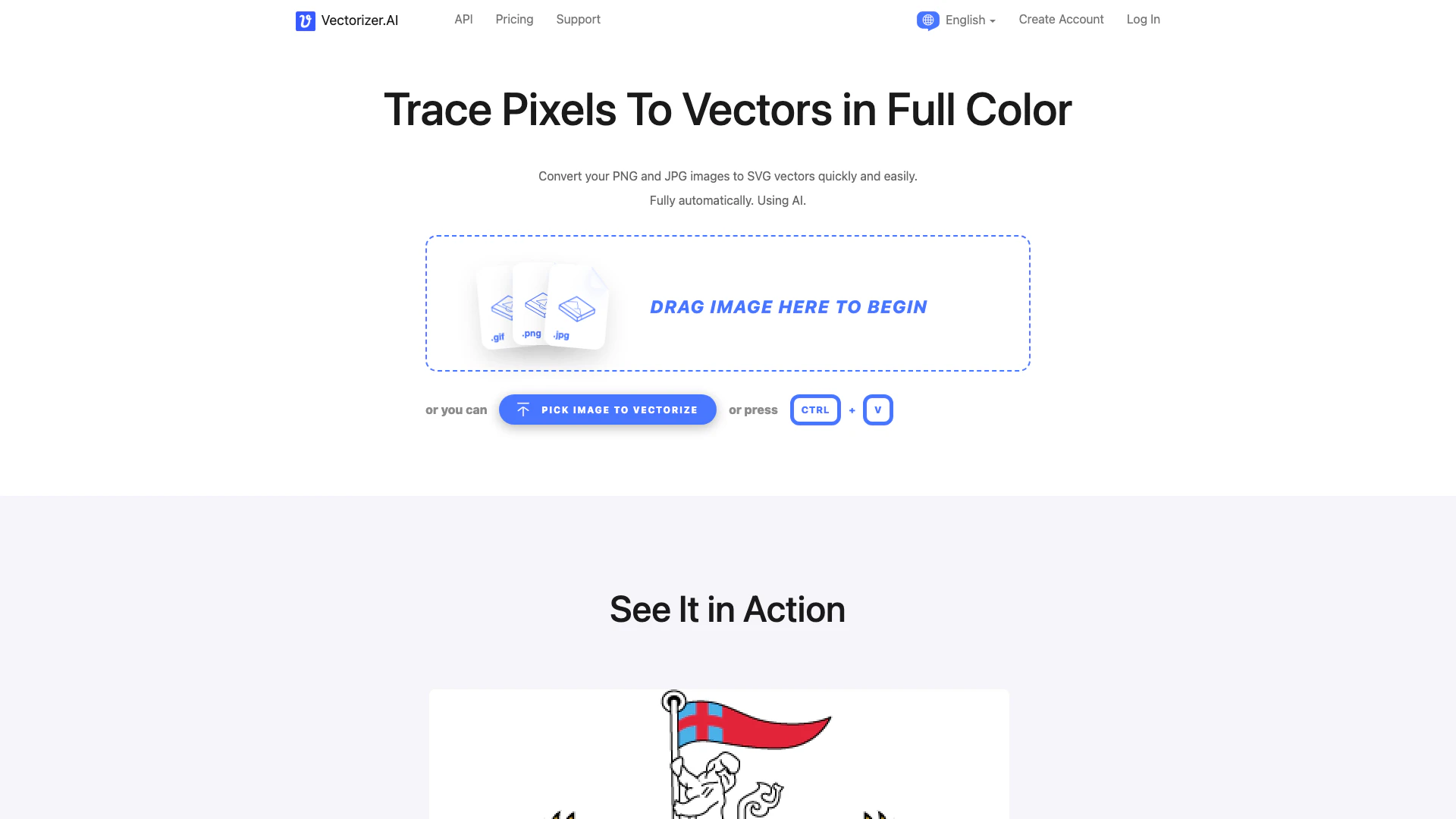
Convert images to vectors effortlessly with AI.
- Image Generation & Editing
- AI Image Generator
- AI Vectorization Tool
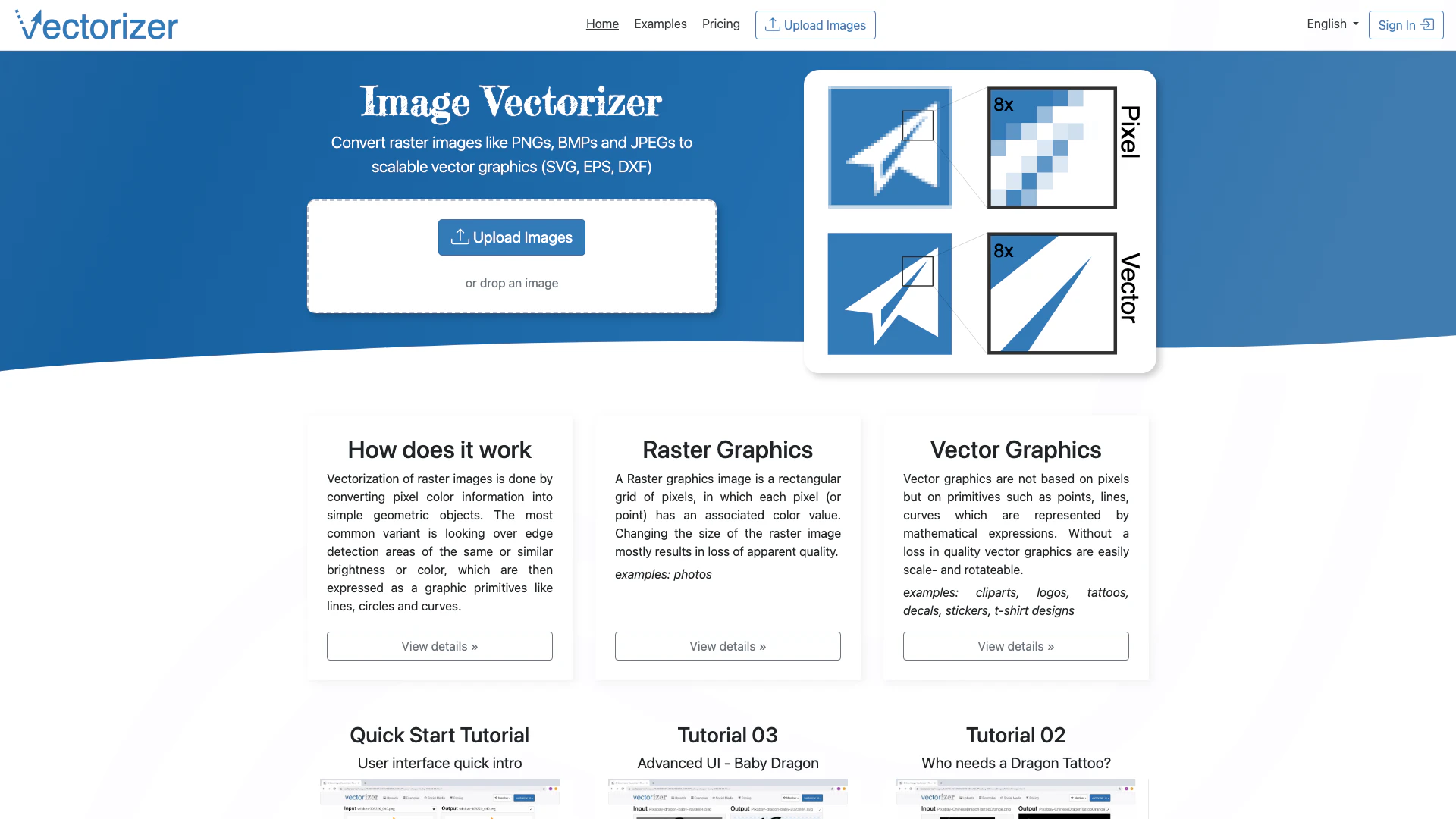
Transform raster images into scalable vector graphics easily.
- Image Generation & Editing
- AI Vectorization Tool
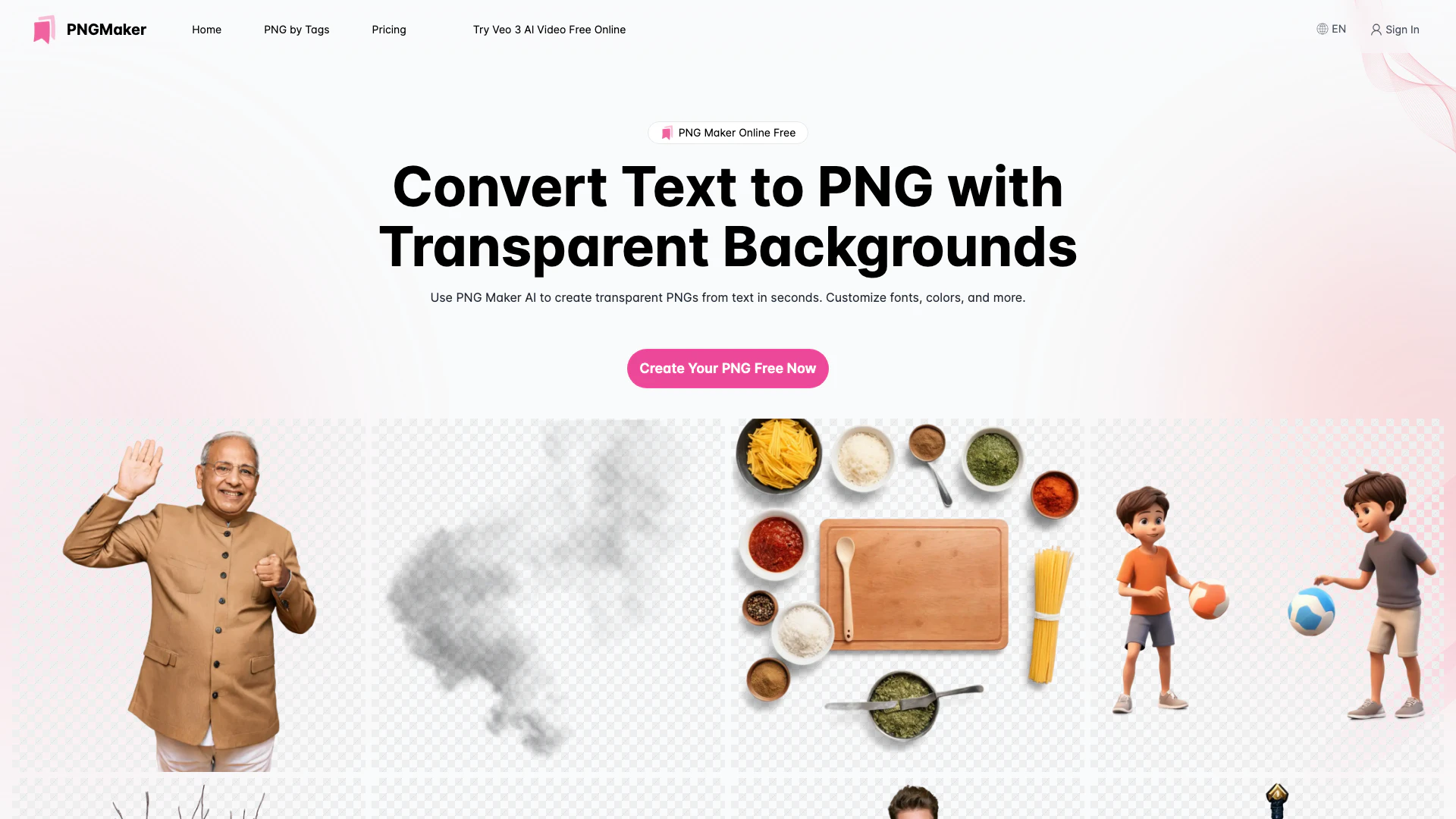
Create custom transparent PNGs effortlessly.
- Image Generation & Editing
- Ai Text To Image
- AI Vectorization Tool
- Gallery Creation Tool