

Slidescockpit
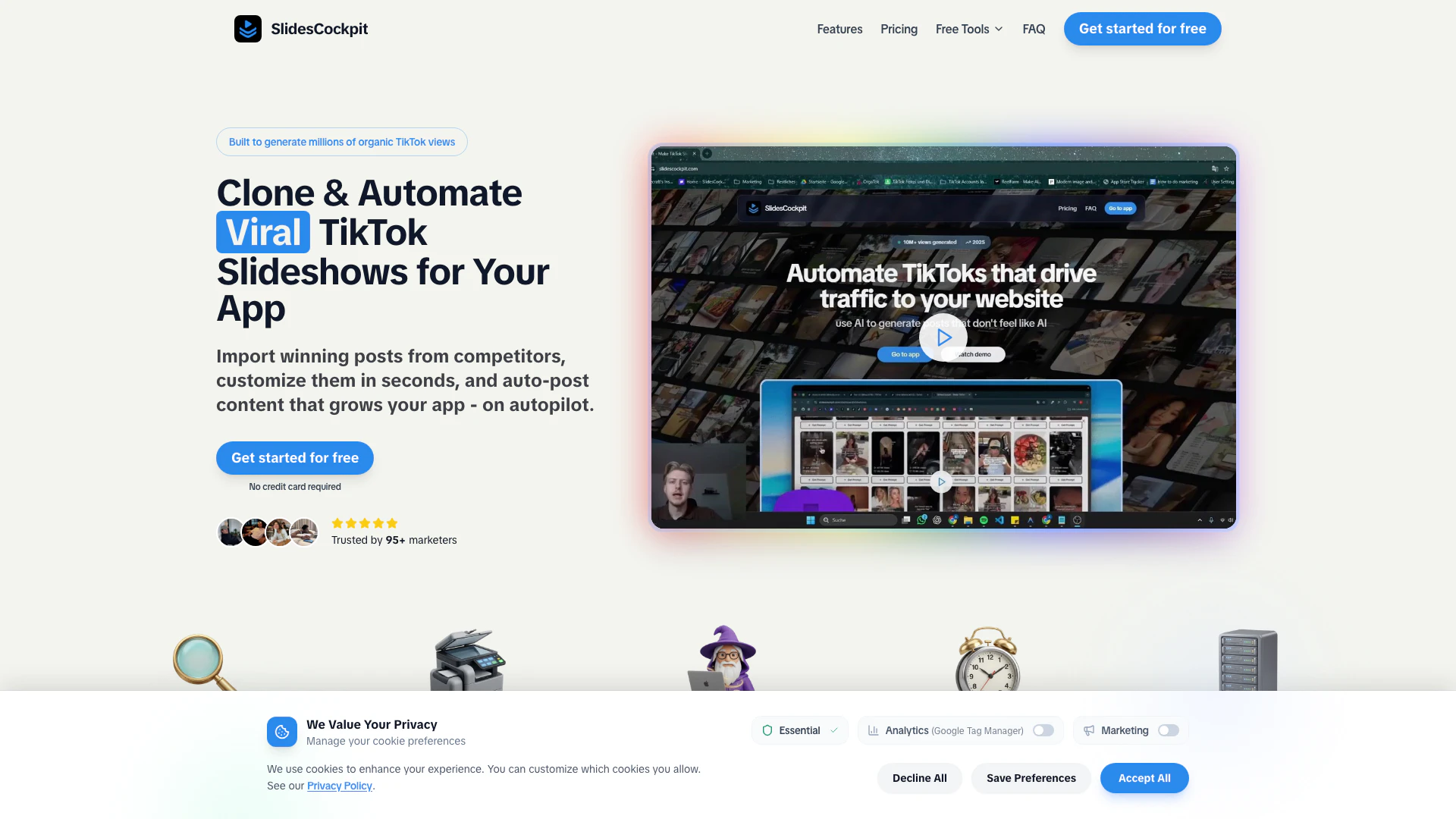



What is Slidescockpit?
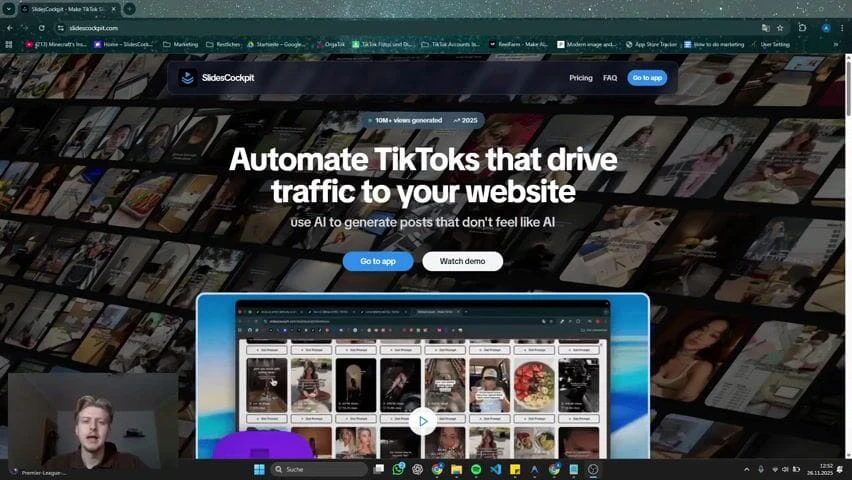
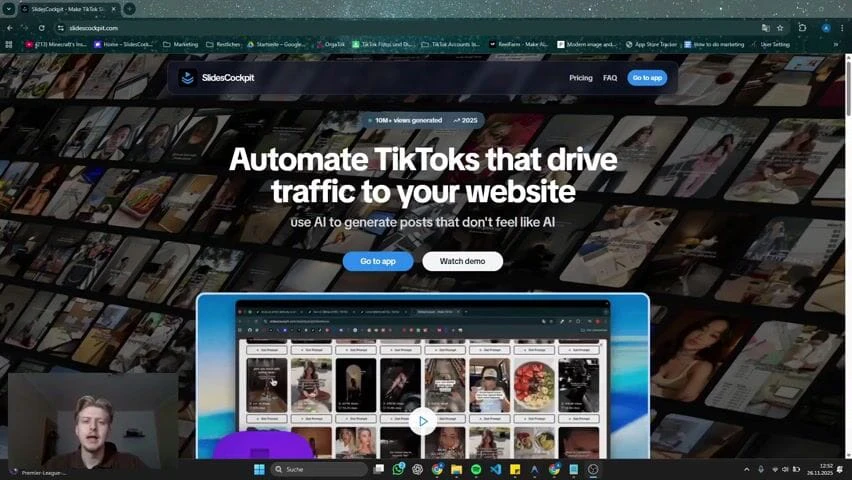
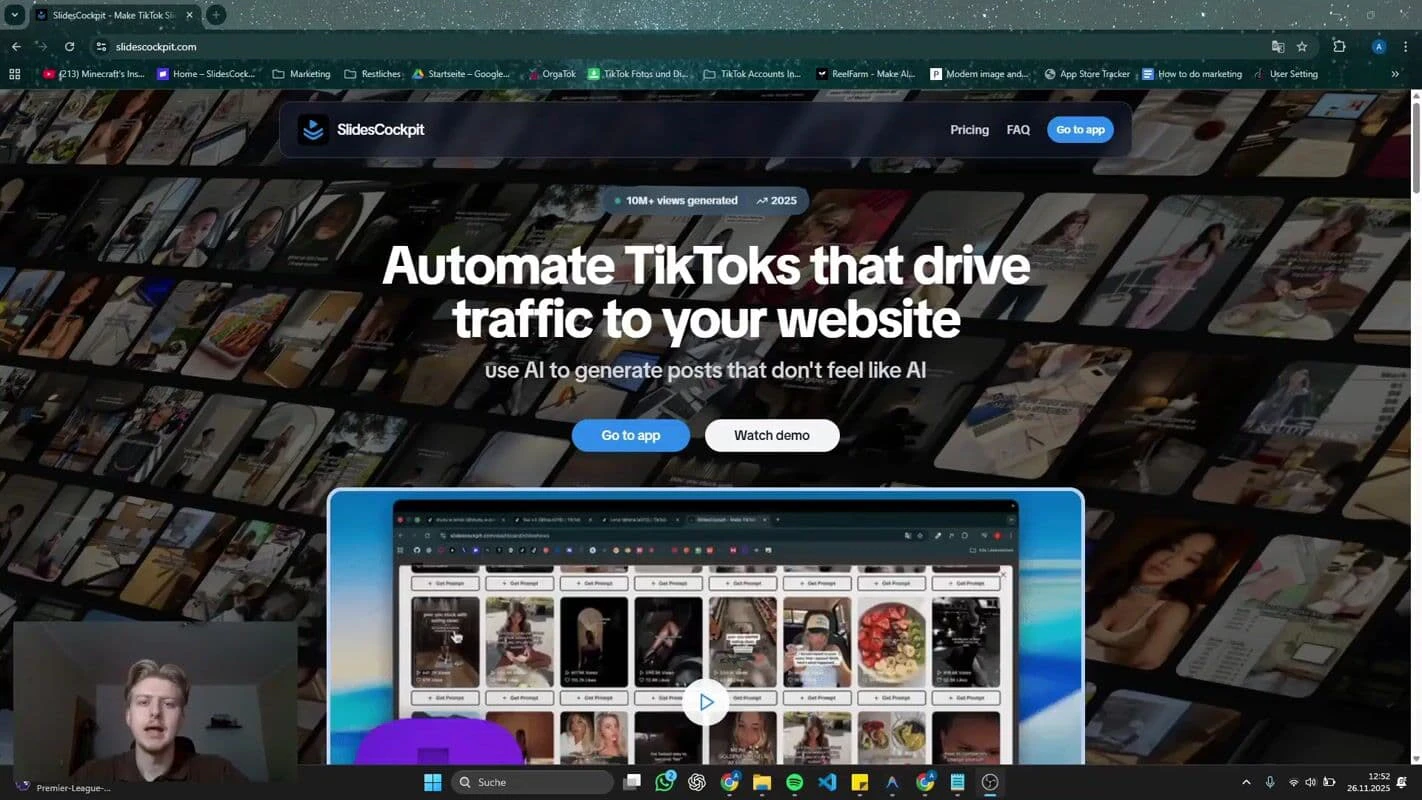
Slidescockpit is an innovative tool designed for app developers and marketers that enables users to clone and automate viral TikTok[1] slideshows[2]. This platform allows users to import successful TikTok posts, customize them quickly, and schedule automatic postings to enhance app visibility and engagement. By leveraging proven formats and hooks, Slidescockpit helps users generate organic views and drive installs efficiently, making it a valuable asset for anyone looking to market their app on TikTok.
How to use Slidescockpit?
To use Slidescockpit effectively, follow these steps: 1. Sign Up: Visit the Slidescockpit website and create an account. 2. Import TikTok Slideshows: Use the Chrome Extension to clone any successful TikTok slideshow with one click. 3. Customize Content: Edit the imported slides by adjusting text, visuals, and calls to action to align with your app's branding. 4. Schedule Posts: Plan and schedule your content across multiple TikTok accounts to maintain a consistent posting schedule. 5. Automate Posting: Enable automatic posting to let Slidescockpit handle the content distribution while you focus on app development.
What are the main features of Slidescockpit?
Slidescockpit offers a range of powerful features designed to enhance TikTok marketing for apps: - One-Click TikTok Import: Instantly clone any TikTok slideshow via the Chrome Extension. - Proven Niches & Templates: Access a library of successful slideshow formats and niches. - AI-Powered[3] Customization: Edit slides with AI assistance for personalized content. - Automated Scheduling[4]: Plan and automate posts across multiple TikTok accounts. - Performance Tracking[5]: Monitor engagement metrics to refine your marketing strategies.
Who is Slidescockpit for?
Slidescockpit is ideal for app developers, marketers, and content creators who want to leverage TikTok for app promotion. It is particularly beneficial for those looking to automate their marketing efforts and enhance visibility on social media platforms. Whether you're a startup founder, a digital marketer, or an influencer aiming to grow your audience, Slidescockpit provides the tools necessary to create engaging content and drive organic growth.
What are the use cases of Slidescockpit?
Slidescockpit can be utilized in various scenarios, including: 1. Marketing Campaigns: Create and automate TikTok slideshows to promote new app launches or features. 2. Content Strategy: Develop a consistent content calendar by scheduling slideshows for daily engagement. 3. Competitor Analysis: Import and analyze successful posts from competitors to refine your own content strategy.
Product Images







Slidescockpit Pros and Cons
Pros
- Automated TikTok Marketing: SlidesCockpit automates the creation and posting of TikTok slideshows, allowing users to grow their app's visibility effortlessly.
- Automated Content Posting: SlidesCockpit allows users to schedule and automate TikTok posts, enabling consistent content delivery without manual effort.
- One-Click Slideshow Import: Users can easily clone any TikTok slideshow with a single click using the Chrome Extension, saving time and effort.
- Easy Import of TikTok Slideshows: Users can clone and import successful TikTok slideshows with a single click using the Chrome Extension, simplifying the content creation process.
- Proven Templates and Niches: The tool provides access to proven TikTok slideshow templates and niches, helping users create content that is more likely to engage viewers.
Cons
No cons data detected for this tool
Slidescockpit Pricing
Starter
40 monthly credits, 50 monthly AI credits, Schedule Posts (no Auto-Post), 2 TikTok Connections, Create hook + demo videos.
Growth
120 monthly credits, 150 monthly AI credits, Schedule Posts.
Scale
250 monthly credits, 300 monthly AI credits.
Pro
600 monthly credits, 750 monthly AI credits.
For the latest pricing, please visit this link: https://www.slidescockpit.com/#pricing
Prices are subject to change. Please visit the official website for the most up-to-date pricing information.
Slidescockpit Reviews
everyone’s sleeping on tiktok slideshows, but they’re secretly one of the most viral formats right now.
Founders massively underestimate Slideshow marketing for apps. I Launched a new app 3 days ago So far we have $300 in sales $200 MRR 400 downloads We are marketing purely through TikTok slideshows and Reddit.
Founders massively underestimate Slideshow marketing for apps. I launched a new app 3 days ago. So far we have $300 in sales, $200 MRR, 400 downloads. We are marketing purely through TikTok slideshows and Reddit.
For more reviews, visit this link: https://www.slidescockpit.com/#reviews
Slidescockpit Compare
| Tool Name | Introduction | Pricing | Type | Rating | Launch Date | Learn more |
|---|---|---|---|---|---|---|
Edit your selfies to get the results you want with powerful and easy-to-use tools. Give your selfies the VIP treatment. Touch up, reshape & apply digital makeup. | Free | December 1, 2012 | Get deal | |||
Rewind | Free | February 2, 2018 | Get deal | |||
2Mn+ readymade ChatGPT prompt ideas built by prompt engineers, using insights from eCommerce experts - that really work! | Free | February 6, 2023 | Get deal |



Info current as of post date. Offers and availability may vary by location and are subject to change.
Slidescockpit Q&A
You can cancel your subscription at any time through your account settings.
For more FAQs, please visit this link: https://www.slidescockpit.com/#faq
Slidescockpit Alternatives
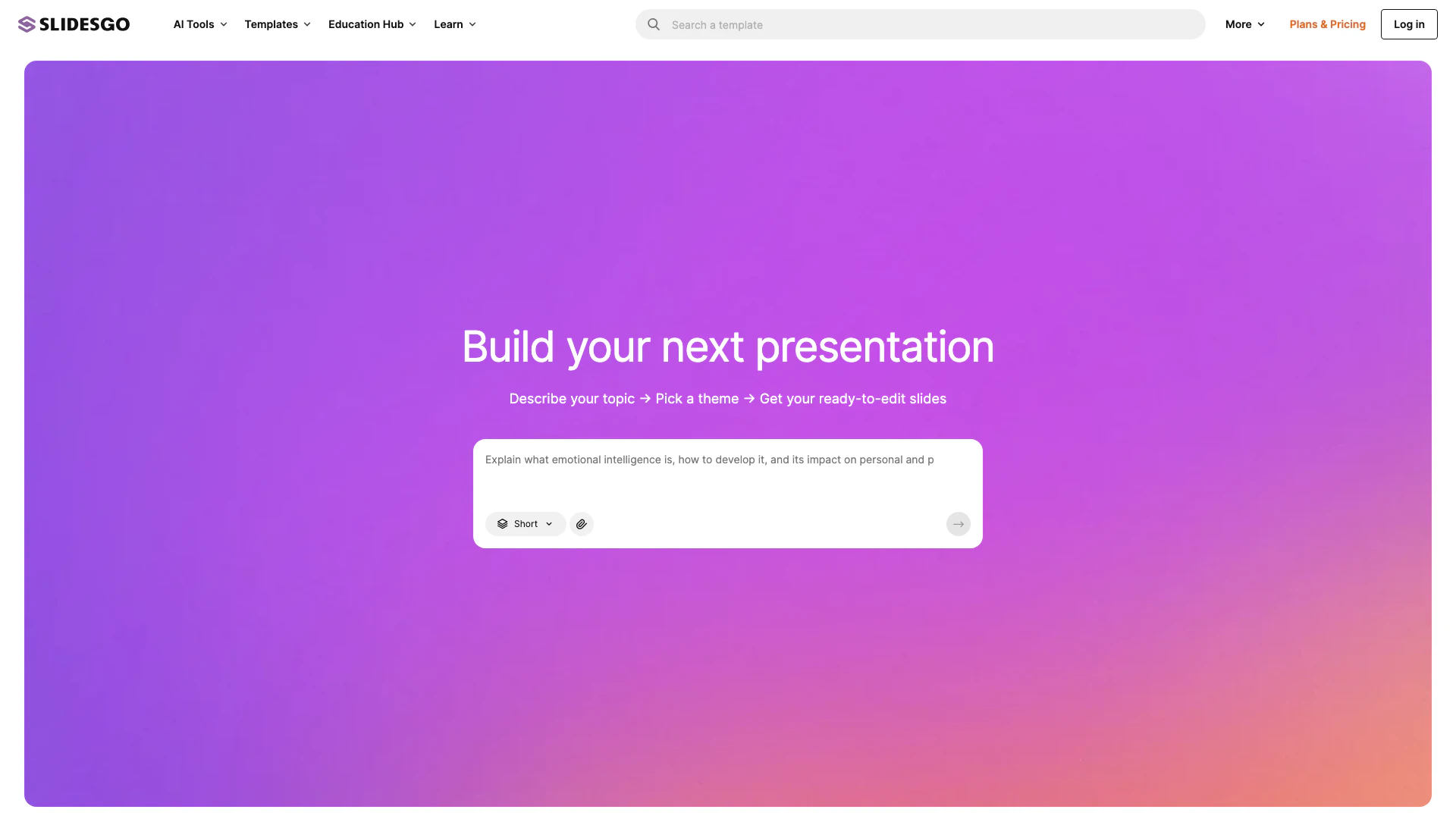
Slidesgo offers free Google Slides and PowerPoint templates for stunning presentations.
- Productivity & Office
- Presentation Templates
- Free Presentation Resources
- Google Slides and PowerPoint Tools
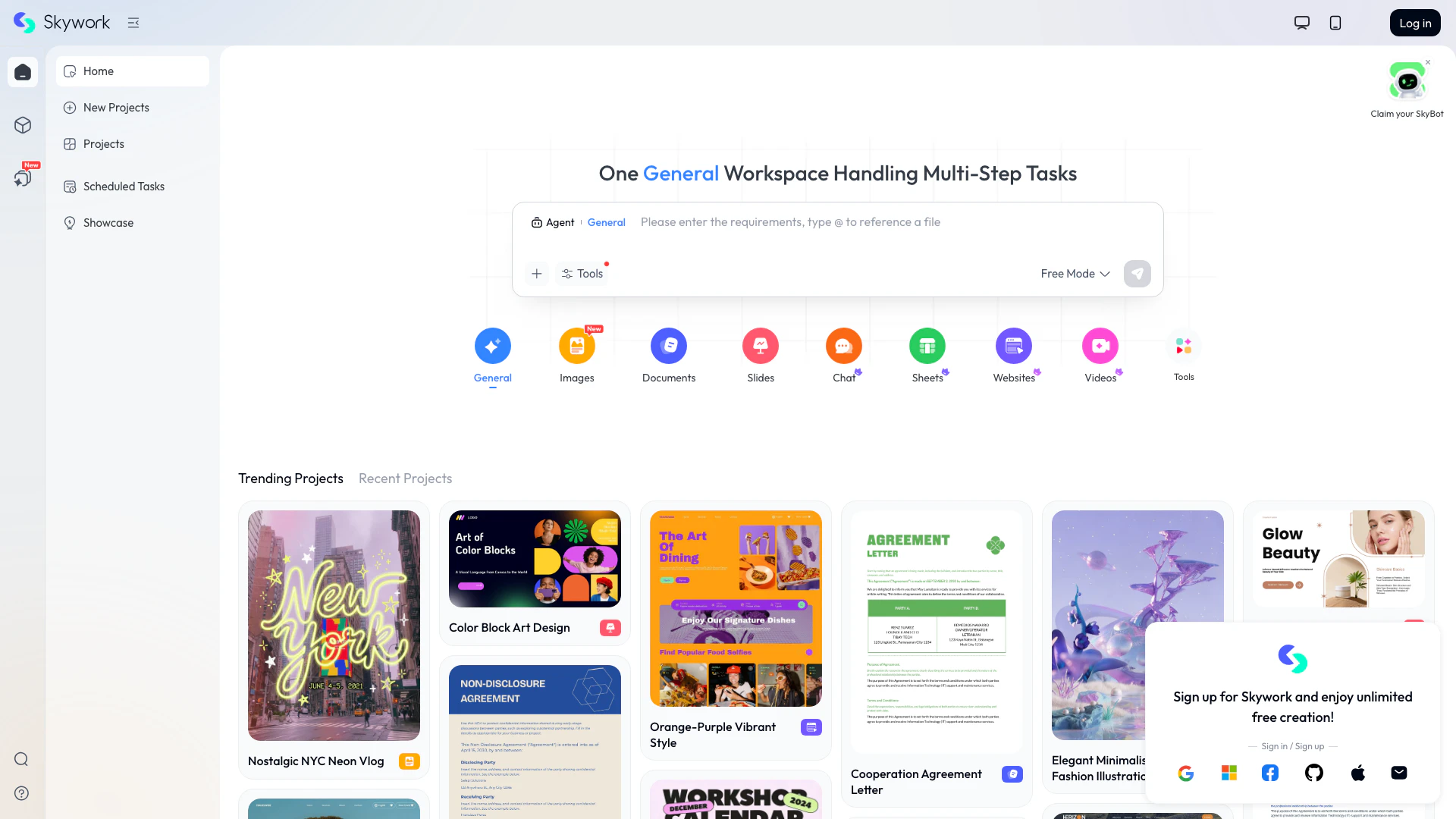
Skyworkai transforms simple inputs into diverse content.
- Productivity & Office
- AI Productivity Tools
- Content Creation Tools
- AI Presentation and Annotation Tools
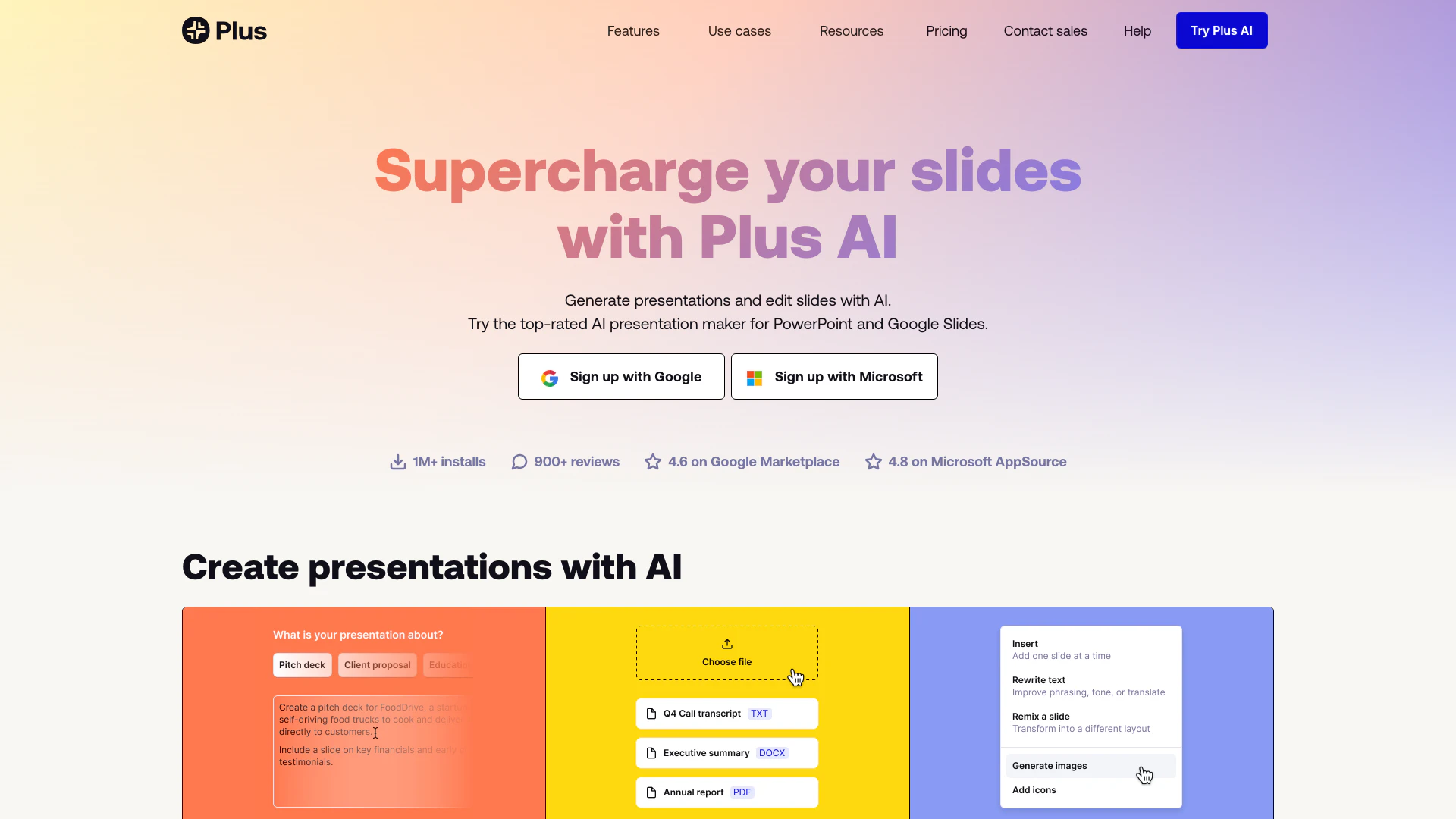
Effortlessly create stunning presentations with Plus AI's advanced tools.
- Productivity & Office
- AI Productivity Tools
- Presentation Templates
- Google Slides and PowerPoint Tools