Smoothcapture





What is Smoothcapture?
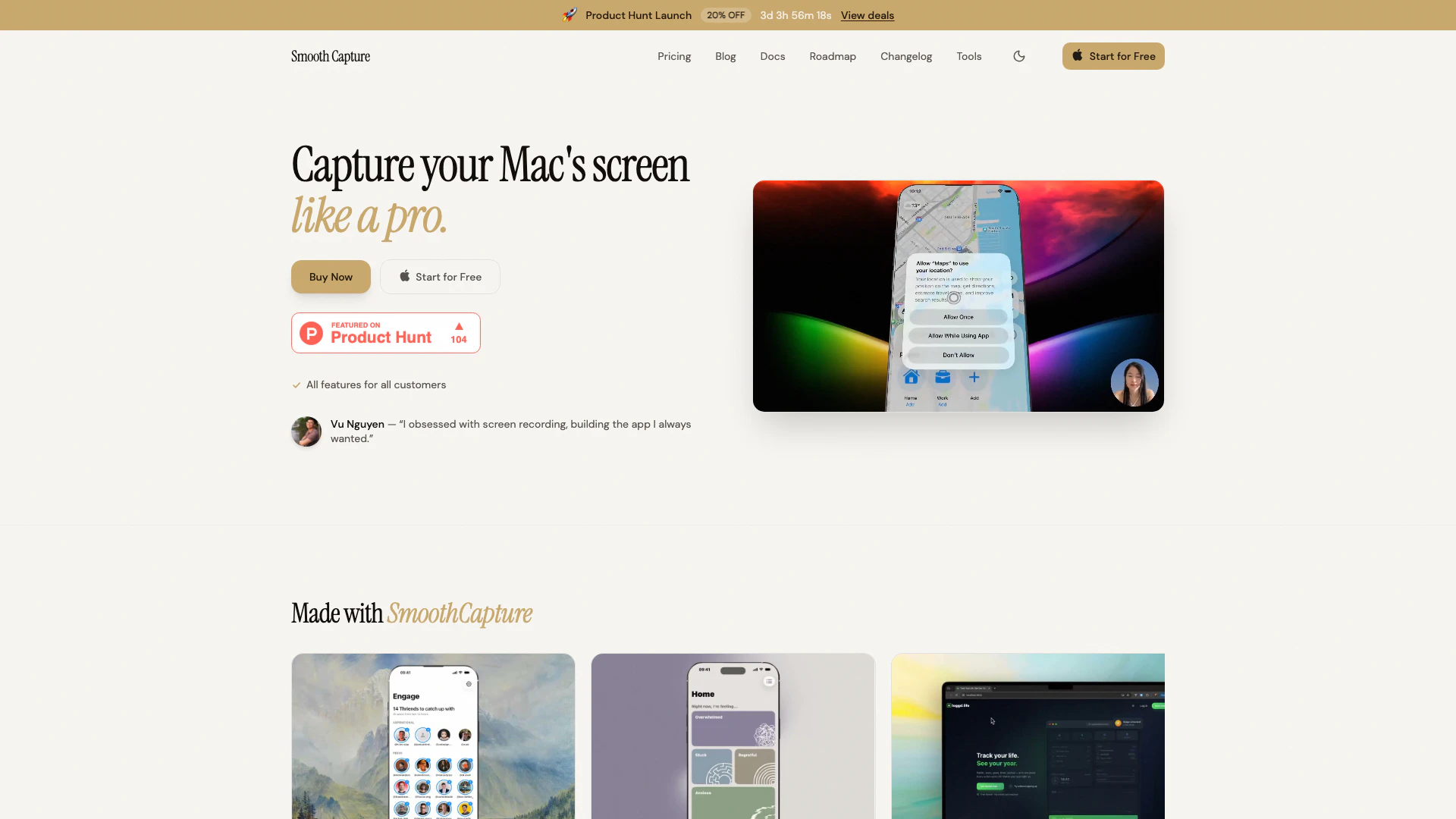
Smoothcapture is a powerful screen recording[1] tool designed specifically for developers, enabling the creation of stunning app demo videos with advanced features such as 3D device frames[2], USB recording[3] for iOS[4] and iPad[5], cinematic cursor effects, and automatic zoom functionality. With a one-time purchase model and no subscription fees, Smoothcapture provides an intuitive platform for capturing high-quality screen recordings that stand out. Its comprehensive feature set is tailored to enhance the visual appeal of app demonstrations, making it an essential tool for developers looking to showcase their applications professionally.
How to use Smoothcapture?
- Download and install Smoothcapture from the official website.
- Connect your iOS device via USB if you wish to record from it.
- Open Smoothcapture and select the recording area (entire screen, specific window, or custom area).
- Configure your settings, including 3D device frames and cursor effects.
- Click 'Record' to start capturing your screen, and utilize features like auto zoom and cursor effects during the recording.
- Once finished, stop the recording and use the timeline editor to trim or edit your video as needed.
What are the main features of Smoothcapture?
- Stunning 3D device frames to enhance video presentations.
- USB recording for iOS and iPad devices, allowing direct capture.
- Cinematic cursor effects, including click ripples and magnifying lens.
- Auto zoom feature that highlights important interactions seamlessly.
- A comprehensive timeline editor for trimming, splitting, and rearranging clips.
- Background customization with gradients, images, or videos.
- On-device transcription for subtitles with karaoke-style highlighting.
- Webcam overlay for a personal touch during recordings.
Who is Smoothcapture for?
Smoothcapture is primarily designed for developers, software engineers, and content creators who need to produce high-quality app demo videos. It is particularly beneficial for those who want to showcase their applications in a professional manner, utilizing features that enhance visual appeal and clarity. The tool caters to users who prefer a one-time purchase over subscription models and seek a comprehensive solution for screen recording on macOS.
What are the use cases of Smoothcapture?
- Creating engaging app demo videos for presentations or marketing purposes.
- Recording tutorials and educational content for software applications.
- Showcasing new features or updates in apps through visually appealing recordings.
- Producing content for social media platforms that require high-quality video demonstrations.
Product Images

Smoothcapture Pros and Cons
Pros
- 3D Device Frames: Create stunning app demo videos with immersive 3D device frames that add depth and dimension to your recordings.
- Auto Zoom Feature: Automatically highlights important interactions with smooth zoom transitions, enhancing the viewer's focus without extra editing.
- Comprehensive Editing Tools: Includes a timeline editor for trimming, splitting, and rearranging clips, along with multiple audio tracks and keyframe animations.
Cons
No cons data detected for this tool
Smoothcapture Pricing
Starter - Single device
Perfect for individual creators. Use on 1 Mac. Everything included: Unlimited screen recordings, Cinematic cursor effects & smart zoom, Professional timeline editor, Picture-in-Picture webcam, Custom backgrounds & effects, Automatic subtitles & transcription, Export in 4K resolution, All future updates included, Priority email support, Commercial use license.
Pro - 3 Devices
Best value for power users with multiple Macs. Use on up to 3 Macs. Everything included: All Starter plan benefits, Early access to new features, Priority support channel.
For the latest pricing, please visit this link: https://www.smoothcapture.app/pricing
Prices are subject to change. Please visit the official website for the most up-to-date pricing information.
Analytics of Smoothcapture
Smoothcapture Website Traffic Analysis
Visits Over Time
Traffic Sources
Jan 2026 - Feb 2026 Worldwide Desktop Only
- Social: 31.94%
- Direct: 29.66%
- Search: 26.41%
- Referrals: 9.70%
- Paid Referrals: 1.50%
- Mail: 0.14%
Top Keywords
| Keyword | Volume | CPC | Estimated Value |
|---|---|---|---|
| smooth screen record demo | 300 | $0.00 | $0.00 |
| smoothcapture | 190 | $0.00 | $180.00 |
| smooth capture | 60 | $0.00 | $40.00 |
| smooth capture.app | 50 | $0.00 | $30.00 |
| smooth capture mac app | 20 | $0.00 | $20.00 |
Smoothcapture Reviews
Honestly blown away. The 3D perspectives are chef's kiss. My demo videos went from meh to cinematic overnight.
I've tried every screen recording tool out there. Smooth Capture is the first one that makes my recordings look professional without any effort.
The auto zoom feature alone is worth the price. My tutorials went from good to great. Can't recommend this enough.
For more reviews, visit this link: https://smoothcapture.app#feedback
Smoothcapture Compare
| Tool Name | Introduction | Pricing | Type | Rating | Launch Date | Learn more |
|---|---|---|---|---|---|---|
 | Lunit develops AI solutions that detect early-stage cancer and optimize cancer treatment for saving lives through technology. | Free | 💼Work | August 10, 2015 | Get deal | |
 | Create AI-generated videos and images effortlessly. | Free Trial | 💼Work🎨Creativity | December 1, 2025 | Get deal | |
 | Convert text to speech in multiple languages. | Freemium | 🙋♂️Personal💼Work🎨Creativity | February 17, 2026 | Get deal |
Info current as of post date. Offers and availability may vary by location and are subject to change.
Smoothcapture Q&A
Smooth Capture is a tool designed to create stunning app demo videos using features like 3D device frames, iOS/iPad USB recording, cinematic cursor effects, and auto zoom.
For more FAQs, please visit this link: https://www.smoothcapture.app/faq
Smoothcapture Alternatives
- Video & Animation
- AI Video Editor
- AI Video Generator
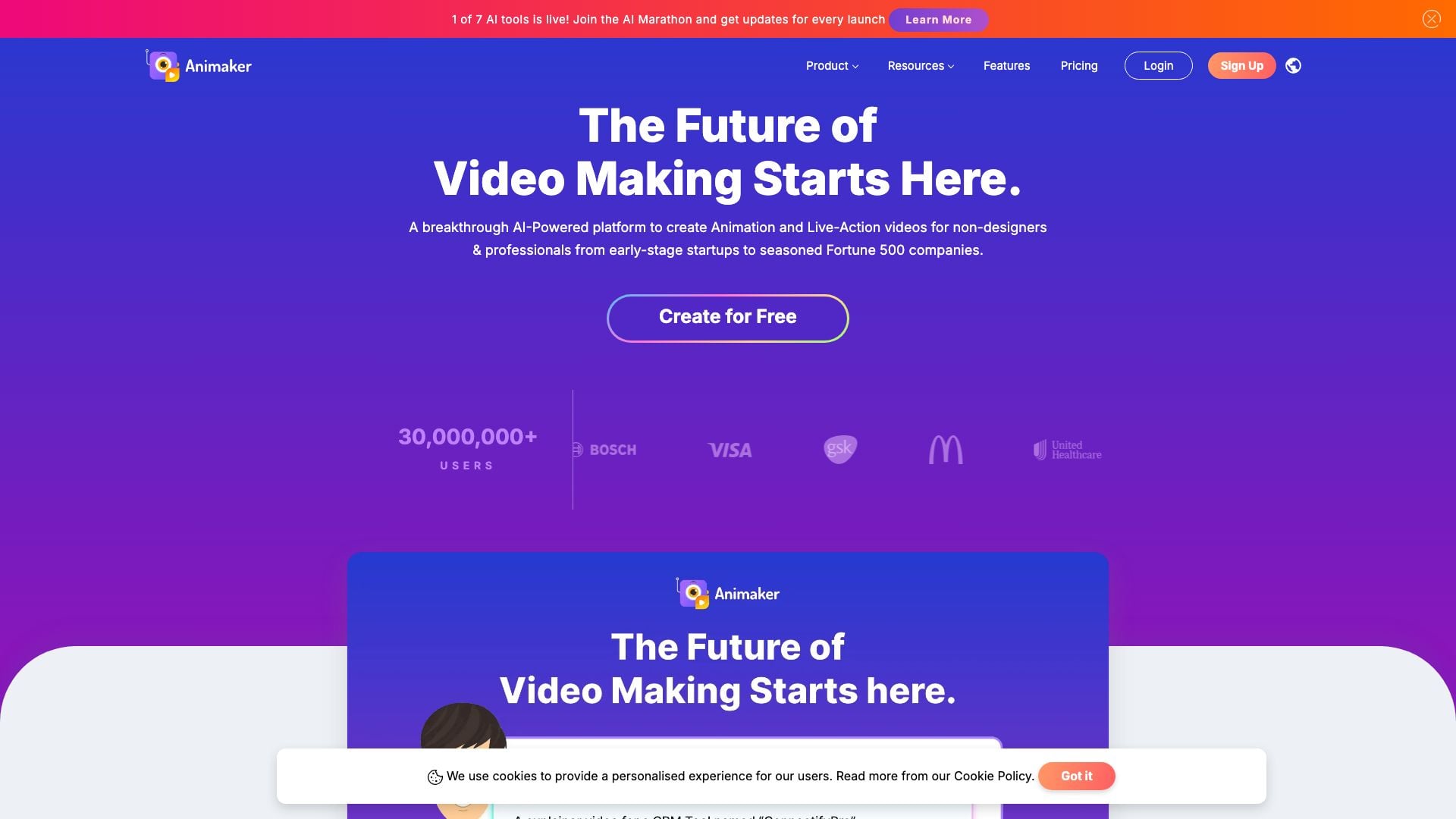
Animaker is an online AI animation generator and video maker that brings studio quality video content within everyone's reach. Animated Videos, Done Right!
- Video & Animation
- AI Video Editor
- AI Video Generator
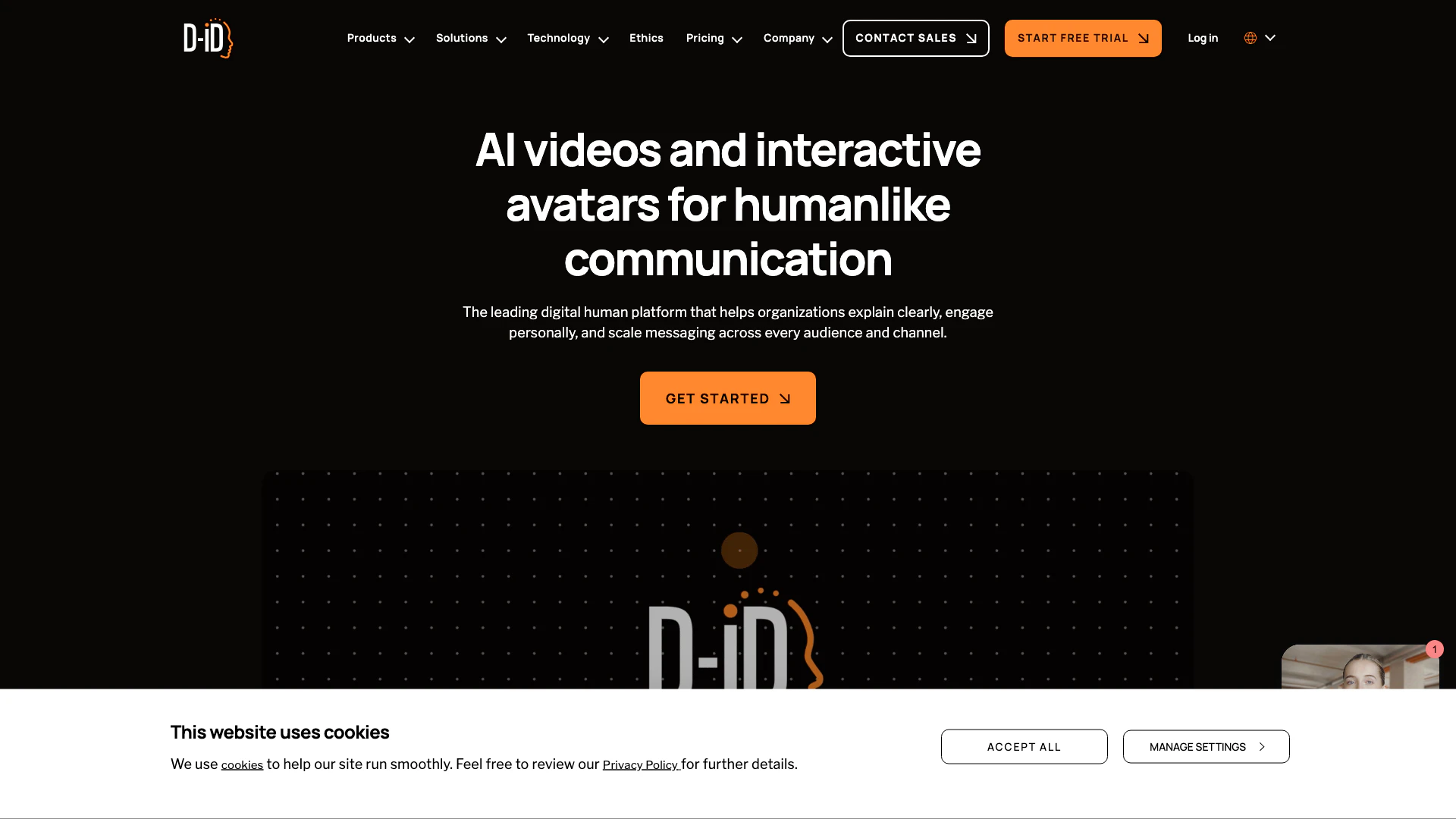
Introducing NUI the Natural User Interface, aimed at revolutionizing how people interact with anything digital leveraging the power of AI
- Image Generation & Editing
- AI Image Generator
- AI Image Recognition
- AI Design Generator
Smoothcapture Social Listening
HoverAir X1 Definitive Review:...
This is the definitive review ...
HOVERAir X1 ProMax Review - Am...
HOVERAir X1 ProMax review. The...
Hover Air X1 Pro Flying Action...
HOVERAir’s Holiday Sale is liv...
Unlock to view 18 social media results.