

Snippetly



What is Snippetly?
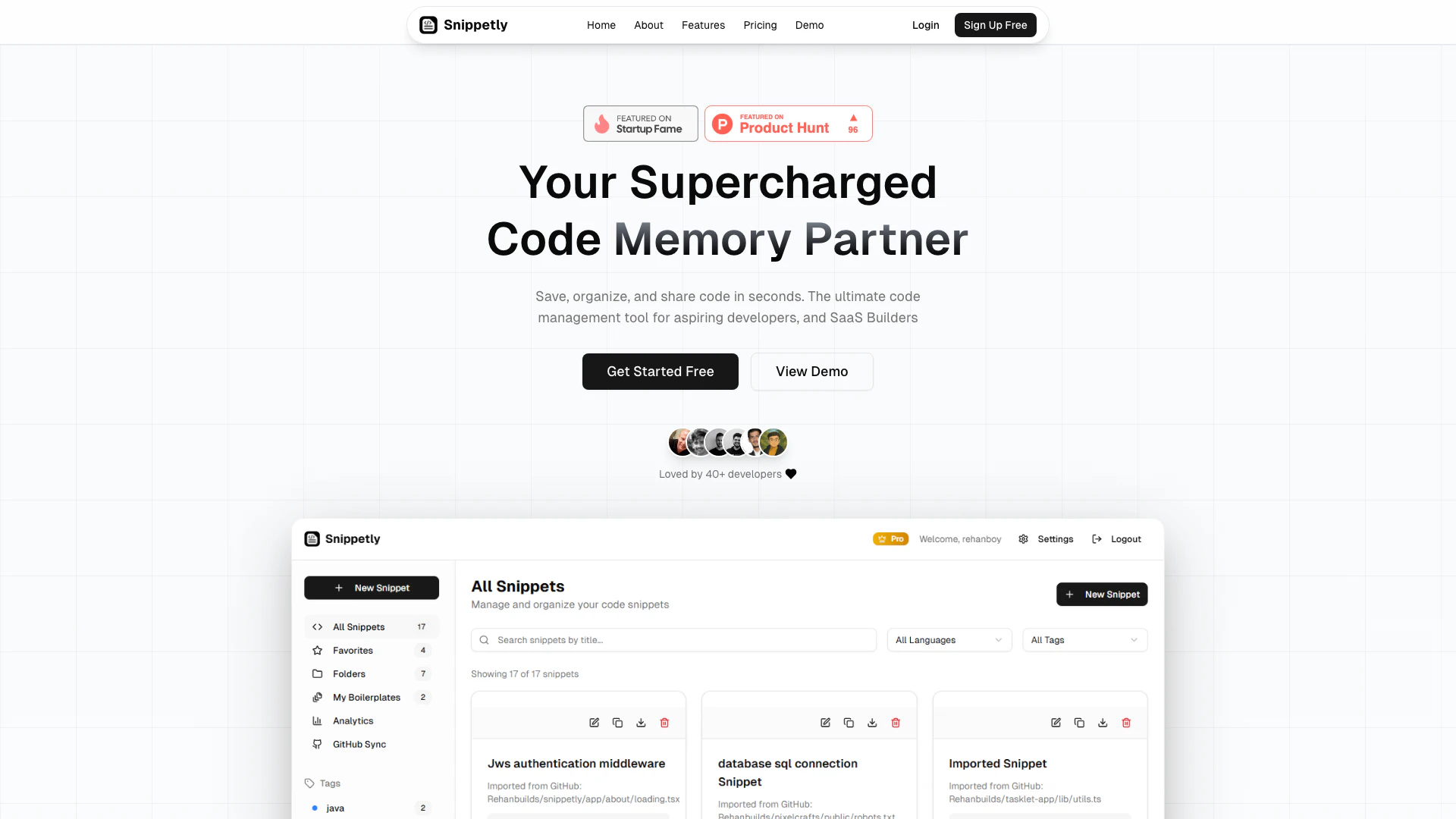
Snippetly is a free online code snippet manager[1] designed specifically for developers. It allows users to save, organize, search, and share code snippets instantly, making it an essential tool for anyone involved in coding. With support for over 50 programming languages and features like GitHub sync[3]hronization and syntax highlighting[2], Snippetly enhances productivity by providing a centralized vault for code snippets. This tool is particularly valuable for developers who often find themselves searching through scattered files or bookmarks for specific pieces of code. By joining a community of over 10,000 developers, users can streamline their coding workflow and collaborate effectively.
How to use Snippetly?
- Sign up for a free account on the Snippetly website to start managing your code snippets.
- Once logged in, use the 'Save Snippet' feature to quickly add code snippets with syntax highlighting for various programming languages.
- Organize your snippets using tags and folders for easy retrieval. You can mark favorites and filter by language as needed.
- Utilize the smart search[4] functionality to find any snippet instantly by searching through titles, tags, and code content.
- For collaboration, share snippets[5] with your team or make them public for community use, enhancing teamwork and resource sharing.
What are the main features of Snippetly?
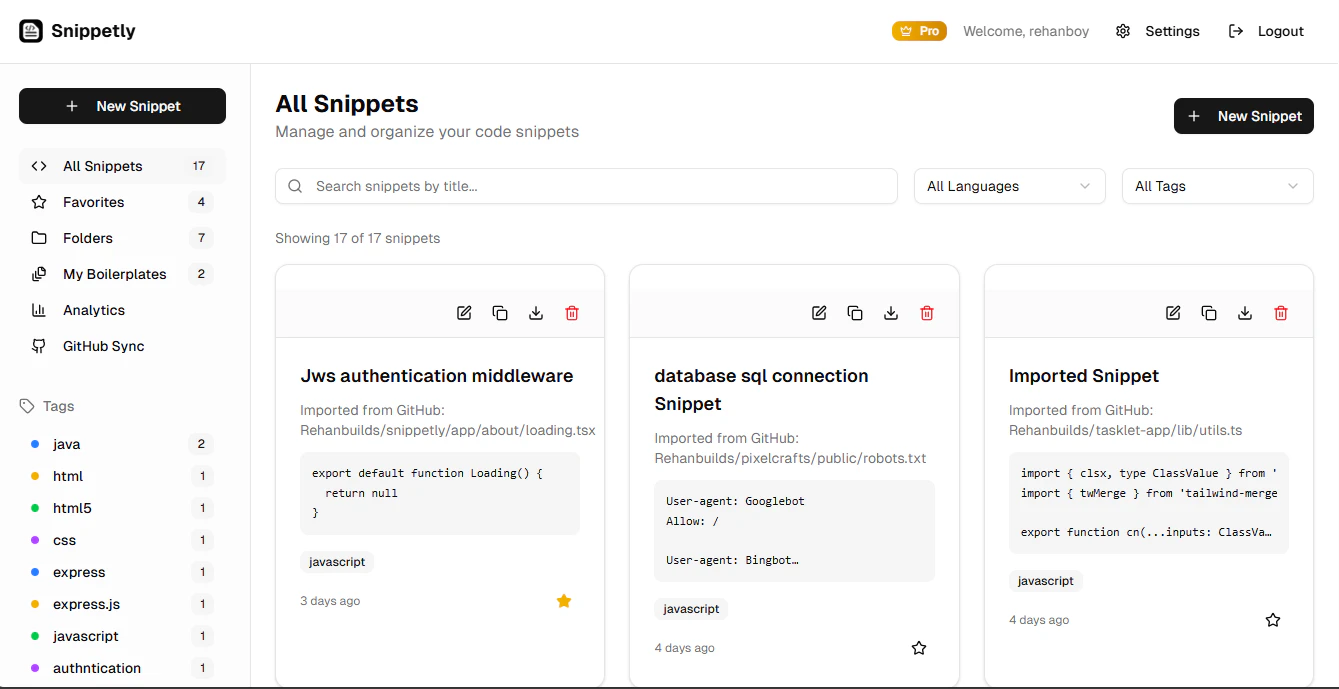
- Save Snippets: Quickly save code snippets with syntax highlighting for over 50 programming languages.
- Smart Search: Instantly find any snippet with powerful search capabilities across titles, tags, and code content.
- Organize: Utilize tagging, favorites, and folder organization to keep your snippets structured and easy to access.
- Share & Collaborate: Share snippets with team members or make them public to foster community collaboration.
- GitHub Sync Integration: Seamlessly sync your snippets with GitHub for backup and accessibility across different development environments.
Who is Snippetly for?
Snippetly is designed for developers of all levels, from aspiring coders to seasoned professionals. It caters to individual developers who need an efficient way to manage their code snippets, as well as teams looking for collaborative tools to enhance their coding processes. Whether you are building SaaS products, learning new programming languages, or working on complex projects, Snippetly provides a centralized solution for organizing and sharing code snippets, making it a valuable resource for anyone involved in software development.
What are the use cases of Snippetly?
- Project Development: Use Snippetly to save and organize code snippets relevant to ongoing projects, allowing for quick access and reuse.
- Learning and Experimentation: New developers can collect useful code examples and snippets while learning different programming languages and frameworks.
- Team Collaboration: Teams can share snippets with each other, ensuring that everyone has access to the same resources and can collaborate effectively on coding tasks.
Product Images



Snippetly Pros and Cons
Pros
- Free Forever with Limitations: Snippetly offers a free plan that allows users to save up to 50 snippets, making it accessible for beginners and casual users.
- Powerful Search Functionality: The tool features a smart search that allows users to find snippets instantly across titles, tags, and code content, enhancing productivity.
- GitHub Sync Integration: Snippetly provides seamless GitHub sync, allowing users to back up and access their snippets across different development environments.
Cons
No cons data detected for this tool
Snippetly Pricing
Free
Perfect for getting started with up to 50 snippets, 5 folders, 5 boilerplates, 10 snippets per folder, full search functionality, tags, and favorites.
Pro
For power users and teams, includes everything in Free, unlimited snippets, unlimited folders, unlimited boilerplates, team collaboration (coming soon), and advanced features.
For the latest pricing, please visit this link: https://snippetly.xyz/
Prices are subject to change. Please visit the official website for the most up-to-date pricing information.
Snippetly Reviews
Snippetly has completely transformed my workflow. I love how easy it is to save and organize my code snippets!
The smart search feature is a game-changer! I can find my snippets instantly.
I appreciate the ability to sync with GitHub. It keeps my snippets safe and accessible!
For more reviews, visit this link: https://snippetly.xyz#testimonials
Snippetly Compare
| Tool Name | Introduction | Pricing | Type | Rating | Launch Date | Learn more |
|---|---|---|---|---|---|---|
AiSofiya offers AI-powered tools, chatbots, and automation to help websites and businesses work smarter, faster, and 24/7. | Free | January 10, 2023 | Get deal | |||
Configure it once and automate your images forever without intervention—no need to review. Photos are ready to publish. Adjust backgrounds, lighting, banners, and more to fit your company branding. | Free | October 5, 2021 | Get deal | |||
Explore AI Lawyer for easy, quick, and budget-friendly legal help. Empowering consumers and lawyers with AI-driven solutions for all your legal needs. | Free | February 11, 2023 | Get deal |



Info current as of post date. Offers and availability may vary by location and are subject to change.
Snippetly Q&A
Snippetly allows you to save, organize, search, and share code snippets instantly. You can quickly save snippets with syntax highlighting for over 50 programming languages, utilize smart search to find snippets, and organize them using tags and folders.
For more FAQs, please visit this link: https://snippetly.xyz/#faqs
Snippetly Alternatives

Qodo is an AI-driven code review tool that enhances code quality and speeds up development.
- Developer Tools
- Ai Code Review
- Ai Developer Tools
- AI Coding Assistants

Revolutionize your documentation with AI-powered tools.
- Developer Tools
- AI Development Tools
- AI Documentation Tools
- Developer Productivity Tools

Nous Research presents Hermes, an open-source agent that learns and grows with your projects, adapting to your needs wherever you are.
- Developer Tools
- Ai Developer Tools
- AI Development Tools
- Developer Productivity Tools