

Snipsco





What is Snipsco?
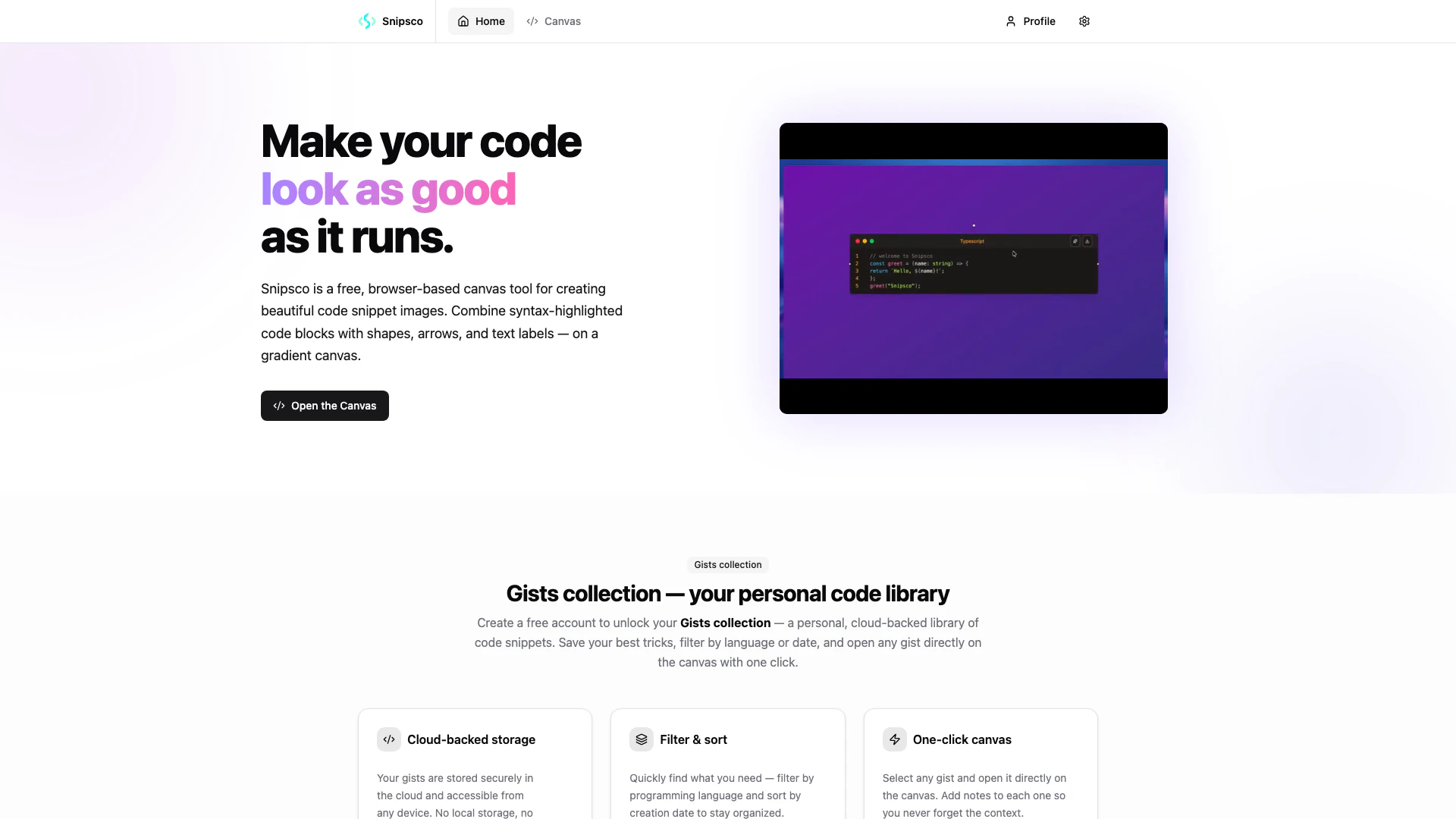
Snipsco is a free, browser-based[1] canvas tool[2] designed for creating visually appealing code snippet images[3]. It allows users to combine syntax-highlighted code blocks with various shapes, arrows, and text labels on a customizable gradient canvas. With support for over 25 programming languages and nine distinct themes, Snipsco enables developers, educators, and content creators to produce polished code visuals effortlessly. The tool emphasizes simplicity and efficiency, offering one-click PNG export without the need for sign-up.
How to use Snipsco?
- Open the Snipsco canvas in your browser.
- Paste your code into the designated code block area and select the appropriate programming language to apply syntax highlighting[4] instantly.
- Customize your canvas by choosing a gradient background and adding shapes, arrows, or text labels as needed.
- Arrange, resize, and rotate elements freely to create your desired layout.
- Once satisfied with your design, click on the 'Export' button to download your image as a PNG file or copy it to your clipboard for sharing.
What are the main features of Snipsco?
- Free browser-based canvas tool for creating code snippet images.
- Supports over 25 programming languages with syntax highlighting.
- Offers 9 customizable themes and 7 gradient backgrounds.
- Allows the combination of code blocks, shapes, arrows, and text labels.
- One-click PNG export for easy sharing on various platforms.
- No sign-up required to start using the tool.
Who is Snipsco for?
Snipsco is ideal for developers looking to share code snippets in a visually appealing format, content creators who want to produce eye-catching code visuals for social media or newsletters, and educators aiming to create clear, legible code examples for tutorials or presentations. Its user-friendly interface and versatile features make it suitable for anyone who values clean and attractive code representation.
What are the use cases of Snipsco?
- Developers can use Snipsco to create polished code reviews and share them on platforms like GitHub and Slack.
- Content creators can design striking code visuals for Twitter threads, YouTube thumbnails, and technical newsletters.
- Educators can generate clear code examples for their courses, slides, and tutorials without the hassle of screen captures.
Product Images
Snipsco Pros and Cons
Pros
- Free and No Sign-Up Required: Snipsco is completely free to use with no sign-up required, allowing users to start creating code snippet images immediately.
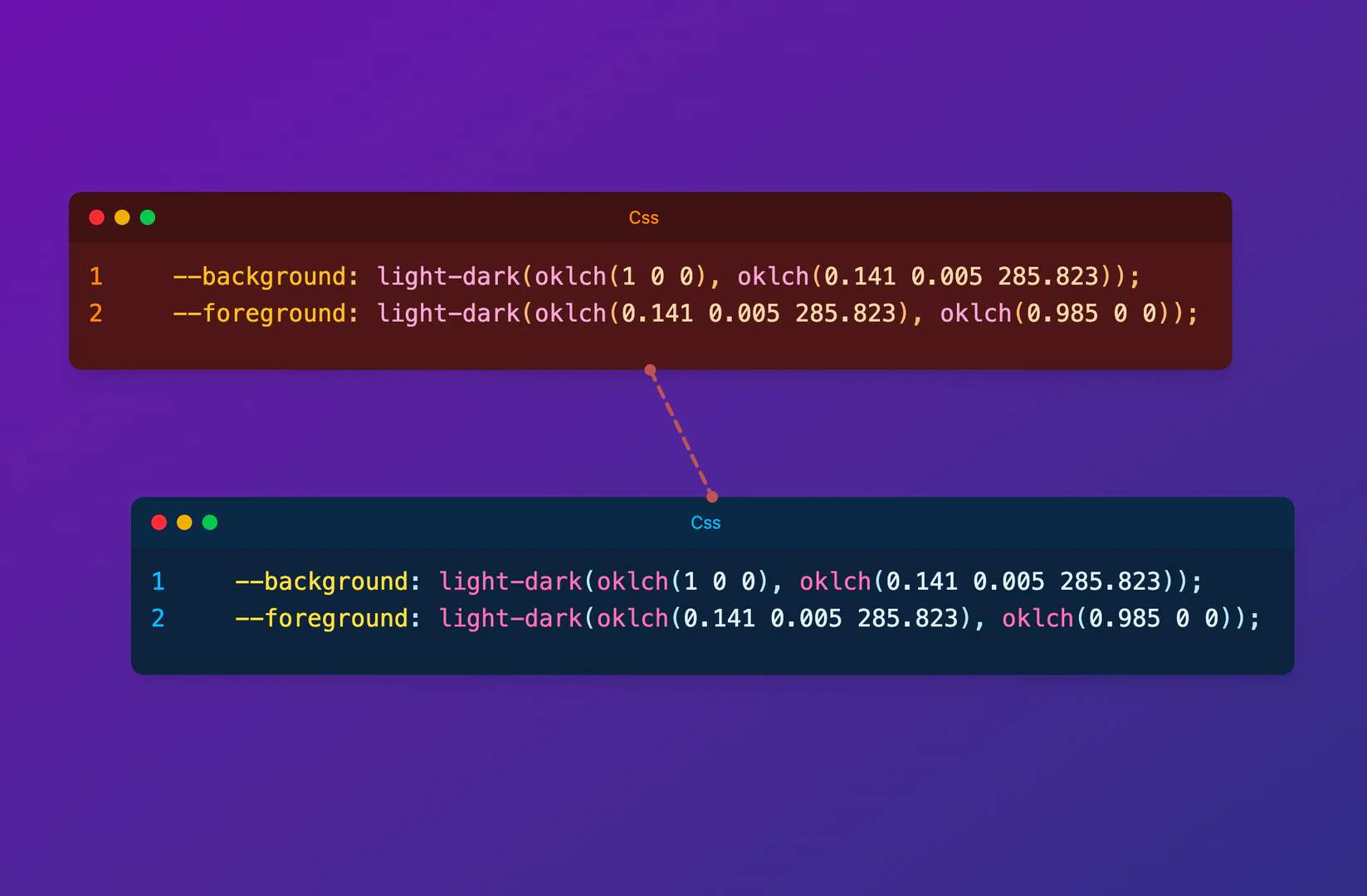
- Versatile Canvas Features: The tool allows users to combine syntax-highlighted code blocks with shapes, arrows, and text labels on a free-form canvas, enhancing visual communication.
- Supports Multiple Languages: Snipsco supports over 25 programming languages, making it suitable for a wide range of developers and use cases.
Cons
No cons data detected for this tool
Snipsco Compare
| Tool Name | Introduction | Pricing | Type | Rating | Launch Date | Learn more |
|---|---|---|---|---|---|---|
Configure it once and automate your images forever without intervention—no need to review. Photos are ready to publish. Adjust backgrounds, lighting, banners, and more to fit your company branding. | Free | October 5, 2021 | Get deal | |||
🧠 AI-powered image resizer for social media | Free | June 8, 2021 | Get deal | |||
Tutor AI - Your personal AI tutor to learn anything | Free | September 23, 2007 | Get deal |



Info current as of post date. Offers and availability may vary by location and are subject to change.
Snipsco Q&A
Yes — the canvas, all themes, and PNG export are completely free, forever. No credit card, no usage limits. Create a free account to unlock your personal Gists collection.
For more FAQs, please visit this link: https://snipsco.com/faq
Snipsco Alternatives
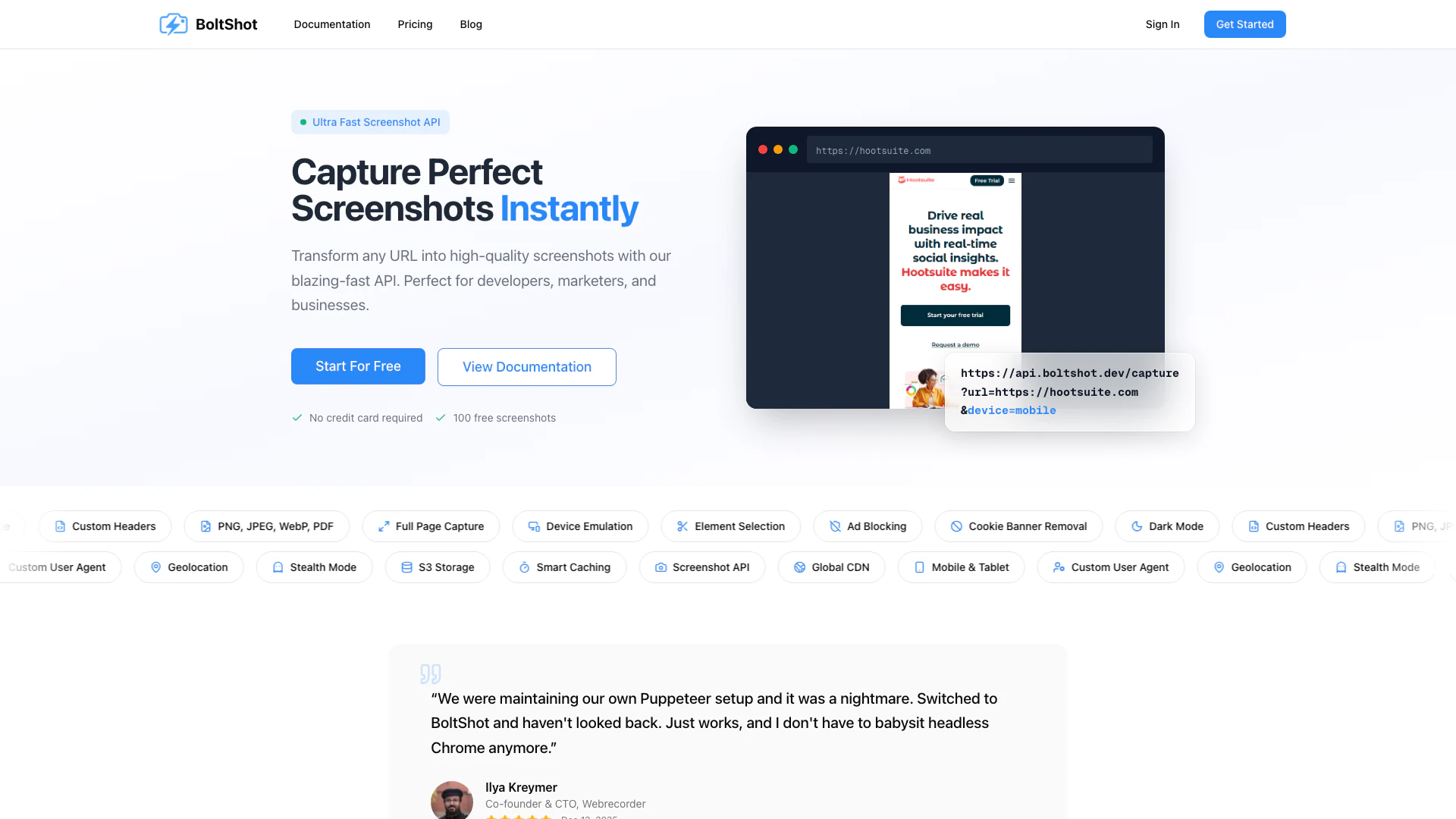
Transform any URL into high-quality screenshots with our blazing-fast API, perfect for developers, marketers, and businesses.
- Image Generation & Editing
- Gallery Creation Tool
- Code Snippet Image Generator
- Code Visualization Tool

Remove image backgrounds automatically in 5 seconds with just one click. Don't spend hours manually picking pixels. Upload your photo now & see the magic.
- Image Generation & Editing
- AI Background Remover
- AI Image Enhancer
- AI Image Segmentation

Generate stunning images and videos effortlessly with Dreamina's AI.
- Image Generation & Editing
- AI Avatar Generator
- AI Image Generator
- AI Romantic Image & Video Generator