

Stepcapture
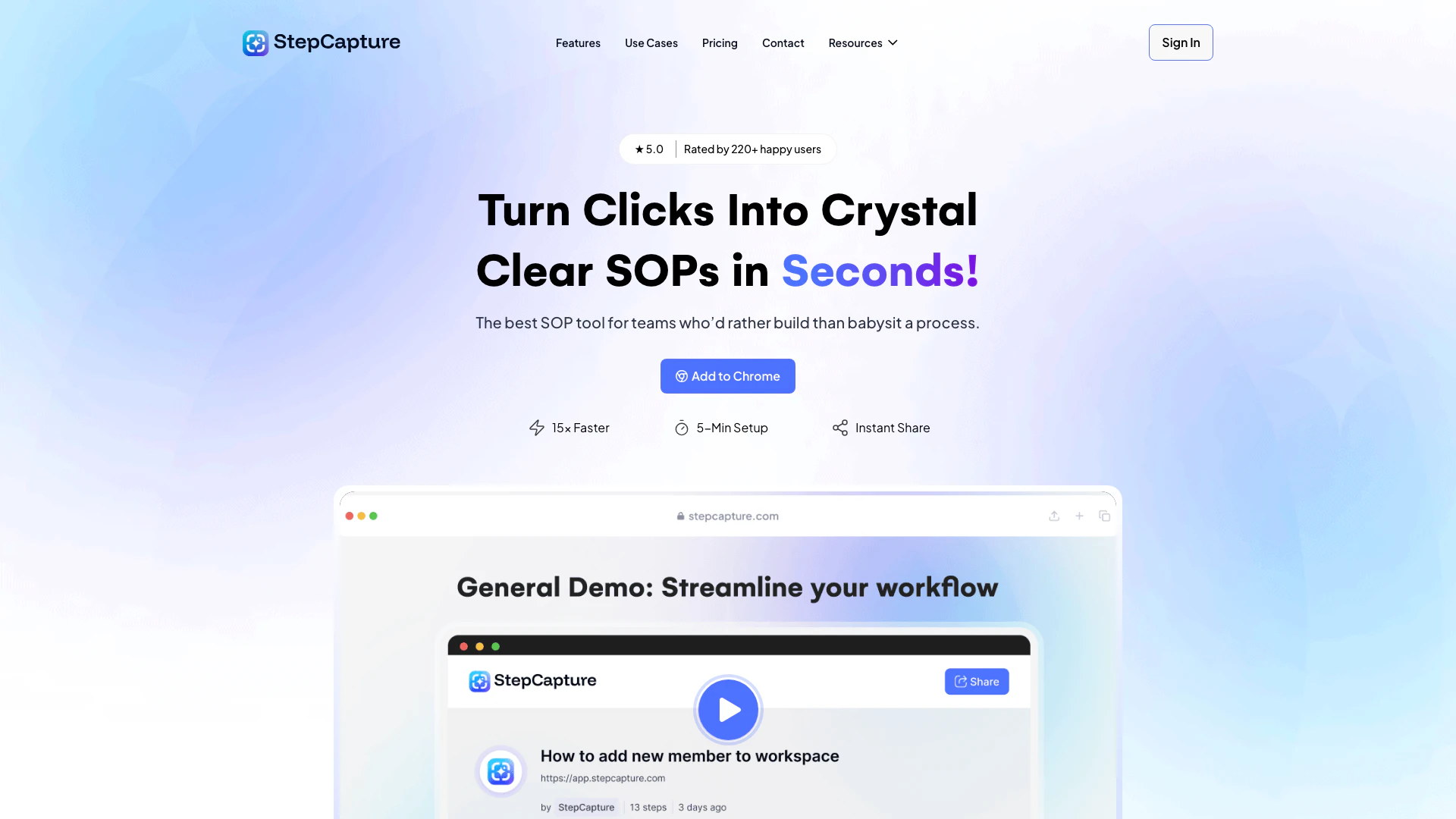




No tool information available
Stepcapture Pros and Cons
Pros
- 15× Faster Documentation: StepCapture allows users to create documentation 15 times faster by automatically capturing clicks and generating step-by-step guides.
- User-Friendly Setup: With a setup time of just 5 minutes, users can start capturing their workflows without any technical headaches.
- Instant Sharing: Users can share their generated guides instantly via a single link, eliminating the need for attachments or lengthy email threads.
- Smart Action Labeling: Automatically labels clicks and keystrokes, enhancing the clarity and usability of the documentation.
Cons
No cons data detected for this tool
Stepcapture Pricing
Basic Plan
For individuals. Free forever. Includes 25 captures, shareable link, AI, 3 Knowledge Base, and invite Team-mate to Workspace.
Pro Plan
For teams. Includes everything in Basic + Unlimited captures, advanced screenshot customization, remove StepCapture Branding, 10 Knowledge Base, and Basic Export.
Ultimate Plan
For agencies. Includes everything in Pro + Share with password protection, customize with company branding, connect your own domain, 20 Knowledge Base, and advanced Export.
For the latest pricing, please visit this link: https://stepcapture.com/pricing/
Prices are subject to change. Please visit the official website for the most up-to-date pricing information.
Analytics of Stepcapture
Stepcapture Reviews
Scaling our business was impossible without a way to track and optimize our workflows. StepCapture gave us the tools to document every step, from inventory management to shipping. It’s transformed how we operate, saving us time and improving order accuracy.
Managing complex event workflows used to be a nightmare. StepCapture has allowed us to document, share, and refine processes seamlessly across departments. We’ve improved efficiency and cut down on mistakes, which means happier clients and smoother events every time.
In a complex industry like ours, StepCapture has been a game-changer. Documenting workflows for product manufacturing and logistics has reduced errors and improved communication across time zones. It’s helped us stay competitive and efficient.
For more reviews, visit this link: https://stepcapture.com/#reviews
Stepcapture Compare
| Tool Name | Introduction | Pricing | Type | Rating | Launch Date | Learn more |
|---|---|---|---|---|---|---|
 | Unlock the power of multiple AI models in one sleek app. Apollo’s Multi-Model AI Chat Engine gives you instant access to ChatGPT, Claude, Gemini, and more — all… | Free | 💼Work🎨Creativity | December 31, 1984 | Get deal | |
 | AutoDraw | Free | 🎨Creativity | January 2, 1998 | Get deal | |
 | Rewind | Free | 🙋♂️Personal💼Work | February 2, 2018 | Get deal |
Info current as of post date. Offers and availability may vary by location and are subject to change.
Stepcapture Q&A
StepCapture is a tool that helps you create detailed step-by-step guides effortlessly. Simply start capturing your workflow with one click, and it automatically logs your actions, aligns screenshots, and adds clear descriptions. Once you’re done, you can edit, share, or collaborate using generated links—perfect for documenting processes or training others.
For more FAQs, please visit this link: https://stepcapture.com/knowledge-base/
Stepcapture Alternatives

Box AI enhances enterprise productivity with intelligent content management and automation.
- Operations & Management
- AI Workflow Automation
- AI Productivity Tools
- AI Information Management Tools
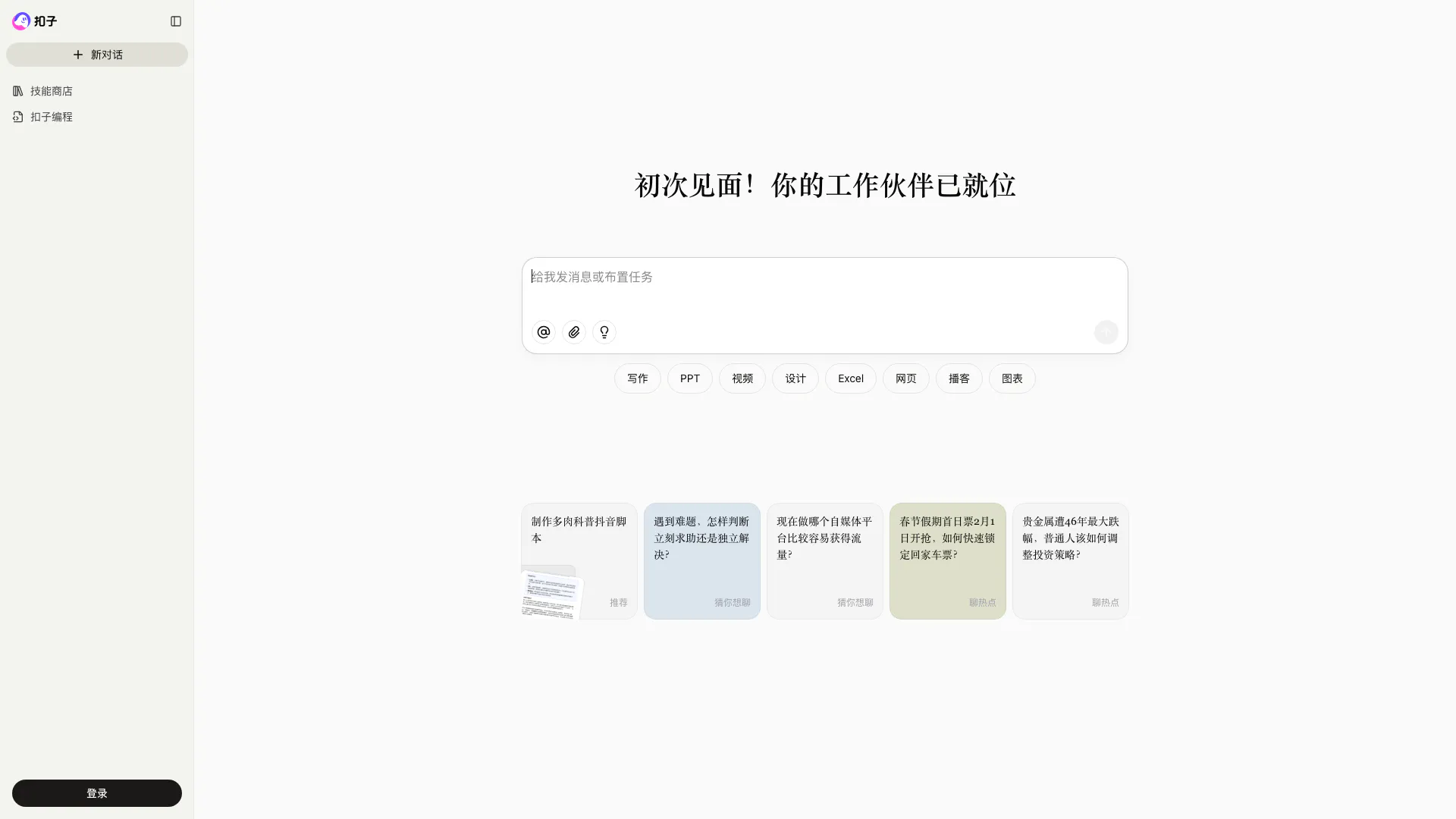
Coze is a powerful AI office assistant that enhances productivity through various automated tasks.
- Productivity & Office
- AI Productivity Tools
- AI Spreadsheet Tools
- AI File Management Tools
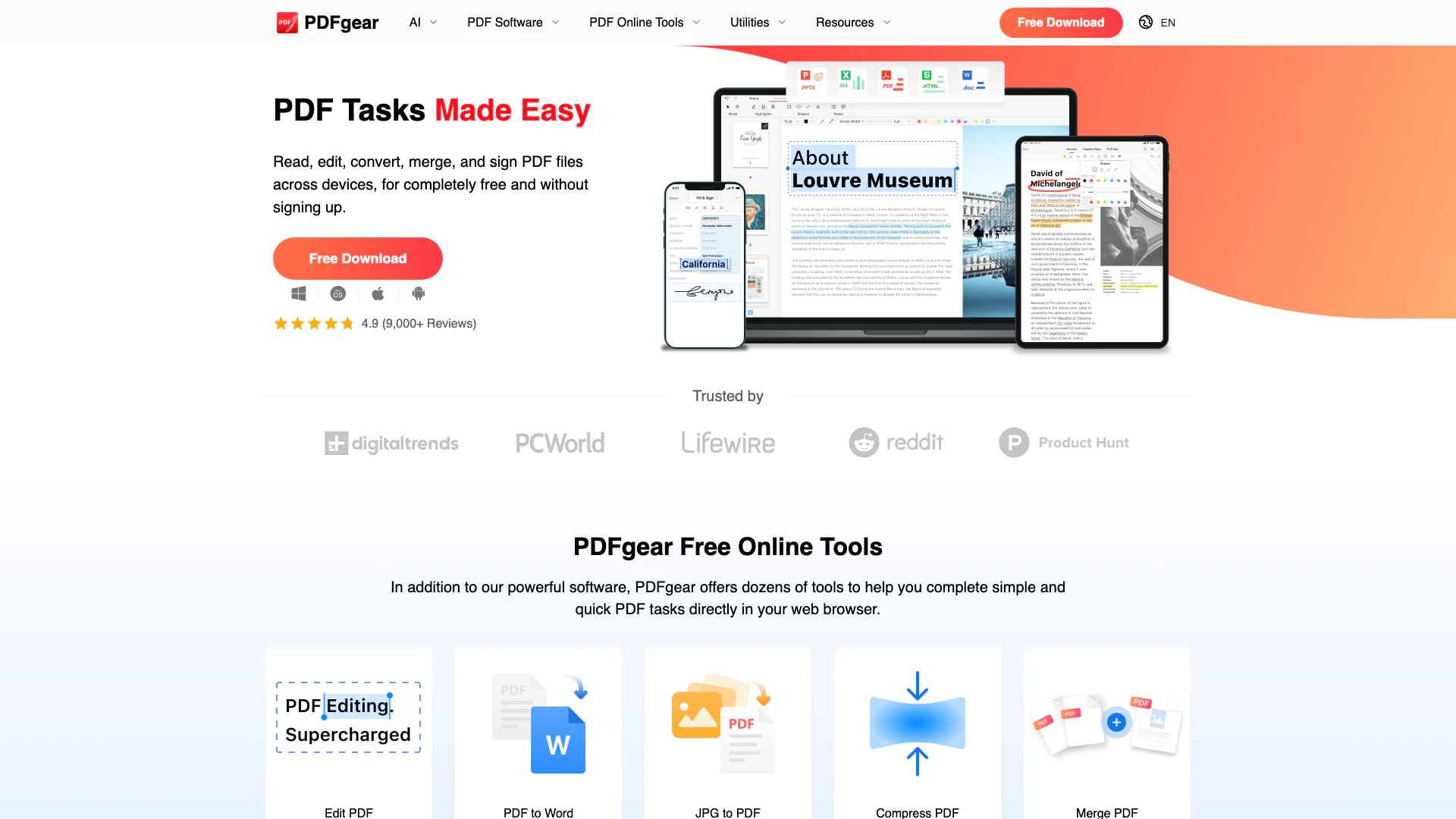
Powerful PDF editing made easy and free.
- Productivity & Office
- AI Document Processing Tools
- AI PDF Management Tools
- AI PDF Editing and Conversion Tools