

Streamwrapped



What is StreamWrapped?
StreamWrapped is an innovative tool designed to track TikTok Live earnings, diamonds, and gifts in real-time. By providing insights into the financial performance of TikTok creators, StreamWrapped allows users to browse through top earners, country leaderboards, and offers tools to estimate or monitor their own TikTok Live income. This platform is essential for anyone interested in understanding the monetization landscape of TikTok Live.
How to use StreamWrapped?
- Visit the StreamWrapped website at https://streamwrapped.com/.
- Create a free account by clicking on the 'Get Started' button.
- Once logged in, explore the public rankings of TikTok creators earning from live streams.
- Utilize filters to view earnings by country or currency, and access the top gifts by value.
- For advanced features, consider upgrading to a paid plan to track multiple channels and receive real-time gift tracking and analytics.
What are the main features of StreamWrapped?
- Real-time tracking of TikTok Live earnings and gifts.
- Public TikTok rankings updated every minute.
- Filters for country and currency to customize views.
- Free access to browse top earners and gifts.
- Paid plans offer advanced analytics, CSV exports, and live alerts.
- Ability to track multiple channels with the Pro plan.
Who is StreamWrapped for?
StreamWrapped is designed for TikTok creators, streamers, and content creators who wish to monetize their live streams effectively. It caters to both individual streamers looking to track their own earnings and teams managing multiple creators. Additionally, it is useful for marketers and analysts interested in the financial aspects of TikTok Live and its top earners.
What are the use cases of StreamWrapped?
- Creators can monitor their live earnings and compare them with top earners to gauge their performance.
- Streamers can receive real-time alerts when they earn significant gifts or when they go live, enhancing engagement strategies.
- Marketers can analyze trends and top-performing gifts to optimize promotional strategies and collaborations with TikTok influencers.
Streamwrapped Pros and Cons
Pros
- Real-Time Earnings Tracking: StreamWrapped provides real-time tracking of TikTok Live earnings, allowing users to see how much creators are making from gifts and diamonds instantly.
- Comprehensive Creator Insights: The tool offers detailed insights into top creators, including their earnings, diamonds received, and performance metrics, helping users understand trends.
- Flexible Pricing Plans: StreamWrapped offers a free tier for basic browsing and affordable paid plans for advanced features, making it accessible to various users.
Cons
No cons data detected for this tool
Streamwrapped Pricing
Free
Browse the public rankings with live & daily leaderboards, top gifts by value, country & currency filters, and browse all tracked creators.
Creator
Perfect for solo streamers. Track up to 10 channels with real-time gift tracking, basic analytics, and email support.
Pro
For serious creators & small teams. Unlimited channels, advanced analytics, CSV/PDF exports, priority support, and custom reports.
For the latest pricing, please visit this link: https://streamwrapped.com/pricing
Prices are subject to change. Please visit the official website for the most up-to-date pricing information.
Streamwrapped Compare


Info current as of post date. Offers and availability may vary by location and are subject to change.
Streamwrapped Alternatives
Connect and share ideas on Twitter.
- Social Media Tools
- AI Social Media Tools
- AI Tweet Generator
- AI X/Twitter Tools
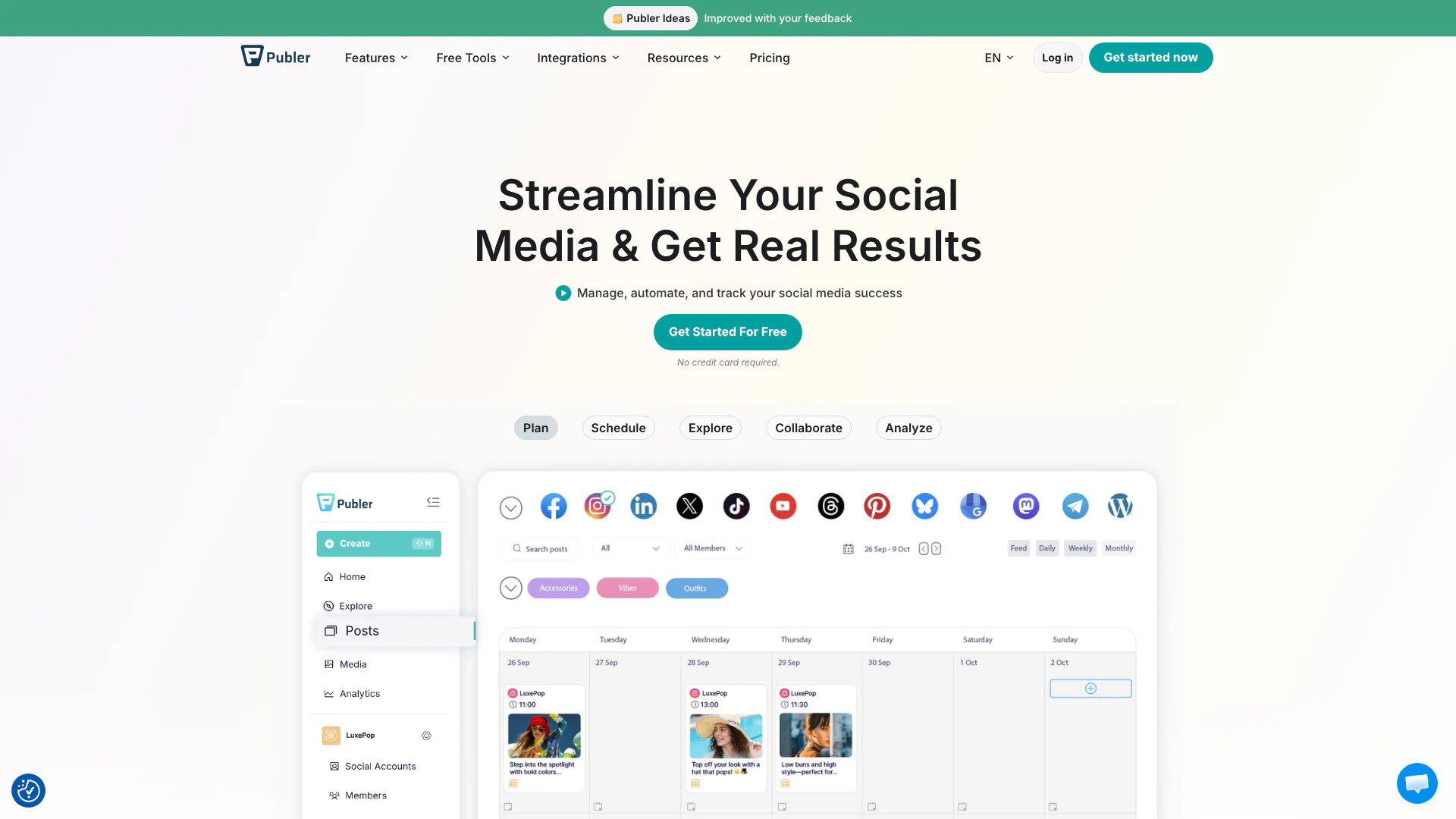
Boost your social media strategy with Publer’s suite of tools. Manage multiple accounts, schedule posts, collaborate with your team, and analyze performance—all in one place.
- Social Media Tools
- AI Social Media Tools

OpusClip turns long videos into high-quality viral clips for you to share on TikTok, YouTube Shorts, and Reels to increase social media reach.
- Writing & Editing
- AI Content Repurposing
- AI Text Generator
- AI Social Media Tools