
Takeout-tools





What is Takeout-tools?
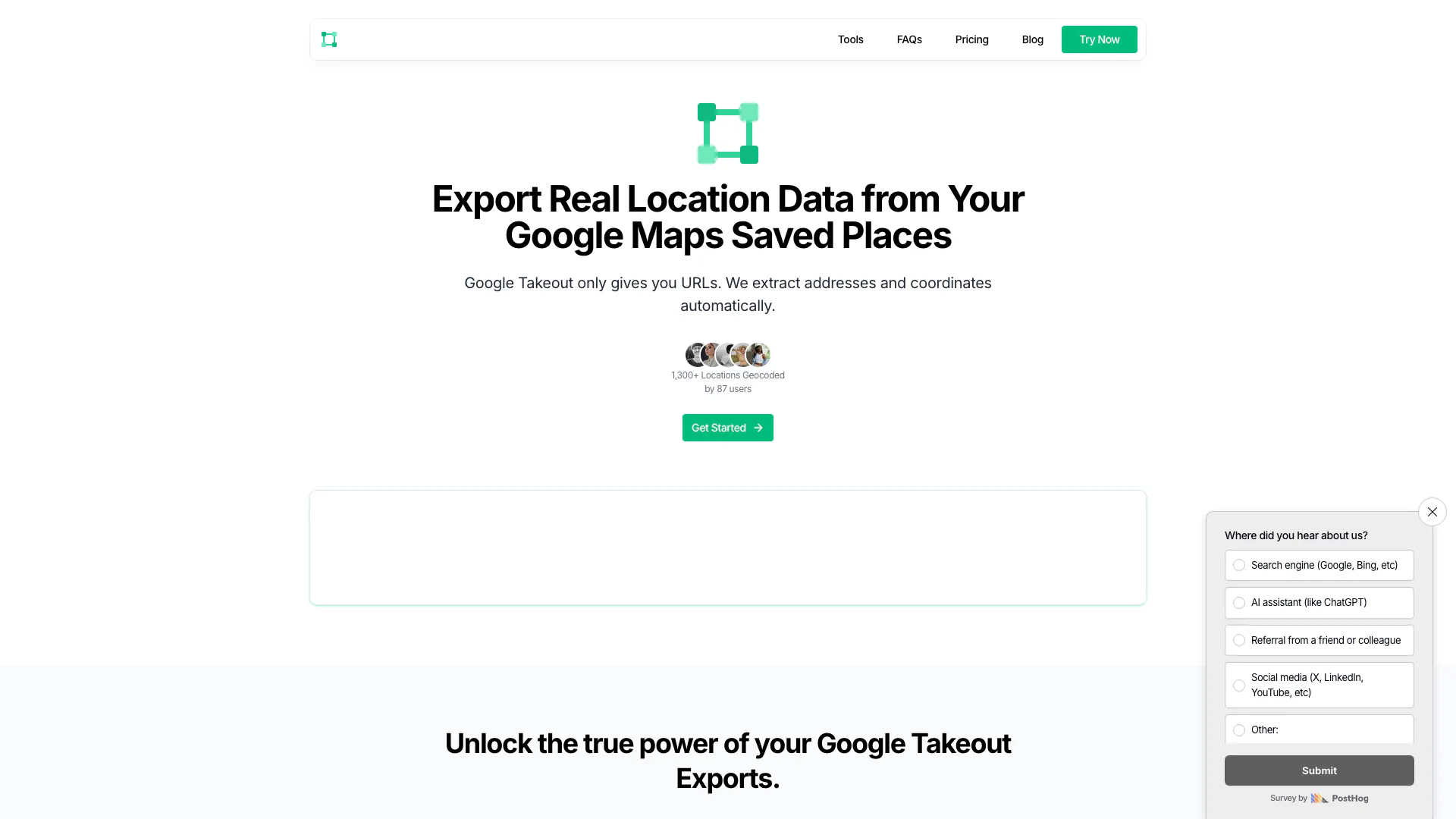
Takeout-tools is an innovative online tool designed to export real location data from your Google Maps saved places. Unlike Google Takeout, which only provides URLs, Takeout-tools automatically extracts addresses and coordinates, enabling users to transform unhelpful URLs into usable location data. With a simple interface and powerful features, Takeout-tools allows users to export their data in various formats including CSV, JSON, GPX, KML, and GeoJSON, making it suitable for mapping tools, GIS applications, and spreadsheets.
How to use Takeout-tools?
- Visit the Takeout-tools website and navigate to the demo or sign up for an account.
- Upload your Google Takeout file containing saved places data.
- Select the desired export format (CSV, JSON, GPX, KML, or GeoJSON).
- Use the smart searching feature to filter through your saved places for easier access.
- Click on the export button to download your location data in the chosen format.
What are the main features of Takeout-tools?
- Automated data enrichment that converts Google Maps URLs into usable addresses and coordinates.
- Multiple export formats available including CSV, JSON, GPX, KML, and GeoJSON.
- Smart searching with powerful filters to quickly locate specific places.
- Simple and transparent pricing plans suitable for different user needs.
Who is Takeout-tools for?
Takeout-tools is ideal for individuals, businesses, and researchers who need to manage and utilize location data from Google Maps. It caters to users who want to efficiently extract and export their saved places data for various applications, including mapping, geographical analysis, and personal organization. Whether you're a traveler looking to keep track of visited locations or a business needing location data for analytics, Takeout-tools provides the necessary functionalities.
What are the use cases of Takeout-tools?
- Exporting travel itineraries from Google Maps to a spreadsheet for better planning and organization.
- Analyzing location data for market research or business development.
- Creating custom maps using exported data in GIS applications.
Takeout-tools Pros and Cons
Pros
- Automated Data Extraction: Effortlessly extract addresses and coordinates from Google Maps URLs, saving time and reducing manual work.
- Multiple Export Formats: Supports exporting data in various formats including CSV, JSON, GPX, KML, and GeoJSON, making it versatile for different applications.
- Smart Searching Features: Utilizes powerful filters to quickly locate specific places, enhancing user experience and efficiency.
Cons
No cons data detected for this tool
Takeout-tools Pricing
Free
Perfect for trying it out * 5 free rows to start * Export to GPX, KML & GeoJSON * Test compatibility with your data
Pay As You Go - 100 rows
Buy rows, use them anytime * Everything in Free Plan * One row per location * Rows never expire
Pay As You Go - 250 rows
Buy rows, use them anytime * Everything in Free Plan * One row per location * Rows never expire
Pay As You Go - 500 rows
Buy rows, use them anytime * Everything in Free Plan * One row per location * Rows never expire
Unlimited
For heavy users and businesses * Unlimited row exports * Custom integrations & feature requests * Priority support
For the latest pricing, please visit this link: https://www.takeout-tools.com/#pricing
Prices are subject to change. Please visit the official website for the most up-to-date pricing information.
Analytics of Takeout-tools
Takeout-tools Website Traffic Analysis
Visits Over Time
Traffic Sources
Oct 2025 - Dec 2025 Worldwide Desktop Only
- Search: 51.99%
- Direct: 42.17%
- Referrals: 3.52%
- Social: 1.54%
- Paid Referrals: 0.42%
- Mail: 0.05%
Top Keywords
| Keyword | Volume | CPC | Estimated Value |
|---|---|---|---|
| export from google maps to google earth | 0 | $0.00 | $240.00 |
| unpack google maps kml | 0 | $0.00 | $150.00 |
| google maps data file | 0 | $0.00 | $130.00 |
| how to extract the google maps lists | 110 | $0.00 | $100.00 |
| puedo descargar el excel de un google maps que he creado? | 90 | $0.00 | $90.00 |
Takeout-tools Compare
| Tool Name | Introduction | Pricing | Type | Rating | Launch Date | Learn more |
|---|---|---|---|---|---|---|
 | MeMemes: API for photo generation | Free | 💼Work🎨Creativity | June 25, 2023 | Get deal | |
 | Transform your photos into stunning visuals with Kira. | Free | 🎨Creativity | June 8, 2016 | Get deal | |
 | Access 1000+ AI tools for creation and analysis. | Free Trial | 💼Work🎨Creativity | June 24, 2004 | Get deal |
Info current as of post date. Offers and availability may vary by location and are subject to change.
Takeout-tools Q&A
Yes, you can export your Google Maps Saved Places to KML format using takeout-tools.
For more FAQs, please visit this link: https://www.takeout-tools.com/#faq
Takeout-tools Alternatives

NVIDIA Earth-2 provides AI-driven climate modeling and weather forecasting.
- Data & Analytics
- AI Data Analytics Tools
- AI Prediction Tools
- AI Research Tools

Thomson Reuters CoCounsel (Formerly Casetext) is the only Gen AI assistant created for professionals utilizing our world-class technology & content.
- Productivity & Office
- Ai Document Generator
- AI Research Tools

Prolific provides quick access to high-quality human data for AI and research.
- Data & Analytics
- AI Data Analytics Tools
- AI Research Tools
- Form Building and Data Collection Tools