

Texts Com





What is Texts?
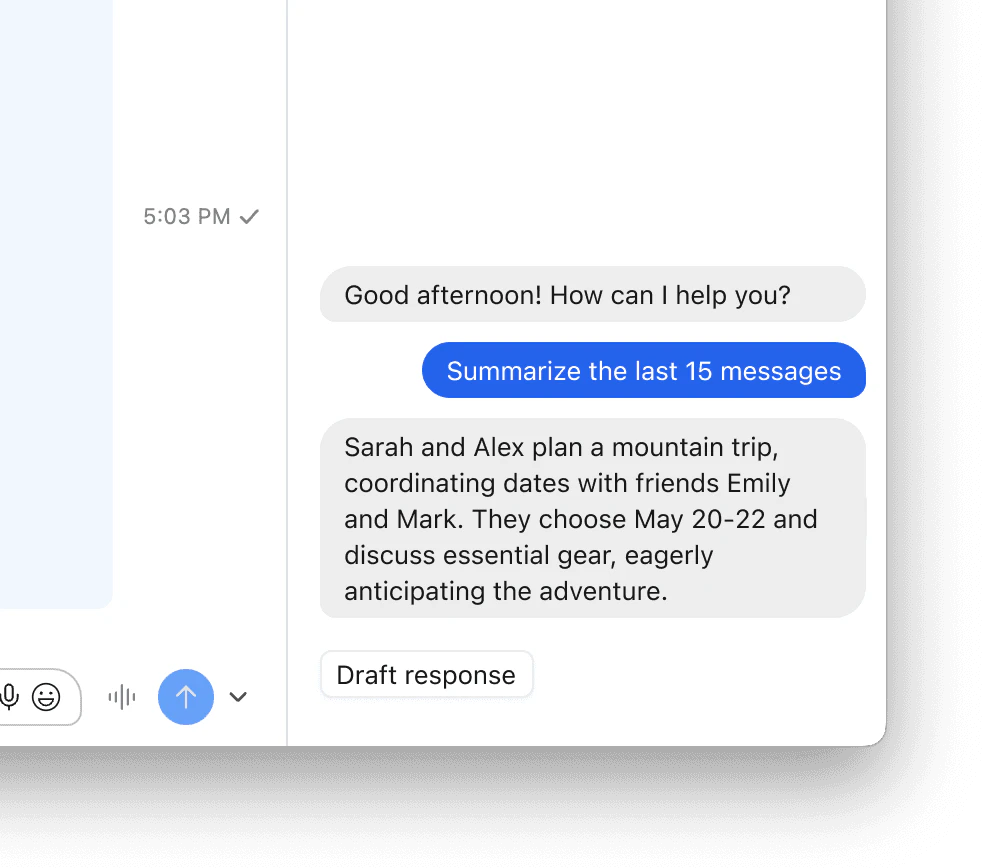
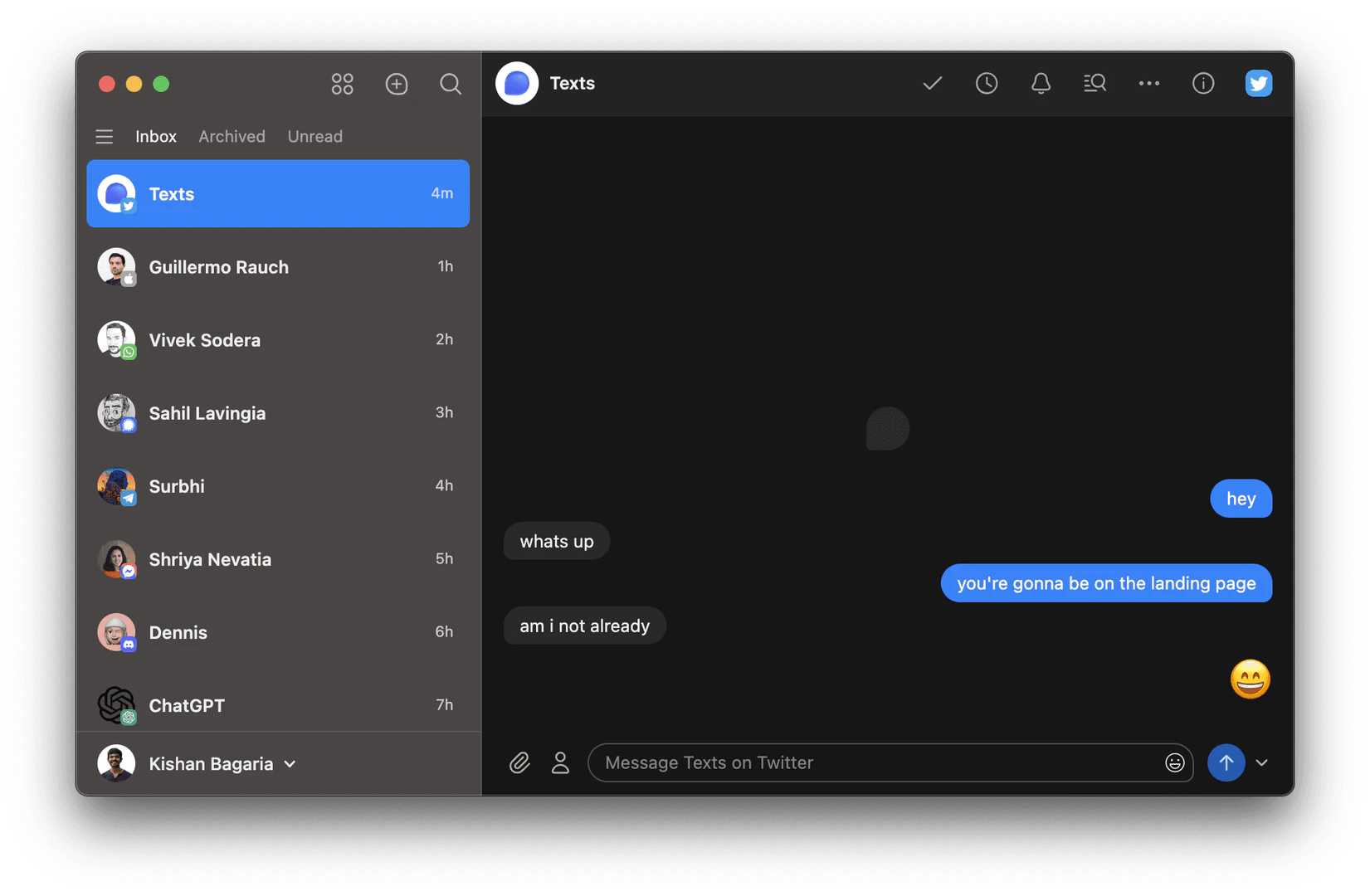
Texts is a versatile messaging application that consolidates multiple messaging platforms into a single inbox, allowing users to send and receive messages from various sources such as iMessage, WhatsApp, Telegram, Signal, and more. Originally developed as a standalone app, Texts has now merged with Beeper, enhancing its functionality and design while maintaining a strong commitment to user privacy and security. This app ensures that your messages are encrypted and do not pass through Texts servers, thereby prioritizing user confidentiality. With features like AI-assisted chat summaries, draft responses, and translation capabilities, Texts aims to supercharge your messaging experience.
How to use Texts?
- Download the App: Visit the Texts website or your device's app store to download the Texts app.
- Create an Account: Sign up with your email address and set a password to create your Texts account.
- Connect Messaging Platforms: Link your accounts from various messaging platforms like WhatsApp, iMessage, and Telegram within the app settings.
- Manage Your Inbox: Start using the unified inbox to send and receive messages across all connected platforms, utilizing features like chat summaries and draft responses.
- Explore Additional Features: Take advantage of advanced features such as message scheduling, snoozing, and customizable UI to enhance your messaging experience.
What are the main features of Texts?
- Unified Inbox: Manage all your messages from different platforms in one place.
- Privacy First: Messages are encrypted and do not pass through Texts servers.
- AI-Assisted Features: Includes chat summaries, draft responses using AI, and translation of messages.
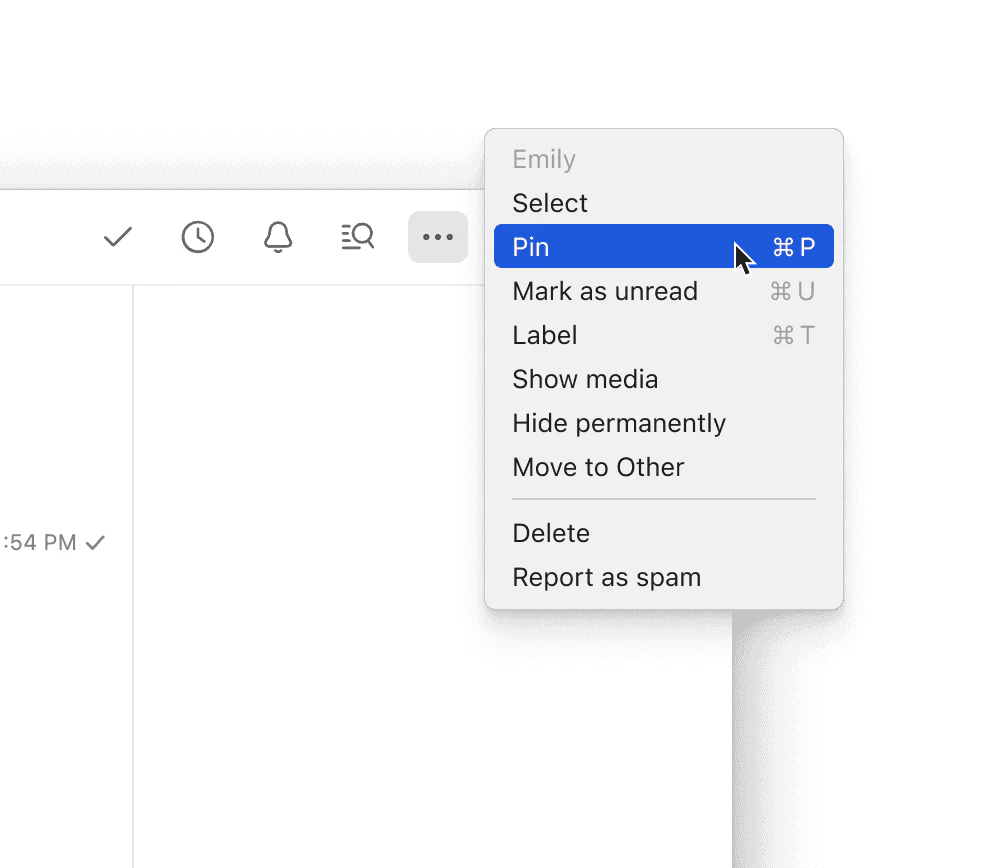
- Organizational Tools: Archive conversations, mark messages as unread, and search through all messages.
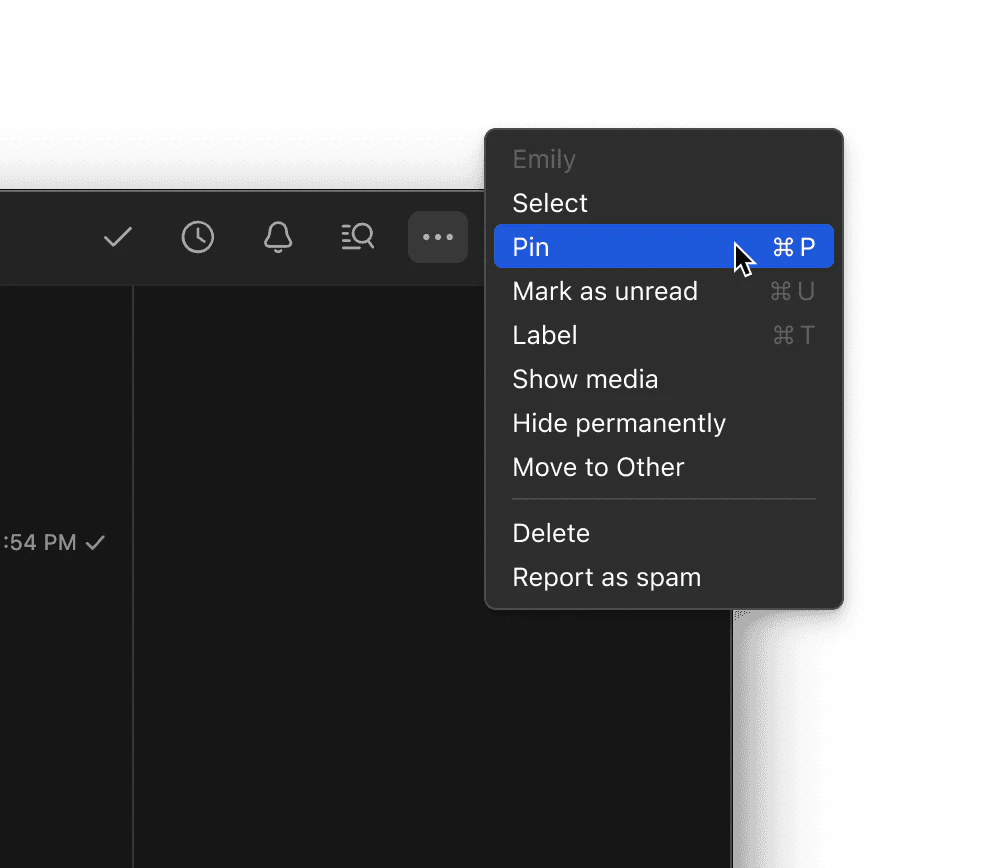
- Customizable UI: Users can personalize the interface with custom CSS and choose between dark and light modes.
- Advanced Messaging Options: Features like stealth mode, send later, and snooze messages for better management.
Who is Texts for?
Texts is designed for individuals who frequently communicate across multiple messaging platforms and seek a streamlined solution to manage their conversations. This includes professionals, social media managers, and anyone who values privacy and efficiency in their messaging. The app is particularly beneficial for users who juggle personal and work-related messages, as it helps maintain organization and enhances productivity through AI features. Whether you're a busy professional, a social media enthusiast, or someone who simply prefers to keep their messaging consolidated, Texts provides the tools necessary for an efficient communication experience.
What are the use cases of Texts?
- Managing Work Communications: Professionals can use Texts to keep track of messages from clients and colleagues across platforms like Slack and LinkedIn.
- Social Media Interaction: Social media managers can streamline their interactions on platforms like Instagram and Twitter, responding quickly and efficiently from a single app.
- Personal Messaging: Users can manage personal conversations from various apps, ensuring they never miss an important message while maintaining organization.
Product Images
Texts Com Pros and Cons
Pros
- Multi-platform Messaging: Texts allows users to send and receive messages from all major messaging platforms in a single interface.
- Privacy and Security: Messages never touch the Texts servers and are encrypted, ensuring privacy and security for users.
- AI Assistance: Features like chat summaries, draft responses, and translation support enhance productivity.
- Inbox Management: Users can archive conversations, search all messages, and mark chats as unread, allowing for better organization.
Cons
- Missing Features from Original App: There are a handful of features from the original Texts app that are currently missing in Beeper.
Analytics of Texts Com
Texts Com Website Traffic Analysis
Visits Over Time
Traffic Sources
Oct 2025 - Dec 2025 Worldwide Desktop Only
- Search: 46.25%
- Direct: 39.81%
- Referrals: 9.16%
- Social: 3.60%
- Paid Referrals: 1.00%
- Mail: 0.09%
Top Keywords
| Keyword | Volume | CPC | Estimated Value |
|---|---|---|---|
| texts | 3.57K | $1.00 | $1080.00 |
| texts.com | 400 | $0.00 | $300.00 |
| texts app | 340 | $0.17 | $430.00 |
| texts.co mobile app | 200 | $0.00 | $190.00 |
| free app for searching text messages | 180 | $0.00 | $160.00 |
Texts Com Compare
| Tool Name | Introduction | Pricing | Type | Rating | Launch Date | Learn more |
|---|---|---|---|---|---|---|
 | Laikeai is a versatile platform for generating AI videos and images from text prompts. | Free | 💼Work🎨Creativity | June 10, 2025 | Get deal | |
 | Create stunning AI images effortlessly. | Free | 🎨Creativity | October 31, 2024 | Get deal | |
 | Discover over 250 AI use cases transforming industries. | Free | 💼Work🎨Creativity | May 6, 2024 | Get deal |
Info current as of post date. Offers and availability may vary by location and are subject to change.
Texts Com Q&A
I sold Texts to Automattic in 2023 and in 2024, we acquired Beeper.
Texts Com Alternatives

Play and create AI-generated adventures with infinite possibilities.
- Writing & Editing
- AI Text Generator
- AI Writing Assistants

OpusClip turns long videos into high-quality viral clips for you to share on TikTok, YouTube Shorts, and Reels to increase social media reach.
- Writing & Editing
- AI Content Repurposing
- AI Text Generator
- AI Social Media Tools
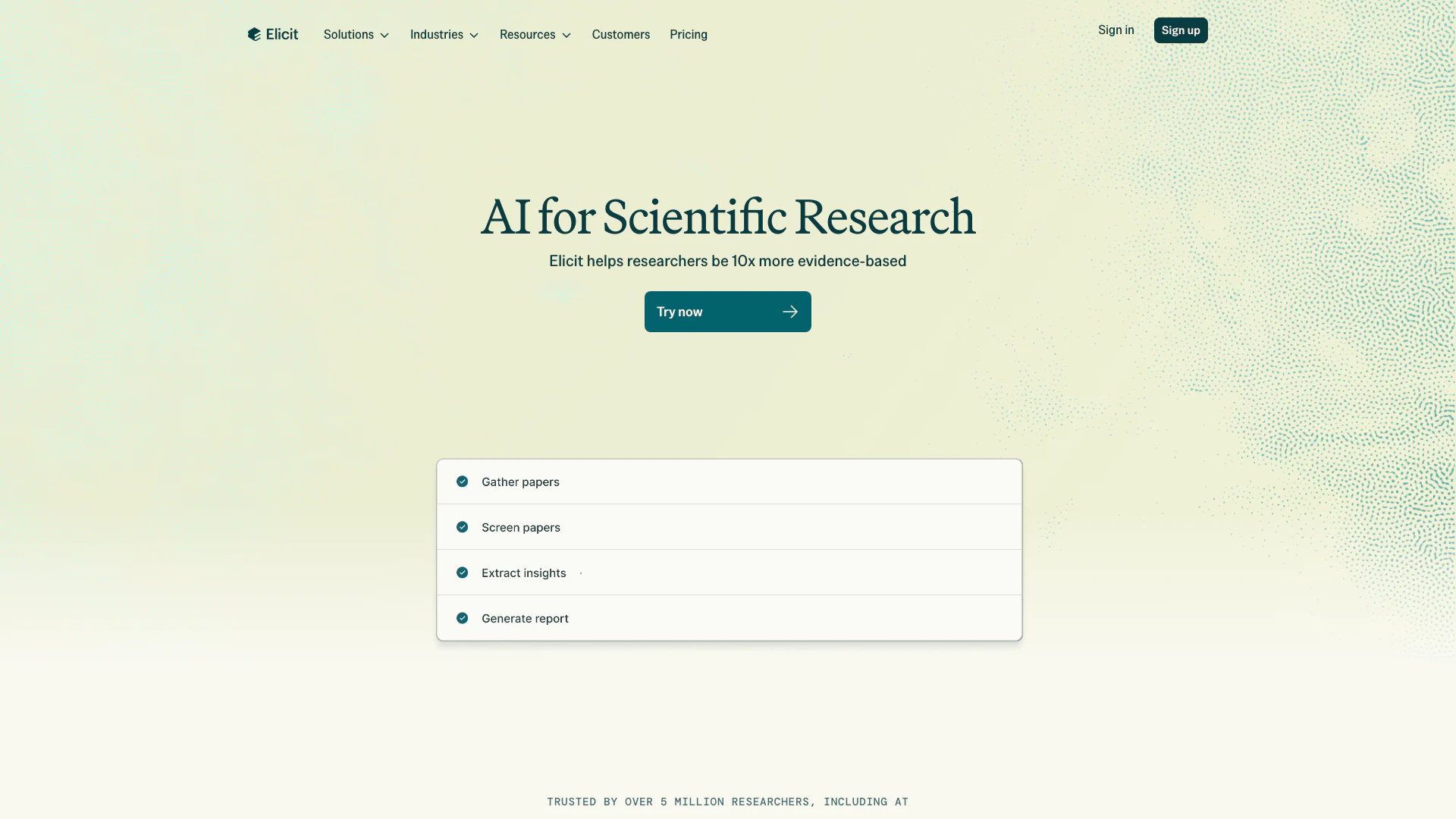
Use AI to search, summarize, extract data from, and chat with over 125 million papers. Used by over 2 million researchers in academia and industry.
- Writing & Editing
- AI Text Generator
- AI Image Generator