

Thinkingline





What is Thinkingline?
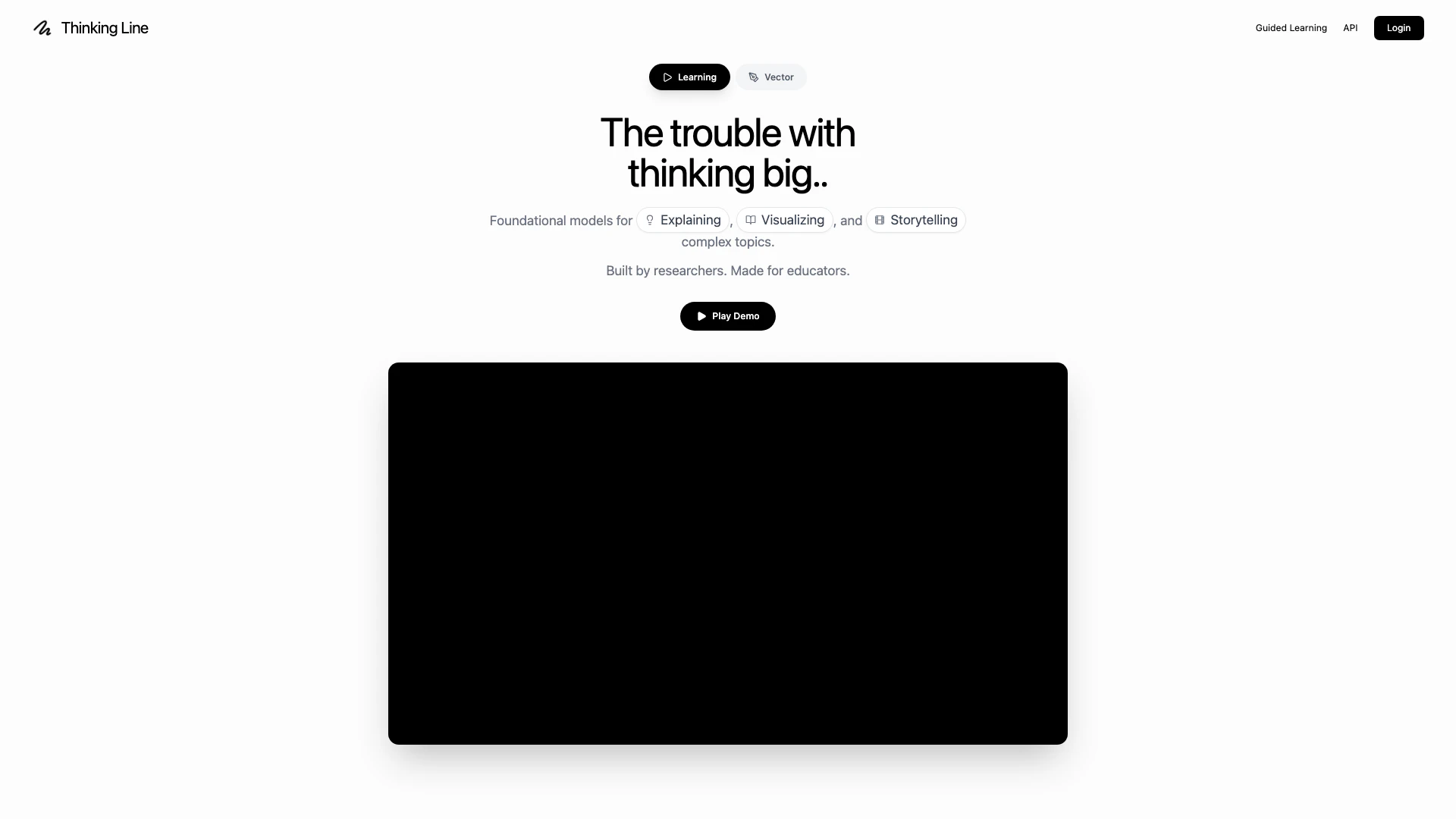
Thinkingline is an innovative AI-powered[5] tool designed for image vectorization[1] and doodle creation[2]. It allows users to transform prompts into editable SVGs[3] and engaging explainer videos[4]. With its lightweight state-of-the-art model, Thinkingline simplifies the process of generating doodle videos directly from images, making it an ideal solution for educators and content creators looking to enhance their visual storytelling.
How to use Thinkingline?
- Visit the Thinkingline website and create an account or log in.
- Choose a prompt or upload an image that you want to transform into a doodle or SVG.
- Select the desired video mode and voice options for your explainer video.
- Click on the 'Generate' button to create your doodle video or SVG file.
- Review and refine the generated content, adjusting motion and pacing as needed.
What are the main features of Thinkingline?
- AI-powered image vectorization for creating editable SVGs.
- Doodle video generation from images with customizable motion[6] and pacing.
- Access to a voice library for narration options.
- Ability to create multi-scene explainer videos with hand-drawn animations.
- Simple pricing plans with a free tier and options for Pro and Enterprise users.
Who is Thinkingline for?
Thinkingline is designed for educators, content creators, and businesses looking to produce engaging visual content. It is particularly beneficial for those who need to create educational materials, explainer videos, or dynamic presentations that require a visual storytelling approach. The tool caters to both individual users and teams, making it suitable for freelancers, teachers, and corporate training departments.
What are the use cases of Thinkingline?
- Creating educational videos for teaching complex concepts like the Pythagorean theorem or historical events.
- Developing marketing materials that require engaging visuals to capture audience attention.
- Producing training videos for corporate environments, such as safety protocols or product demonstrations.
Product Images


Thinkingline Pros and Cons
Pros
- AI-Powered Vectorization: Transform images into editable SVGs effortlessly using AI technology, enhancing creativity and productivity.
- Doodle Video Creation: Easily generate engaging doodle videos from images, perfect for educational and promotional content.
- Flexible Pricing Plans: Offers a free tier for beginners and scalable paid plans for advanced users, catering to various needs.
Cons
No cons data detected for this tool
Thinkingline Pricing
Free
Perfect for trying both video and vector workflows. * 10 Videos per month * 10 Vectors per month * Standard Voices * 720p Export Quality * Watermarked Exports
Pro
For creators and teams shipping video + vector. * 30 Videos per month * 100 Vectors per month * Premium AI Voices (Cloning) * 4K Export Quality * No Watermark * Commercial Usage Rights
Enterprise
For teams and organizations with scale needs. * API Access (Video + Vector) * Dedicated Support * Custom Branding * SSO & Security
For the latest pricing, please visit this link: https://www.thinkingline.com/pricing
Prices are subject to change. Please visit the official website for the most up-to-date pricing information.
Thinkingline Compare
| Tool Name | Introduction | Pricing | Type | Rating | Launch Date | Learn more |
|---|---|---|---|---|---|---|
Paraphrasing Tool (Ad-Free and No Sign-up Required) - QuillBot AI | Free | December 31, 1984 | Get deal | |||
Civitai: The Home of Open-Source Generative AI | Free | November 2, 2022 | Get deal | |||
Configure it once and automate your images forever without intervention—no need to review. Photos are ready to publish. Adjust backgrounds, lighting, banners, and more to fit your company branding. | Free | October 5, 2021 | Get deal |

Info current as of post date. Offers and availability may vary by location and are subject to change.
Thinkingline Q&A
Thinkingline is an AI-powered tool that specializes in image vectorization and doodle creation, allowing users to turn prompts into editable SVGs and engaging explainer videos.
For more FAQs, please visit this link: https://www.thinkingline.com/faqs
Thinkingline Alternatives
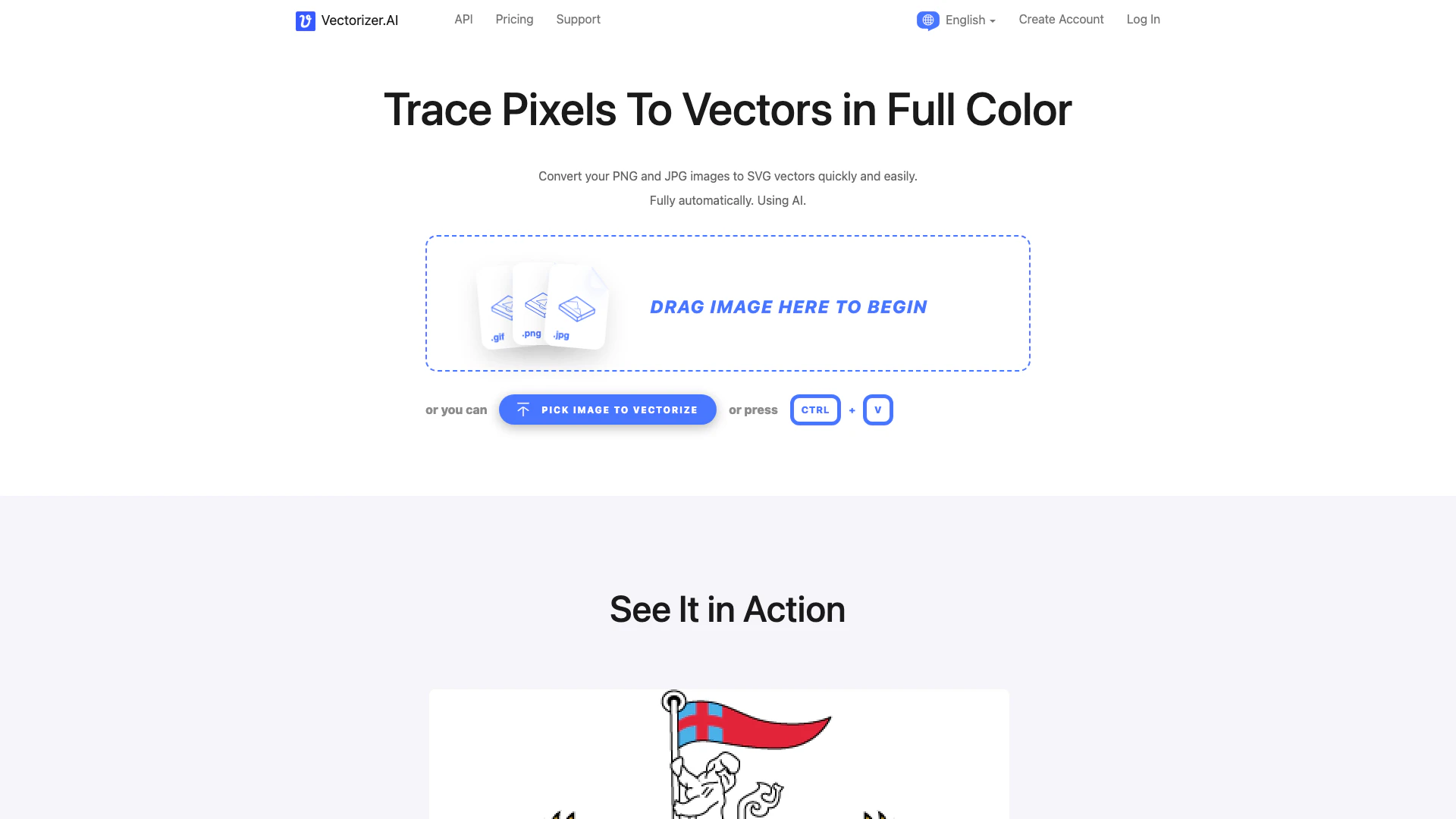
Convert images to vectors effortlessly with AI.
- Image Generation & Editing
- AI Image Generator
- AI Vectorization Tool
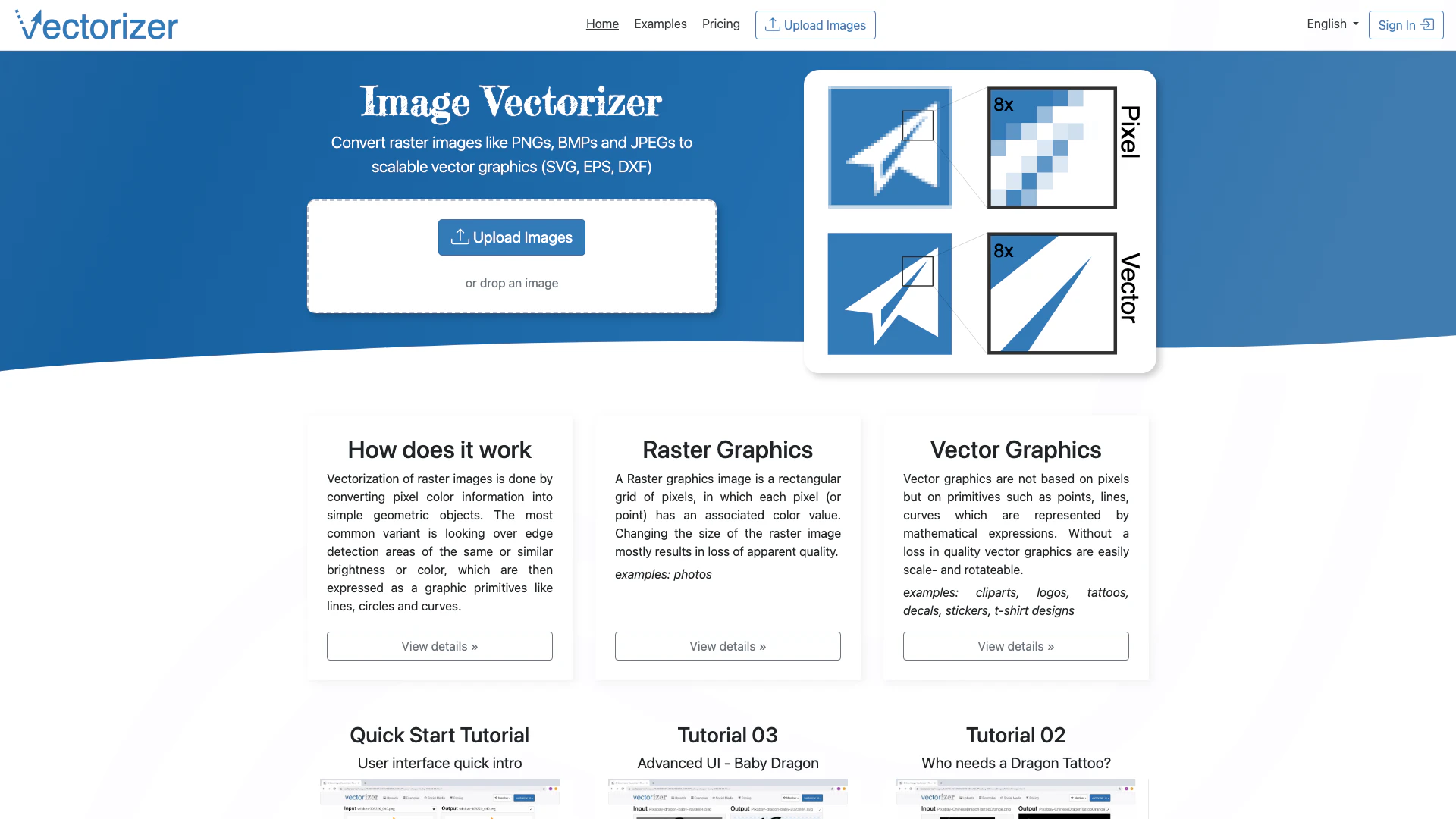
Transform raster images into scalable vector graphics easily.
- Image Generation & Editing
- AI Vectorization Tool
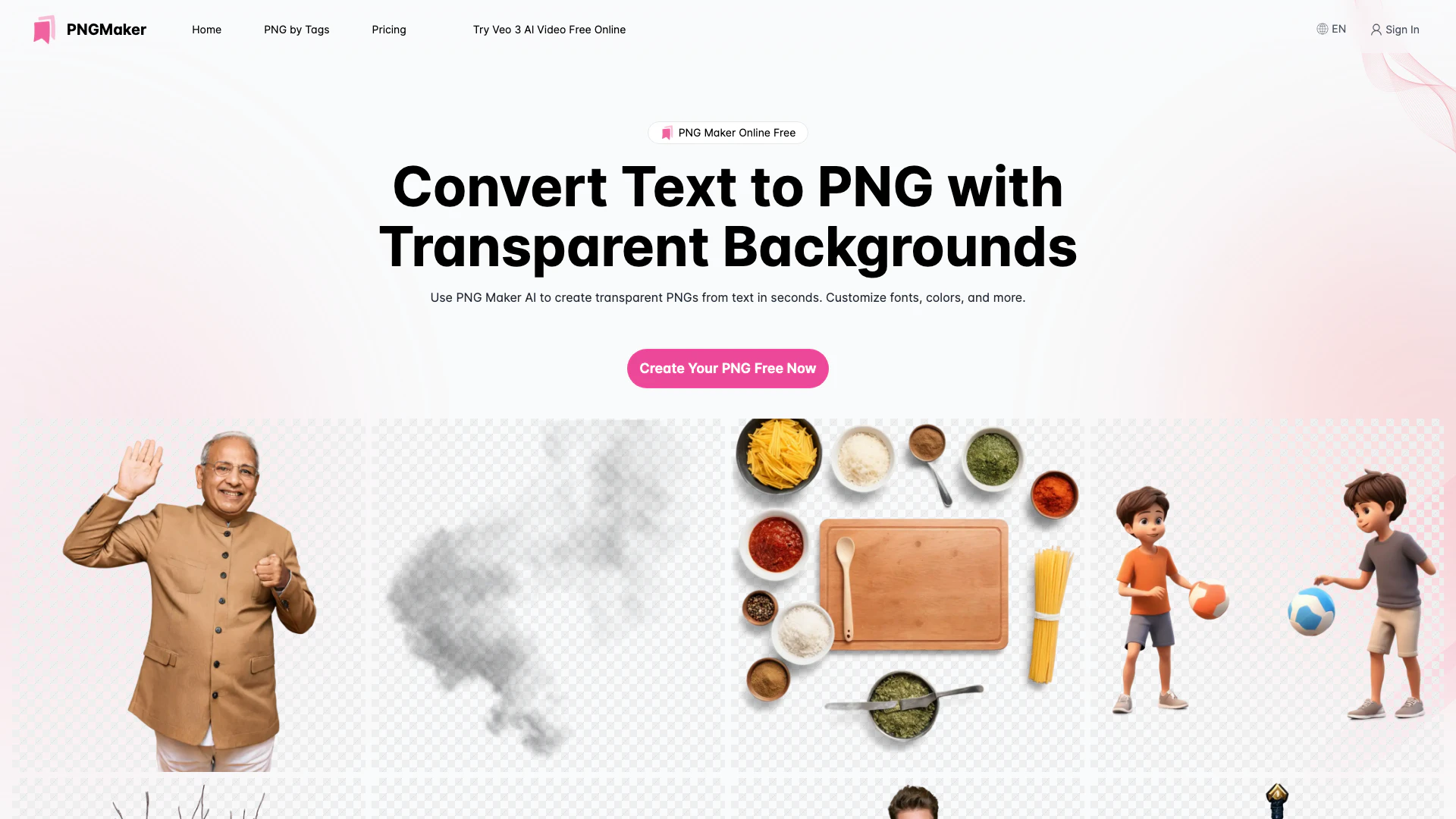
Create custom transparent PNGs effortlessly.
- Image Generation & Editing
- Ai Text To Image
- AI Vectorization Tool
- Gallery Creation Tool