
Tknctrl




What is Tknctrl?
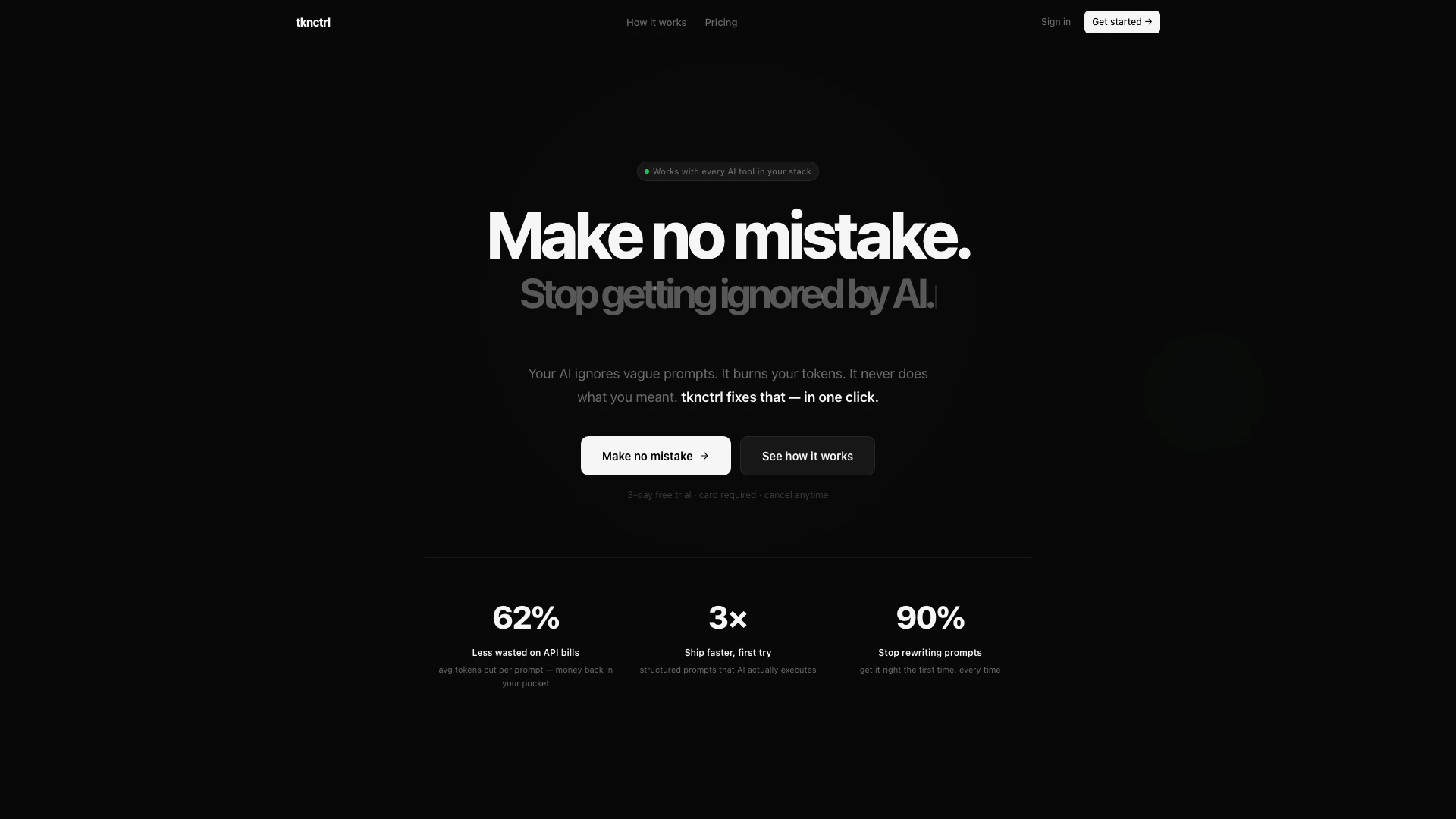
Tknctrl is an innovative AI prompt optimization tool designed to transform vague prompts into precise, actionable commands that can be executed flawlessly by AI models like Claude, GPT, or Cursor. It addresses the common frustration of vague prompts that lead to wasted tokens and ineffective AI responses. By utilizing structured prompt engineering principles, Tknctrl ensures that your ideas are articulated clearly, allowing AI to interpret and execute them accurately on the first attempt. This tool is ideal for developers and designers who want to streamline their workflow and maximize their productivity when working with AI.
How to use Tknctrl?
- Upload a Design Reference: Start by dropping a screenshot of any UI design you want to replicate or improve, such as a Dribbble shot or Figma export.
- Select Your Tech Stack: Choose the framework or stack you are using, like React, Vue, or plain HTML, to tailor the prompt to your specific tools.
- Receive the Optimized Prompt: Tknctrl will generate a detailed prompt that includes all necessary specifications such as colors, animations, and interactions, ready for execution.
What are the main features of Tknctrl?
- Screenshot to Precision Prompt: Quickly convert any UI screenshot into a detailed prompt.
- Text to Optimized Prompt: Transform rough text ideas into structured prompts that work on the first try.
- Live Token Savings Dashboard: Monitor your token usage and savings in real-time.
- Export Options: Seamlessly export prompts to various AI tools like Claude, Cursor, and GPT.
- Full History and One-Click Copy: Access your prompt history easily and copy any prompt with a single click.
Who is Tknctrl for?
Tknctrl is designed for developers, product designers, and AI engineers who regularly interact with AI models and require precise, actionable prompts. It's especially beneficial for those who often face challenges with vague inputs that lead to ineffective AI responses. Whether you are a frontend developer looking to streamline your coding process, a product designer aiming to optimize your design iterations, or an indie hacker trying to maximize your efficiency, Tknctrl provides the tools necessary to enhance your workflow and reduce token wastage.
What are the use cases of Tknctrl?
- UI Design Replication: Quickly create precise prompts for AI to replicate UI designs from screenshots, saving hours of manual coding.
- Optimizing API Calls: Reduce token usage by generating structured prompts that ensure the AI understands the request accurately, minimizing unnecessary costs.
- Rapid Prototyping: Utilize Tknctrl to rapidly turn design ideas into functional prompts, enabling faster iterations and prototyping in development cycles.
Tknctrl Pros and Cons
Pros
- Precision Prompt Generation: tknctrl transforms vague prompts into precise instructions that AI models execute accurately, enhancing the effectiveness of your interactions.
- Cost Efficiency: By reducing token usage by an average of 62%, tknctrl helps users save on API costs, making it a financially smart choice for developers.
- User-Friendly Interface: The tool simplifies the prompt creation process, allowing users to upload screenshots or rough ideas and receive structured prompts without needing extensive technical knowledge.
Cons
No cons data detected for this tool
Tknctrl Pricing
Monthly
300 prompts / month, resets every billing cycle. Screenshot to precision prompt in seconds. Text to optimised prompt, first try. Live token savings dashboard. Full history and one-click copy. Export to Claude, Cursor, Windsurf, GPT, v0. Priority support.
Yearly
BEST VALUE — 2 MONTHS FREE. 300 prompts / month, resets every billing cycle. Screenshot to precision prompt in seconds. Text to optimised prompt, first try. Live token savings dashboard. Full history and one-click copy. Export to Claude, Cursor, Windsurf, GPT, v0. Priority support.
For the latest pricing, please visit this link: https://tknctrl.cloud/#pricing
Prices are subject to change. Please visit the official website for the most up-to-date pricing information.
Tknctrl Reviews
Uploaded a Dribbble shot and got the exact prompt. 2 hours saved instantly. The reverse-engineer is genuinely magical.
My Claude API bill dropped 40% in week one. Every single prompt just works now. Can't go back.
Was burning tokens every session on context-heavy prompts. Fixed completely. Should've found this earlier.
For more reviews, visit this link: https://tknctrl.cloud/#reviews
Tknctrl Compare
| Tool Name | Introduction | Pricing | Type | Rating | Launch Date | Learn more |
|---|---|---|---|---|---|---|
 | Transform photos into stunning videos with AI. | Free Trial | 🎨Creativity | July 26, 2025 | Get deal | |
 | Transform your email experience with Rio AI. | Free | 💼Work | March 28, 2023 | Get deal | |
 | Transform casual emails into professional ones effortlessly. | Free Trial | 💼Work | December 7, 2022 | Get deal |
Info current as of post date. Offers and availability may vary by location and are subject to change.
Tknctrl Alternatives

Play and create AI-generated adventures with infinite possibilities.
- Writing & Editing
- AI Text Generator
- AI Writing Assistants

Humanize AI Content | Bypass AI Detection | Get 100% Human Score
- Writing & Editing
- AI Text Generator
- AI Writing Assistants
- AI Detection Bypass

Humanize AI Content | Bypass AI Detection | Get 100% Human Score
- Writing & Editing
- AI Text Generator
- AI Writing Assistants
- AI Detection Bypass