

Usemomo





What is Usemomo?
Usemomo is an innovative tool designed to centralize and streamline team progress tracking by automatically building a collective memory for organizations. It integrates seamlessly with various workspace applications, allowing teams to access and manage their work history, decisions, and project relationships in one place. With Usemomo, users can eliminate the hassle of constant progress updates and focus on productivity, knowing that their team's activities are automatically recorded and easily searchable.
How to use Usemomo?
- Sign Up or Log In: Visit the Usemomo website and create an account or log in if you already have one.
- Connect Your Apps: Integrate Usemomo with your most-used applications such as Gmail, GitHub, Notion, and Linear to start building your company memory.
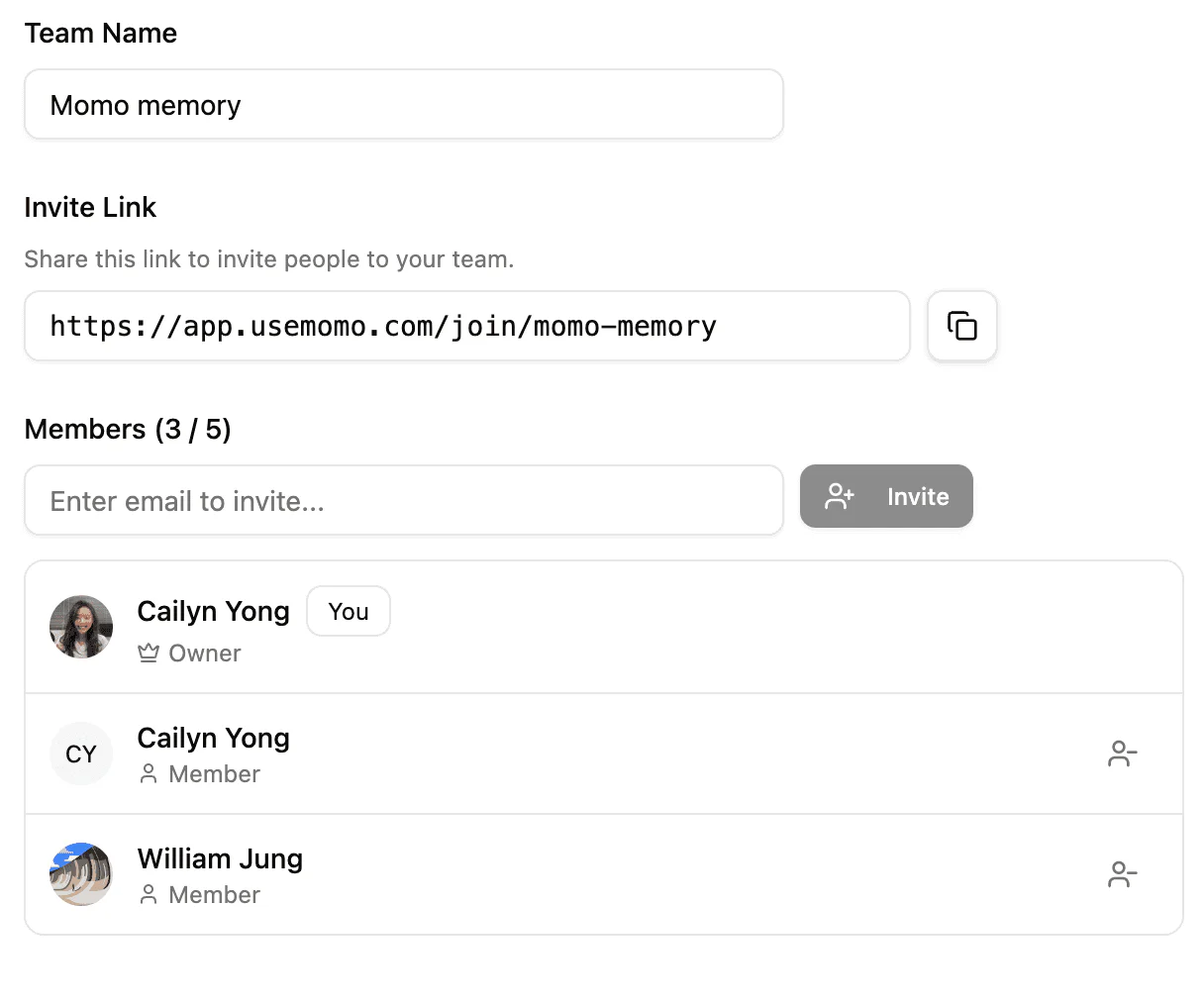
- Invite Team Members: Create a workspace and invite your team members to collaborate and share updates.
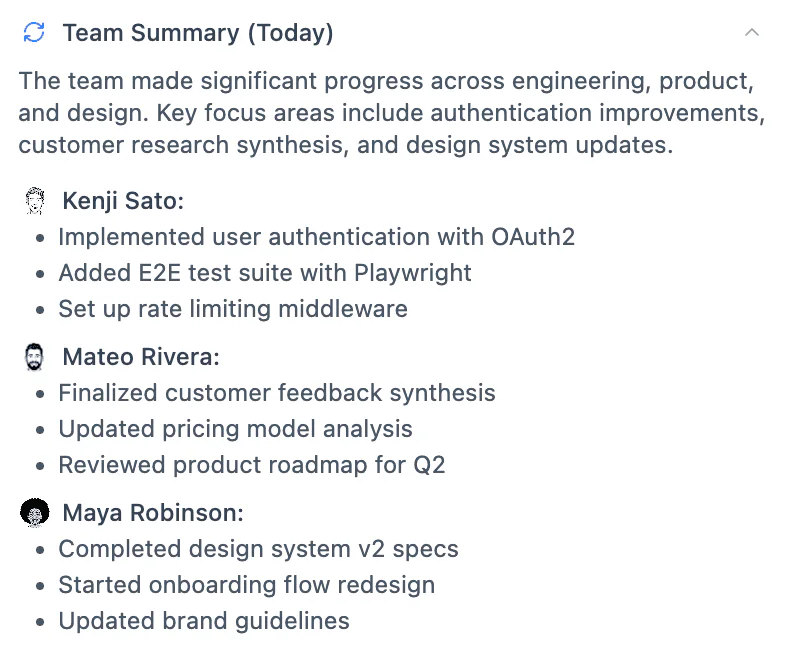
- Monitor Progress: Use Usemomo to automatically track and visualize your team's progress, decisions, and project relationships.
What are the main features of Usemomo?
- Centralized Memory: Automatically builds a memory for your company by integrating with daily apps.
- Progress Tracking: Keeps track of individual contributions without the need for daily standups.
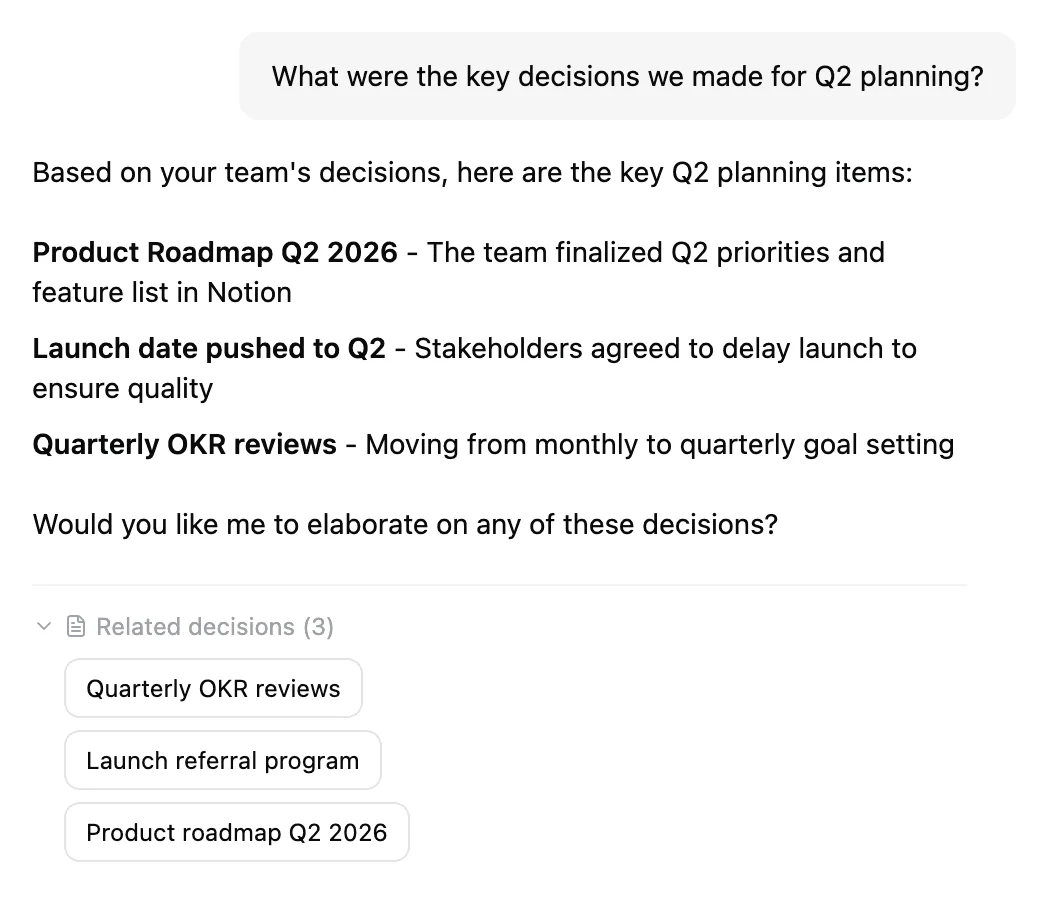
- Search Functionality: Allows users to search across all integrated applications for decisions and project relationships.
- Data Security: Offers SOC 2 certification, zero data retention, and client-side encryption to ensure user privacy.
Who is Usemomo for?
Usemomo is designed for teams that struggle with operational efficiency, particularly remote teams working across different time zones. It is ideal for project managers who need to sync with members from various departments and for any organization looking to enhance collaboration and reduce the time spent on status updates. By centralizing team memory, Usemomo caters to diverse industries aiming for improved productivity.
What are the use cases of Usemomo?
- Project Management: Streamlining updates and tracking progress on multiple projects across different teams.
- Remote Team Collaboration: Enhancing communication and decision-making for teams working from various locations.
- Knowledge Retention: Storing important decisions and insights that can be easily retrieved for future reference.
Product Images


Usemomo Pros and Cons
Pros
- Centralized Team Memory: Momo provides a centralized platform for tracking team progress and decisions, reducing the need for constant updates.
- Integration with Popular Apps: Momo integrates seamlessly with tools like Gmail, Github, Notion, and Linear, enhancing workflow efficiency.
- Strong Data Privacy: Momo is SOC 2 certified and employs zero-knowledge encryption, ensuring that user data is secure and private.
Cons
No cons data detected for this tool
Analytics of Usemomo
Usemomo Compare
| Tool Name | Introduction | Pricing | Type | Rating | Launch Date | Learn more |
|---|---|---|---|---|---|---|
 | How2 – AI for the Command-Line | Free | 💼Work | August 31, 2022 | Get deal | |
 | Find trusted products ranked by real endorsements. | Free Trial | 💼Work | September 23, 2007 | Get deal | |
 | Transform your interiors with AI design. | Free Trial | 💼Work🎨Creativity | April 1, 2020 | Get deal |
Info current as of post date. Offers and availability may vary by location and are subject to change.
Usemomo Alternatives

Discover Gemini, Google's versatile AI assistant for writing and planning.
- Productivity & Office
- AI Productivity Tools
- AI Business Planning Tools
- AI Prompt Management Tools

Notion AI enhances productivity by integrating AI tools directly into your workspace.
- Productivity & Office
- AI Productivity Tools
- AI Information Management Tools
- Content Management Tools

Notion is an AI-powered workspace that automates tasks and enhances team collaboration.
- Productivity & Office
- AI Productivity Tools
- AI Information Management Tools
- AI Task Management Tools