

Vidioai




What is Vidioai?
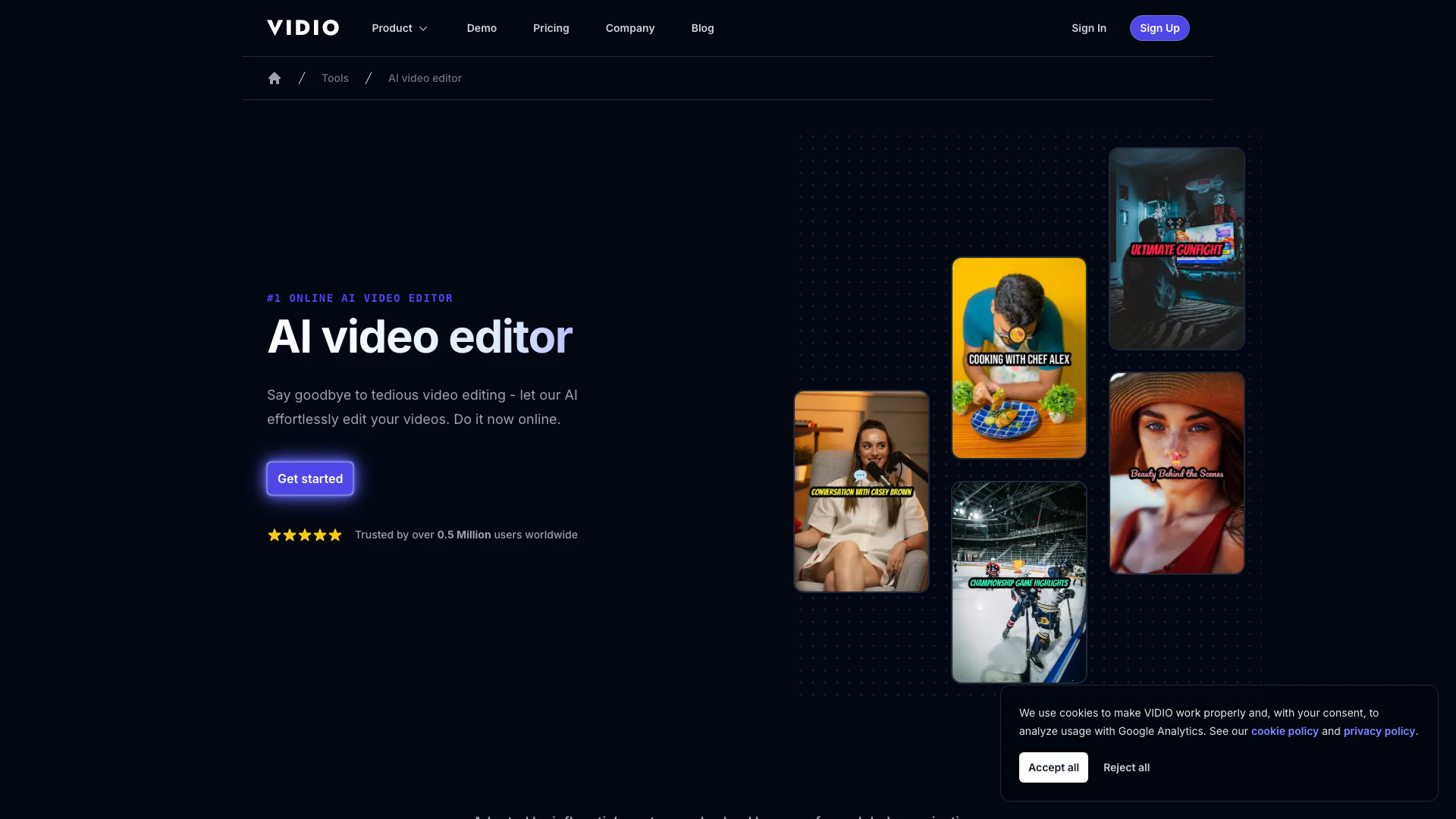
Vidioai is an innovative AI-powered video editing tool designed to transform the way users edit videos online. With its intuitive interface and advanced AI algorithms, Vidioai enables users to easily upload and customize their videos for free, producing professional-quality results without the need for extensive video editing skills. This tool is perfect for content creators, marketers, and anyone looking to enhance their video content efficiently and effectively.
How to use Vidioai?
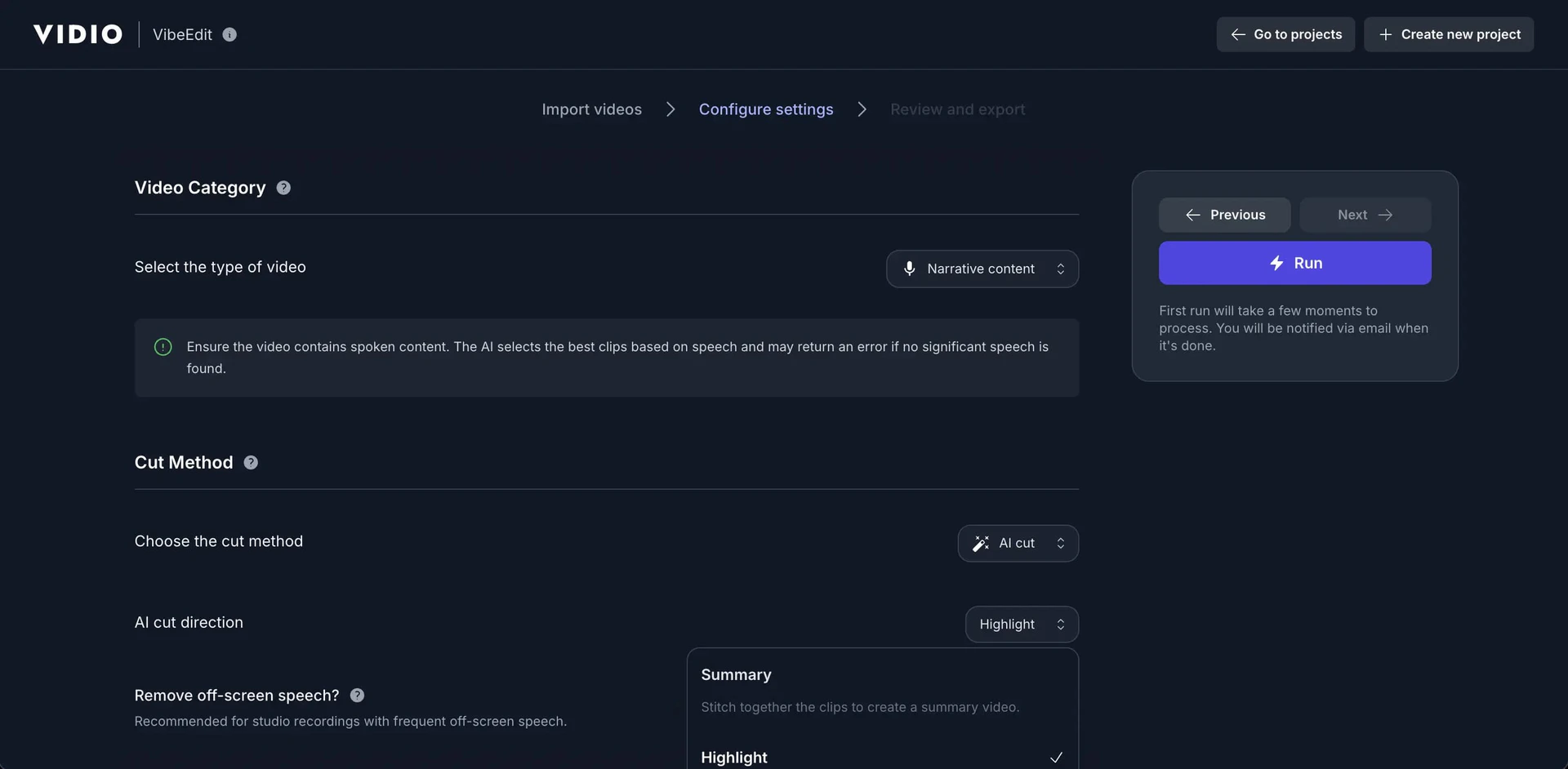
To use Vidioai, follow these simple steps: 1. Upload Your Video: Drag and drop your video file onto the platform. You'll see the uploading progress until it completes. 2. Choose Editing Preferences[5]: Select your desired editing options and click 'Apply'. The AI will process your video based on your preferences. 3. Export Your Video: Once the editing is done, click the 'Export' button to download the final video output to your device.
What are the main features of Vidioai?
Vidioai offers a variety of powerful features designed to simplify video editing, including: - AI-Powered Editing[1]: Utilizes advanced AI algorithms to automate video editing tasks. - Customizable Background Music: Enhance your videos with music that sets the perfect tone. - Segment Length Adjustment[2]: Tailor the pacing of your video to fit your storytelling style. - Social Media Resizing[3]: Resize videos to meet the requirements of various social media platforms effortlessly. - Dynamic Transition Effects: Apply smooth transitions to create a more engaging viewing experience. - AI Recommendations[4]: Get suggested segments for highlights, making it easier to customize your edits.
Who is Vidioai for?
Vidioai is tailored for a diverse audience, including content creators, social media managers, marketers, and businesses looking to enhance their video content. It's particularly useful for those who need quick and professional video edits without the steep learning curve typically associated with video editing software. Whether you're creating promotional videos, social media content, or highlight reels, Vidioai provides the tools necessary to produce high-quality videos efficiently.
What are the use cases of Vidioai?
Vidioai can be applied in numerous scenarios, including: 1. Creating Highlight Reels: Perfect for sports events, presentations, or any occasion where you want to showcase the best moments. 2. Social Media Content: Quickly produce engaging videos for platforms like Instagram, Facebook, and TikTok. 3. Promotional Videos: Easily create professional-looking promotional content for businesses or products. 4. Educational Videos: Edit and enhance instructional content for online courses or tutorials. 5. Personal Projects: Use for family videos, vlogs, or any personal creative projects that require video editing.
Product Images

Vidioai Pros and Cons
Pros
- AI-Powered Editing: Vidioai utilizes advanced AI algorithms to automate video editing, significantly reducing the time and effort required for editing tasks.
- User-Friendly Interface: The platform is designed for ease of use, allowing users to upload videos and customize them with minimal learning curve.
- Versatile Format Support: Supports a wide range of video formats including MP4, MOV, and WEBM, ensuring compatibility with various video files.
Cons
No cons data detected for this tool
Vidioai Pricing
Basic
Start with VIDIO products at no cost. Daily upload limit (3), File size limit (1GB), Max concurrent jobs (1), Max input videos (5 videos), Max input images (50 images), Max input video duration (10 min), Max output video resolution (720p).
Pro 20
Most popular subscription plan designed for professional creators. 20 Credits, Daily upload limit (Unlimited), File size limit (4GB), Max concurrent jobs (2), Watermark removed, Max output video resolution (1080p).
Business 400
Subscription plan designed for small businesses. 400 Credits, Daily upload limit (Unlimited), File size limit (8GB), Max concurrent jobs (5), Watermark removed, Max output video resolution (4K).
For the latest pricing, please visit this link: https://www.vidio.ai/pricing
Prices are subject to change. Please visit the official website for the most up-to-date pricing information.
Analytics of Vidioai
Vidioai Website Traffic Analysis
Visits Over Time
Traffic Sources
Nov 2025 - Jan 2026 Worldwide Desktop Only
- Search: 57.16%
- Direct: 32.68%
- Referrals: 6.87%
- Social: 2.26%
- Paid Referrals: 0.88%
- Mail: 0.11%
Top Keywords
| Keyword | Volume | CPC | Estimated Value |
|---|---|---|---|
| vidio | 240.52K | $0.23 | $810.00 |
| aividios.com | 20.78K | $0.00 | $760.00 |
| unscreen | 18.61K | $0.36 | $780.00 |
| video kalitesi arttırma | 1.96K | $0.19 | $370.00 |
| vidio.ai | 980 | $0.00 | $610.00 |
Vidioai Reviews
This helped me so much with making my highlight video. Truly a great website.
I am truly grateful for the remarkable services provided by V-I-D-I-O.ai. Their AI-driven video editing solutions have not only streamlined my workflow but have also exceeded my expectations in quality and efficiency. The intuitive platform makes it easy to create stunning highlight reels and other video projects with professional flair. V-I-D-I-O.ai has been an invaluable resource, and I highly recommend their services to anyone looking to elevate their video content with ease.
Great user interface and easy to use.
For more reviews, visit this link: https://www.vidio.ai/#reviews
Vidioai Compare
| Tool Name | Introduction | Pricing | Type | Rating | Launch Date | Learn more |
|---|---|---|---|---|---|---|
 | Rewind | Free | 🙋♂️Personal💼Work | February 2, 2018 | Get deal | |
 | 2Mn+ readymade ChatGPT prompt ideas built by prompt engineers, using insights from eCommerce experts - that really work! | Free | 💼Work🎨Creativity | February 6, 2023 | Get deal | |
 | Explore AI Lawyer for easy, quick, and budget-friendly legal help. Empowering consumers and lawyers with AI-driven solutions for all your legal needs. | Free | 💼Work | February 11, 2023 | Get deal |
Info current as of post date. Offers and availability may vary by location and are subject to change.
Vidioai Q&A
It employs advanced AI algorithms to analyze and edit videos based on user inputs. Users can choose between speech and visual summarization modes, select the desired output length, and more. The tool then automatically processes the video to generate the final output.
For more FAQs, please visit this link: https://www.vidio.ai/support
Vidioai Alternatives
- Video & Animation
- AI Video Editor
- AI Video Generator

Introducing NUI the Natural User Interface, aimed at revolutionizing how people interact with anything digital leveraging the power of AI
- Image Generation & Editing
- AI Image Generator
- AI Image Recognition
- AI Design Generator

Animaker is an online AI animation generator and video maker that brings studio quality video content within everyone's reach. Animated Videos, Done Right!
- Video & Animation
- AI Video Editor
- AI Video Generator