

Vizard






What is Vizard?
Vizard is an innovative AI-powered video editing tool designed to transform long-form videos into engaging, social media-ready clips effortlessly. With just a few clicks, Vizard enables users to create short, viral video clips suitable for platforms like TikTok, Instagram, and YouTube Shorts. Its advanced AI technology automates the video editing process, making it accessible for both creators and marketers looking to enhance their online presence and maximize viewer engagement.
How to use Vizard?
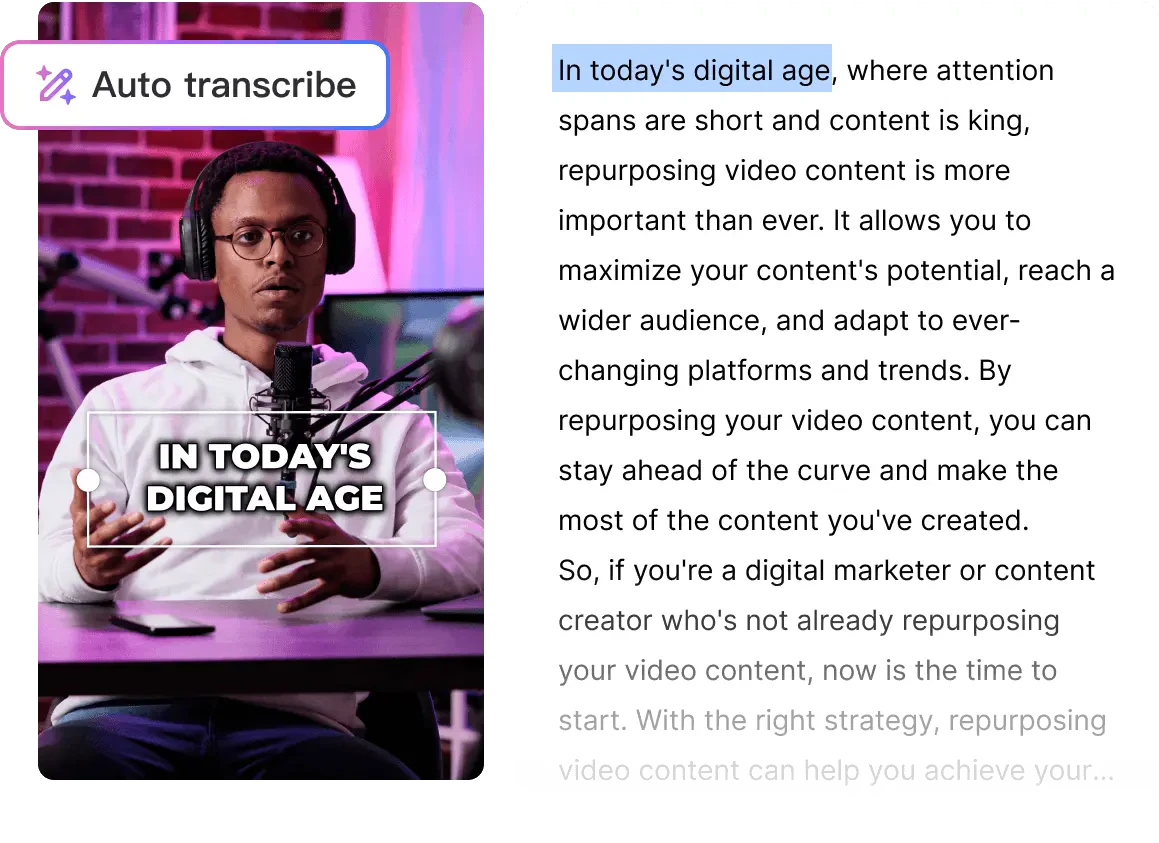
- Upload your video: Begin by uploading your long-form video to Vizard's platform. The AI will automatically transcribe the video, identifying key segments for clipping.
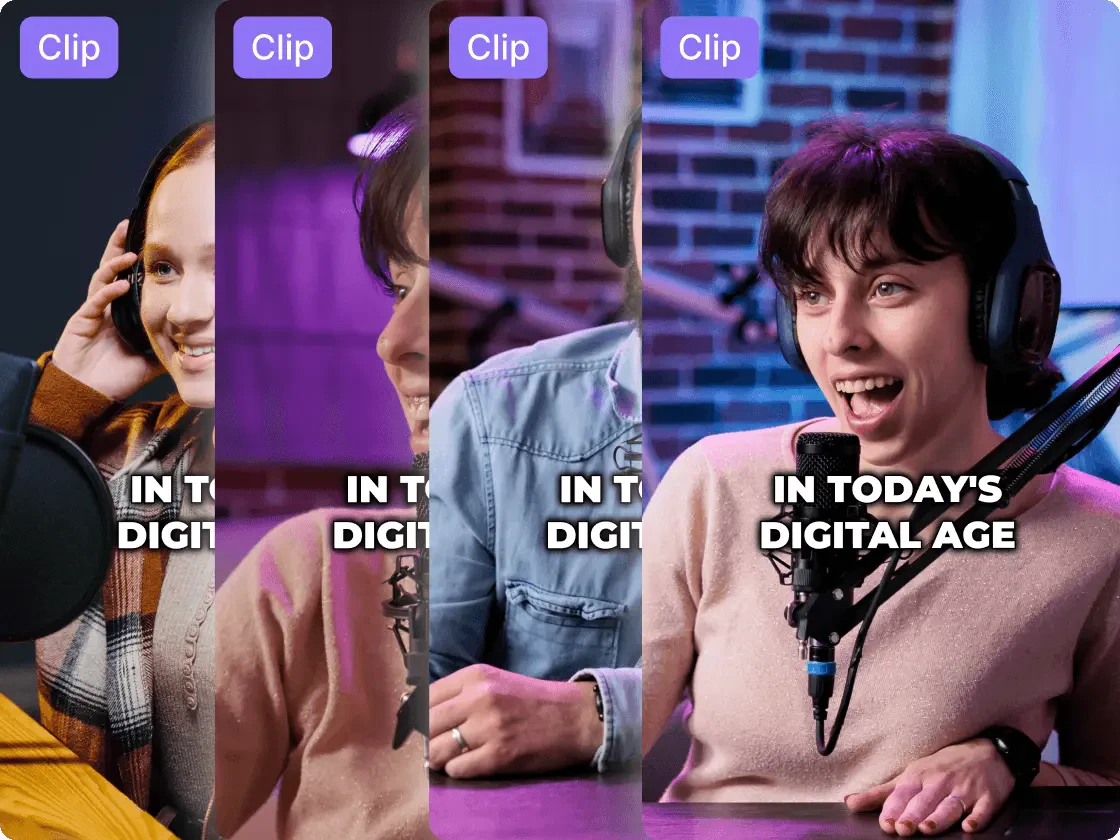
- Click 'Get AI clips': After the video is processed, click the 'Get AI clips' button. Vizard will generate multiple short clips optimized for social media sharing.
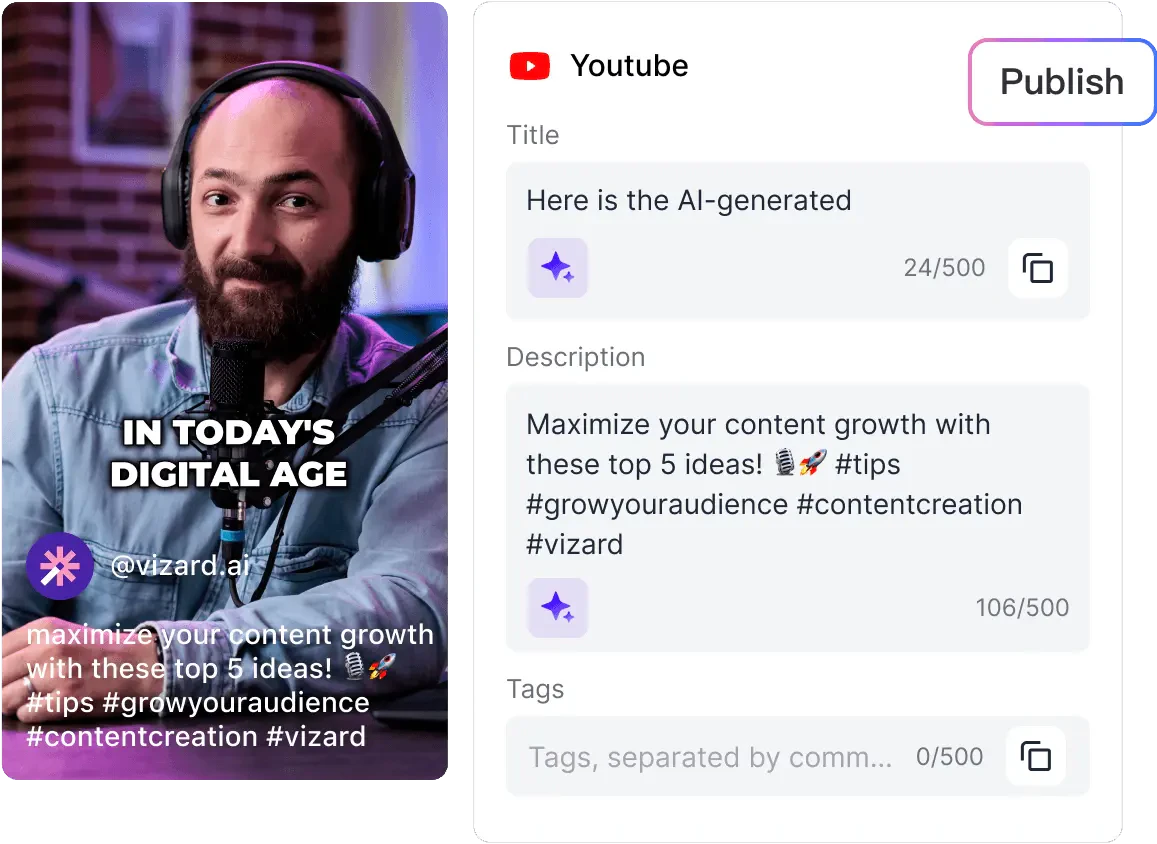
- Publish and share: Finally, download the generated clips, share them as links, or publish directly from Vizard to your preferred social media channels.
What are the main features of Vizard?
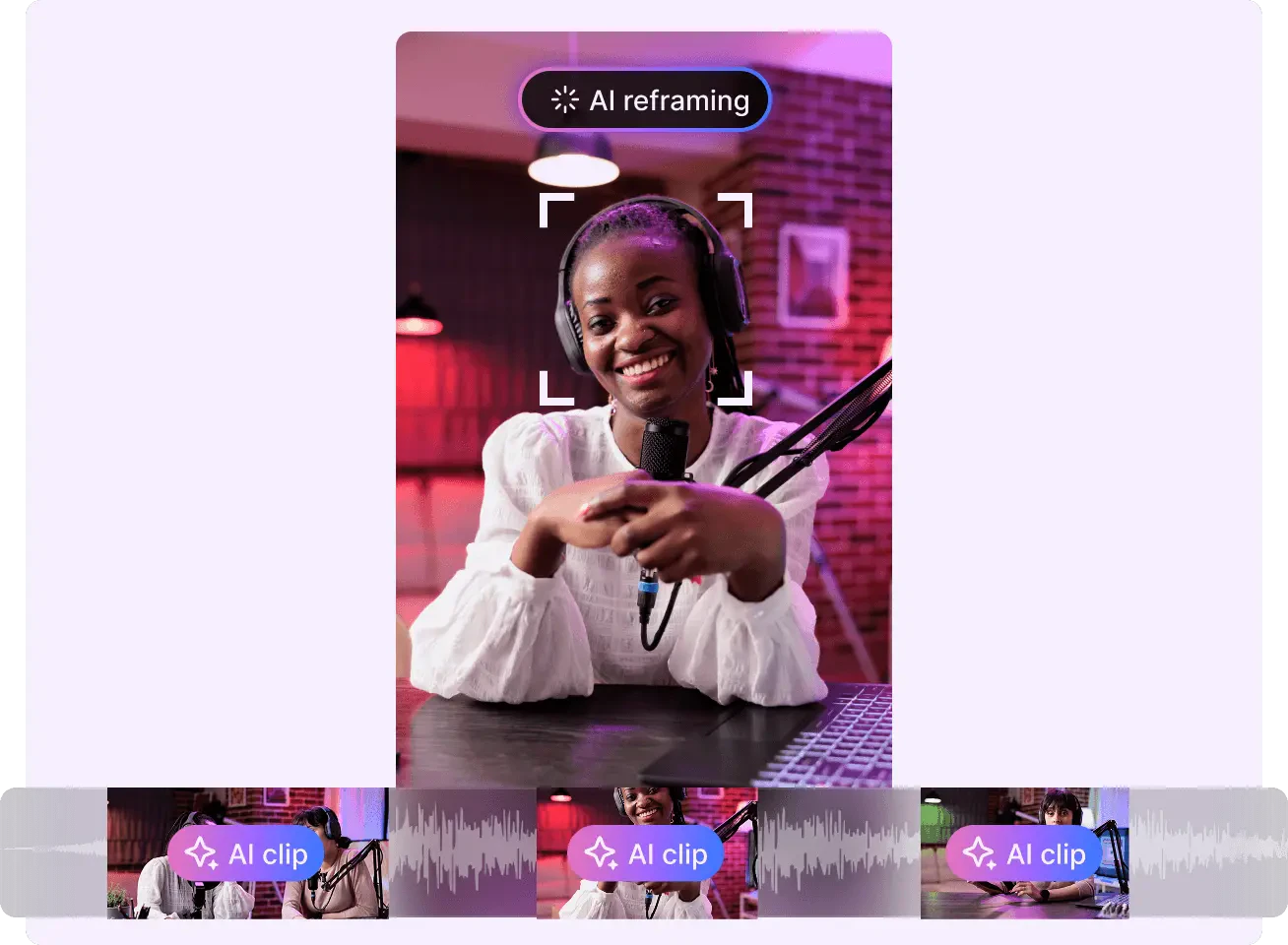
- AI-Powered Clipping: Automatically generates engaging clips from long videos, ready for social media.
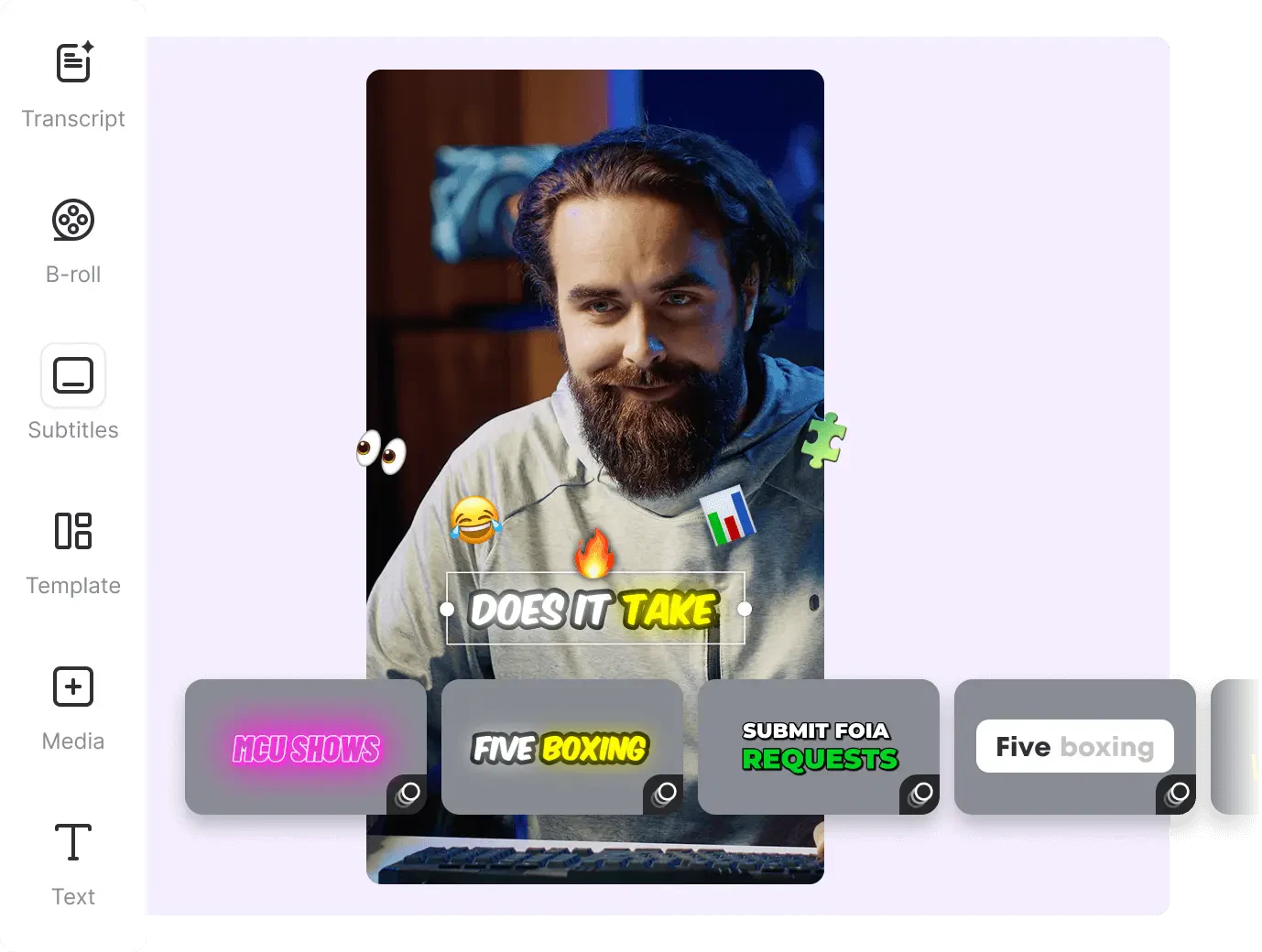
- Caption Generation: Automatically creates captions and hashtags for your videos, making them more accessible and shareable.
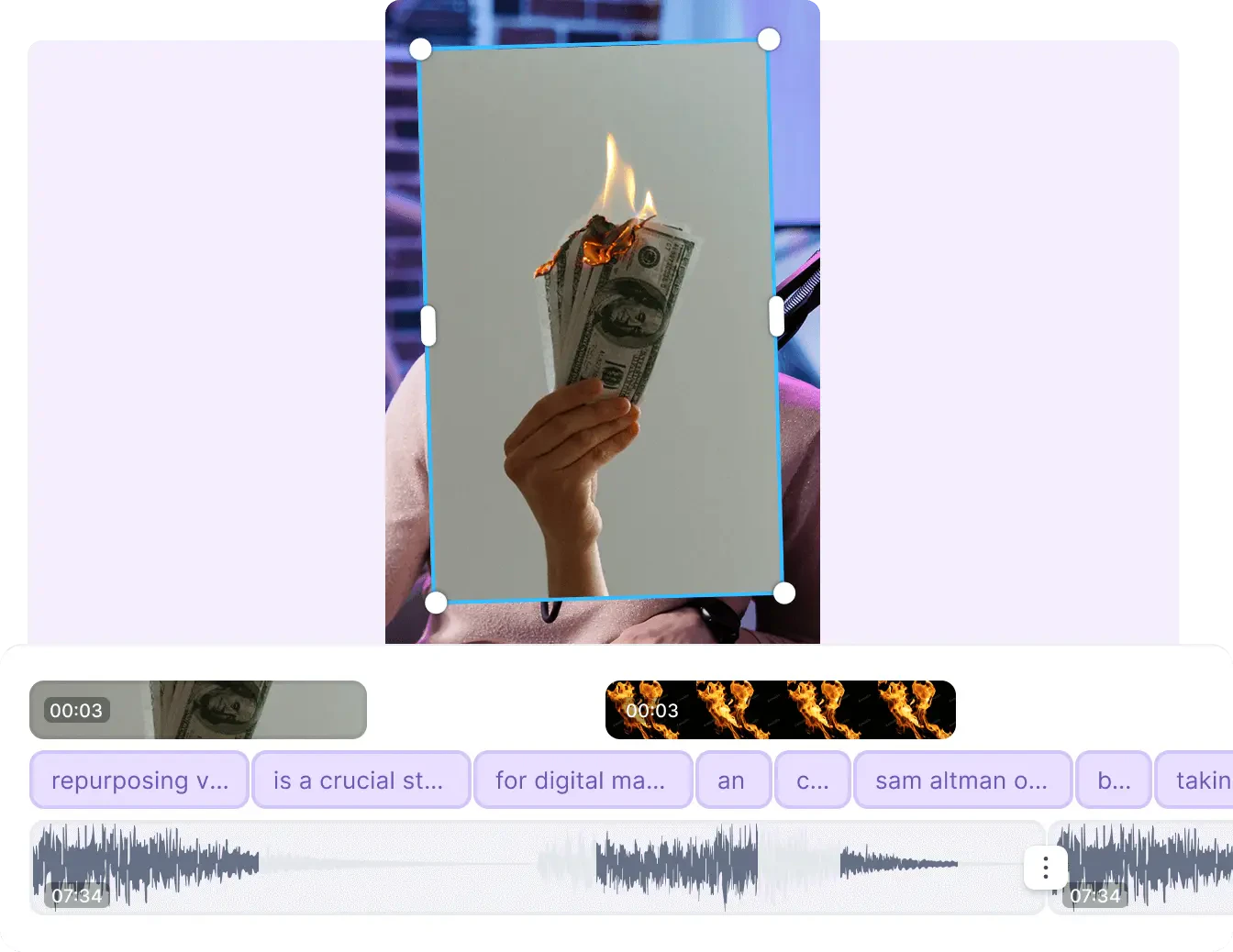
- B-roll Integration: Enhances your videos by suggesting relevant B-roll footage, adding depth and interest.
- Multi-Platform Support: Optimizes clips for various social media platforms like TikTok, Instagram, and YouTube Shorts.
- User-Friendly Interface: Easy-to-navigate design allows users of all skill levels to create professional-looking videos quickly.
Who is Vizard for?
Vizard is designed for a wide range of users including marketers, content creators, podcasters, coaches, and businesses looking to enhance their online presence. It is particularly beneficial for social media marketers who need to produce engaging content at scale, as well as creators and agencies seeking to streamline their video production process. With its AI-driven features, Vizard makes video editing accessible and efficient for anyone looking to increase their social media engagement.
What are the use cases of Vizard?
- Social Media Marketing: Quickly create and share clips from webinars or promotional videos to boost audience engagement on platforms like Instagram and TikTok.
- Content Creation for Podcasts: Extract highlights from podcast recordings to create shareable video snippets that can attract more listeners.
- Training and Coaching: Use Vizard to clip client calls or training sessions into concise, impactful videos that can be shared for marketing or educational purposes.
Product Images

Vizard Pros and Cons
Pros
- AI-Powered Video Clipping: Vizard uses advanced AI technology to transform long-form videos into engaging short clips, making it ideal for social media platforms.
- User-Friendly Interface: The tool features an intuitive interface that allows users to easily edit and create clips without extensive technical knowledge.
- Time Efficiency: Vizard significantly reduces the time required for video editing, allowing users to generate multiple clips in just a few clicks.
Cons
No cons data detected for this tool
Analytics of Vizard
Vizard Website Traffic Analysis
Visits Over Time
Traffic Sources
Dec 2025 - Feb 2026 Worldwide Desktop Only
- Search: 52.69%
- Direct: 40.99%
- Referrals: 4.30%
- Social: 1.47%
- Paid Referrals: 0.50%
- Mail: 0.06%
Top Keywords
| Keyword | Volume | CPC | Estimated Value |
|---|---|---|---|
| opus clip | 372.11K | $0.34 | $27660.00 |
| vizard ai | 44.15K | $0.21 | $153330.00 |
| vizard | 23.47K | $0.56 | $33610.00 |
| wizard ai | 5.49K | $0.45 | $12150.00 |
| vizard.ai | 4.75K | $0.00 | $6390.00 |
Vizard Reviews
@Vizard has made editing financially more accessible for me. Previously, I would hire freelancers for the task, costing around $400 to create 10 clips. Now, it offers both time and money savings.
@Vizard makes it so easy to keep creating content! As an entrepreneur, I need to constantly showcase what I’m up to and what I can offer. I love that I can plug in workshop videos, and it quickly creates bite-sized clips ready to post. A huge time saver!
I was surprised as most AI tools create weak content, but @Vizard turned over an hour of footage into solid, shareable posts. Easy to use, fully featured, and delivers exactly as expected.
For more reviews, visit this link: https://vizard.ai/#reviews
Vizard Compare
| Tool Name | Introduction | Pricing | Type | Rating | Launch Date | Learn more |
|---|---|---|---|---|---|---|
 | Hexowatch is your AI sidekick to archive and monitor any website for visual, content, price, source code, technology, availability or WHOIS changes. | Free | 💼Work | June 6, 2020 | Get deal | |
 | NameBeta: 域名注册比价 - 全网域名价格实时查询与比价平台 | Free | 💼Work | May 19, 2014 | Get deal | |
 | Effortlessly create customized lesson plans with AI. | Free Trial | 💼Work🎨Creativity | October 26, 2022 | Get deal |
Info current as of post date. Offers and availability may vary by location and are subject to change.
Vizard Q&A
Vizard uses AI to transcribe your long-form videos, cuts out speakers, and processes your videos to generate short clips ready for social media platforms like TikTok, Instagram, and YouTube.
For more FAQs, please visit this link: https://help.vizard.ai/en/
Vizard Alternatives
- Video & Animation
- AI Video Editor
- AI Video Generator
Introducing NUI the Natural User Interface, aimed at revolutionizing how people interact with anything digital leveraging the power of AI
- Image Generation & Editing
- AI Image Generator
- AI Image Recognition
- AI Design Generator

Point Drift
- Image Generation & Editing
- AI Image Generator
- AI Design Generator
- AI Video Editor