

Vm0ai




What is Vm0ai?
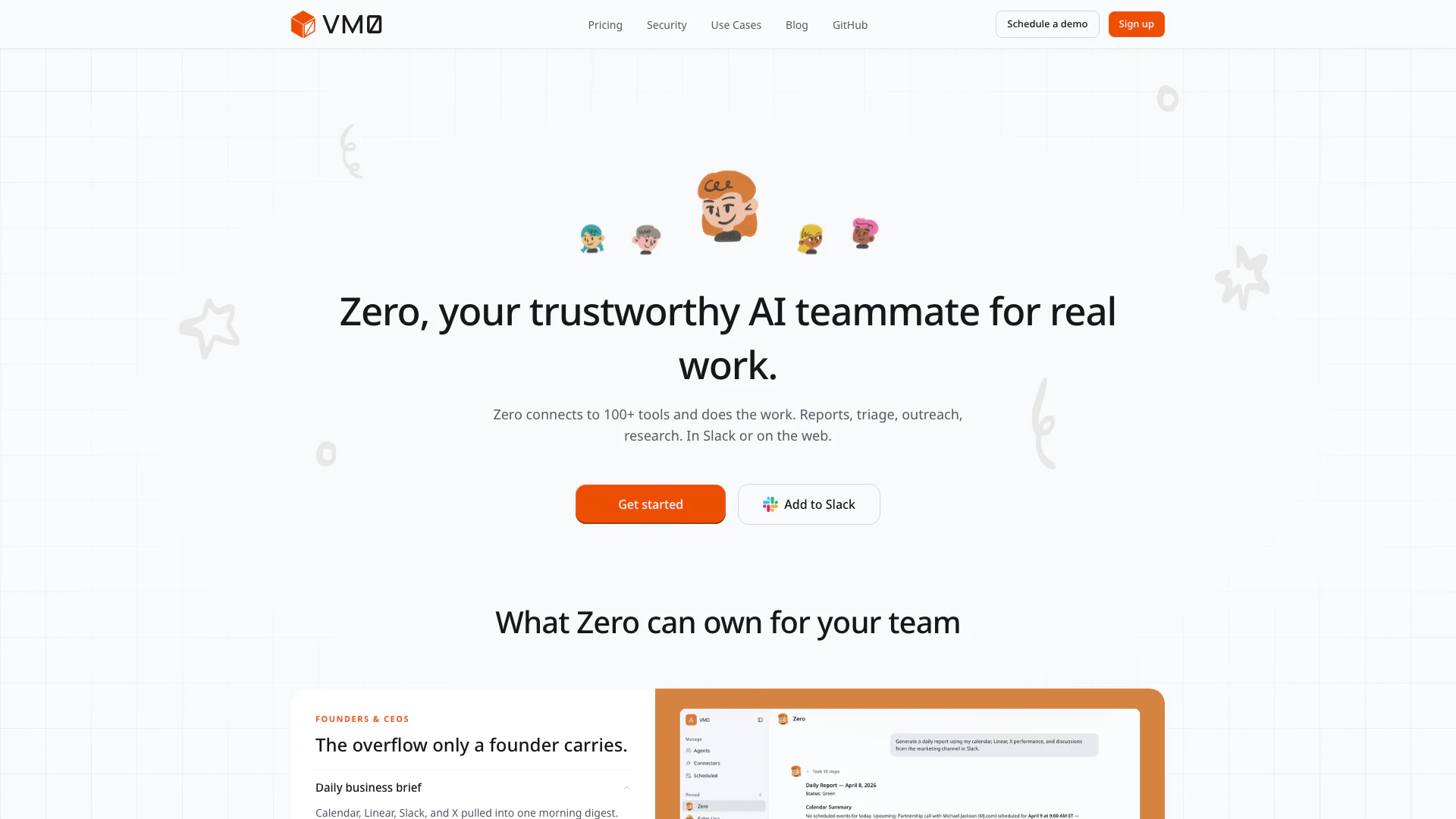
Vm0ai, also known as Zero, is an innovative AI tool designed to serve as a reliable teammate for real work. It seamlessly connects to over 100 tools, enabling it to perform a variety of tasks including reporting, triage, outreach, and research directly within Slack or on the web. By integrating with essential applications like Gmail, Notion, and Linear, Vm0ai acts not just as a passive assistant but as an active collaborator, managing workflows and enhancing team productivity.
How to use Vm0ai?
- Sign Up: Visit the Vm0ai website and create an account to get started.
- Connect Tools: Integrate Vm0ai with your existing tools such as Slack, Gmail, and Notion to enable seamless communication and task management.
- Define Tasks: Specify the tasks you want Vm0ai to handle, such as drafting emails, summarizing meetings, or managing project updates.
- Engage in Slack: Use Slack to interact with Vm0ai by mentioning it in conversations or sending direct messages to execute commands or retrieve information.
- Monitor Performance: Regularly check the outputs and reports generated by Vm0ai to ensure it meets your team's needs and adjust its settings as necessary.
What are the main features of Vm0ai?
- Task Automation: Automates repetitive tasks like email triage, report generation, and meeting summaries.
- Multi-Tool Integration: Connects with over 100 tools including Slack, Notion, and Linear for enhanced functionality.
- Contextual Understanding: Remembers past decisions and project contexts to provide relevant assistance without requiring re-explanation.
- Specialized Sub-Agents: Allows users to create specific agents for different tasks, such as research or outreach, working in parallel.
- Secure Permissions: Users can control access to their data, ensuring that Zero operates within specified permissions.
Who is Vm0ai for?
Vm0ai is designed for teams and professionals across various roles, including founders, CEOs, sales and marketing teams, engineers, and operations staff. It is ideal for those who require efficient task management, streamlined communication, and enhanced productivity. Whether you are a startup founder overwhelmed with daily tasks or a marketing professional needing personalized outreach, Vm0ai serves as a versatile tool that adapts to different workflows and improves team collaboration.
What are the use cases of Vm0ai?
- Daily Business Briefs: Automatically compiles daily updates from various tools and delivers them to team members before standup meetings.
- Sales Outreach: Researches potential clients and drafts personalized emails to engage prospects effectively.
- Engineering Backlog Management: Automates bug reporting and triages errors from development tools, helping teams prioritize fixes.
Vm0ai Pros and Cons
Pros
- Comprehensive Team Integration: Zero connects seamlessly with over 100 tools, allowing teams to collaborate effectively in Slack and on the web.
- Automated Reporting and Updates: It automatically generates daily business briefs, investor updates, and weekly status reports, saving time for team members.
- Personalized Outreach Capabilities: Zero crafts personalized emails for prospects based on their content, enhancing engagement and response rates.
Cons
No cons data detected for this tool
Vm0ai Compare
| Tool Name | Introduction | Pricing | Type | Rating | Launch Date | Learn more |
|---|---|---|---|---|---|---|
Civitai: The Home of Open-Source Generative AI | Free | November 2, 2022 | Get deal | |||
The easiest and quickest way to build your beautiful portfolio website, landing page or anything. No code. All creative freedom. | Free | July 6, 2017 | Get deal | |||
Explore Prompt Vibes to create unique prompts with our ChatGPT Prompt generator. Discover a collection of the best prompts designed for various uses. | Free | February 25, 2023 | Get deal |

Info current as of post date. Offers and availability may vary by location and are subject to change.
Vm0ai Q&A
Zero can manage various tasks including daily business briefs, investor updates, inbox triage, decision logs, KOL and prospect research, personalized outreach, lead follow-ups, marketing pulse reports, Sentry error triage, tech debt scanning, bug filing, weekly status reports, employee onboarding, meeting digests, and cross-team reminders.
Vm0ai Alternatives

Boost Productivity in HubSpot with Breeze Copilot | HubSpot
- Operations & Management
- AI CRM Tools
- Ai Productivity Tools

OpusClip turns long videos into high-quality viral clips for you to share on TikTok, YouTube Shorts, and Reels to increase social media reach.
- Writing & Editing
- AI Content Repurposing
- AI Text Generator
- AI Social Media Tools

Warp: The Agentic Development Environment
- Developer Tools
- Ai Code Generator
- Ai Agent
- AI Tools Directory