Vocalremover
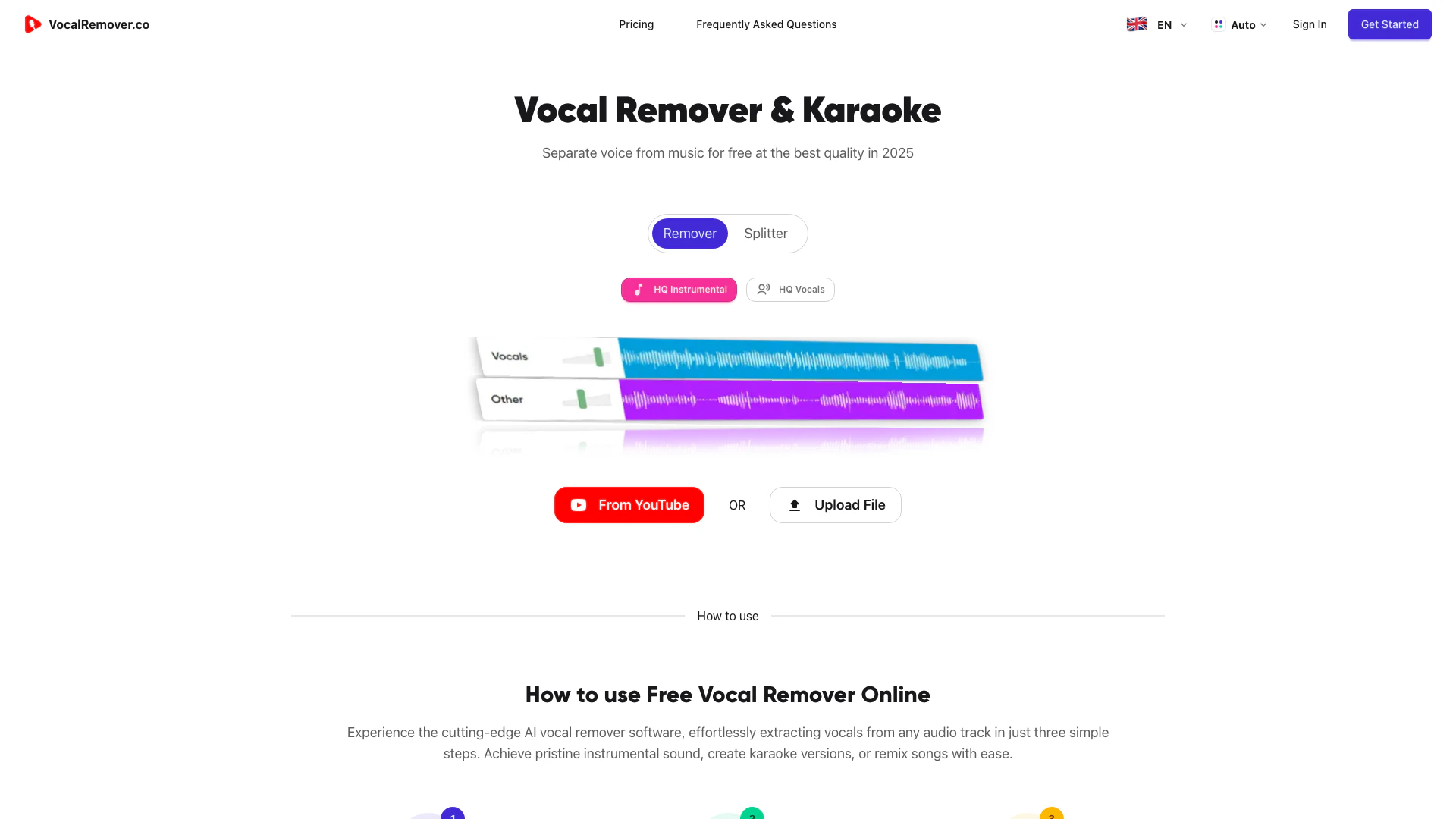





What is Vocalremover?
Vocalremover is an AI-powered audio separation tool designed to remove vocals from audio tracks. By simply uploading your audio file, users can easily obtain either the instrumental version or the isolated vocals. This tool is perfect for musicians, producers, and anyone looking to manipulate audio for various purposes.
How to use Vocalremover?
- Visit the Vocalremover website and navigate to the audio upload section. 2. Click on the 'Upload' button to select the audio file you want to process. 3. After the upload is complete, choose whether you want the instrumental or the vocals separated. 4. Click on the 'Process' button and wait for the AI to analyze the audio. 5. Once processing is done, download your desired audio track.
What are the main features of Vocalremover?
- AI-powered vocal separation technology for high-quality results.
- Ability to extract either vocals or instrumentals from audio files.
- User-friendly interface for easy navigation and operation.
- Fast processing times to quickly obtain desired audio results.
- Supports various audio file formats for flexibility.
Who is Vocalremover for?
Vocalremover is designed for a wide range of users including musicians, music producers, DJs, and hobbyists who want to remix songs or create karaoke tracks. It is also suitable for audio engineers and content creators who need to isolate vocals for editing or sampling purposes.
What are the use cases of Vocalremover?
- Creating karaoke versions of popular songs by removing vocals.
- Allowing musicians to remix tracks by isolating instrumental parts.
- Assisting audio engineers in analyzing vocal performances without instrument interference.
Vocalremover Pros and Cons
Pros
- AI-Powered Vocal Removal: Utilizes advanced AI technology to effectively separate vocals from audio tracks, providing high-quality instrumental outputs.
- User-Friendly Interface: Designed for ease of use, allowing users to upload audio files and receive processed results without technical expertise.
- Quick Processing Time: Delivers fast results, enabling users to quickly obtain instrumental or vocal tracks from their audio files.
Cons
No cons data detected for this tool
Analytics of Vocalremover
Vocalremover Compare
| Tool Name | Introduction | Pricing | Type | Rating | Launch Date | Learn more |
|---|---|---|---|---|---|---|
 | Generate stunning AI wallpapers effortlessly. | Free | 🙋♂️Personal🎨Creativity | February 22, 2024 | Get deal | |
 | Fello AI is the easiest way to use all the best AI models on your Mac, iPhone & iPad. Use GPT-5 and other latest AI models into one super-fast, Native app with… | Free | 💼Work🎨Creativity | December 31, 1984 | Get deal | |
 | Automate LinkedIn lead generation with ease. | Free Trial | 💼Work🎨Creativity | March 17, 2026 | Get deal |
Info current as of post date. Offers and availability may vary by location and are subject to change.
Vocalremover Alternatives
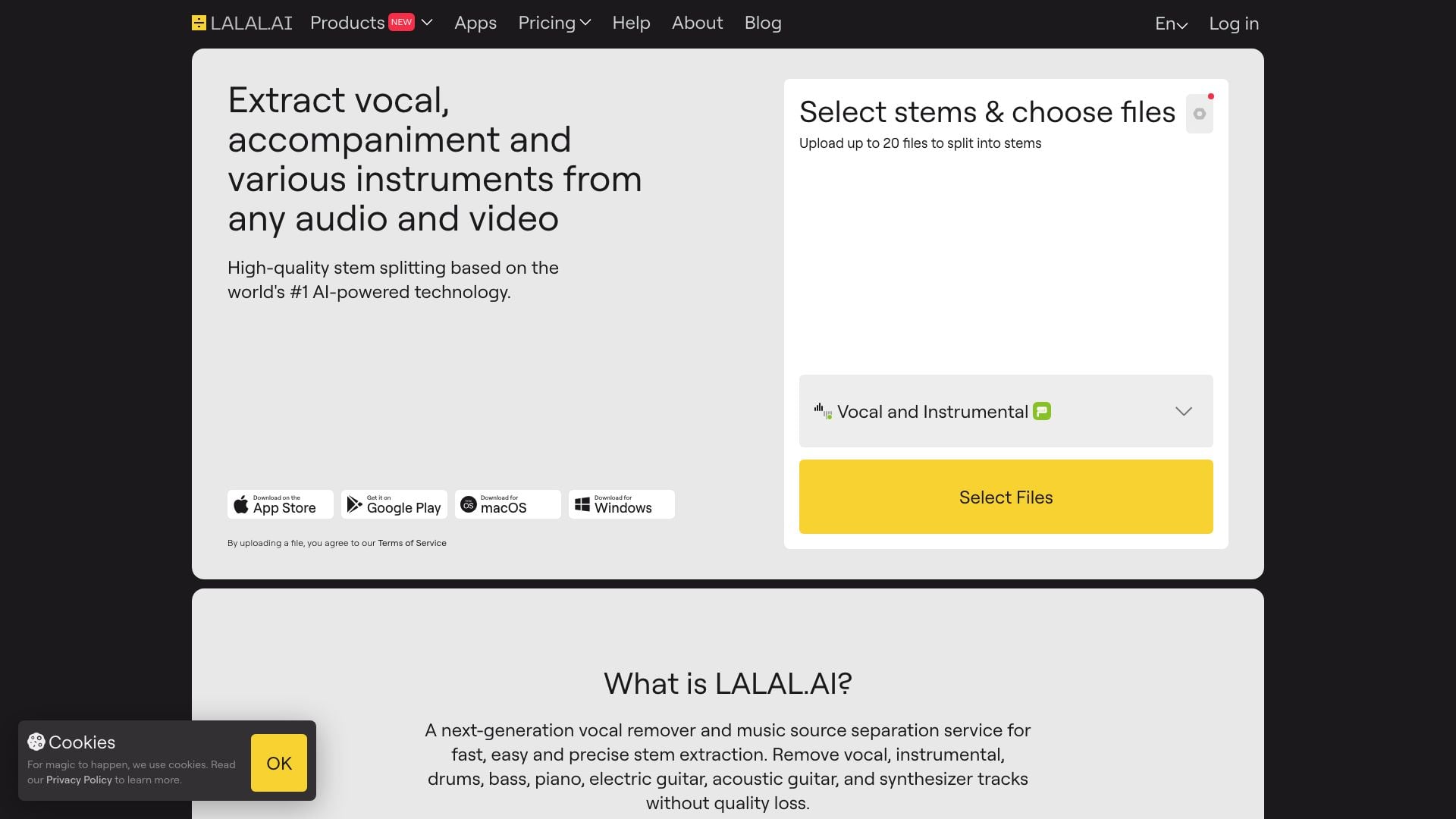

The best app for practicing music. Remove vocals, separate instruments, master your tracks, and remix songs with the power of AI. Try it today!