

Whisperbuddy
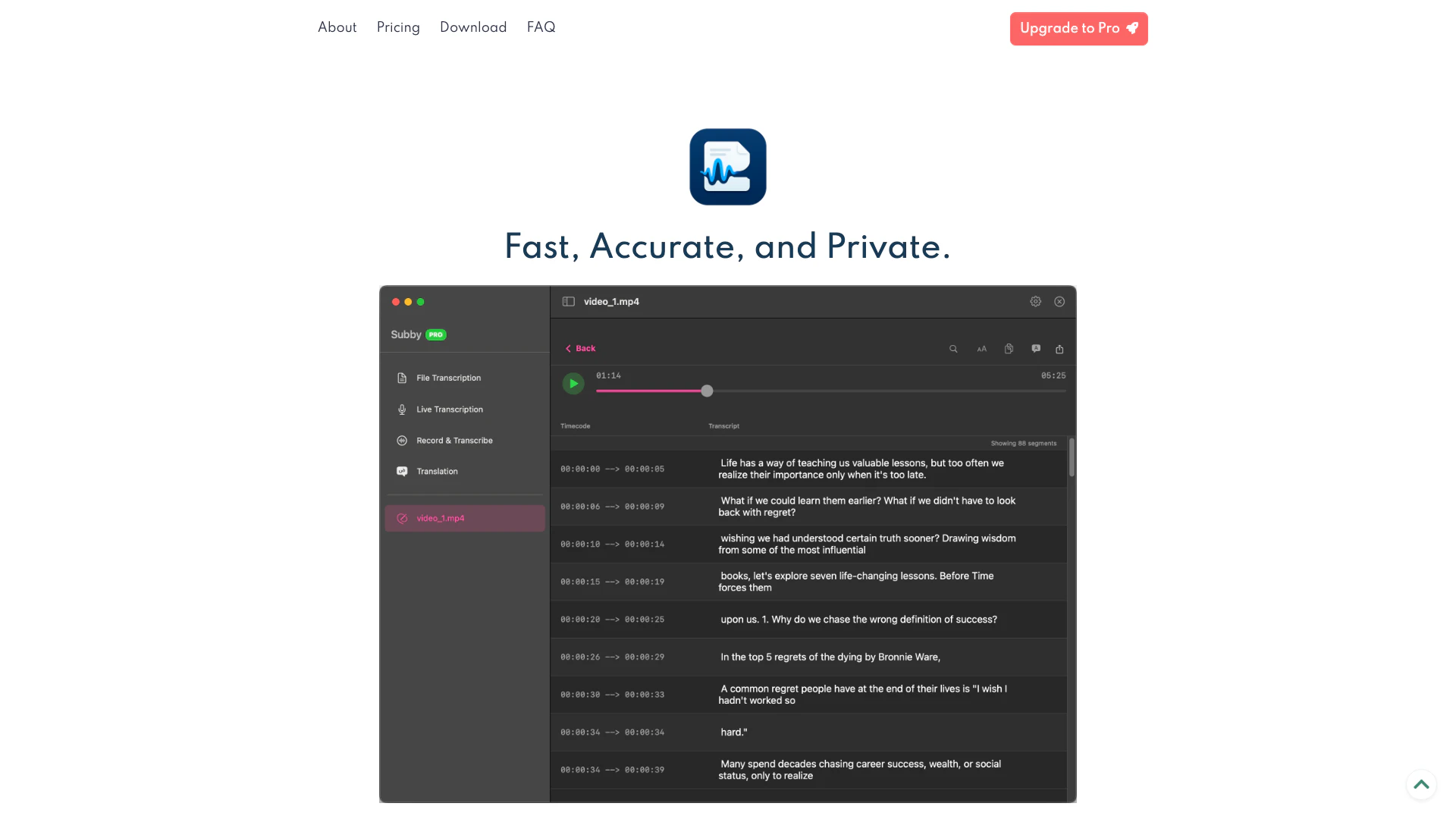


What is WhisperBuddy?
WhisperBuddy is an AI-powered transcription application designed specifically for macOS. It enables users to convert audio and video files, as well as real-time microphone input, into accurately formatted text with timestamps. The app prioritizes speed, privacy, and usability, allowing users to work offline while ensuring that their data remains secure. With its advanced features, WhisperBuddy provides a seamless experience for transcription, translation, and editing, making it an essential tool for anyone needing reliable audio-to-text conversion.
How to use WhisperBuddy?
- Download and Install: Visit the WhisperBuddy website and download the app for macOS. Install it on your device by following the on-screen instructions.
- Select Audio Source: Open WhisperBuddy and choose your audio source. You can either upload audio/video files or select the microphone to capture real-time audio.
- Transcribe Audio: Click on the 'Transcribe' button to start converting your audio into text. The app will process the audio locally and display the transcription in real-time.
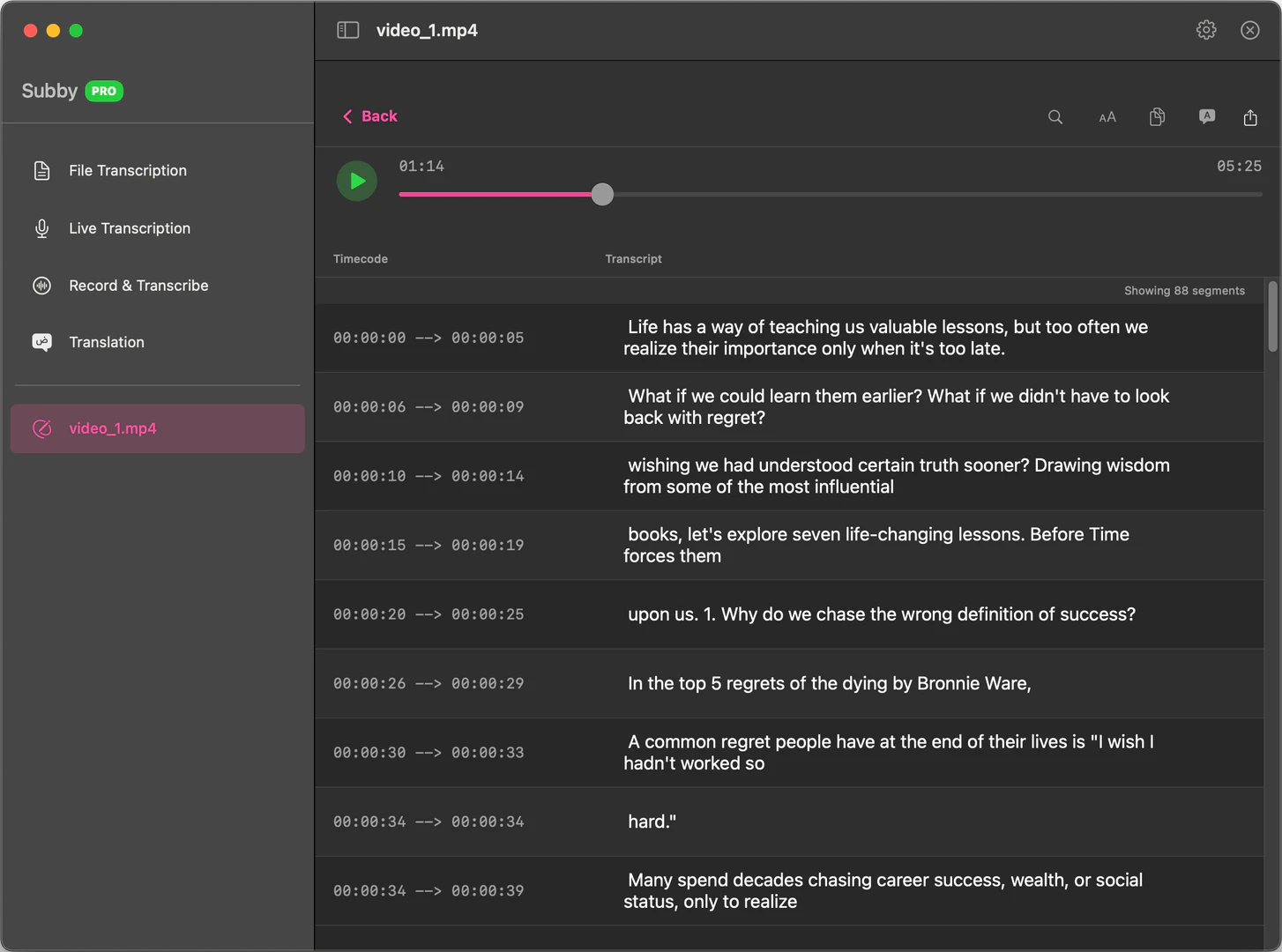
- Edit Transcriptions: Use the editing tools to refine your transcriptions. You can edit segment-by-segment with synchronized audio playback for accuracy.
- Export Your Work: Once satisfied with the transcription, export it in your desired format (SRT, JSON, TXT, VTT) for use in video projects or other applications.
What are the main features of WhisperBuddy?
- AI-Powered Transcription: Fast and accurate transcription of audio and video files.
- Real-Time Transcription: Live transcription capabilities for immediate results.
- Multi-Source Recording: Capture audio from various sources, including microphones and other applications.
- Offline Functionality: All processing happens locally on your Mac without the need for internet.
- Editing Tools: Edit transcriptions easily with synchronized audio playback.
- Multiple Export Formats: Export transcriptions in SRT, JSON, TXT, and VTT formats.
- Local Translation: Translate transcripts into multiple languages completely offline.
Who is WhisperBuddy for?
WhisperBuddy is ideal for professionals, content creators, students, and anyone who frequently works with audio or video content. It caters to users who prioritize data privacy and require efficient transcription solutions without relying on internet connectivity. This tool is particularly beneficial for journalists, podcasters, educators, and researchers who need accurate transcriptions for their work.
What are the use cases of WhisperBuddy?
- Transcribing Interviews: Journalists can use WhisperBuddy to transcribe interviews quickly and accurately, ensuring they capture every detail.
- Creating Subtitles: Video creators can convert their video audio into text and export it as subtitles (SRT) for their content.
- Note-Taking in Lectures: Students can record lectures and transcribe them for better note-taking and study purposes.
- Podcast Transcription: Podcasters can transcribe episodes for accessibility and to create written content from their audio.
Product Images


Whisperbuddy Pros and Cons
Pros
- Fast and Accurate Transcription: WhisperBuddy offers lightning-fast transcription powered by advanced AI models, ensuring high accuracy and quality for audio and video files.
- Complete Privacy: All transcription processes occur locally on your Mac, ensuring that your audio data and transcriptions never leave your device, providing complete privacy.
- Feature-Rich Experience: The app includes multi-source recording, real-time transcription, offline translation, and various export formats, all in a user-friendly macOS interface.
Cons
No cons data detected for this tool
Whisperbuddy Pricing
Free
Perfect for getting started. Free to download and use. Includes 10 times of Export and Copy Transcriptions and 7 days of Dictation.
PRO
Perfect for professionals. One-time payment with 1 year of app updates. No subscription, no hidden fees. Includes Unlimited Export and Copy Transcriptions, Unlimited Dictation, 1 macOS device, and 1 year of updates.
For the latest pricing, please visit this link: https://whisperbuddy.com/#pricing
Prices are subject to change. Please visit the official website for the most up-to-date pricing information.
Whisperbuddy Reviews
This is awesome, thanks for caring about privacy and going the extra mile to develop this! I look forward to trying it out 👏
Good stuff, Nghia! I've already got my license! =D
Amazing product sir!
For more reviews, visit this link: https://whisperbuddy.com/#customers-love-it
Whisperbuddy Compare

Info current as of post date. Offers and availability may vary by location and are subject to change.
Whisperbuddy Q&A
No! WhisperBuddy works completely offline. All transcription, translation, and processing happens locally on your Mac using advanced AI models. Your audio data never leaves your device, ensuring complete privacy and security.
For more FAQs, please visit this link: https://whisperbuddy.com/#faq
Whisperbuddy Alternatives

Create and edit audio effortlessly with Adobe Podcast.
- Audio & Music
- AI Voice Transcription
- Audio Recording Tool
- AI Podcast Generator
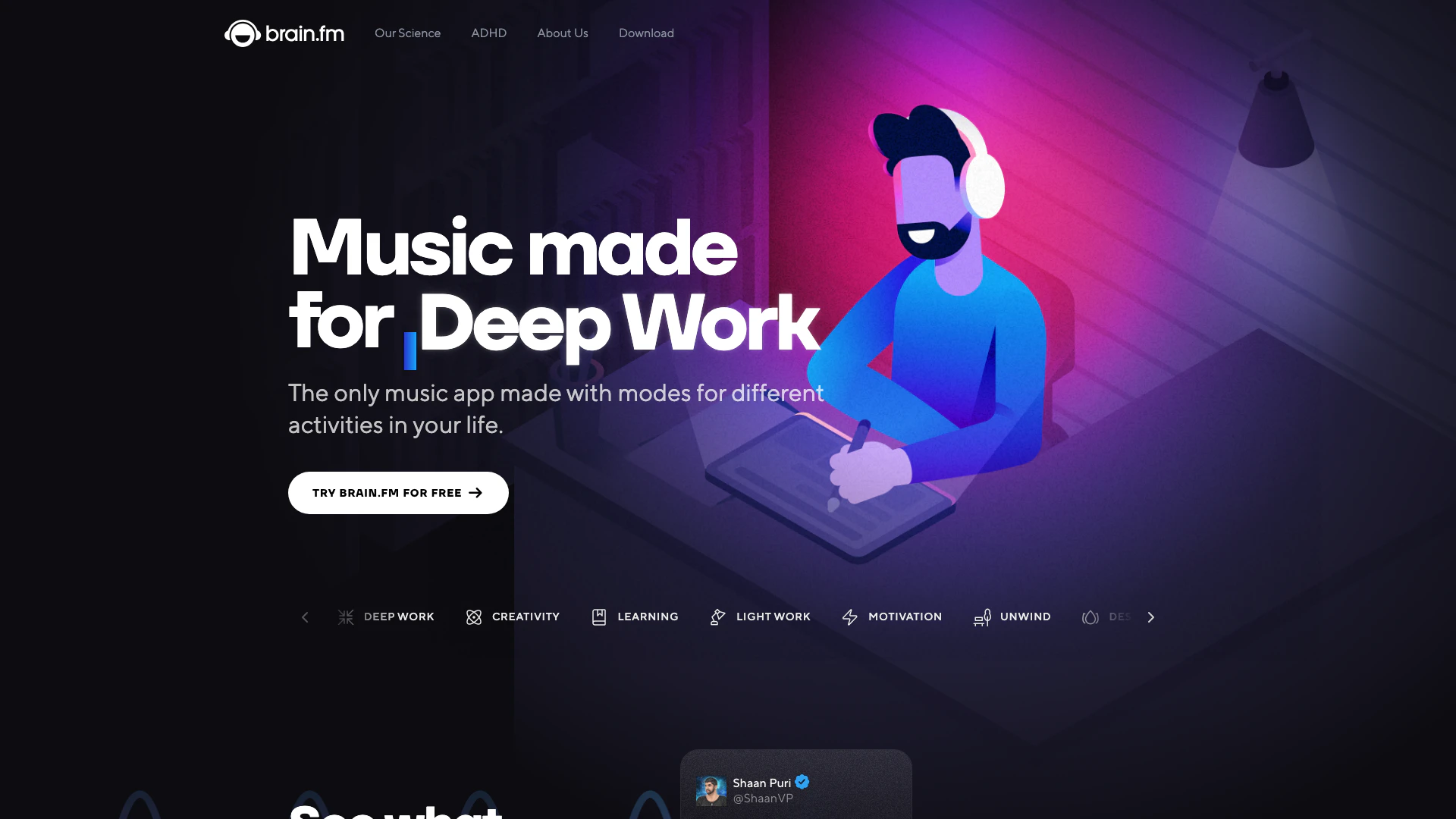
Enhance focus and relaxation with Brain.fm's music designed using neuroscience.
- Audio & Music
- AI Music Sharing Platform
- Audio Recording Tool
- Personalized Audio Briefing Tool
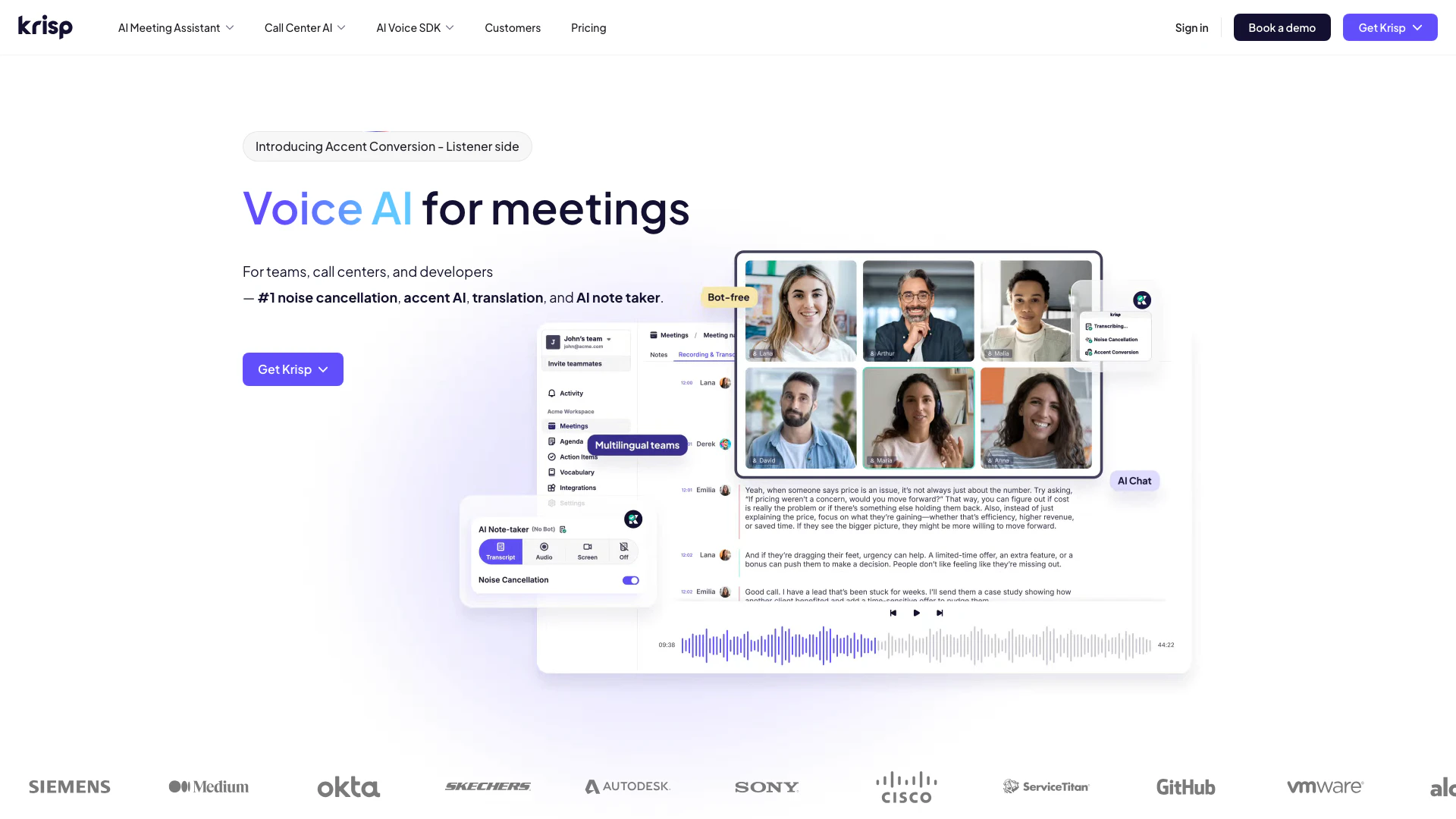
Enhance your meetings with AI-driven noise cancellation and transcription.
- Audio & Music
- AI Noise Reduction
- AI Voice Transcription
- Voice Calling Services