

Windows





What is Windows?
Windows is a powerful operating system developed by Microsoft, designed to enhance productivity and creativity for users and developers alike. The latest iteration, Windows 11[1], introduces innovative features such as Windows Copilot[2], a centralized AI assistance tool, and Dev Home[3], a productivity hub for developers. Windows aims to streamline workflows and integrate advanced AI capabilities, allowing users to efficiently manage tasks, collaborate seamlessly, and develop applications with ease. This evolution positions Windows as a leading platform for both casual users and professional developers, empowering them to leverage cutting-edge technology.
How to use Windows?
- Install Windows 11: Begin by downloading and installing Windows 11 from the official Microsoft website, ensuring your device meets the system requirements.
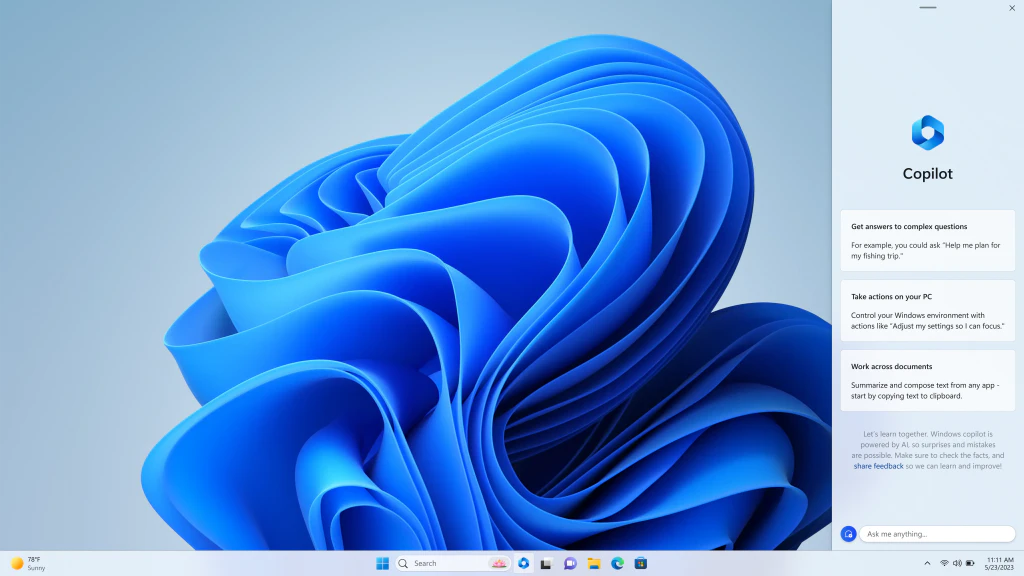
- Set Up Windows Copilot: Access Windows Copilot from the taskbar to leverage AI assistance for managing tasks, applications, and information efficiently.
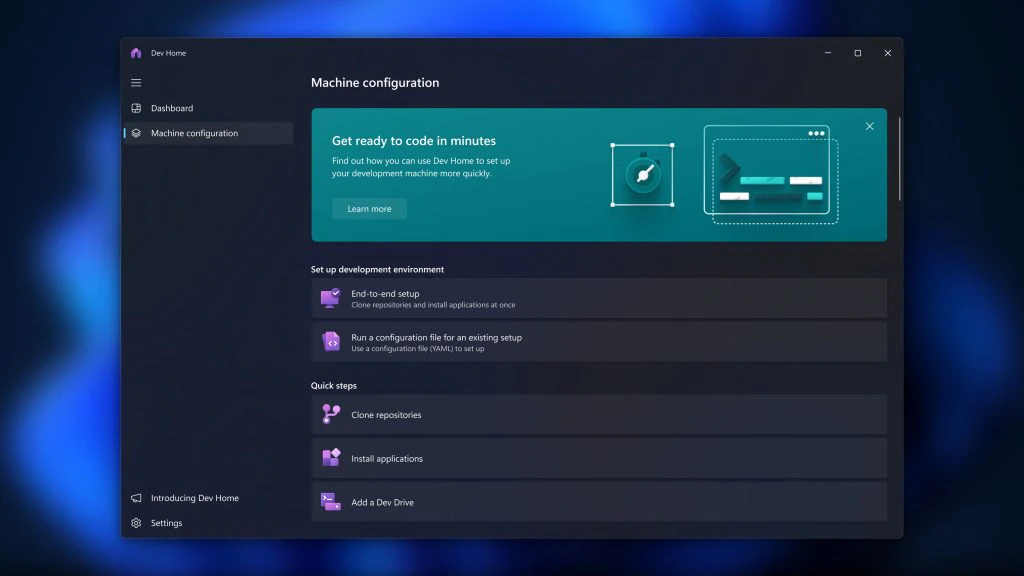
- Utilize Dev Home: Open Dev Home to customize your developer environment, track workflows, and manage projects seamlessly. Connect to GitHub for easy repository management.
- Explore Features: Familiarize yourself with built-in features such as Snap Assist, personalization options, and the Microsoft Store for downloading apps.
- Engage with AI Tools: Take advantage of AI functionalities in Windows applications, including Bing Chat and plugins to enhance your productivity.
What are the main features of Windows?
- Windows Copilot: Centralized AI assistance to streamline tasks and enhance productivity.
- Dev Home: A dedicated environment for developers to manage projects, workflows, and coding tasks.
- Hybrid AI Loop[4]: Supports AI development across platforms, integrating cloud and edge capabilities.
- Bing Chat Plugins[5]: Allows developers to integrate their applications with AI functionalities within Windows.
- Dev Drive[6]: A specialized storage solution designed for developers to improve performance and security during heavy file operations.
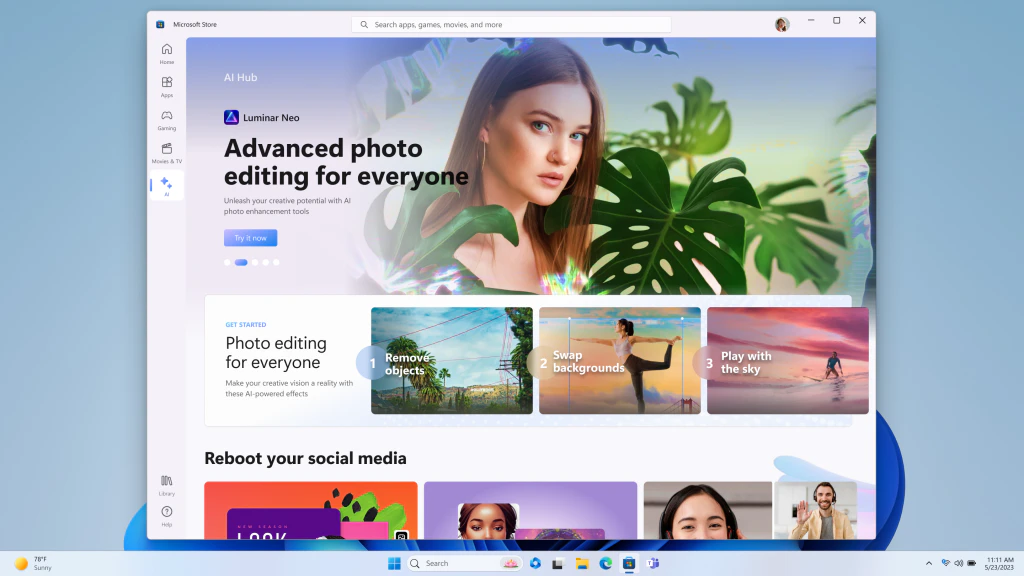
- Enhanced Microsoft Store: Features AI-generated keywords and review summaries for improved app discoverability.
Who is Windows for?
Windows is designed for a diverse range of users, including individual consumers, professionals, and developers. Casual users benefit from the intuitive interface and productivity features of Windows 11, while developers gain access to powerful tools like Dev Home and AI capabilities that enhance app development. Industries such as healthcare, finance, education, and technology can leverage Windows to create tailored solutions, making it a versatile platform for anyone looking to harness the power of technology in their daily tasks or professional projects.
What are the use cases of Windows?
- Application Development: Developers can utilize Windows to create, test, and deploy applications using integrated tools and AI features.
- Remote Collaboration: Windows facilitates seamless collaboration through applications like Microsoft Teams and integration with GitHub, enhancing remote work capabilities.
- AI-Powered Solutions: Businesses can leverage AI tools in Windows to analyze data, automate tasks, and improve decision-making processes.
- Creative Projects: Artists and designers can use Windows for graphic design, video editing, and other creative tasks, benefiting from the performance enhancements in Windows 11.
- Education and Learning: Students and educators can utilize Windows for online learning, accessing educational resources, and collaborating on projects.
Product Images
Windows Pros and Cons
Pros
- Centralized AI Assistance: Windows Copilot provides centralized AI assistance, making it easier for users to take action and complete tasks without switching between multiple applications.
- Enhanced Developer Tools: Dev Home offers new features like WinGet configuration and Dev Drive, streamlining the development process and improving productivity for developers.
- Hybrid AI Development Support: The introduction of Hybrid AI loop supports AI development across platforms, enabling developers to leverage cloud and local resources effectively.
Cons
No cons data detected for this tool
Analytics of Windows
Windows Website Traffic Analysis
Visits Over Time
Traffic Sources
Nov 2025 - Jan 2026 Worldwide Desktop Only
- Direct: 48.42%
- Search: 31.39%
- Referrals: 17.84%
- Social: 1.82%
- Paid Referrals: 0.47%
- Mail: 0.06%
Top Keywords
| Keyword | Volume | CPC | Estimated Value |
|---|---|---|---|
| windows 11 | 1.44M | $0.56 | $8690.00 |
| windows 10 | 580.81K | $0.37 | $3770.00 |
| windows | 503.88K | $2.63 | $4960.00 |
| windows 11 25h2 | 86.60K | $1.05 | $2460.00 |
| copilot keyboard | 40.43K | $0.00 | $3160.00 |
Windows Compare
| Tool Name | Introduction | Pricing | Type | Rating | Launch Date | Learn more |
|---|---|---|---|---|---|---|
 | Dvina - Your all-in-one ai assistant | Free | 💼Work🎨Creativity | December 23, 1991 | Get deal | |
 | Hntd is a recruiting intelligence platform that analyzes real activity on GitHub to find and evaluate developers. | Free | 💼Work | December 22, 1987 | Get deal | |
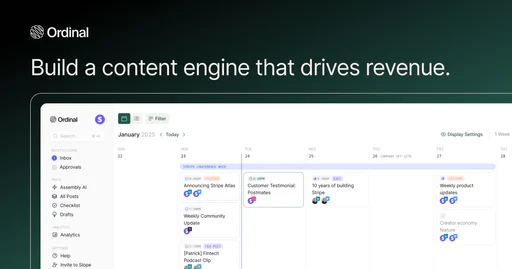 | A comprehensive platform for social media management. | Free | 💼Work🎨Creativity | November 13, 2022 | Get deal |
Info current as of post date. Offers and availability may vary by location and are subject to change.
Windows Q&A
Windows Copilot is a centralized AI assistance feature introduced in Windows 11, designed to help users easily take action and get things done across applications.
Windows Alternatives
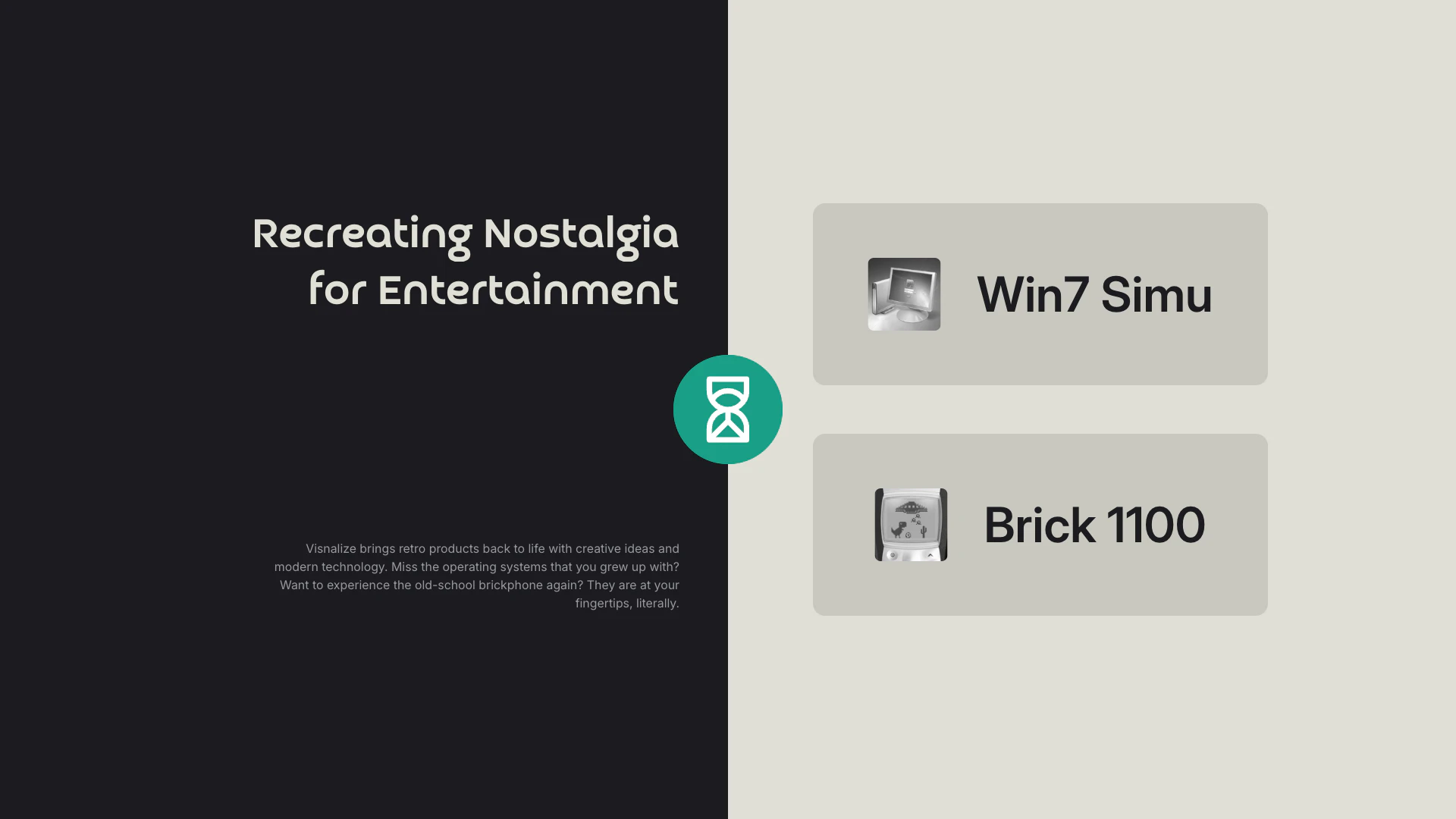
Experience nostalgic retro apps with Visnalize.
- Audio & Music
- AI Vocal Remover
- Software Platforms
- General Purpose Operating Systems
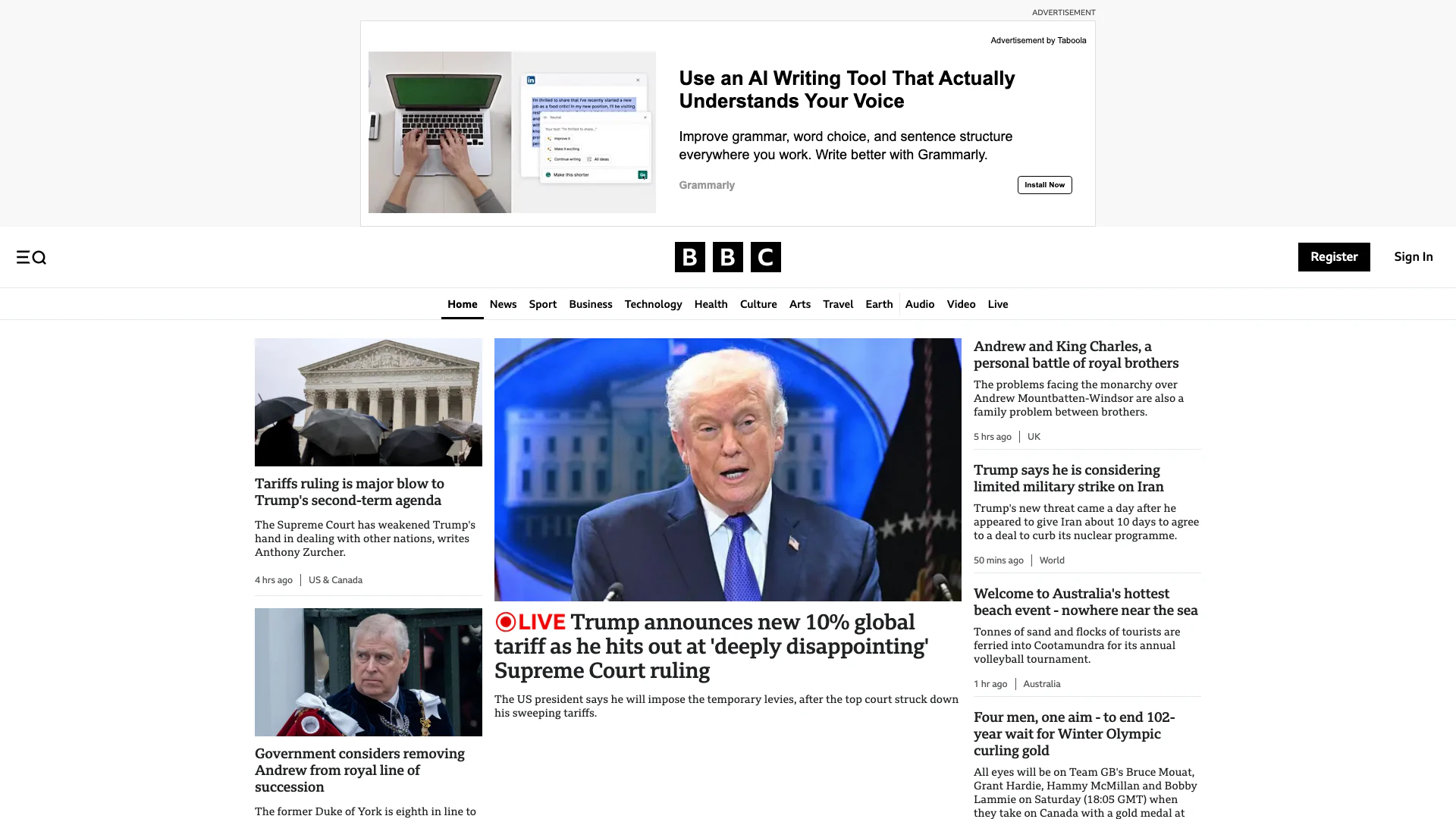
Stay updated with reliable news from around the world.
- Other
- News Summarization Tools
- Streaming Content Discovery Tools
- Community Engagement Tools
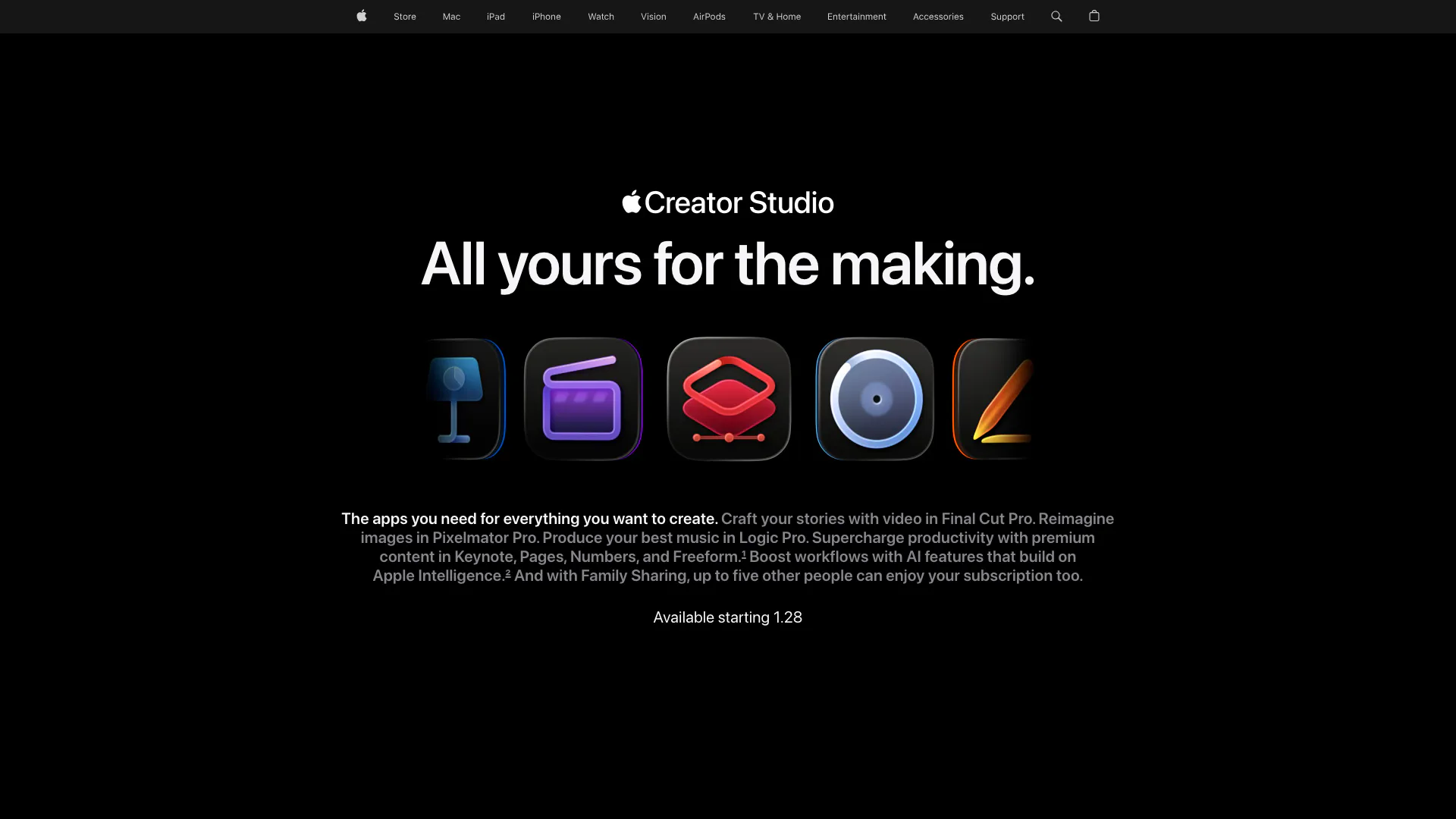
Apple Creator Studio offers a suite of creative tools for video, music, and design.
- Other
- Fruit AI Tools
- Food and Nutrition AI Tools