

Autoppt
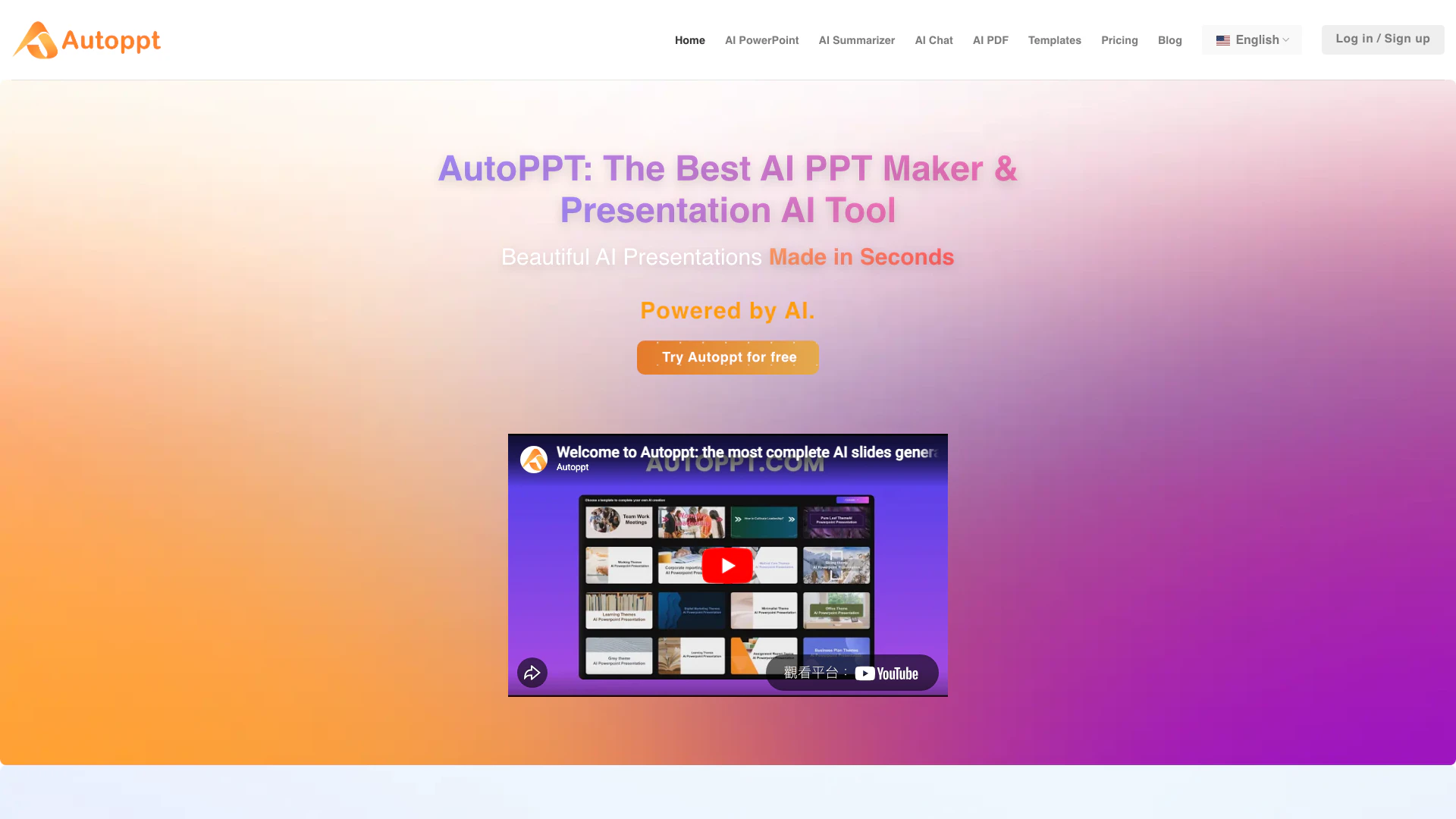





What is Autoppt?
Autoppt is a cutting-edge AI PowerPoint generator[1] designed to streamline the creation of presentations. It enables users to create stunning slides quickly and effortlessly by simply entering a topic or uploading documents such as PDFs and Word files. With a rich selection of beautifully designed templates and powerful AI capabilities[6], Autoppt allows users to generate professional presentations in seconds, making it an essential tool for anyone looking to enhance their presentation-making process.
How to use Autoppt?
- Choose Your Topic or Upload Your Document: Start by selecting a topic or uploading your document (PDF, Word, Txt, Excel, PPT, JPG). This could be for a business meeting, work summary, or any other purpose.
- Pick a Template: Browse through the variety of design styles and themed templates offered by Autoppt to select the one that best fits your presentation's needs.
- Customize Your AI Slides: Once your slides are generated, you can adjust fonts, colors, and other elements using the online editor to ensure they match your vision.
- Download and Share: Finally, export your PowerPoint presentation and download it directly or generate a shareable link to present your work to others.
What are the main features of Autoppt?
- AI-Powered Presentation Generation: Instantly create presentations by entering a topic or uploading documents.
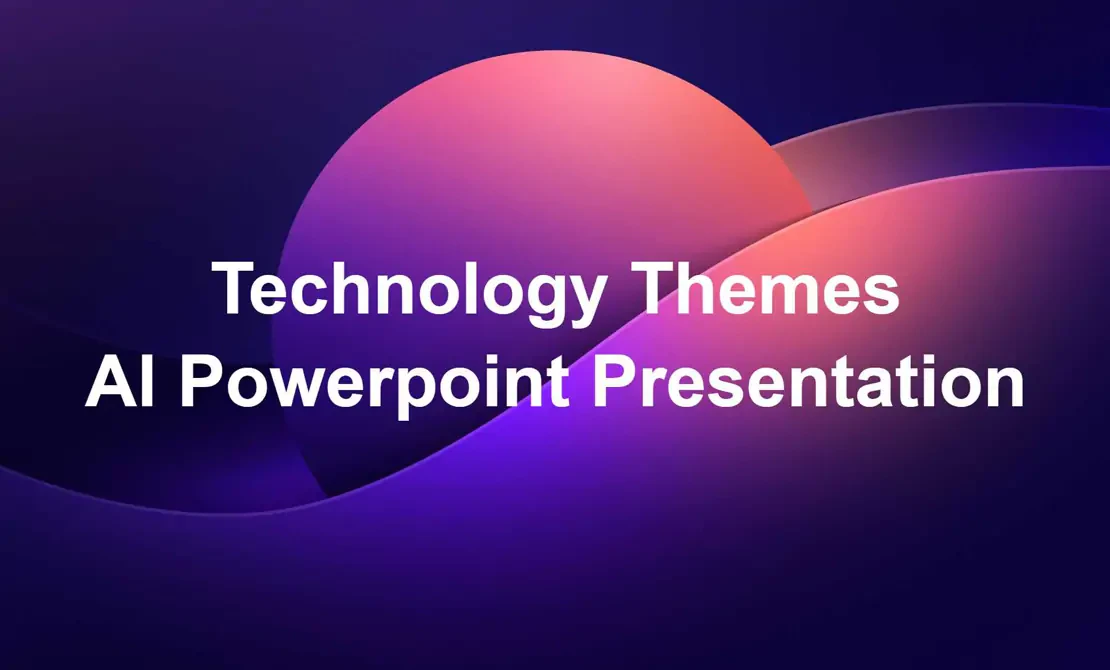
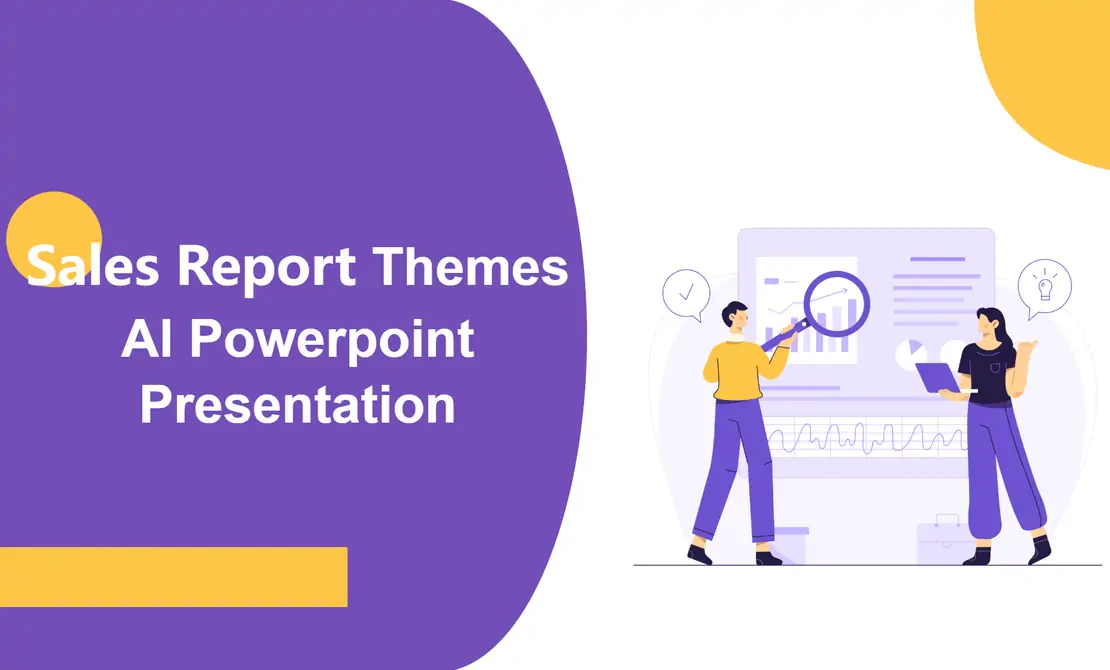
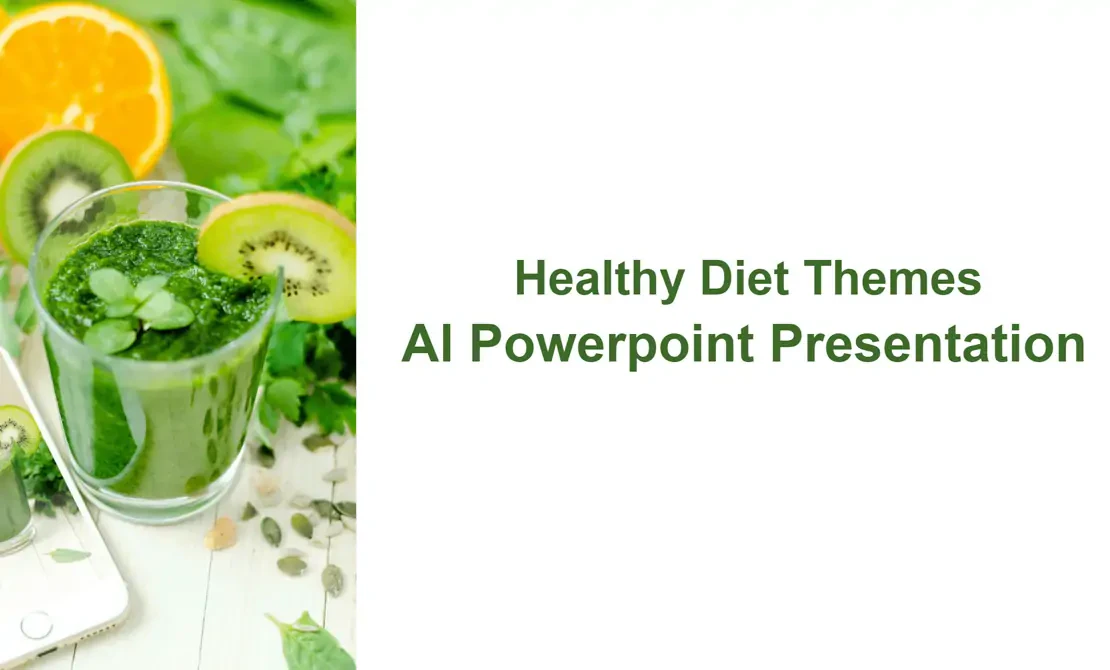
- Extensive Template Library[2]: Access a wide range of beautifully designed templates for various themes.
- Document Conversion[3]: Convert PDFs and Word documents into PowerPoint slides seamlessly.
- Customization Options[4]: Modify slides with various editing tools to tailor the presentation to your needs.
- Multi-Language Support[5]: Engage audiences across all devices in over 100 languages.
Who is Autoppt for?
Autoppt is designed for a diverse audience, including students, educators, business professionals, and anyone who needs to create presentations quickly and effectively. Whether you are preparing for a school project, a corporate meeting, or a public speaking engagement, Autoppt provides the tools necessary to craft visually appealing and informative presentations without requiring extensive design skills.
What are the use cases of Autoppt?
- Business Presentations: Create compelling presentations for meetings, pitches, and reports that impress stakeholders.
- Educational Purposes: Students and educators can generate presentations for lectures, assignments, and projects, enhancing learning experiences.
- Marketing Campaigns: Marketers can quickly develop presentations to showcase product features, strategies, and results to clients or management.
Product Images





Autoppt Pros and Cons
Pros
- Fast Presentation Creation: Autoppt allows users to create presentations quickly, significantly reducing the time spent on slide preparation.
- Extensive Template Library: The tool offers a rich collection of beautifully designed templates, catering to various themes and presentation needs.
- AI-Powered Features: Utilizing advanced AI technology, Autoppt generates professional slides from user input, enhancing the quality and creativity of presentations.
Cons
No cons data detected for this tool
Analytics of Autoppt
Autoppt Website Traffic Analysis
Visits Over Time
Traffic Sources
Oct 2025 - Dec 2025 Worldwide Desktop Only
- Search: 60.43%
- Direct: 28.62%
- Referrals: 8.01%
- Social: 2.12%
- Paid Referrals: 0.68%
- Mail: 0.14%
Top Regions
| Region | Percentage |
|---|---|
🇰🇷 South Korea | 4.61% |
🇮🇳 India | 4.35% |
🇯🇵 Japan | 4.11% |
🇮🇹 Italy | 4.10% |
🇮🇩 Indonesia | 4.06% |
- South Korea: 4.61%
- India: 4.35%
- Japan: 4.11%
- Italy: 4.10%
- Indonesia: 4.06%
Top Keywords
| Keyword | Volume | CPC | Estimated Value |
|---|---|---|---|
| tome | 72.68K | $1.24 | $490.00 |
| ia para hacer presentaciones | 10.42K | $0.18 | $570.00 |
| autoppt | 8.28K | $0.08 | $5210.00 |
| autoppt com | 1.92K | $0.07 | $1180.00 |
| autoppt.com | 630 | $0.00 | $760.00 |
Autoppt Reviews
The most advanced AI presentation creator available. Autoppt AI PowerPoint maker can generate entire presentations from a prompt, saving you over 90% of your time with this AI PPT generator! **Daniel Carter**
Over the years, creating presentations has been a challenge for me. Autoppt AI PowerPoint maker has made the process accessible and convenient. With AutoPPT, I can easily generate and edit AI slideshows. I love it! **Alexander Thompson**
I have to say, Autoppt AI PPT maker has been incredibly useful for my presentations. I highly recommend it to anyone who wants to create stunning slides quickly with artificial intelligence and save time using this AI PowerPoint generator. **Emma Garcia**
For more reviews, visit this link: https://autoppt.com/#what-our-users-say
Autoppt Compare


Info current as of post date. Offers and availability may vary by location and are subject to change.
Autoppt Q&A
Yes, Autoppt offers a free trial and provides access to a variety of free online office tools. Autoppt leads the way in AI PPT creation and remains dedicated to creating even more powerful productivity tools.
For more FAQs, please visit this link: https://autoppt.com/faqs/
Autoppt Alternatives

Box AI enhances enterprise productivity with intelligent content management and automation.
- Operations & Management
- AI Workflow Automation
- AI Productivity Tools
- AI Information Management Tools
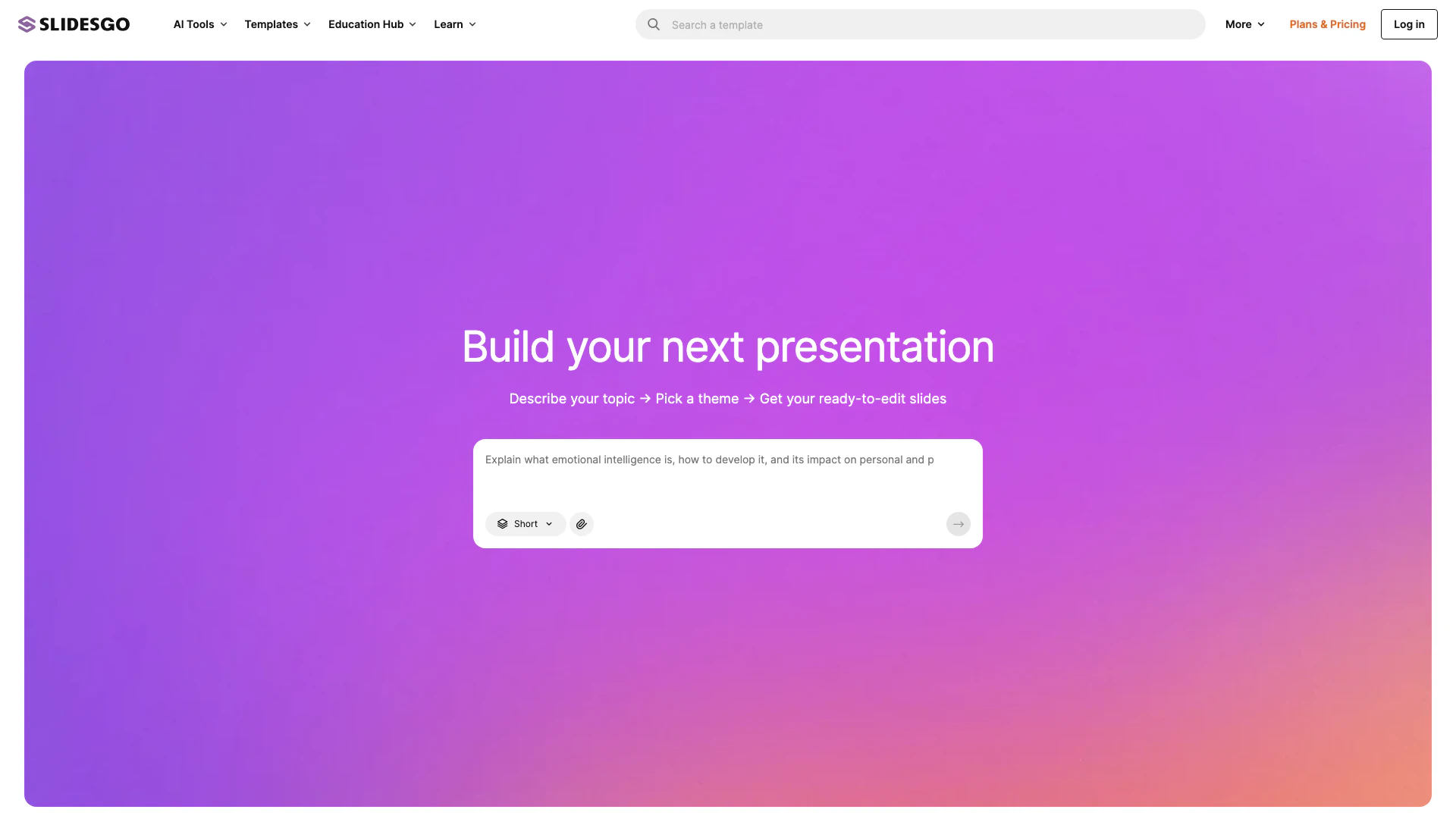
Slidesgo offers free Google Slides and PowerPoint templates for stunning presentations.
- Productivity & Office
- Presentation Templates
- Free Presentation Resources
- Google Slides and PowerPoint Tools
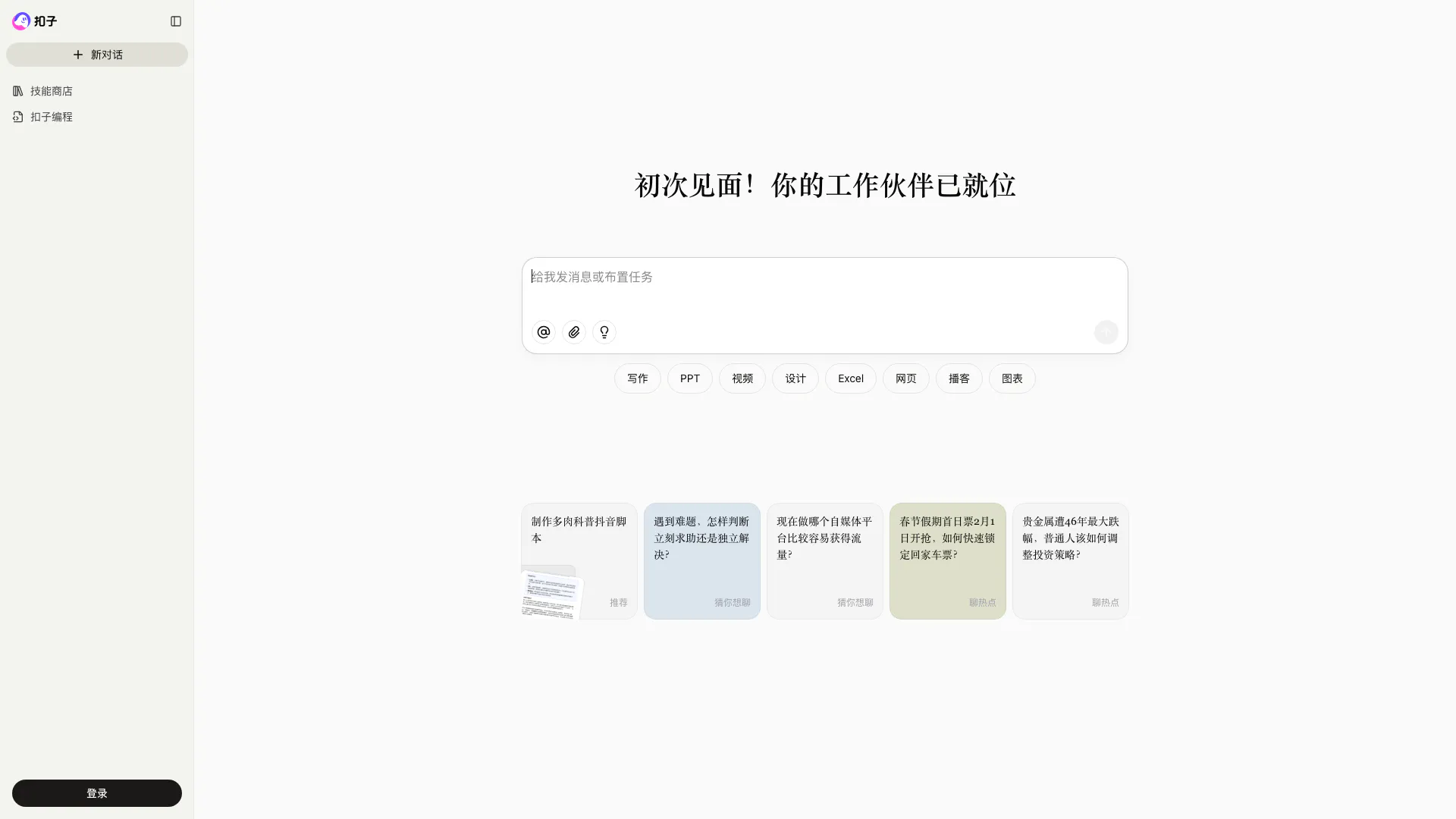
Coze is a powerful AI office assistant that enhances productivity through various automated tasks.
- Productivity & Office
- AI Productivity Tools
- AI Spreadsheet Tools
- AI File Management Tools