
Calendarscan


What is Calendarscan?
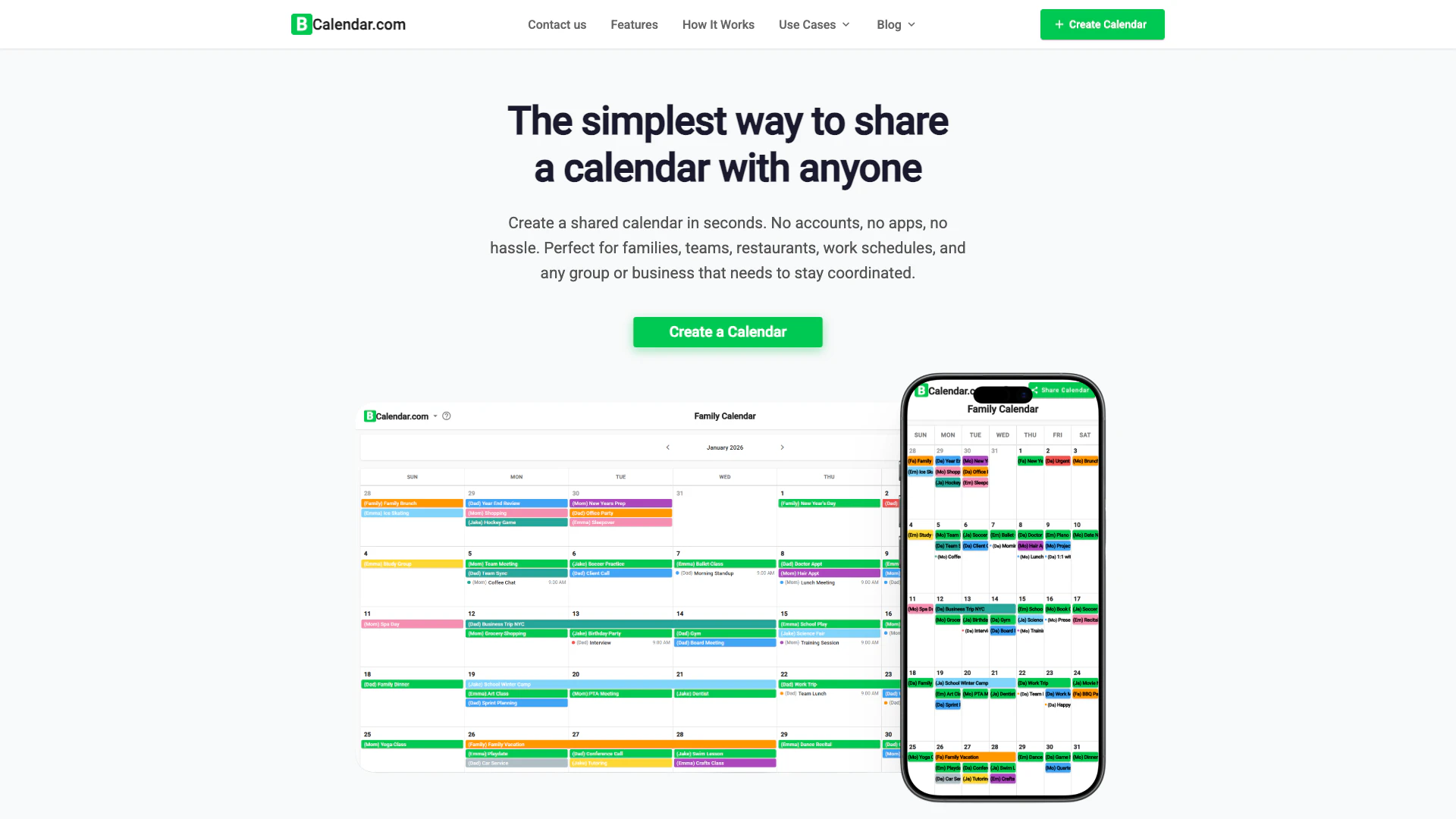
Calendarscan is a free shared calendar[1] tool that enables users to create a calendar in seconds without the need for login, signup, or app downloads. It is designed for families, teams, couples, and groups, allowing them to coordinate events effortlessly. The core value of Calendarscan lies in its simplicity and accessibility, making it an ideal solution for anyone who needs to share schedules quickly and efficiently.
How to use Calendarscan?
- Create Your Calendar: Visit the Calendarscan website and click on the 'Create Calendar' button. Your calendar will be ready in seconds without any signup required.
- Add Your Team: Input the names of everyone who will be using the calendar. Each member will be assigned a unique color for easy identification.
- Share the Link: Once your calendar is set up, share the generated link with your group. Everyone can view and add events instantly.
What are the main features of Calendarscan?
- No Login[2] Required: Start using your calendar instantly without creating accounts or passwords.
- Color-Coded Members[4]: Each participant gets a distinct color, allowing for quick recognition of who added which event.
- Real-Time Sync[3]: Changes made to the calendar are updated instantly for all users, eliminating the need for manual refreshes.
- Works Everywhere: Access your calendar from any device, including phones, tablets, and computers, without downloading an app.
- Easy Sharing[5]: Share your calendar with a simple link, enabling anyone with the link to view and add events.
- 100% Free[6] Forever: No hidden fees or credit card requirements, making it accessible for everyone.
Who is Calendarscan for?
Calendarscan is designed for a wide range of users including families, teams, couples, and groups who need an efficient way to coordinate schedules. It is particularly beneficial for those who prefer not to go through the hassle of signing up for accounts or downloading apps. Families can manage activities and appointments, teams can keep track of meetings and deadlines, and couples can plan their schedules without the risk of double-booking. Additionally, it serves various use cases such as event planning, roommate coordination, and community organization.
What are the use cases of Calendarscan?
- Family Calendar: Coordinate kids' activities, school events, and family gatherings effortlessly.
- Team Calendar: Keep your team aligned with shared schedules, meetings, and deadlines, all without IT setup.
- Couple Calendar: Manage date nights and work schedules to ensure both partners are in sync.
- Event Planning: Organize weddings, parties, and other events by keeping all participants informed about timelines and tasks.
- Community Calendar: Share schedules for clubs, churches, or nonprofits to keep members updated on events and volunteer opportunities.
Calendarscan Pros and Cons
Pros
- No Login Required: Users can create and share calendars instantly without the need for accounts, passwords, or email verification.
- Real-Time Sync: Changes made to the calendar are updated instantly for all users, ensuring everyone has the latest information without refreshing.
- 100% Free Forever: BCalendar is completely free to use, with no hidden fees, credit card requirements, or trial periods.
- Easy Sharing: Calendars can be shared easily with a simple link, allowing anyone with the link to view and add events.
Cons
No cons data detected for this tool
Analytics of Calendarscan
Calendarscan Website Traffic Analysis
Visits Over Time
Calendarscan Reviews
Finally, a calendar my whole family can use without downloading another app or creating more accounts. Even my parents can check it!
We use BCalendar for our 10-person startup. No IT setup, no per-user fees. Everyone was using it within 5 minutes.
Planning our wedding was so much easier with BCalendar. My bridesmaids, mom, and even vendors could all see the timeline.
For more reviews, visit this link: https://calendarscan.app/#reviews
Calendarscan Compare
| Tool Name | Introduction | Pricing | Type | Rating | Launch Date | Learn more |
|---|---|---|---|---|---|---|
Rewind | Free | February 2, 2018 | Get deal | |||
🧠 AI-powered image resizer for social media | Free | June 8, 2021 | Get deal | |||
Explore Prompt Vibes to create unique prompts with our ChatGPT Prompt generator. Discover a collection of the best prompts designed for various uses. | Free | February 25, 2023 | Get deal |


Info current as of post date. Offers and availability may vary by location and are subject to change.
Calendarscan Alternatives
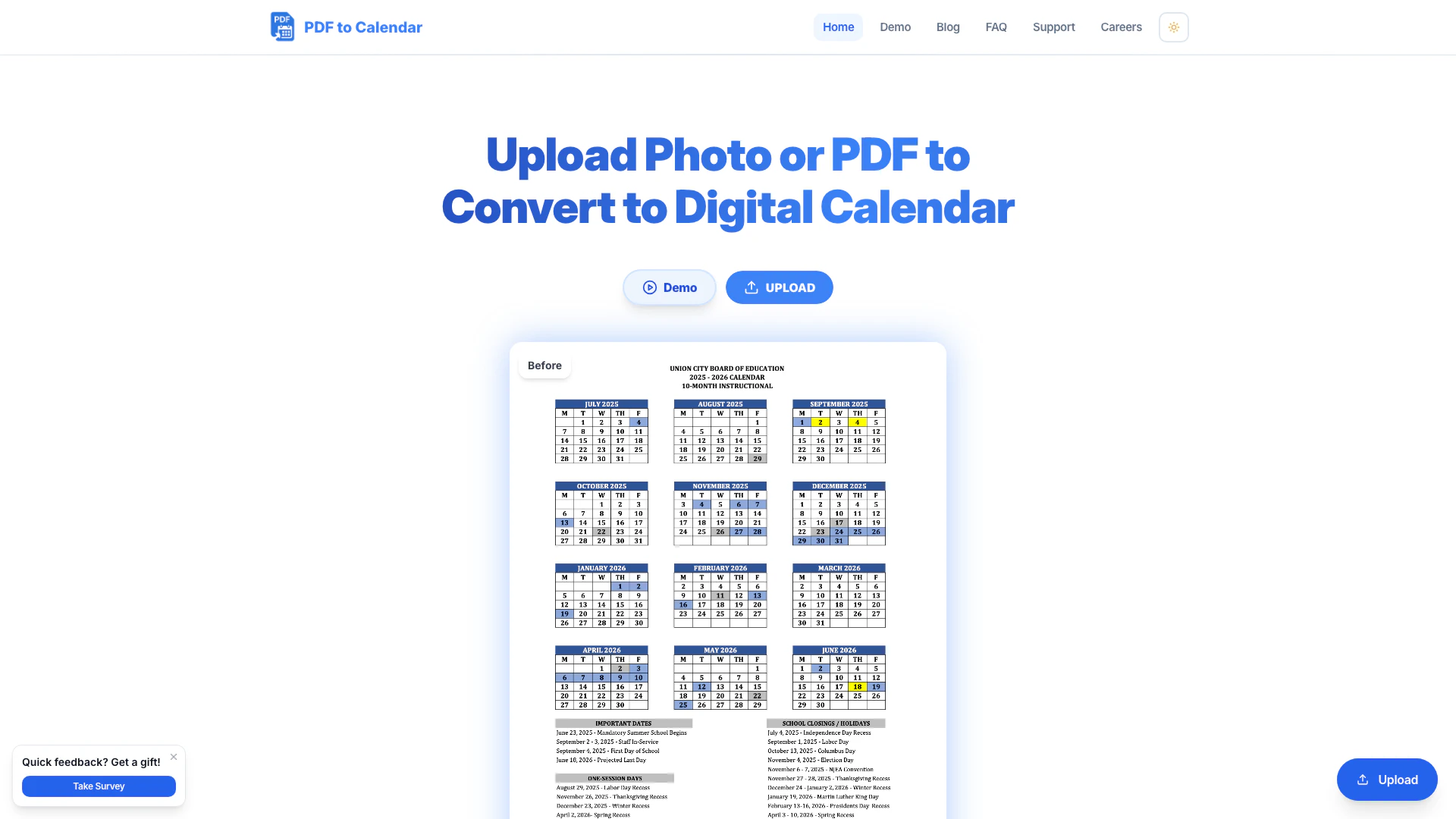
Easily convert PDFs and images into calendar events.
- Productivity & Office
- AI Document Processing Tools
- AI Document Conversion Tools
- Shared Calendar Tools

Trickle is an AI scheduling assistant that streamlines meeting management and task organization.
- Productivity & Office
- AI Task Management Tools
- AI Meeting Management Tools
- Shared Calendar Tools
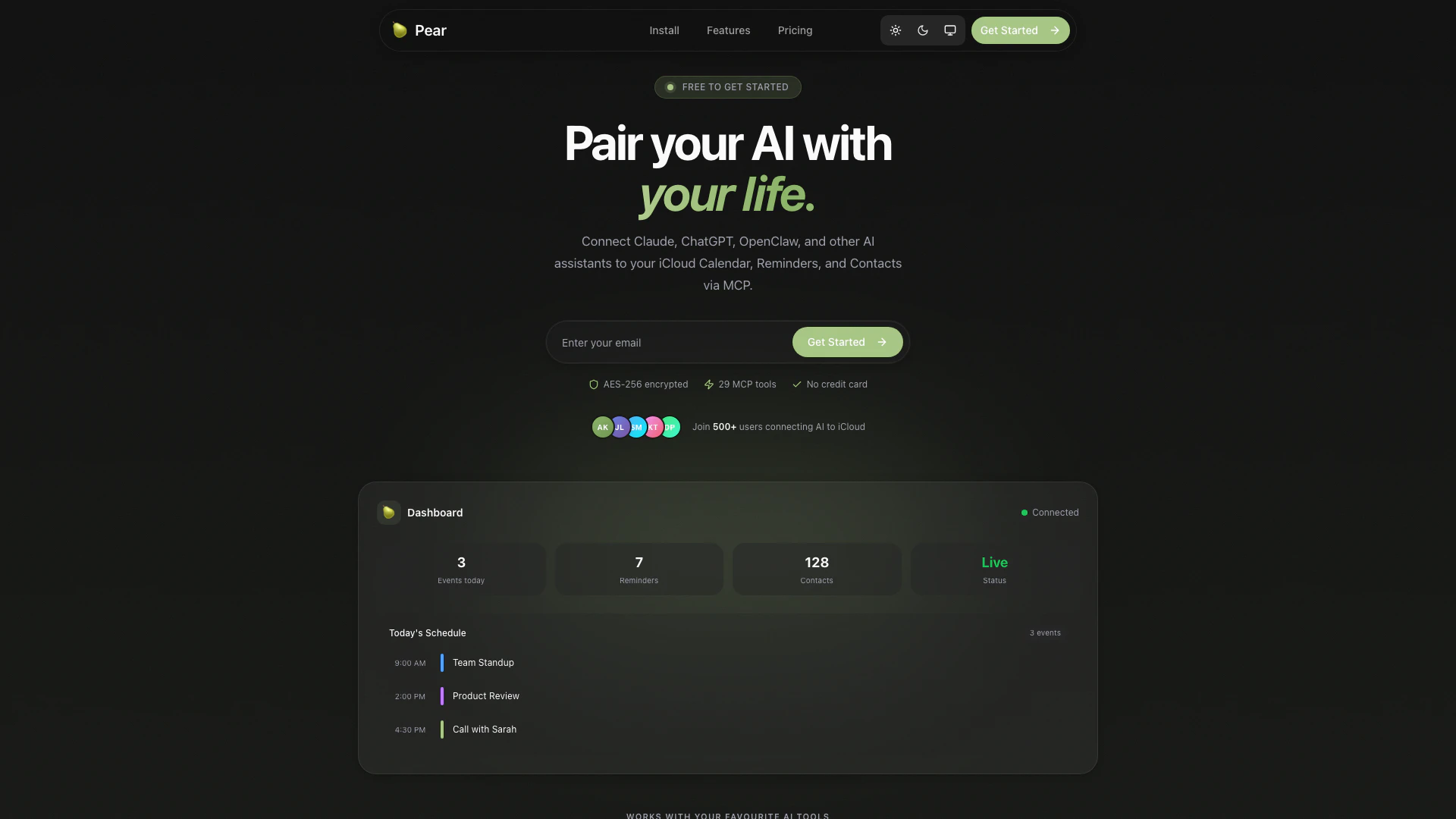
Connect your AI assistants to iCloud effortlessly.
- Productivity & Office
- AI Productivity Tools
- AI Task Management Tools
- Shared Calendar Tools