

Caption
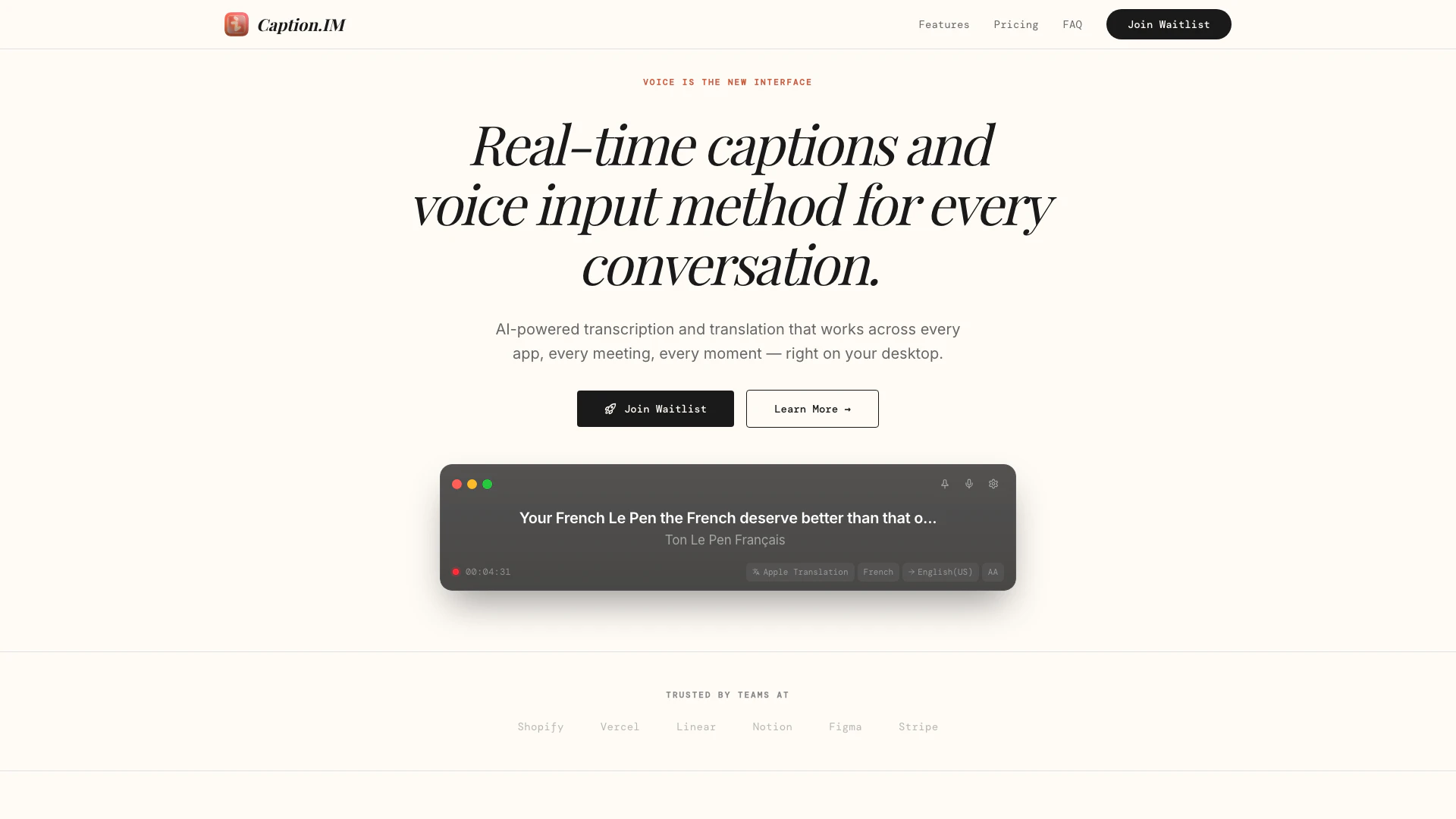




What is Caption?
Caption is an innovative tool designed to provide instant and accurate captions and voice input for desktop users. It seamlessly integrates with any application, making it ideal for meetings, calls, videos, and more. By leveraging AI-powered transcription and translation, Caption ensures that users can communicate effectively across various platforms, enhancing accessibility and understanding in real-time.
How to use Caption?
To use Caption, follow these simple steps: 1. Grant Permissions: Open Caption on your desktop and allow it to capture audio from any application, such as meetings, calls, or podcasts. 2. See Captions: As audio is captured, real-time captions will appear on your screen with over 98% accuracy, ensuring every word is captured and nuanced meanings are preserved. 3. Translate: If needed, instantly translate the captions into over 50 languages to facilitate communication across different cultures.
What are the main features of Caption?
Caption offers a range of powerful features designed for seamless communication: - Real-Time Captions: Provides accurate captions with 98%+ accuracy from any audio source on your device. - Instant Translation: Translates captions into 50+ languages in real-time, breaking language barriers during international interactions. - Privacy First: Processes all audio locally on your device, ensuring that no data is sent to the cloud, maintaining user privacy. - System Audio Capture: Captures audio from any application running on your device without the need for additional setup. - Export Transcripts: Allows users to save captions in TXT, SRT, or VTT formats for later reference. - Speaker Detection: Automatically identifies and labels different speakers for clarity. - Global Hotkeys: Enables users to start and stop captions quickly using keyboard shortcuts.
Who is Caption for?
Caption is designed for a diverse range of users, including professionals who participate in meetings, educators conducting lectures, and anyone who consumes multimedia content. It is particularly beneficial for individuals who require real-time accessibility features, such as those who are deaf or hard of hearing, as well as multilingual teams needing translation support during conversations.
What are the use cases of Caption?
Caption can be applied in various scenarios, including: 1. Business Meetings: Enhance communication in corporate meetings by providing real-time captions and translations for participants from different linguistic backgrounds. 2. Educational Lectures: Facilitate learning in classrooms or online courses by offering captions for lectures, making content accessible to all students. 3. Podcasts and Webinars: Improve audience engagement by providing accurate captions for recorded or live audio content, ensuring that all listeners can follow along.
Caption Pros and Cons
Pros
- Real-Time Captions: Provides real-time captions with over 98% accuracy for any audio source, enhancing accessibility in meetings, calls, and videos.
- Instant Translation: Supports real-time translation into over 50 languages, facilitating communication across different languages during international meetings.
- Privacy Focused: Processes audio locally on the device, ensuring that no audio data is sent to the cloud, thus maintaining user privacy.
Cons
No cons data detected for this tool
Caption Pricing
Free
Perfect for casual use and trying out Caption.IM.
Promo
For professionals who need unlimited captions and translation.
Enterprise
For organizations that need advanced security and compliance.
For the latest pricing, please visit this link: https://caption.im/#pricing
Prices are subject to change. Please visit the official website for the most up-to-date pricing information.
Caption Compare
| Tool Name | Introduction | Pricing | Type | Rating | Launch Date | Learn more |
|---|---|---|---|---|---|---|
Build, scale, and monitor AI Agents. | Free | September 13, 1996 | Get deal | |||
Paraphrasing Tool (Ad-Free and No Sign-up Required) - QuillBot AI | Free | December 31, 1984 | Get deal | |||
Explore Prompt Vibes to create unique prompts with our ChatGPT Prompt generator. Discover a collection of the best prompts designed for various uses. | Free | February 25, 2023 | Get deal |

Info current as of post date. Offers and availability may vary by location and are subject to change.
Caption Q&A
Caption.IM captures system audio directly from your device's audio output. It works with any application — Zoom, Google Meet, YouTube, podcasts, and more. No browser extension or special setup required.
For more FAQs, please visit this link: https://caption.im/#faq
Caption Alternatives
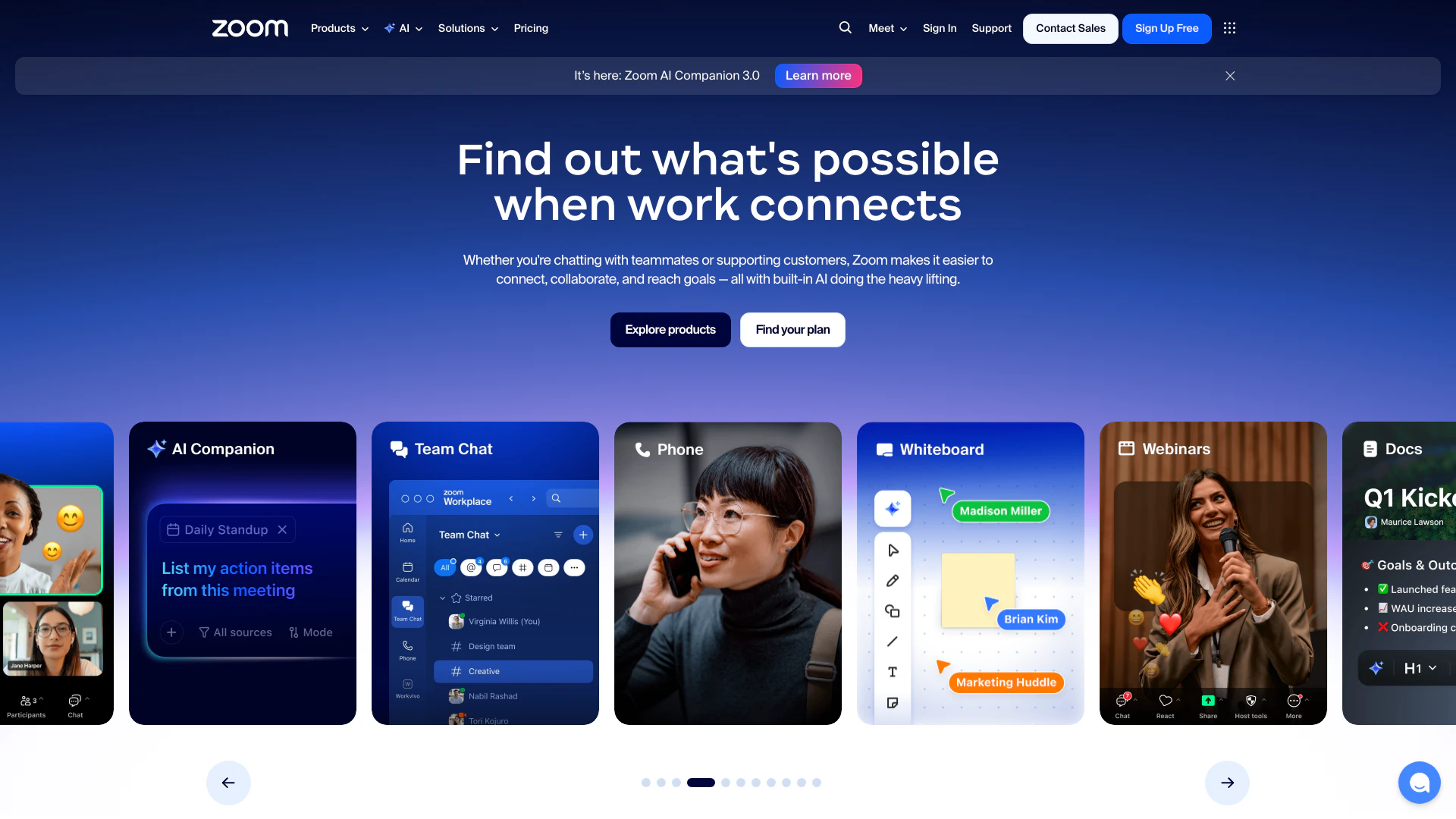
Connect and collaborate seamlessly with Zoom's all-in-one platform.
- Productivity & Office
- Content Management Tools
- AI Meeting Management Tools
- AI Meeting Optimization Tools
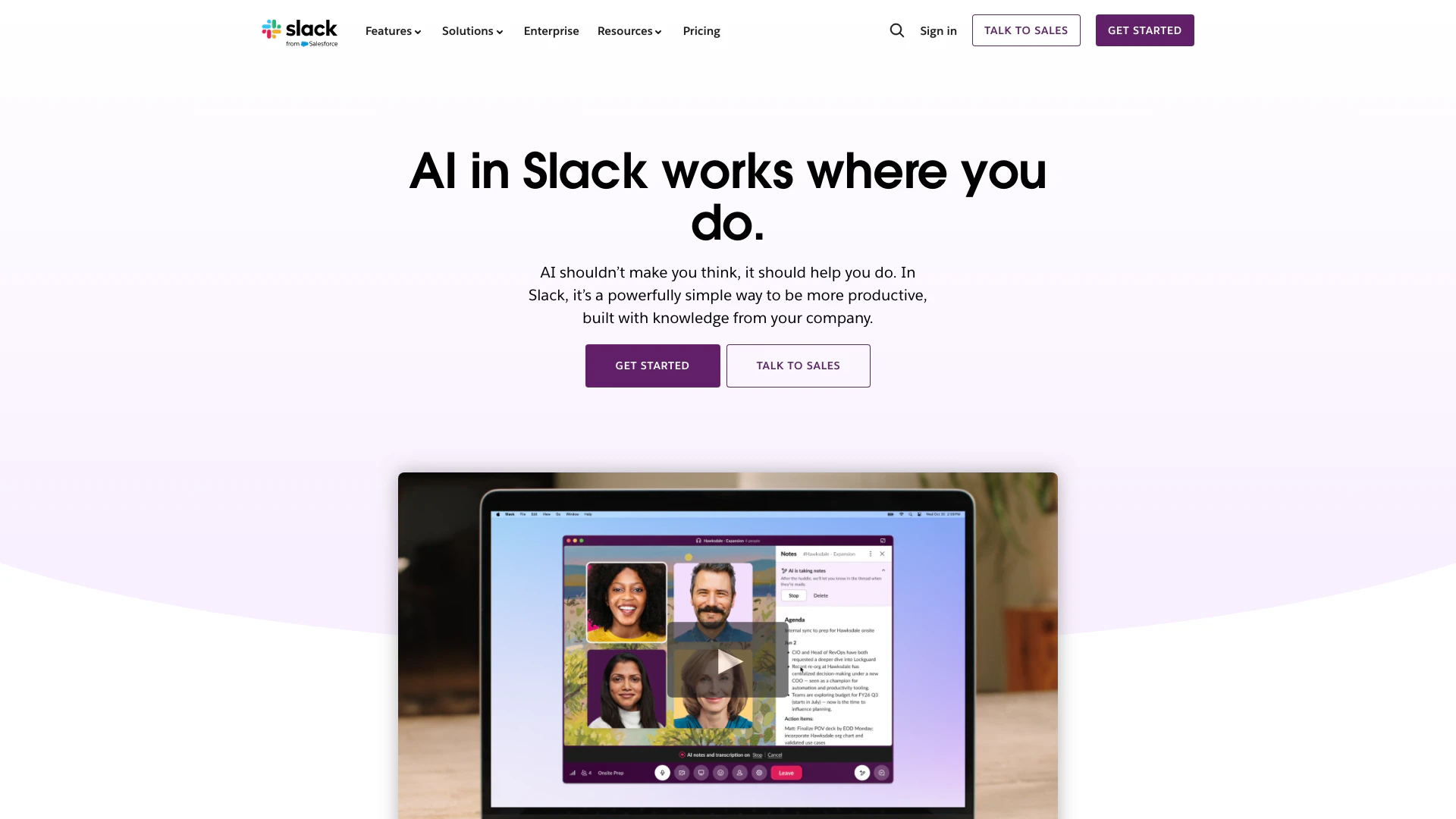
Enhance collaboration and productivity with Slack's AI features.
- Productivity & Office
- AI Productivity Tools
- AI Meeting Management Tools
- AI Meeting Optimization Tools

Boost Productivity in HubSpot with Breeze Copilot | HubSpot
- Operations & Management
- AI CRM Tools
- Ai Productivity Tools