

Crocoblock
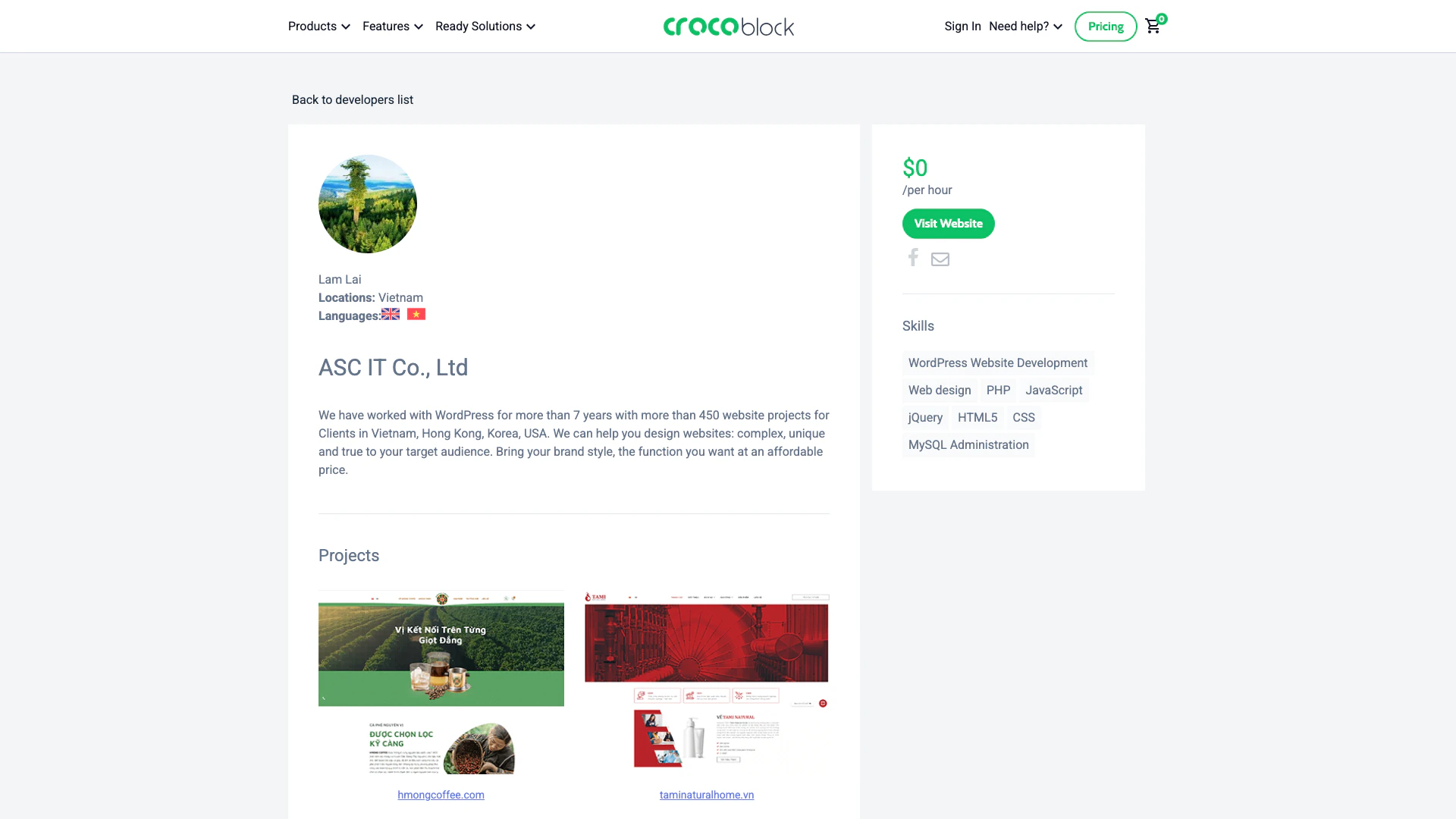



What is Crocoblock?
Crocoblock is a comprehensive toolkit designed for WordPress[1] developers, particularly those using Elementor[2]. It provides a suite of plugins[3] and features that enhance the capabilities of Elementor, allowing users to create dynamic and feature-rich websites. With Crocoblock, developers can access a wide array of widgets[4], templates[5], and tools that streamline the website development process, making it easier to build visually appealing and highly functional sites.
How to use Crocoblock?
- Visit the Crocoblock website and create an account.
- Choose the plugins and tools you wish to use with Elementor from the Crocoblock library.
- Download and install the selected plugins on your WordPress site.
- Activate the plugins and configure their settings according to your project needs.
- Use the Crocoblock widgets and templates in the Elementor editor to build your website.
What are the main features of Crocoblock?
- A wide range of widgets for Elementor, including advanced forms, galleries, and sliders.
- Dynamic content[6] capabilities that allow for personalized website experiences.
- Pre-designed templates that can be easily customized to fit specific needs.
- Integration with various third-party plugins and tools for enhanced functionality.
- Regular updates and customer support to ensure optimal performance and user satisfaction.
Who is Crocoblock for?
Crocoblock is primarily aimed at WordPress developers and designers who utilize Elementor for website creation. It is suitable for freelancers, agencies, and businesses looking to enhance their web development capabilities. Additionally, it caters to users who seek to build dynamic and interactive websites without extensive coding knowledge, making it accessible for both novice and experienced developers.
What are the use cases of Crocoblock?
- Creating e-commerce websites with advanced product display and filtering options.
- Building portfolio sites that showcase creative work with dynamic galleries.
- Developing landing pages for marketing campaigns that require high conversion rates.
- Designing blogs with customizable layouts and interactive features.
- Setting up membership sites that offer exclusive content to subscribers.
Crocoblock Pricing
Custom
Choose plugins.
1 site for Gutenberg
Access to Gutenberg plugins for one site.
Freelance Lifetime
Lifetime access for freelance projects.
Lifetime
Lifetime access to all features.
1 site
Single site access.
Unlimited sites for Gutenberg
Access to Gutenberg plugins for unlimited sites.
For the latest pricing, please visit this link: https://crocoblock.com/pricing/
Prices are subject to change. Please visit the official website for the most up-to-date pricing information.
Analytics of Crocoblock
Crocoblock Compare
| Tool Name | Introduction | Pricing | Type | Rating | Launch Date | Learn more |
|---|---|---|---|---|---|---|
Paraphrasing Tool (Ad-Free and No Sign-up Required) - QuillBot AI | Free | December 31, 1984 | Get deal | |||
Rewind | Free | February 2, 2018 | Get deal | |||
The easiest and quickest way to build your beautiful portfolio website, landing page or anything. No code. All creative freedom. | Free | July 6, 2017 | Get deal |


Info current as of post date. Offers and availability may vary by location and are subject to change.
Crocoblock Q&A
Crocoblock is fully compatible with the Elementor page builder. Additionally, it supports the default WordPress page builder, known as Gutenberg, and some JetPlugins partially support Bricks.
For more FAQs, please visit this link: https://crocoblock.com/faq/
Crocoblock Alternatives
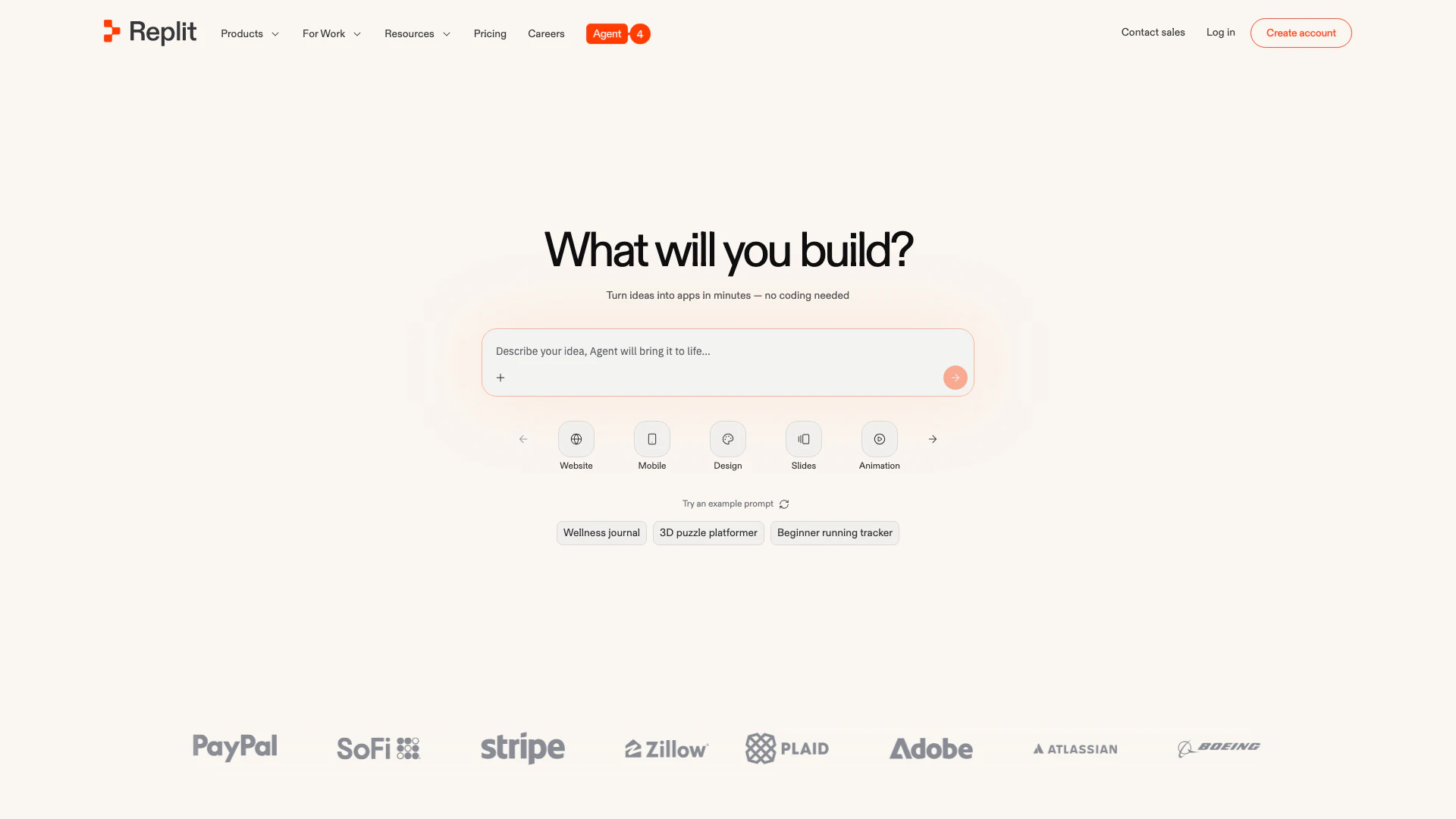
Collaborate to build and deploy software effortlessly with AI.
- Developer Tools
- Ai Developer Tools
- AI Development Tools
- SaaS Development Tools
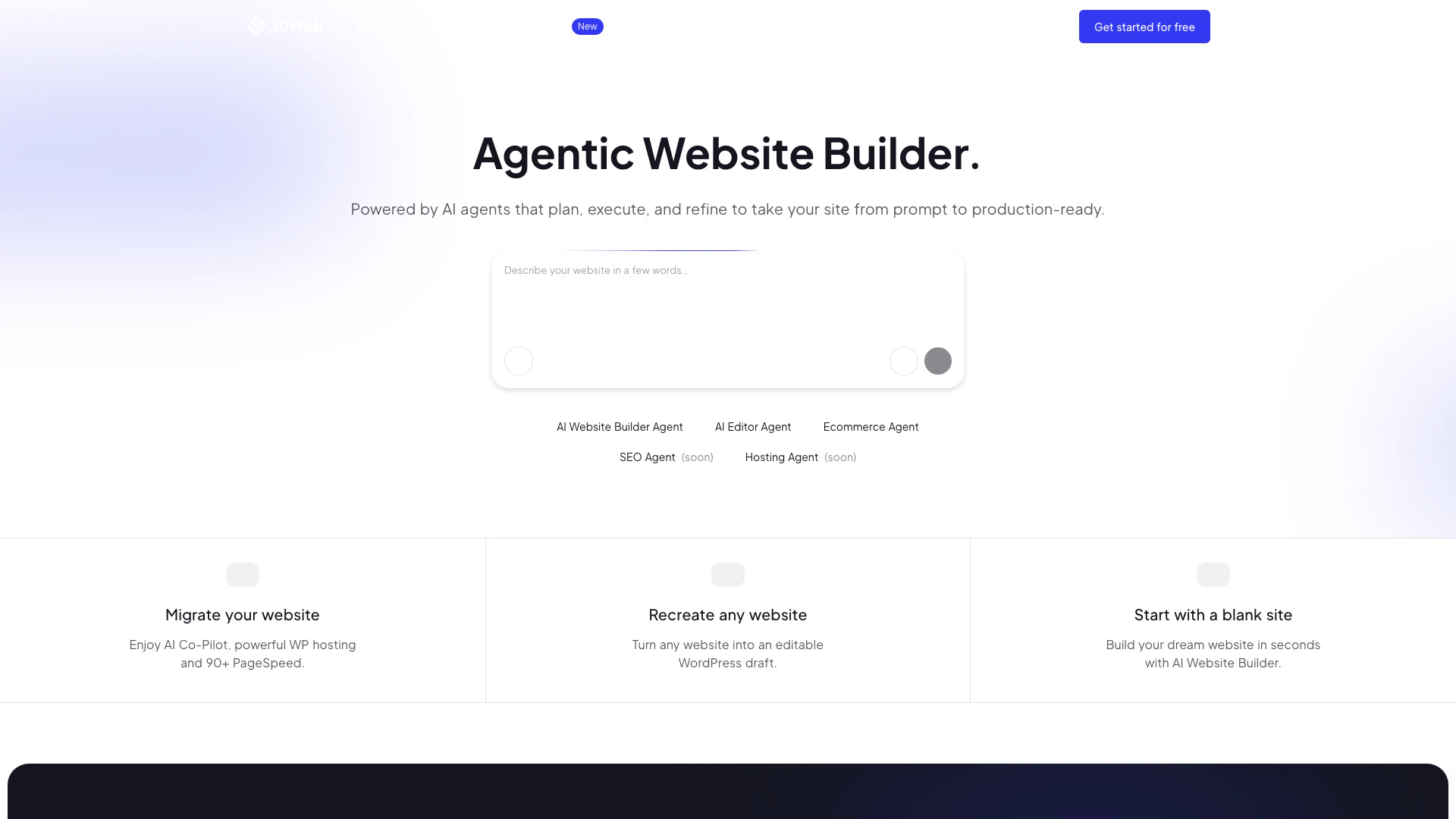
Build and optimize websites effortlessly with 10Web's AI tools.
- Developer Tools
- AI Development Tools
- SaaS Development Tools
- WordPress Support and Optimization Tools
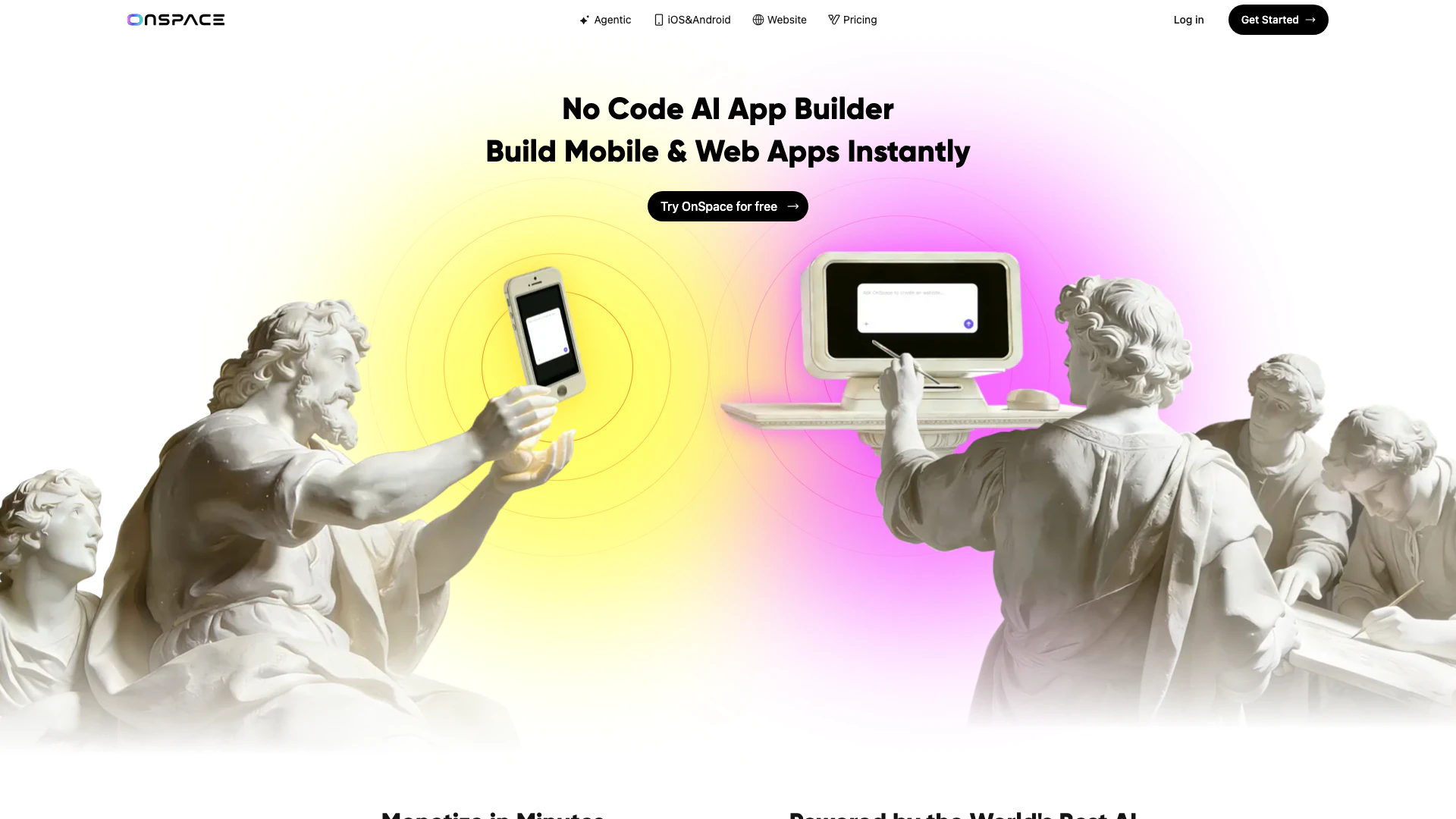
Create AI apps effortlessly without coding.
- Developer Tools
- AI Development Tools
- Low Code Ai Development Platforms
- AI Cloud Computing Platforms