

Doclific





What is Doclific?
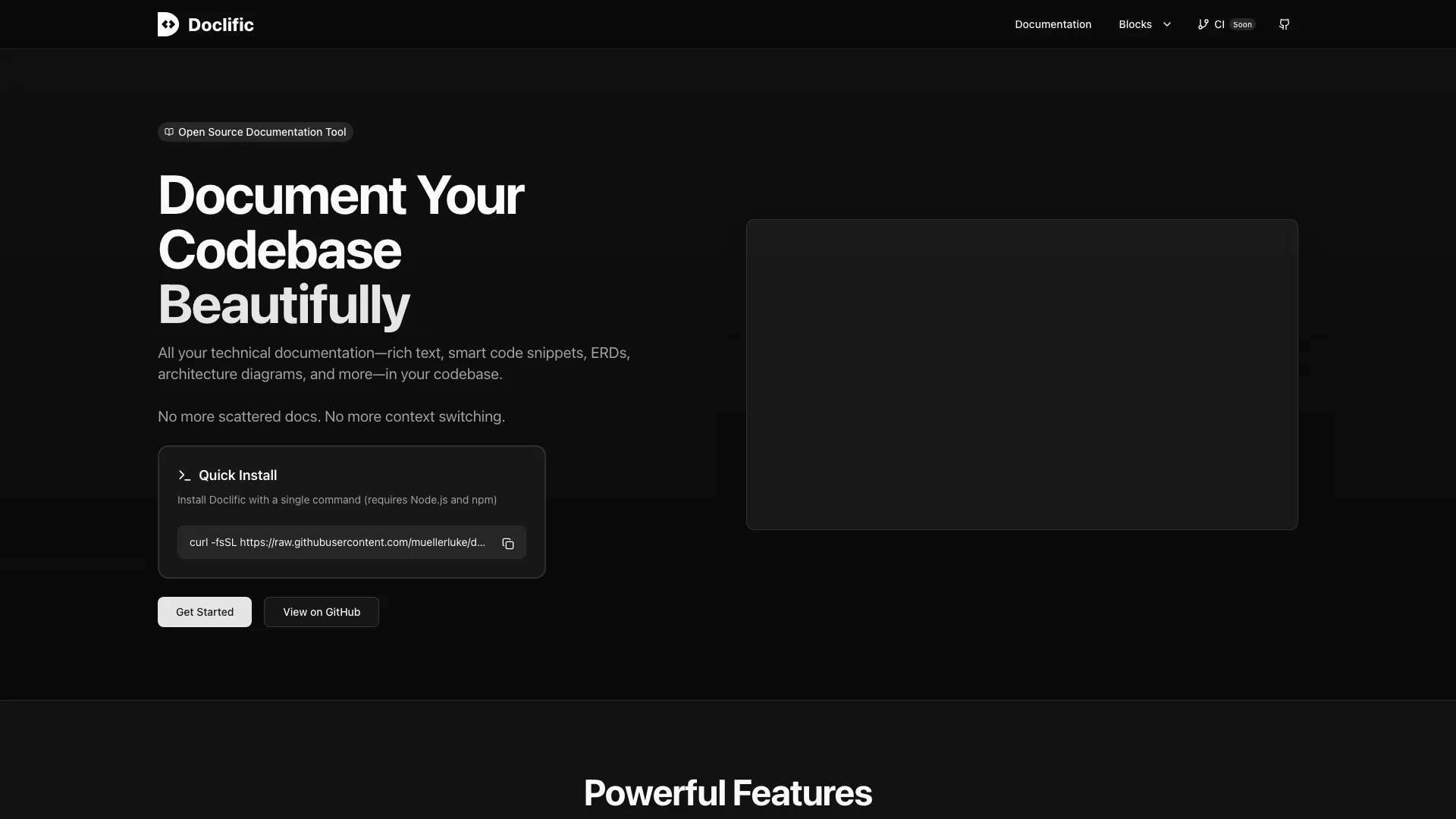
Doclific is an innovative internal documentation[1] tool designed to streamline the creation and management of technical documentation. It features a Notion-like rich text editor that supports a variety of content types, including architecture diagrams, code snippets[4], and more. The tool is equipped with built-in AI capabilities that assist in generating documentation directly from your codebase, making it easier to maintain comprehensive and up-to-date documentation without the hassle of scattered notes or context switching.
How to use Doclific?
- Install Doclific by running the installation command in your terminal: `curl -fsSL https://raw.githubusercontent.com/muellerluke/doclific/main/scripts/install.sh | bash`.
- Once installed, open Doclific and create a new documentation project.
- Use the rich text editor to add headings, lists, and code snippets as needed, utilizing the smart features available.
- Integrate AI capabilities to automatically generate or edit documentation based on your codebase.
What are the main features of Doclific?
- Notion-like Editor[2]: Provides a rich text editing experience with support for headings, lists, and code blocks.
- AI Integration[3]: Automatically enhances documentation creation and editing through AI assistants like Cursor and Claude.
- Smart Code Snippets: Allows referencing code snippets directly from your repository, which move with git changes to maintain accuracy.
- ERD Diagramming[5]: Enables the creation of Entity Relationship Diagrams to visualize your database schema.
- Whiteboarding: Offers an interactive whiteboard for documenting architecture and system designs.
- Fast & Local: Runs entirely on your machine without the need for external services.
Who is Doclific for?
Doclific is ideal for software developers, technical writers, and teams working on complex codebases that require well-structured documentation. It is particularly beneficial for organizations looking to consolidate their documentation processes, improve collaboration among team members, and utilize AI for efficient documentation management. Whether you are a startup or an established company, Doclific helps in maintaining clear and accessible documentation.
What are the use cases of Doclific?
- Technical Documentation: Create and maintain comprehensive technical documents for software projects, ensuring all team members have access to the latest information.
- Codebase Documentation: Automatically generate documentation based on code snippets and architecture diagrams, keeping everything in sync with code changes.
- Visual Planning: Use the whiteboarding feature to brainstorm and document system architectures and workflows, facilitating better team collaboration.
Doclific Pros and Cons
Pros
- Notion-like Rich Text Editor: Doclific offers a Notion-like rich text editing experience, supporting headings, lists, and code blocks, making documentation creation intuitive and user-friendly.
- AI Integration for Documentation: The tool features built-in AI support that enhances documentation creation and editing, integrating seamlessly with AI assistants like Cursor and Claude.
- Smart Code Snippets: Doclific allows referencing code snippets directly from your repository, ensuring documentation stays accurate as code changes, which enhances maintainability.
Cons
No cons data detected for this tool
Doclific Compare
| Tool Name | Introduction | Pricing | Type | Rating | Launch Date | Learn more |
|---|---|---|---|---|---|---|
Rewind | Free | February 2, 2018 | Get deal | |||
Edit your selfies to get the results you want with powerful and easy-to-use tools. Give your selfies the VIP treatment. Touch up, reshape & apply digital makeup. | Free | December 1, 2012 | Get deal | |||
Civitai: The Home of Open-Source Generative AI | Free | November 2, 2022 | Get deal |


Info current as of post date. Offers and availability may vary by location and are subject to change.
Doclific Alternatives

Discover Gemini, Google's versatile AI assistant for writing and planning.
- Productivity & Office
- AI Productivity Tools
- AI Business Planning Tools
- AI Prompt Management Tools

DeepSeek focuses on pioneering general AI technologies and models.
- Other
- Large Language Models (LLMs)
- AI Development Tools
- Ai Model Fine Tuning Tools

Explore cutting-edge AI models with Deepseek.
- Developer Tools
- AI Development Tools
- Ai Model Fine Tuning Tools
- AI Cloud Computing Platforms