

Enping
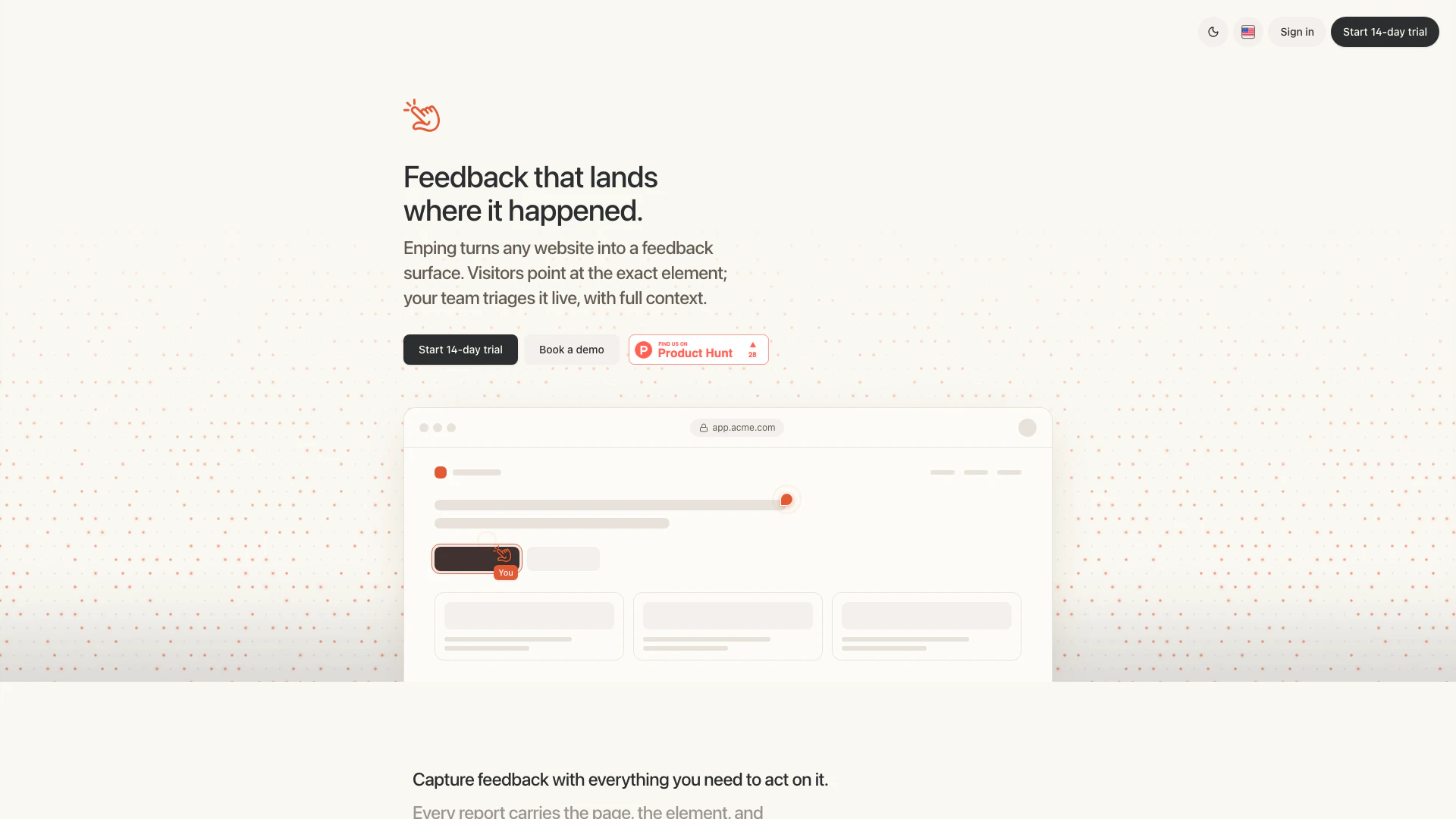





What is Enping?
Enping is an innovative feedback tool designed to transform any website into a dynamic feedback surface. It allows visitors to point directly at specific elements on a webpage, enabling your team to triage feedback in real-time with complete context. This ensures that confirmed bugs are automatically logged as GitHub issues, streamlining the feedback process and enhancing collaboration between teams and users.
How to use Enping?
- Sign Up: Start by creating an account on the Enping website and opt for a 14-day trial to explore its features.
- Install the Widget: Integrate the Enping feedback widget into your website by adding a simple one-line snippet compatible with any framework like React, Vue, or plain HTML.
- Configure Access: Set permissions to control who can leave feedback on your site.
- Monitor Feedback: As visitors interact with your site, feedback will be captured in real-time, showing the exact page and element where issues arise.
- Triage and Act: Use the live feedback board to prioritize issues, assign them to team members, and respond in comment threads to keep track of changes and resolutions.
What are the main features of Enping?
- Real-time Feedback Capture: Visitors can submit feedback instantly, with no need for page refreshes.
- Pinned Reports: Each feedback report is anchored to the exact element and state of the page it was generated from.
- Automatic GitHub Integration: Confirmed bugs are automatically created as issues in GitHub, complete with context.
- Comment Threads: Engage in threaded discussions about feedback to maintain a clear history of interactions.
- Scoped Feedback: Manage feedback across different organizations, customers, or projects without data leakage.
- Production-safe Environment: Only authenticated reviewers can provide feedback, ensuring security and integrity.
Who is Enping for?
Enping is tailored for web developers, product teams, small agencies, and freelancers who require a robust feedback system for their websites. It is particularly beneficial for teams managing multiple projects and seeking to enhance user experience through direct feedback from real visitors. With its ability to integrate seamlessly into various frameworks and its focus on real-time triage, Enping is ideal for those who prioritize efficiency and collaboration in their development processes.
What are the use cases of Enping?
- Website Development: Use Enping during the development phase to gather immediate feedback from beta users, allowing for quick adjustments before launch.
- Product Iteration: Continuously improve an existing product by collecting user feedback on features and usability, helping to prioritize future updates.
- Customer Support: Leverage Enping to capture and resolve customer-reported issues directly on the website, enhancing overall customer satisfaction and retention.
Enping Pros and Cons
Pros
- Real-time Feedback Triage: Enping allows teams to triage feedback in real-time as it streams onto a live board, enabling immediate action without refreshing the page.
- Automatic GitHub Integration: Confirmed bugs are automatically opened as GitHub issues with full context, reducing manual effort and streamlining the bug reporting process.
- Framework Agnostic: The tool supports various frameworks like React, Vue, and plain HTML, allowing easy integration with existing projects using a single snippet.
Cons
No cons data detected for this tool
Enping Pricing
Solo Plan
For one serious production project run by a solo developer, founder, or freelancer. Includes 1 active production project or site, unlimited client reviewers, signed host identity, time-boxed invite links, and light AI triage included.
Team Plan
For small agencies and product teams managing a few active production projects. Includes 5 active production projects or sites, unlimited client reviewers, org, customer, and project scoping, Slack, Linear, and GitHub issues, team AI triage included, and screenshot capture when enabled with 1 year history.
Scale Plan
For agencies and teams running feedback across many customer sites or product areas. Everything in Team, plus 25 active production projects or sites, higher AI triage included, audit log and retention controls, API and webhooks, priority routing rules, and priority support.
For the latest pricing, please visit this link: https://enping.app/#pricing
Prices are subject to change. Please visit the official website for the most up-to-date pricing information.
Enping Compare
| Tool Name | Introduction | Pricing | Type | Rating | Launch Date | Learn more |
|---|---|---|---|---|---|---|
The easiest and quickest way to build your beautiful portfolio website, landing page or anything. No code. All creative freedom. | Free | July 6, 2017 | Get deal | |||
Generator XYZ | Free | December 18, 2022 | Get deal | |||
Paraphrasing Tool (Ad-Free and No Sign-up Required) - QuillBot AI | Free | December 31, 1984 | Get deal |


Info current as of post date. Offers and availability may vary by location and are subject to change.
Enping Q&A
The widget allows feedback only from the people you permit, ensuring that only authorized users can submit reports.
Enping Alternatives
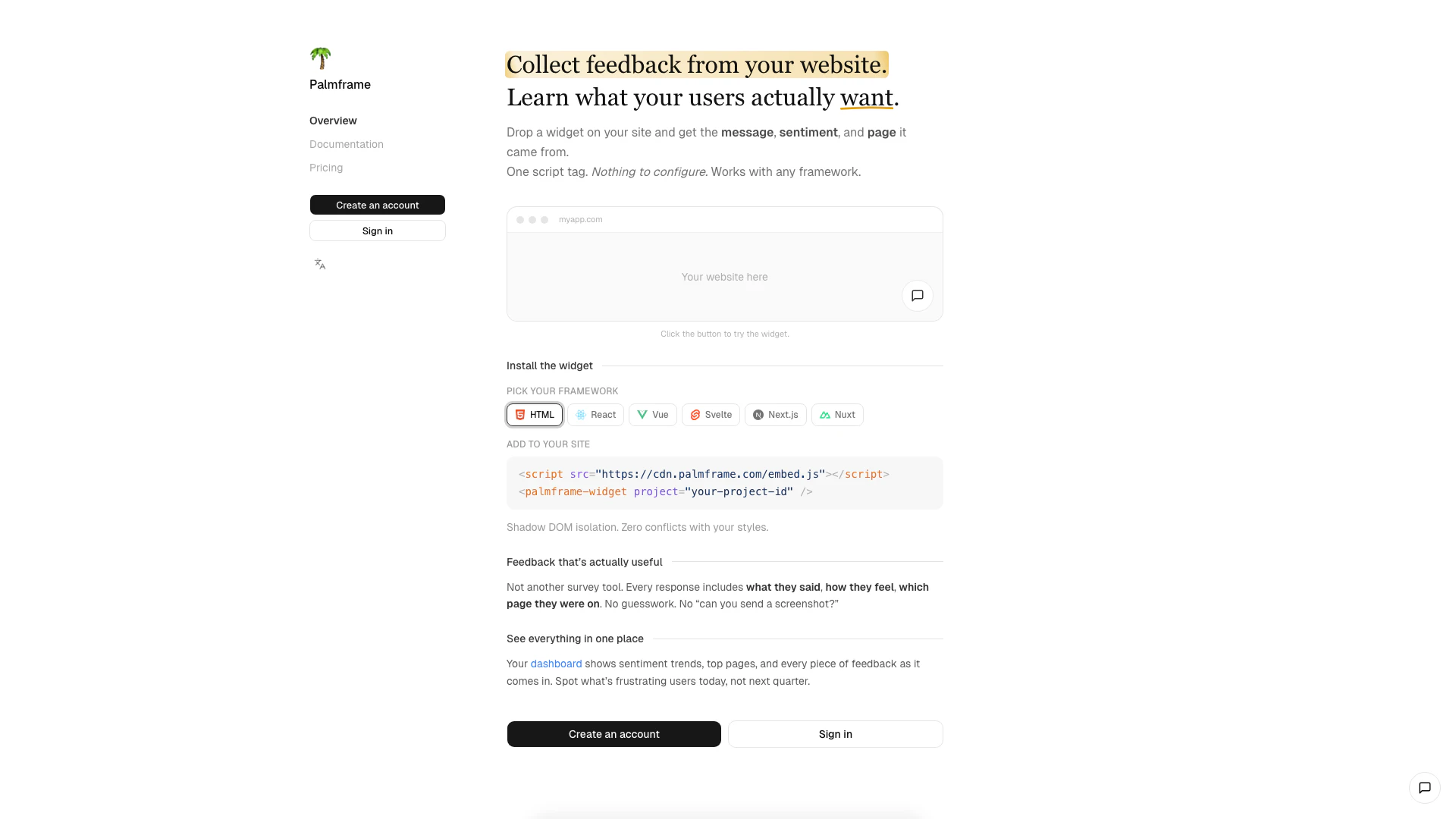
Collect user feedback effortlessly with a simple widget.
- Developer Tools
- Feedback and Bug Reporting Tools
- User Experience Feedback Tools
- Rapid Feedback Collection Tools
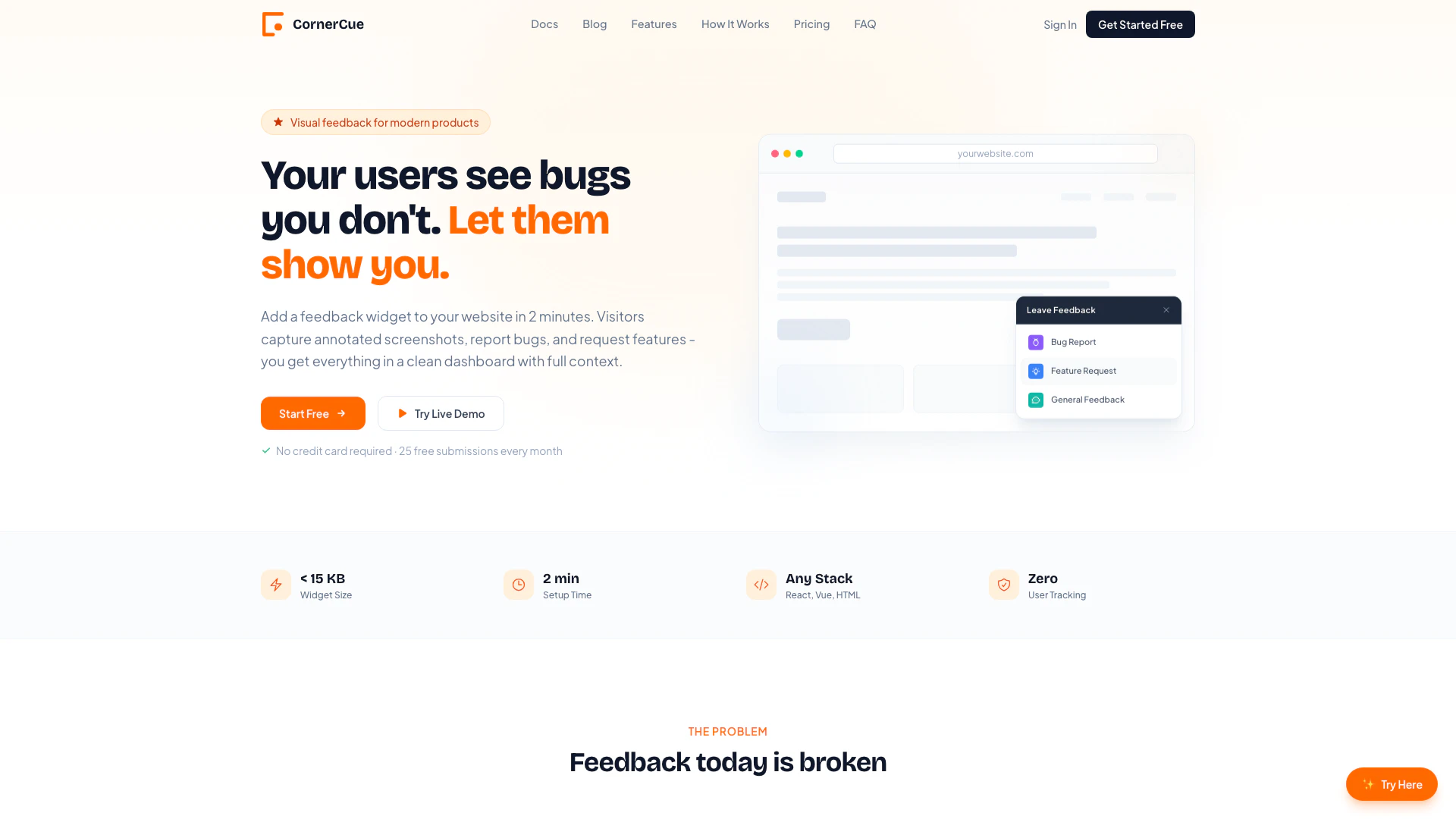
Capture user feedback with ease.
- Developer Tools
- Feedback and Bug Reporting Tools
- User Experience Feedback Tools
- Rapid Feedback Collection Tools
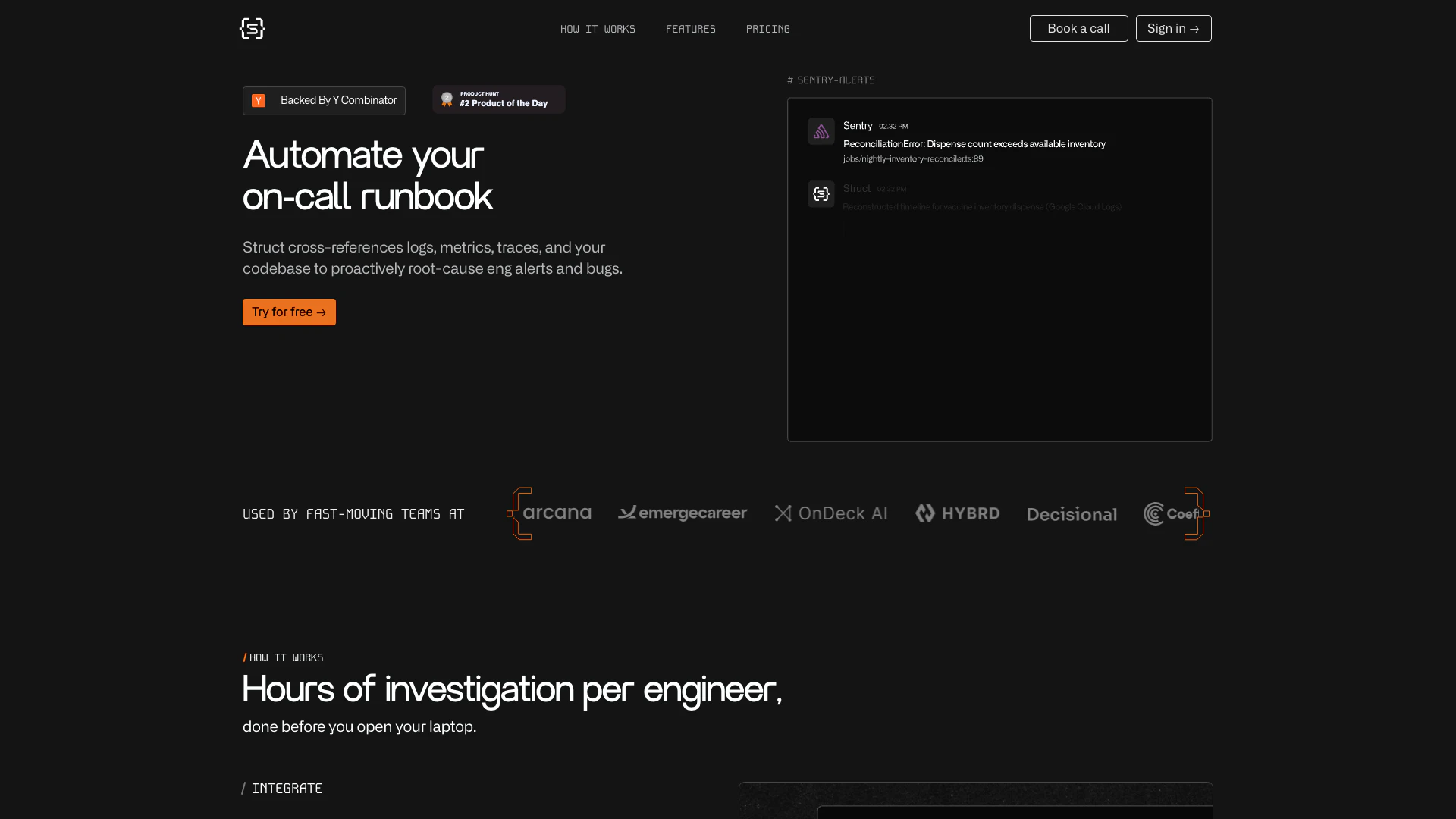
Automate root cause analysis for engineering alerts.
- Developer Tools
- Log Management
- AI Observability Tools
- Feedback and Bug Reporting Tools