

Excel AI




What is Excel AI?
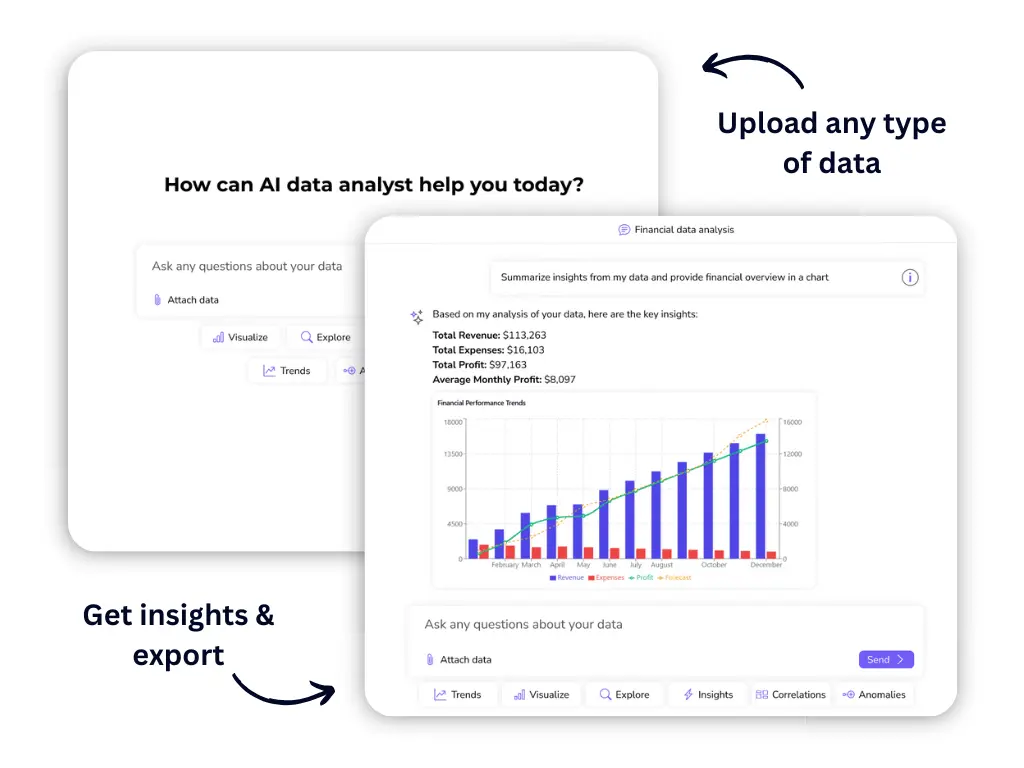
Excel AI is an advanced tool designed to create and improve business processes using artificial intelligence within Excel. It empowers users to automate repetitive tasks, clean and transform data, and generate insightful analytics quickly and efficiently. With its user-friendly interface and AI capabilities, Excel AI allows business managers and owners to streamline their workflows, making data management and analysis more accessible and effective.
How to use Excel AI?
- Sign Up: Go to the Excel AI website and register for an account.
- Upload Files: Upload your existing Excel files to the platform.
- Interact with AI: Use the AI chatbot to ask questions or request specific analyses.
- Automate Tasks: Generate custom forms or VBA scripts based on your needs through the chat interface.
- Get Insights: Request data cleaning, transformation, and analytics to gain actionable insights.
What are the main features of Excel AI?
- Automated Task Management: Streamline repetitive tasks with AI-generated VBA scripts.
- Data Cleaning: Effortlessly remove duplicates and errors from your datasets.
- Custom Solution Building: Create tailored forms and calculators to fit specific business processes.
- AI-Powered Insights: Use conversational AI to ask questions and receive immediate data insights.
- Multi-format Support: Handle various file types, including Excel, PDF, and Word, for comprehensive data management.
Who is Excel AI for?
Excel AI is designed for business managers, owners, and teams across various industries who require efficient data management and analysis solutions. It is particularly beneficial for operations, finance, marketing, sales, project management, and research professionals who need to streamline workflows, automate tasks, and derive actionable insights from their data.
What are the use cases of Excel AI?
- Data Analysis: Quickly analyze large datasets and generate reports using AI-driven insights.
- Automating Reports: Create automated reports and dashboards for tracking performance metrics.
- Form Creation: Develop custom forms for lead tracking, sales calculations, and other business processes.
Product Images



Excel AI Pros and Cons
Pros
- Automation of Tasks: Excel AI tools automate repetitive tasks, significantly increasing productivity and reducing manual workload.
- User-Friendly Interface: The AI allows interactions through simple chat, making it easy for users to analyze data without complex commands.
- Comprehensive Data Handling: Supports multiple file formats including PDF, Word, and Excel, which simplifies data management.
Cons
- Lack of Detailed Pricing Information: The website does not provide a clear breakdown of pricing structures or plans.
Analytics of Excel AI
Excel AI Website Traffic Analysis
Visits Over Time
Traffic Sources
Oct 2025 - Dec 2025 Worldwide Desktop Only
- Search: 52.98%
- Direct: 33.82%
- Referrals: 8.91%
- Social: 3.06%
- Paid Referrals: 0.97%
- Mail: 0.15%
Top Regions
| Region | Percentage |
|---|---|
🇺🇸 United States | 10.89% |
🇮🇳 India | 5.04% |
🇧🇷 Brazil | 3.92% |
🇩🇪 Germany | 3.82% |
🇳🇬 Nigeria | 3.24% |
- United States: 10.89%
- India: 5.04%
- Brazil: 3.92%
- Germany: 3.82%
- Nigeria: 3.24%
Top Keywords
| Keyword | Volume | CPC | Estimated Value |
|---|---|---|---|
| excel ai | 17.16K | $2.79 | $790.00 |
| npv calculator | 7.10K | $3.52 | $310.00 |
| ajelix | 1.57K | $0.83 | $1100.00 |
| ajelix ai | 780 | $0.00 | $340.00 |
| excel how to make date include leading 0 | 220 | $0.00 | $200.00 |
Excel AI Compare


Info current as of post date. Offers and availability may vary by location and are subject to change.
Excel AI Q&A
Yes, our Standard plan includes access to Excel formula generator which gives unlimited formulas and an Excel Add-in.
Excel AI Alternatives
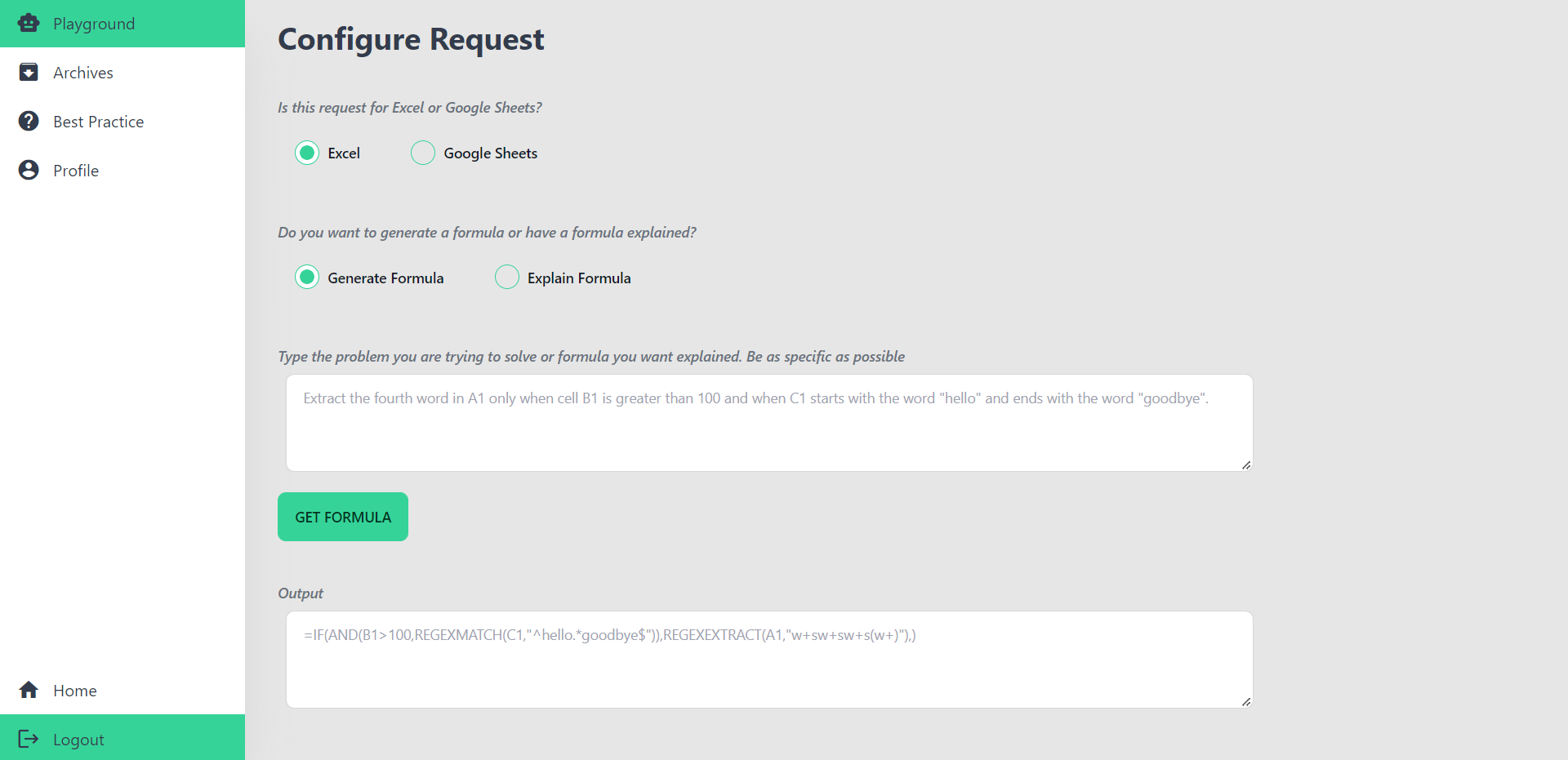
AI Excel Bot | Use AI To Generate Excel Formulas In Seconds
- Productivity & Office
- Ai Spreadsheet Tools

Best Python Spreadsheet Automation & Code Generation | Mito
- Developer Tools
- Ai Code Generator
- Ai Spreadsheet Tools

Formularizer: AI Assistant for Spreadsheets
- Productivity & Office
- Ai Spreadsheet Tools