

Fabricate





What is Fabricate?
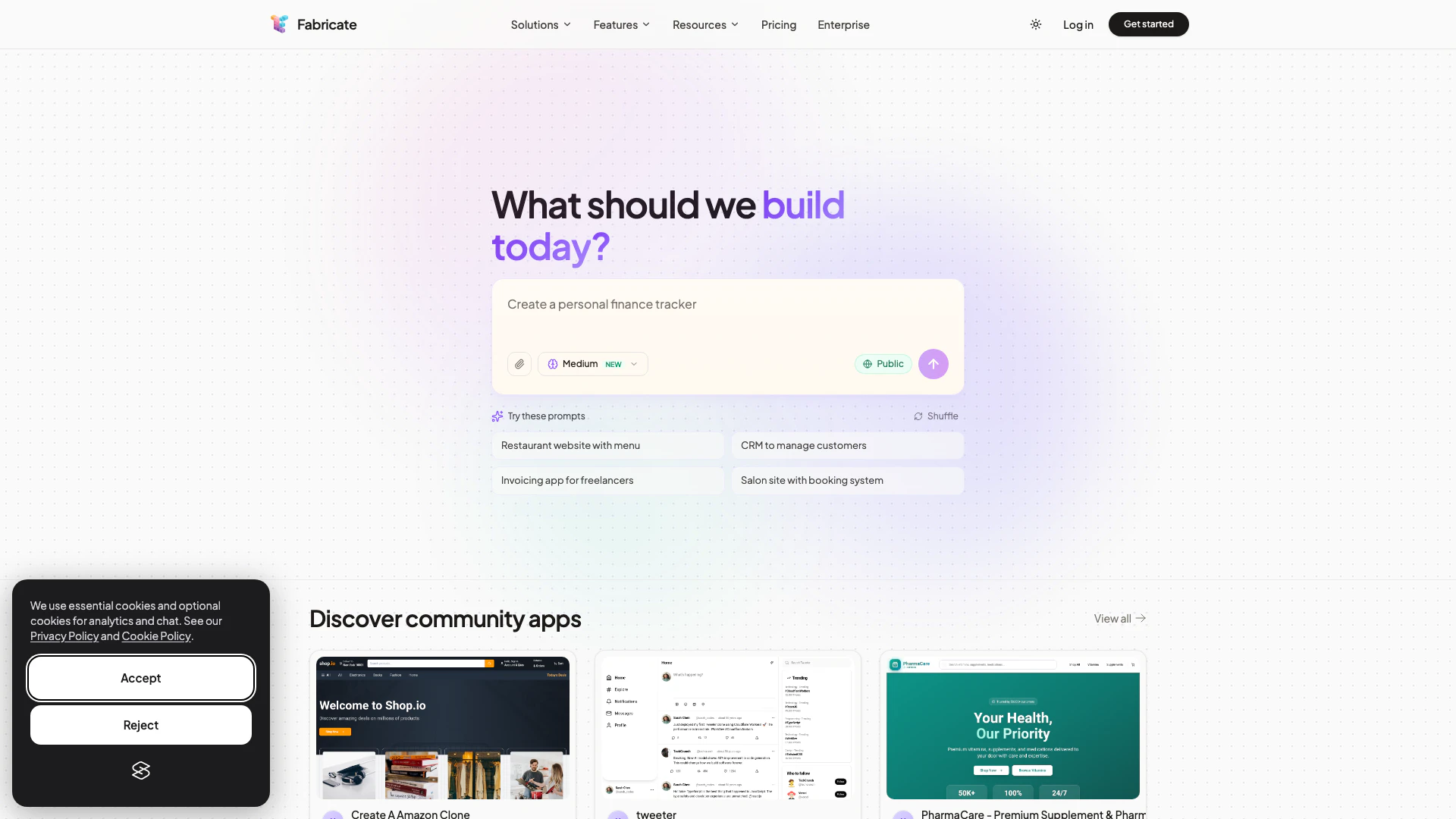
Fabricate is an innovative AI app builder[1] designed to transform your ideas into production-ready web applications seamlessly. It enables users to generate React[2] and TypeScript[3] applications simply from descriptive prompts, eliminating the need for any coding skills. With Fabricate, you can quickly deploy your applications, making it an ideal solution for entrepreneurs and businesses looking to bring their software ideas to life without the complexities of traditional development processes.
How to use Fabricate?
To use Fabricate, follow these steps: 1. Visit the Fabricate website: Go to https://fabricate.build/ to access the platform. 2. Describe your app idea: Use the prompt feature to detail what kind of application you want to create, specifying its functionalities and design elements. 3. Generate your app: Click on the build button to let Fabricate generate the application based on your description. 4. Review and customize: Once the app is generated, you can review it and make any necessary adjustments to fit your vision. 5. Deploy your app: After finalizing your app, deploy it instantly with just a few clicks.
What are the main features of Fabricate?
Fabricate offers a variety of powerful features, including: - No Coding Required: Users can create applications without any programming knowledge. - Instant Deployment: Deploy your applications in seconds once they are generated. - Customizable Templates: Access a range of templates for various app types, including e-commerce, SaaS, and more. - AI-Powered Generation: Leverage AI to convert your app descriptions into fully functional applications. - Cross-Platform Compatibility: Create applications that work seamlessly across different devices and platforms.
Who is Fabricate for?
Fabricate is designed for a diverse range of users including: - Founders and Entrepreneurs: Individuals looking to launch their startups without extensive technical resources. - Developers: Those who want to speed up their development process by generating apps quickly. - Designers: Professionals who wish to bring their app designs to life without coding. - Freelancers and Agencies: Service providers seeking efficient tools to deliver client projects rapidly. - Enterprises: Large organizations aiming to prototype and deploy internal applications efficiently.
What are the use cases of Fabricate?
Fabricate can be utilized in various scenarios, such as: 1. Creating E-Commerce Platforms: Build online stores with product catalogs, shopping carts, and payment systems. 2. Developing SaaS Applications: Generate dashboards for analytics, user management, and billing systems. 3. Building Portfolio Websites: Create personal or professional portfolio sites to showcase projects and services.
Fabricate Pros and Cons
Pros
- No Coding Required: Fabricate allows users to create web applications without any coding skills, making it accessible for everyone.
- Rapid Deployment: Users can deploy their applications instantly after generating them, significantly reducing development time.
- Versatile Application Types: Fabricate supports a wide range of application types, from SaaS platforms to e-commerce stores, catering to various needs.
Cons
No cons data detected for this tool
Fabricate Compare
| Tool Name | Introduction | Pricing | Type | Rating | Launch Date | Learn more |
|---|---|---|---|---|---|---|
Explore Prompt Vibes to create unique prompts with our ChatGPT Prompt generator. Discover a collection of the best prompts designed for various uses. | Free | February 25, 2023 | Get deal | |||
Configure it once and automate your images forever without intervention—no need to review. Photos are ready to publish. Adjust backgrounds, lighting, banners, and more to fit your company branding. | Free | October 5, 2021 | Get deal | |||
Tutor AI - Your personal AI tutor to learn anything | Free | September 23, 2007 | Get deal |


Info current as of post date. Offers and availability may vary by location and are subject to change.
Fabricate Alternatives

DeepSeek focuses on pioneering general AI technologies and models.
- Other
- Large Language Models (LLMs)
- AI Development Tools
- Ai Model Fine Tuning Tools

Explore cutting-edge AI models with Deepseek.
- Developer Tools
- AI Development Tools
- Ai Model Fine Tuning Tools
- AI Cloud Computing Platforms

OpenAI Codex enhances coding efficiency with AI-driven task support.
- Developer Tools
- AI Coding Assistants
- AI Development Tools
- AI Prompt Engineering Tools