

Flashcaption
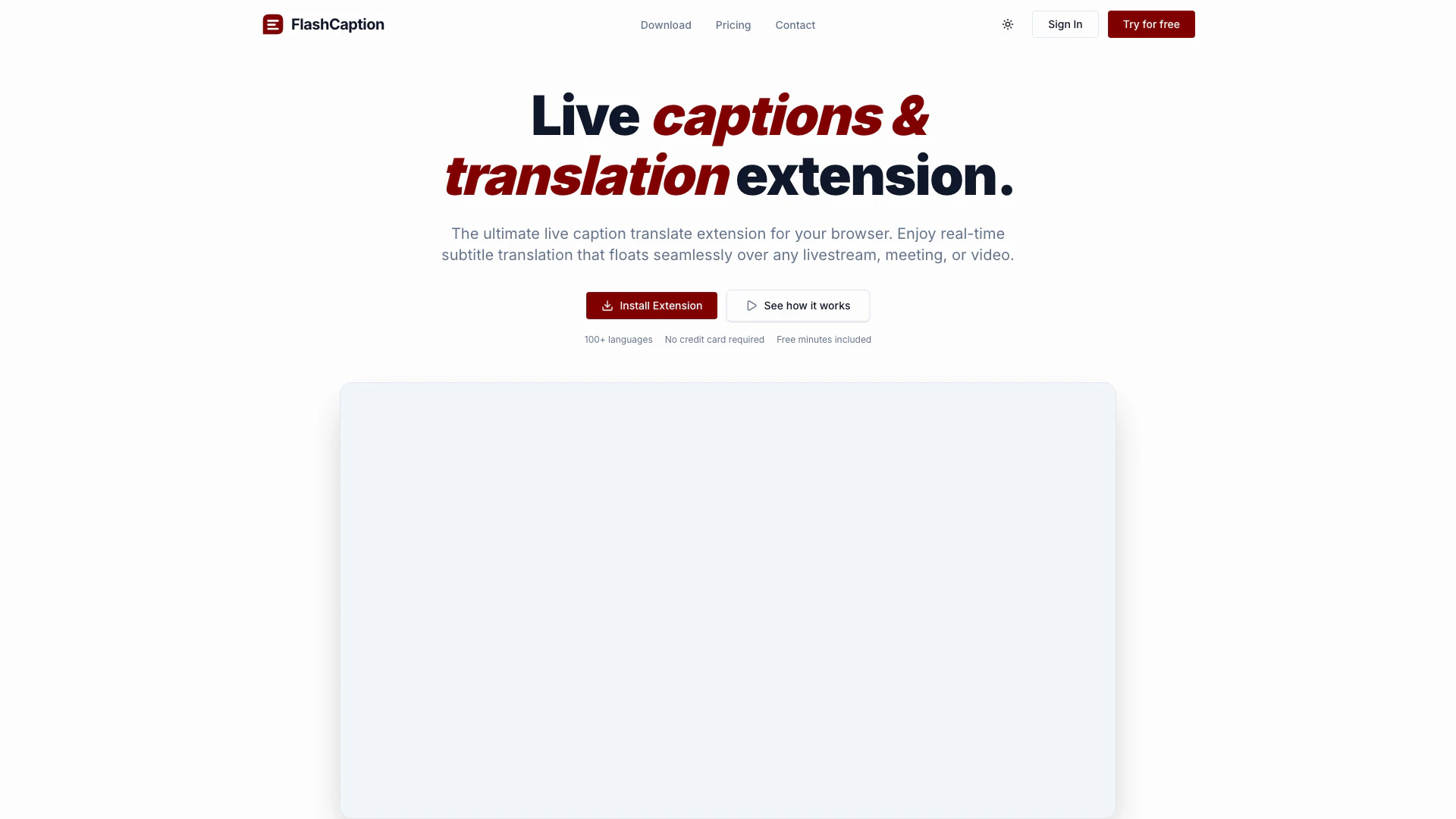



What is Flashcaption?
Flashcaption is a powerful Chrome extension designed to provide live captions and instant translations for various digital platforms, including YouTube, livestreams, and online meetings. This innovative tool bridges language barriers by enabling users to understand any video in their preferred language, making it an essential resource for global communication. With support for over 100 languages, Flashcaption enhances the accessibility of content by offering real-time translation and captioning, thus ensuring that users from diverse linguistic backgrounds can engage with videos and livestreams seamlessly.
How to use Flashcaption?
- Install the Flashcaption extension from the Chrome Web Store.
- Open a video on YouTube or start a livestream on supported platforms like Twitch, Facebook, or Instagram.
- Click on the Flashcaption icon in your browser to activate the live captioning feature.
- Select your preferred language for translation from the extensive list of supported languages.
- Enjoy real-time captions and translations as the video plays, customizing the overlay settings to fit your viewing preferences.
What are the main features of Flashcaption?
- Instant Translation: Translate from major source languages into over 100 different languages globally.
- Cross-Platform Support: Compatible with YouTube, Twitch, and actively supports Facebook, Instagram, and X.
- Zero Latency: Enjoy real-time processing with no delays, ideal for fast-paced streams.
- Customizable Overlay: Adjust font size, colors, and position to enhance your viewing experience.
- Pay-As-You-Go Pricing: Fair pricing model where users only pay for the minutes they actually use, with no subscription required.
- High Precision: Utilizes an advanced speech recognition engine for outstanding accuracy in both casual and technical speech.
Who is Flashcaption for?
Flashcaption is designed for anyone who consumes video content online, particularly those who face language barriers. It is ideal for students, educators, professionals, and casual viewers who wish to engage with diverse content across platforms like YouTube and livestreams. Additionally, it caters to businesses and organizations conducting meetings or webinars with international participants, ensuring effective communication and comprehension regardless of language differences.
What are the use cases of Flashcaption?
- Education: Students and educators can utilize Flashcaption to understand instructional videos and lectures in various languages, enhancing the learning experience.
- Business Meetings: Companies can leverage this tool during international meetings and webinars, allowing participants from different linguistic backgrounds to follow along without barriers.
- Entertainment: Viewers can enjoy foreign films, shows, and livestreams with real-time captions and translations, making global entertainment accessible to a wider audience.
Flashcaption Pros and Cons
Pros
- Supports Over 100 Languages: Flashcaption allows instant translation from major source languages into over 100 different languages, making it versatile for global audiences.
- Zero Latency Processing: The tool is designed for speed, providing real-time processing that keeps up with fast continuous streams, ensuring a seamless experience.
- Customizable Overlay Options: Users can adjust font size, colors, and position of captions, enhancing their viewing experience according to personal preferences.
Cons
No cons data detected for this tool
Flashcaption Pricing
Pay As You Go Pack
Never expires. No subscription. 100 Hours of processing. Credits never expire. No recurring charges.
Yearly Pro
Just $1.66/mo — 2 months free! Unlimited hours processing. Zero latency real-time captions & translation. All 100+ translation languages. Translates any browser tab globally. No data logging, privacy first.
Monthly Pro
Billed monthly. Cancel anytime. Unlimited hours processing. Zero latency real-time captions & translation. All 100+ translation languages. Translates any browser tab globally. No data logging, privacy first.
For the latest pricing, please visit this link: https://flashcaption.com/pricing
Prices are subject to change. Please visit the official website for the most up-to-date pricing information.
Flashcaption Compare


Info current as of post date. Offers and availability may vary by location and are subject to change.
Flashcaption Q&A
The live caption translate extension works by utilizing advanced speech recognition technology to provide real-time captions and translations for videos, livestreams, and meetings.
Flashcaption Alternatives
AI-driven video localization for global reach.
- Translation & Localization
- Video Localization and Dubbing
- Language Communication Platform

Effortlessly localize videos with GhostCut's AI tools.
- Translation & Localization
- Video Localization and Dubbing
- Language Communication Platform
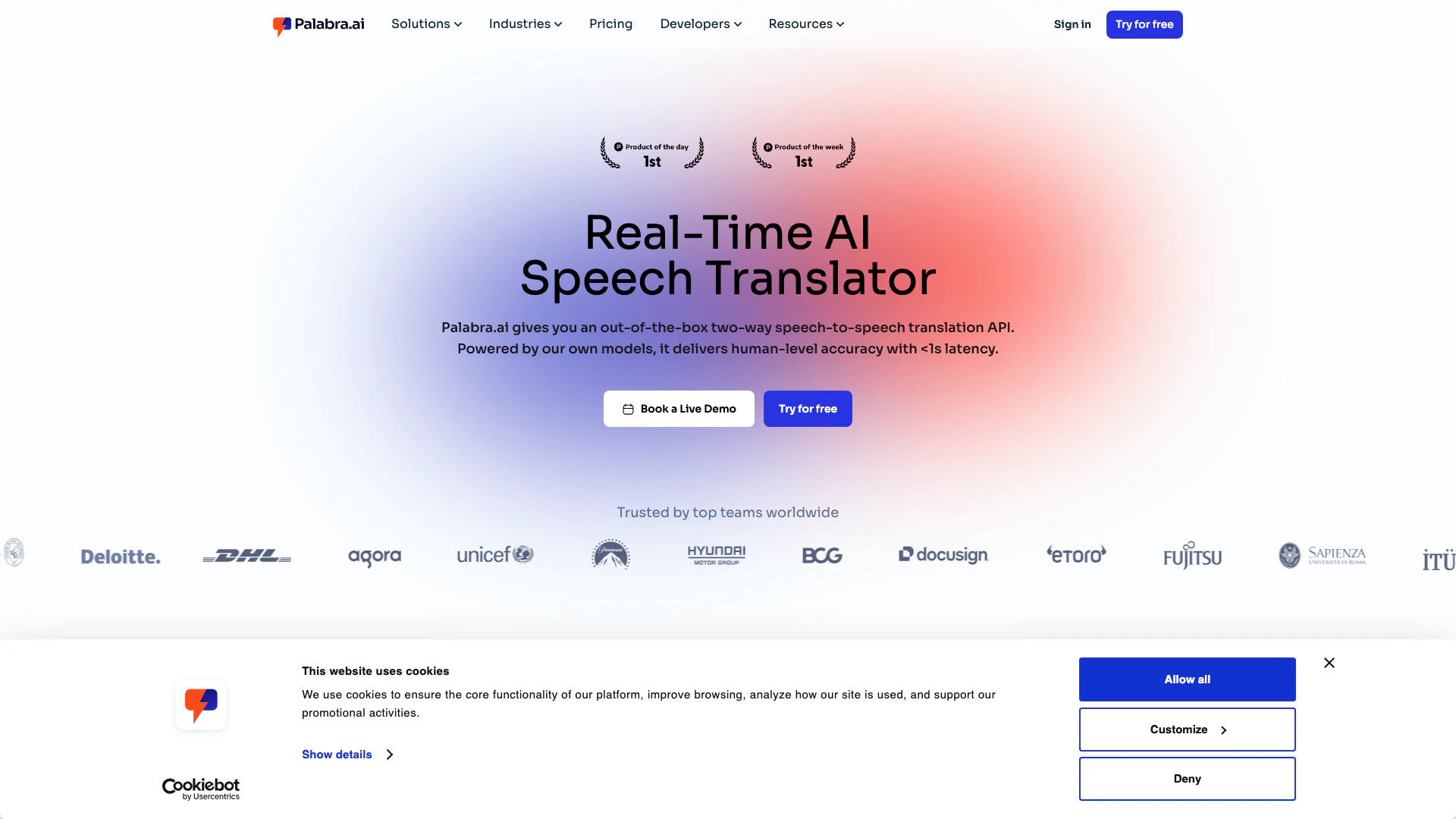
Palabraai is a live voice translator that provides real-time speech translation for meetings, events, and streams in over 60 languages.
- Translation & Localization
- Language Communication Platform
- Live Voice Translation Tools