

Freeupmymac



What is FreeUpMyMac?
FreeUpMyMac is a powerful tool designed to help Mac users[6] reclaim storage space quickly and safely. It allows users to identify large files and differentiate between essential system files and unnecessary junk, ensuring that they can clean up their Mac without the risk of deleting vital data. The tool performs a full scan of the system in under two minutes and provides an intuitive interface to visualize storage usage, making it easy to understand where storage is being consumed.
How to use FreeUpMyMac?
To use FreeUpMyMac, follow these simple steps: 1. Scan: Launch the application and click on the 'Scan' button to analyze your entire computer in under 2 minutes. 2. Browse: Once the scan is complete, explore the results to identify large and unnecessary files taking up space on your Mac. 3. Smart Check: For each file, you can tap 'Analyze' to see detailed information about what it does and whether it's safe to remove.
What are the main features of FreeUpMyMac?
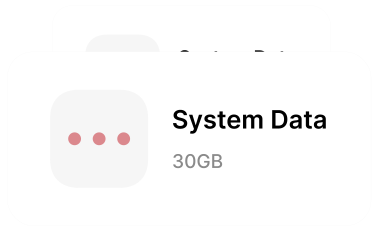
FreeUpMyMac offers several key features that enhance its utility for Mac users: - Fast Scan[1]: Completes a full scan of your Mac in under 2 minutes. - Junk Identification[2]: Safely distinguishes between junk files and essential system files. - Storage Visualization[3]: Provides charts and graphs to visualize how storage is being utilized. - System Data Reduction[4]: Helps identify and reduce bloated system data that consumes space. - On-Device Analysis[5]: Ensures that all analysis is conducted locally on your Mac, keeping your data private.
Who is FreeUpMyMac for?
FreeUpMyMac is ideal for any Mac user looking to optimize their device's storage. This tool is particularly beneficial for those who frequently encounter storage issues, such as students, professionals, and anyone who uses their Mac for extensive media storage. It is also suitable for users who may not have technical expertise but want an easy-to-use solution for cleaning up their system without risking important files.
What are the use cases of FreeUpMyMac?
Here are some specific use cases for FreeUpMyMac: 1. Clearing Out Unused Applications: Users can identify and remove applications that are no longer needed, freeing up valuable disk space. 2. Cleaning Temporary Files: The tool can help in locating and deleting temporary files, caches, and logs that accumulate over time. 3. Optimizing System Performance: By removing junk files and optimizing storage, users can enhance their Mac's performance and speed.
Product Images




Freeupmymac Pros and Cons
Pros
- Fast Scanning Speed: Scans the entire Mac in under 2 minutes, allowing users to quickly identify storage issues.
- Safe File Identification: Distinguishes between junk files and essential system files, ensuring users do not accidentally delete important data.
- 100% On-Device Analysis: All data analysis is performed locally on the Mac, ensuring user privacy and data security.
Cons
No cons data detected for this tool
Freeupmymac Pricing
Lifetime Deal
Pay once, keep it forever. Full Mac Scan in minutes, Clean up GBs of junk, AI safety check, Visualize file usage with charts, Clear System Data.
For the latest pricing, please visit this link: https://freeupmymac.com/#pricing
Prices are subject to change. Please visit the official website for the most up-to-date pricing information.
Freeupmymac Compare
| Tool Name | Introduction | Pricing | Type | Rating | Launch Date | Learn more |
|---|---|---|---|---|---|---|
Generate AI lesson plans, PowerPoints, and more with Copilot! Use Copilot to breeze through your unit planning and material creation! | Free | November 13, 2022 | Get deal | |||
Explore Prompt Vibes to create unique prompts with our ChatGPT Prompt generator. Discover a collection of the best prompts designed for various uses. | Free | February 25, 2023 | Get deal | |||
🧠 AI-powered image resizer for social media | Free | June 8, 2021 | Get deal |


Info current as of post date. Offers and availability may vary by location and are subject to change.
Freeupmymac Q&A
Yes, FreeUpMyMac is safe to use. It is notarized by Apple, ensuring that it meets Apple's security standards.
Freeupmymac Alternatives
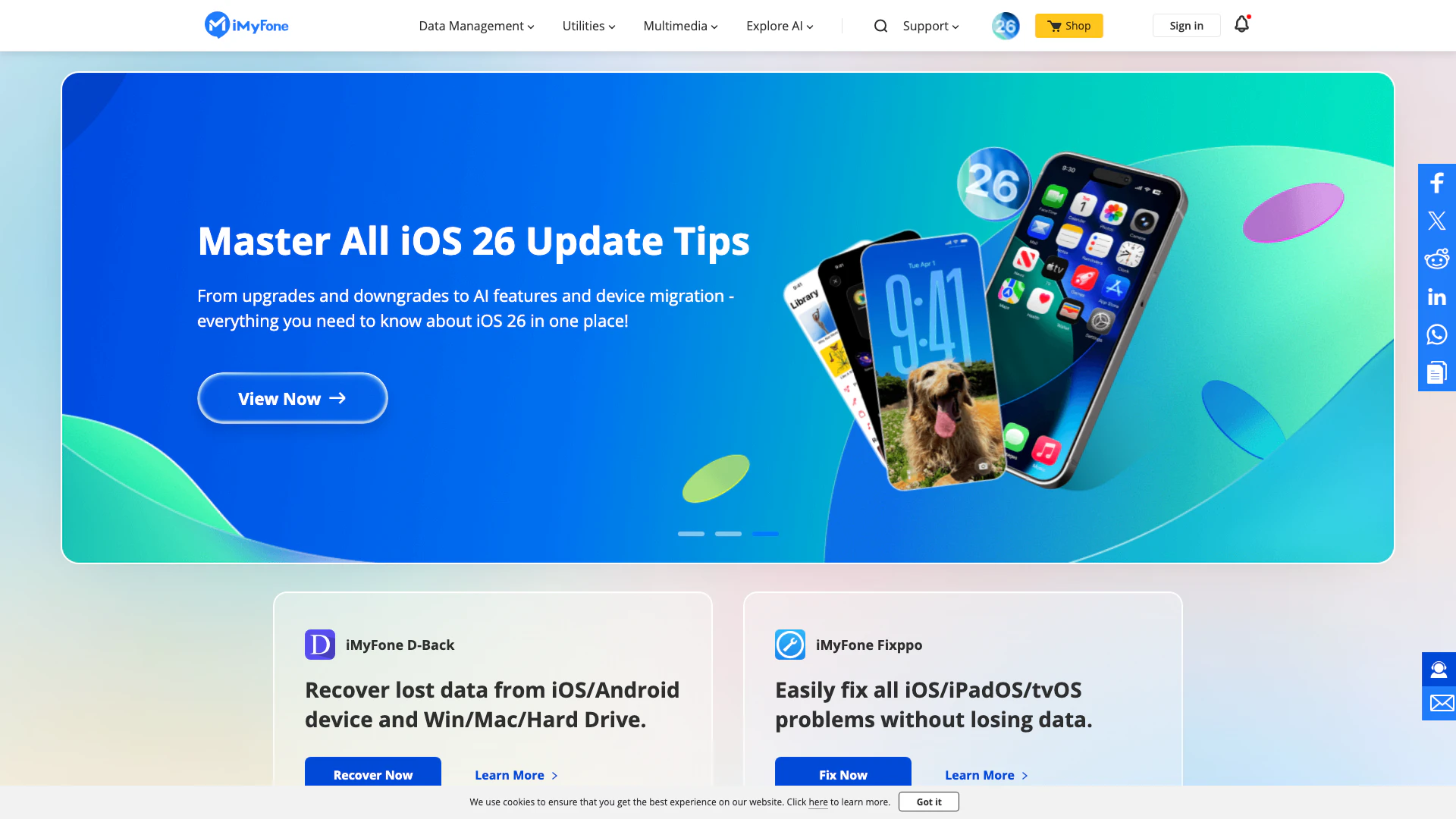
iMyFone provides powerful tools for data recovery and system repair.
- Lifestyle & Utilities
- Data Recovery and System Repair Tools
- Personal Data Management Tools
- Smartphone Unlocking Tools
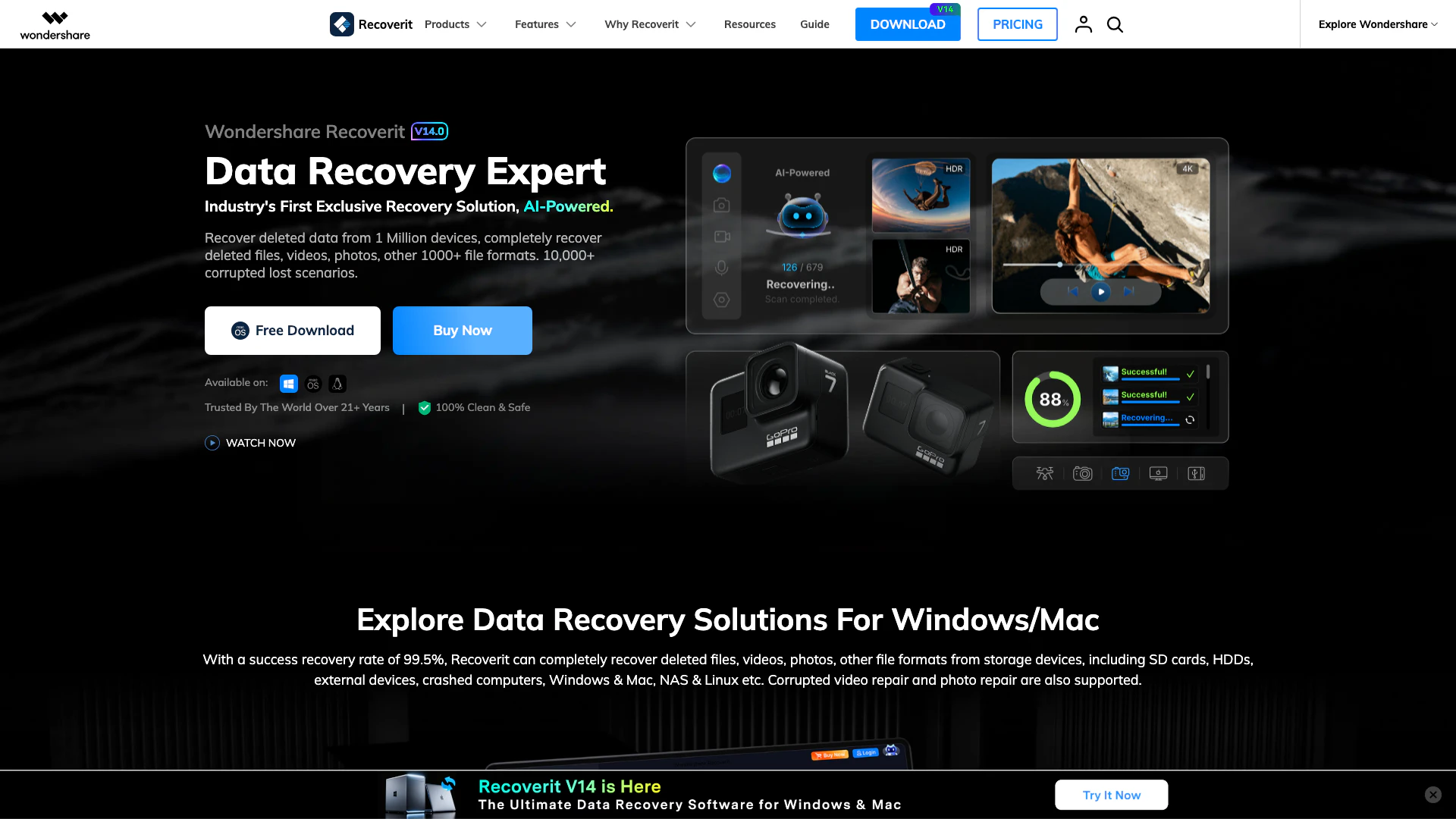
Recoverit is an AI-powered data recovery software that helps you recover deleted files, photos, videos, and documents from various storage devices.
- Lifestyle & Utilities
- Data Recovery and System Repair Tools
- Personal Data Management Tools
- Cloud Storage and File Transfer Tools

Effortlessly track and manage all your subscriptions.
- Lifestyle & Utilities
- Personal Data Management Tools
- Subscription Management Tools
- Recurring Payment Management Tools