

Getpincue



What is Getpincue?
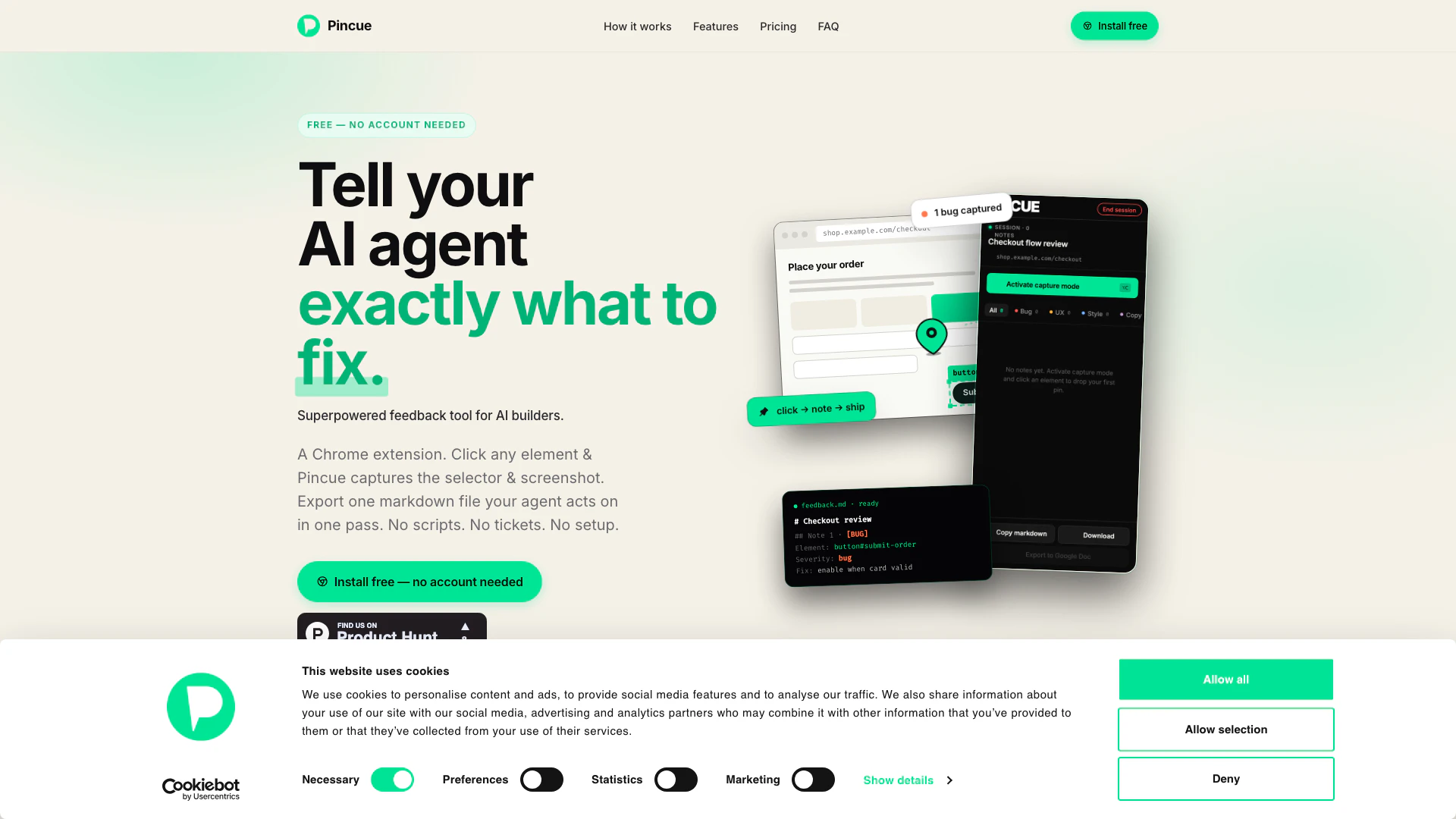
Getpincue is an innovative review session tool designed specifically for AI-assisted builders. It streamlines the feedback process by allowing users to click on any element within a web application, add notes, and export a markdown file that can be directly utilized by AI agents. By eliminating the need for scripts, tickets, or complex setups, Getpincue simplifies the way developers and designers communicate about UI/UX issues, making it easier and faster to implement changes.
How to use Getpincue?
- Pin an element: Open the side panel and activate capture mode. Click on any element on the page, and Getpincue will lock onto the DOM node.
- Auto-screenshot: Getpincue automatically takes a screenshot of the viewport with a green bounding box around the selected element, ensuring clarity for the feedback.
- Write your note: Tag your feedback as a bug, UX issue, style concern, copy error, or accessibility issue. Add severity levels and suggested fixes, which can be edited inline.
- Export & prompt: Download the feedback as a markdown file or copy it directly. This markdown can then be used in AI tools like Cursor or Claude Code for immediate action.
What are the main features of Getpincue?
- Pinning elements: Capture specific DOM elements with precision.
- Auto-screenshot functionality: Provides visual context with screenshots and bounding boxes.
- Inline note editing: Users can easily add and modify feedback notes.
- Structured markdown export: Export feedback in a markdown format for easy integration with AI agents.
- Smart selectors: Each note is linked to the exact DOM element, reducing ambiguity.
- Efficiency: Streamlines the feedback loop, minimizing token usage and guesswork for AI agents.
Who is Getpincue for?
Getpincue is ideal for a variety of users including designers, freelancers, solo builders, and AI-first developers. It caters to those who need to communicate feedback efficiently without the hassle of traditional ticketing systems. For designers and freelancers, it eliminates the need for lengthy video explanations by allowing quick visual feedback. Solo builders can use it as a personal project manager and QA tool, while AI developers benefit from its ability to produce actionable markdown files directly, streamlining their workflow.
What are the use cases of Getpincue?
- Feedback during development: Capture and communicate UI/UX feedback in real-time during the development process, ensuring that issues are addressed promptly.
- Pre-deployment reviews: Use Getpincue as a final review pass before deploying updates to ensure all elements meet quality standards.
- Collaborative projects: Facilitate collaboration among teams by providing precise, actionable feedback that can be shared and acted upon without the need for further clarification.
Getpincue Pros and Cons
Pros
- Efficient Feedback Capture: Pincue allows users to capture feedback in just four simple steps, significantly reducing the time spent on reporting issues.
- Precise Element Targeting: The tool pins notes to specific DOM elements, providing clear context with screenshots and selectors, which minimizes ambiguity for agents.
- Cost-Effective Token Usage: By eliminating vague feedback, Pincue ensures that agents can act on the first read, reducing unnecessary token consumption.
Cons
No cons data detected for this tool
Getpincue Pricing
Pro
The full feedback loop — for developers and designers who work with clients. Everything in Free, Unlimited notes per session, Cloud sync & session history, Multiple active sessions, Selective markdown export — pick, ignore or route notes before export, Guest invite — share a time-limited review link with a client, Real-time client note feed — see feedback appear as your client adds it, Triage UI — accept, ignore, or move each note before exporting.
For the latest pricing, please visit this link: https://www.getpincue.com/signup.html
Prices are subject to change. Please visit the official website for the most up-to-date pricing information.
Getpincue Compare
| Tool Name | Introduction | Pricing | Type | Rating | Launch Date | Learn more |
|---|---|---|---|---|---|---|
Explore Prompt Vibes to create unique prompts with our ChatGPT Prompt generator. Discover a collection of the best prompts designed for various uses. | Free | February 25, 2023 | Get deal | |||
Try on any outfits using AI! | Free | January 7, 2023 | Get deal | |||
🧠 AI-powered image resizer for social media | Free | June 8, 2021 | Get deal |


Info current as of post date. Offers and availability may vary by location and are subject to change.
Getpincue Q&A
No. Pincue works fully without one — your notes are saved in local browser storage and persist until you clear it or start a new session. Create a free account to keep your session while the panel is open across tabs. Pro with full cloud sync and session history is coming soon.
Getpincue Alternatives

Boost Productivity in HubSpot with Breeze Copilot | HubSpot
- Operations & Management
- AI CRM Tools
- Ai Productivity Tools

OpusClip turns long videos into high-quality viral clips for you to share on TikTok, YouTube Shorts, and Reels to increase social media reach.
- Writing & Editing
- AI Content Repurposing
- AI Text Generator
- AI Social Media Tools
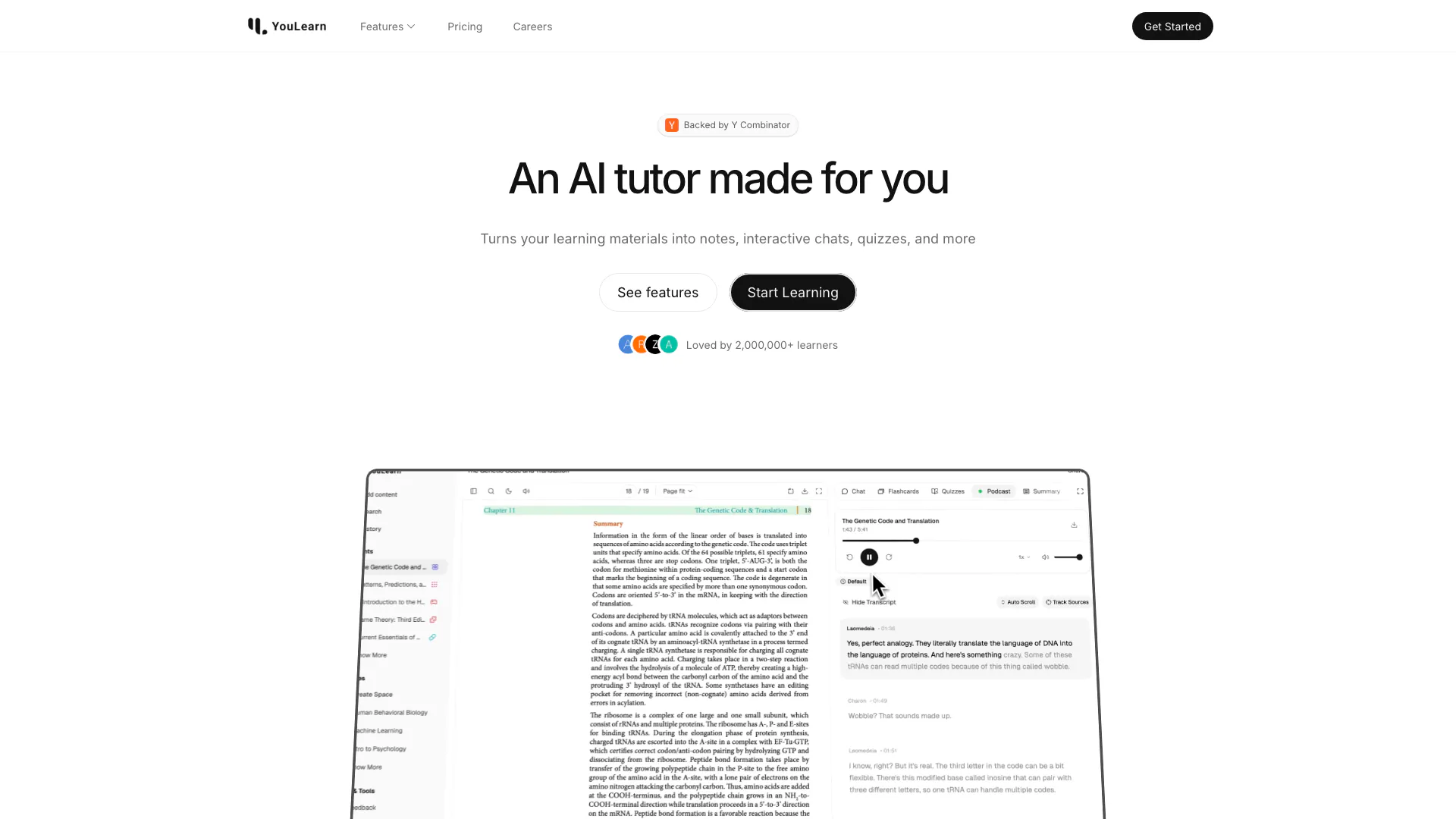
An AI tutor made for you. Learn from an AI tutor that understands your pdfs, youtube videos, and recorded lectures.
- Education
- AI Language Learning
- Ai Productivity Tools