

Grid 2 0






What is GRID?
GRID is a powerful spreadsheet technology platform designed to integrate spreadsheet capabilities directly into software products. It allows software teams to embed spreadsheet features natively, providing users with familiar spreadsheet experiences without leaving their applications. By leveraging GRID, businesses can ensure that their products have robust data handling and AI workflow capabilities, all while maintaining control over performance and user experience.
How to use GRID?
- Visit the GRID website and request evaluation access to get started.
- Integrate the GRID engine into your application by following the provided documentation for setup.
- Use the GRID editor to create and customize your spreadsheet interfaces as needed.
- Implement the viewer to display spreadsheets within your application seamlessly.
- Test the integration to ensure that spreadsheet functionalities work as expected.
What are the main features of GRID?
- Spreadsheet Engine: A headless engine that powers spreadsheet logic natively within your application.
- Spreadsheet Editor: A user-friendly editor that allows users to edit spreadsheets without the complexity of full spreadsheet applications.
- Spreadsheet Viewer: A lightweight viewer for displaying spreadsheets, fully themeable to match your product's design.
- Real-time Interactivity: Enables dynamic updates and recalculations, making complex models fluid and interactive.
Who is GRID for?
GRID is designed for software development teams and businesses that want to enhance their products with integrated spreadsheet capabilities. It is particularly beneficial for companies in sectors like finance, data analytics, and AI, where managing complex data and workflows is essential. Teams looking to streamline their product development by embedding spreadsheet functionalities will find GRID to be an invaluable resource.
What are the use cases of GRID?
- Financial Applications: Embedding GRID to allow users to create and manipulate financial models directly within a financial software application.
- Data Analysis Tools: Using GRID in data analytics platforms to provide users with spreadsheet functionalities for data manipulation and visualization.
- AI Workflows: Integrating GRID into AI applications to enable structured data handling, allowing AI systems to interact with spreadsheet logic effectively.
Grid 2 0 Pros and Cons
Pros
- Seamless Integration with Existing Tools: Fully compatible with Excel and Google Sheets, allowing for easy transitions and integration for users familiar with these platforms.
- Optimized for AI Performance: The spreadsheet engine is designed to handle complex models at scale, enhancing performance and reliability for AI applications.
- Enhanced Language Interaction: By analyzing labels and context, GRID enriches spreadsheets with language data, enabling seamless interaction with AI.
Cons
No cons data detected for this tool
Analytics of Grid 2 0
Grid 2 0 Website Traffic Analysis
Visits Over Time
Traffic Sources
Oct 2025 - Dec 2025 Worldwide Desktop Only
- Search: 39.77%
- Direct: 39.33%
- Referrals: 11.17%
- Social: 8.10%
- Paid Referrals: 1.15%
- Mail: 0.14%
Top Regions
| Region | Percentage |
|---|---|
🇺🇸 United States | 26.58% |
🇮🇳 India | 12.98% |
🇻🇳 Vietnam | 10.21% |
🇬🇧 United Kingdom | 6.62% |
🇫🇷 France | 6.24% |
- United States: 26.58%
- India: 12.98%
- Vietnam: 10.21%
- United Kingdom: 6.62%
- France: 6.24%
Top Keywords
| Keyword | Volume | CPC | Estimated Value |
|---|---|---|---|
| grid | 169.18K | $0.41 | $250.00 |
| grid program | 390 | $0.00 | $10.00 |
| types of electornic spreadsheet | 260 | $0.00 | $110.00 |
| ai wrong calculation | 170 | $0.00 | $10.00 |
| grid is | 20 | $0.00 | $20.00 |
Grid 2 0 Compare
| Tool Name | Introduction | Pricing | Type | Rating | Launch Date | Learn more |
|---|---|---|---|---|---|---|
Configure it once and automate your images forever without intervention—no need to review. Photos are ready to publish. Adjust backgrounds, lighting, banners, and more to fit your company branding. | Free | October 5, 2021 | Get deal | |||
Lunit develops AI solutions that detect early-stage cancer and optimize cancer treatment for saving lives through technology. | Free | August 10, 2015 | Get deal | |||
Never miss a new customer | Jackrabbit Ops | Free | June 17, 2022 | Get deal |


Info current as of post date. Offers and availability may vary by location and are subject to change.
Grid 2 0 Alternatives
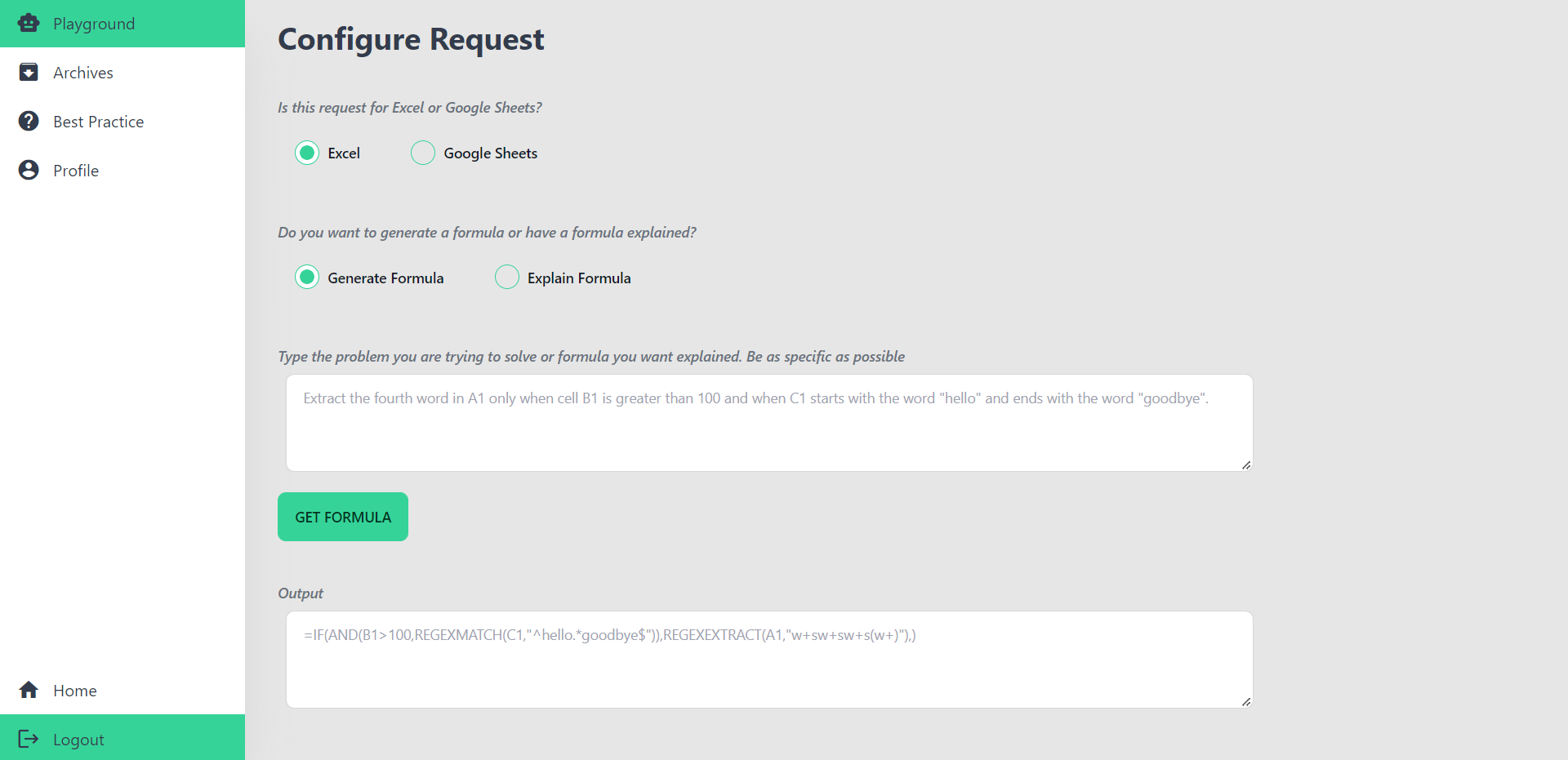
AI Excel Bot | Use AI To Generate Excel Formulas In Seconds
- Productivity & Office
- Ai Spreadsheet Tools

Best Python Spreadsheet Automation & Code Generation | Mito
- Developer Tools
- Ai Code Generator
- Ai Spreadsheet Tools
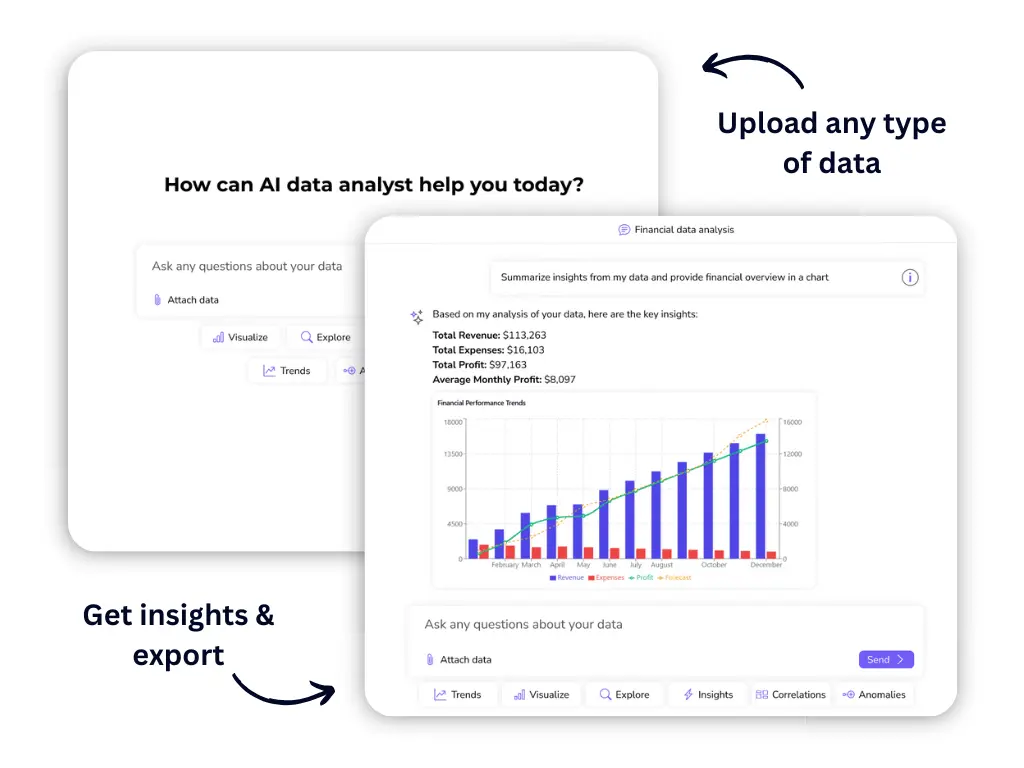
Excel AI: Create & Improve Processes Using AI Excel Tools
- Productivity & Office
- Ai Spreadsheet Tools