

Howtoposeai



What is Howtopose.ai?
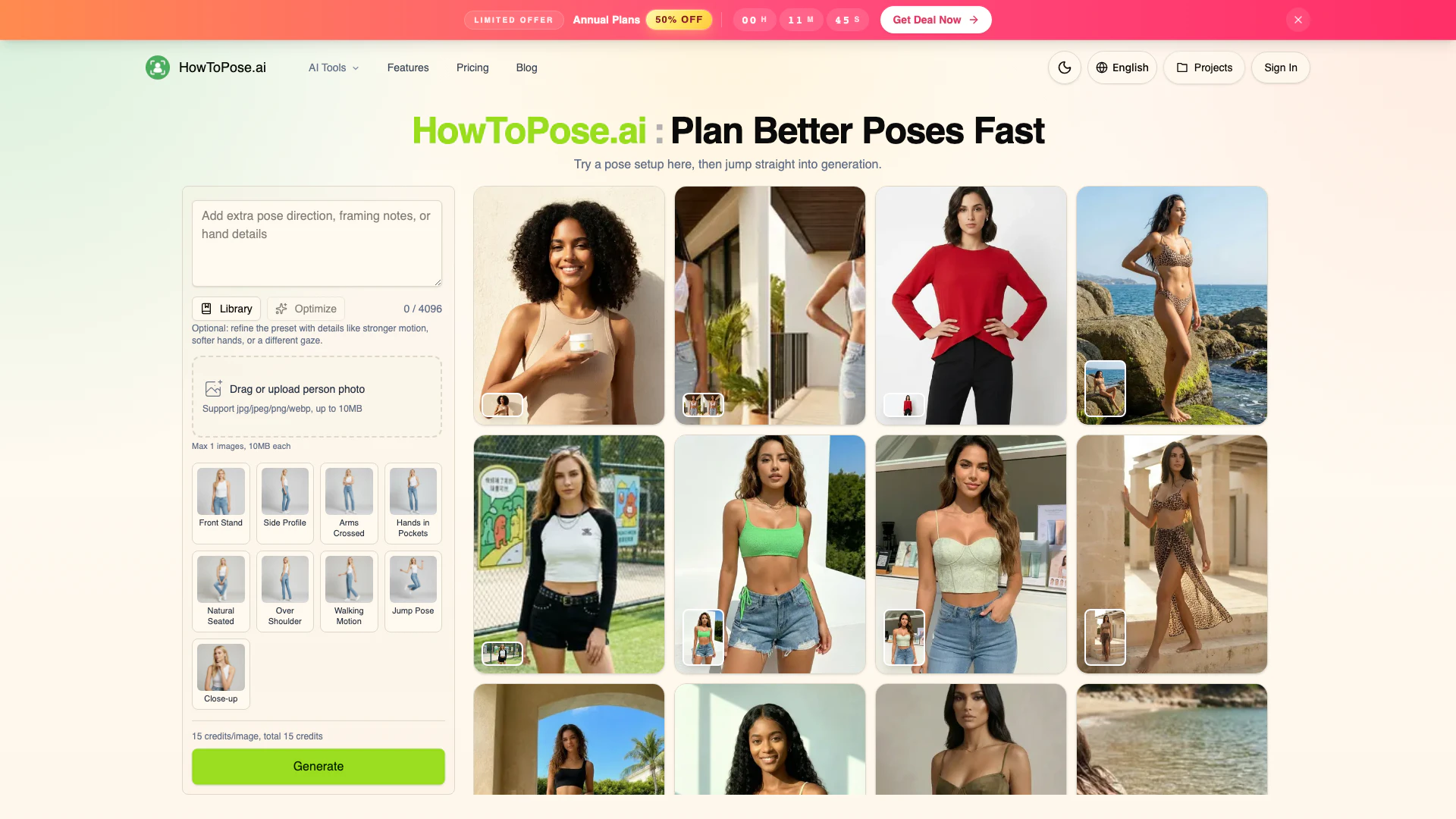
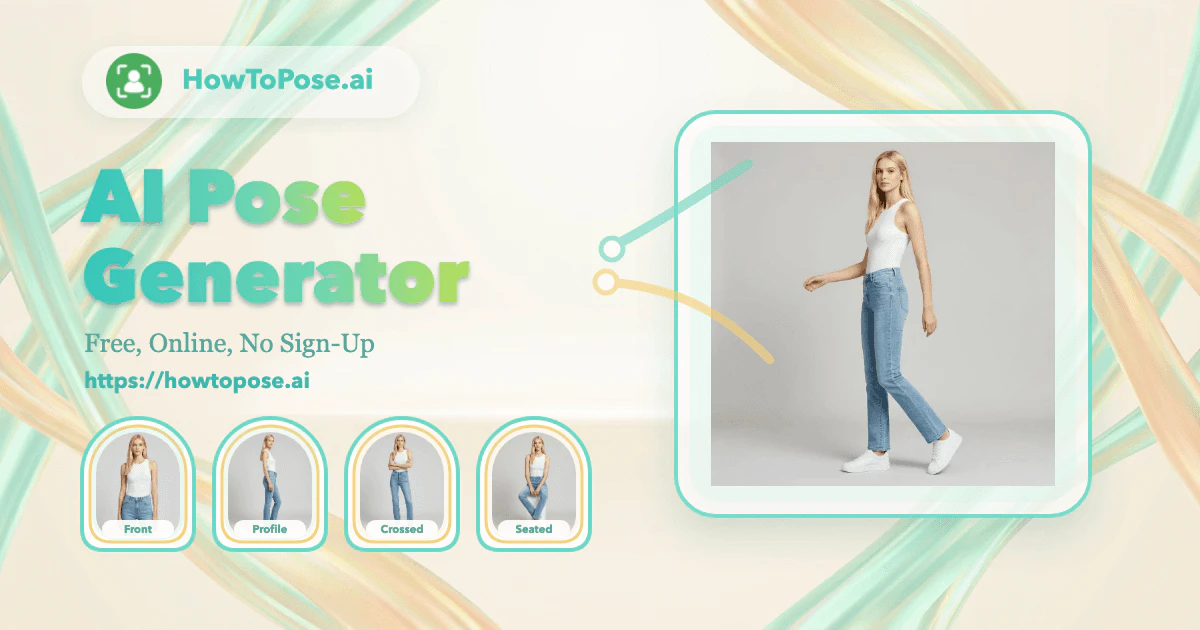
Howtopose.ai is an innovative AI-powered tool designed to enhance your visual content by allowing users to adjust poses in photos and create dynamic actions[3] for videos. It empowers creators, marketers, and designers to refine their images and videos seamlessly, making the editing process more intuitive and efficient. With features that include pose adjustment[2], outfit exploration[5], and image cleanup[4], Howtopose.ai provides a connected workflow that streamlines the creative process, enabling users to produce high-quality visual content quickly.
How to use Howtopose.ai?
- Start by uploading a photo of the subject you want to edit. Ensure the image is in jpg, jpeg, png, or webp format and does not exceed 10MB.
- Choose the desired pose or action from the available presets, or refine the preset with specific details like motion strength or hand position.
- Generate variations of the pose to compare different looks quickly.
- Make any additional adjustments, such as changing clothing or cleaning up the image.
- Export the final image or continue editing as needed.
What are the main features of Howtopose.ai?
- AI Pose Generator[1]: Adjust poses in photos easily without needing to reshoot.
- AI Clothes Changer[6]: Swap clothing options on subjects while maintaining scene integrity.
- AI Image Editor[7]: Enhance images by cleaning up details and revising elements.
- AI Image Extender[8]: Expand images into wider or taller compositions without starting from scratch.
- AI Image Upscaler: Improve image resolution for cleaner exports.
- AI Watermark Remover: Eliminate distractions such as watermarks from images.
Who is Howtopose.ai for?
Howtopose.ai is ideal for a wide range of users, including content creators, social media managers, photographers, fashion designers, and marketers. It is particularly beneficial for those who need to produce high-quality visual content quickly and efficiently, such as e-commerce professionals looking to showcase products, photographers aiming to refine their portraits, and marketers needing versatile images for campaigns.
What are the use cases of Howtopose.ai?
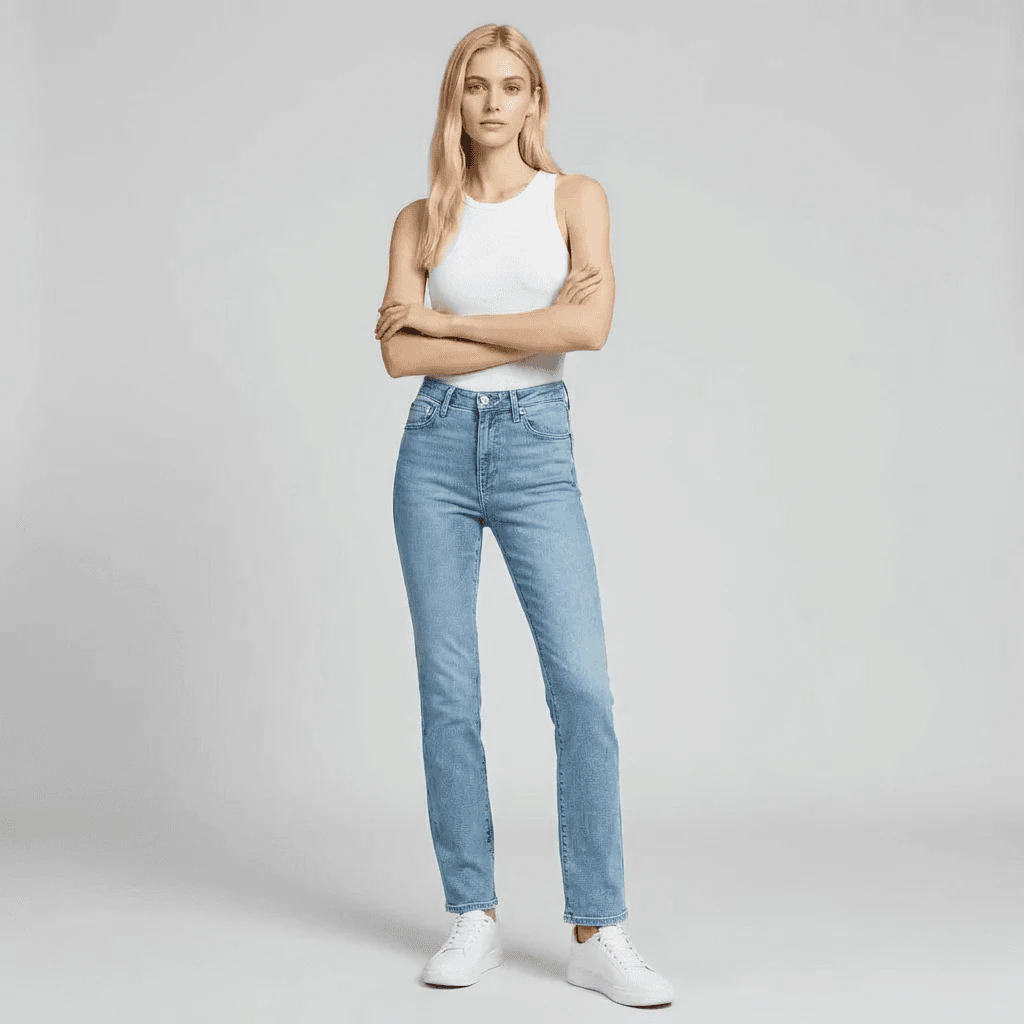
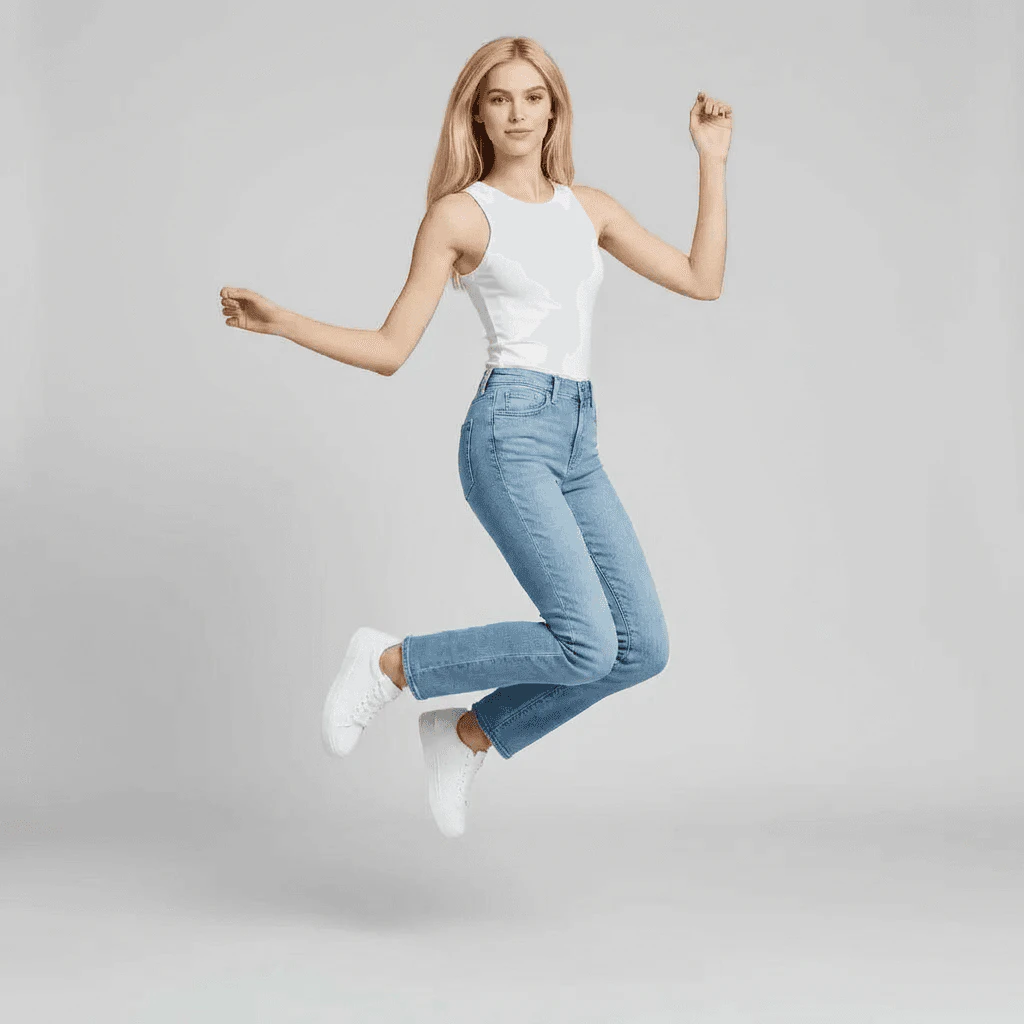
- E-commerce Product Photography: Quickly adjust poses and outfits to create multiple versions of product images for online stores.
- Social Media Content Creation: Generate engaging visuals for social media posts that require dynamic poses and appealing styles.
- Fashion Design Mockups: Test different clothing styles on models using existing photos without needing to schedule additional shoots.
Product Images
Howtoposeai Pros and Cons
Pros
- Advanced Pose Adjustment: Howtopose.ai allows users to adjust poses in photos dynamically, enhancing visual presence without needing to reshoot.
- Integrated Workflow: The tool connects various editing tasks, enabling users to move from pose adjustments to final exports seamlessly.
- Multiple Tool Capabilities: Howtopose.ai offers various tools like AI Clothes Changer and AI Image Editor, providing a comprehensive solution for visual content creation.
Cons
No cons data detected for this tool
Howtoposeai Reviews
With How to Pose AI, the whole process feels more connected. I can move from a rough pose reference to a polished visual without bouncing through three separate tools.
I keep coming back to How to Pose AI because it saves real production time. The combination of pose edits, cleanup, and upscale saves time every time we need another version for a product page.
How to Pose AI keeps the workflow practical. I can take one strong portrait and adapt it into multiple campaign crops without reshooting the whole setup.
For more reviews, visit this link: https://howtopose.ai/#testimonials
Howtoposeai Compare
| Tool Name | Introduction | Pricing | Type | Rating | Launch Date | Learn more |
|---|---|---|---|---|---|---|
🧠 AI-powered image resizer for social media | Free | June 8, 2021 | Get deal | |||
AutoDraw | Free | January 2, 1998 | Get deal | |||
Generate AI lesson plans, PowerPoints, and more with Copilot! Use Copilot to breeze through your unit planning and material creation! | Free | November 13, 2022 | Get deal |



Info current as of post date. Offers and availability may vary by location and are subject to change.
Howtoposeai Q&A
How to Pose AI can adjust poses, styling, and other elements of a photo without requiring a reshoot.
For more FAQs, please visit this link: https://howtopose.ai/#faq
Howtoposeai Alternatives

Generate stunning images and videos effortlessly with Dreamina's AI.
- Image Generation & Editing
- AI Avatar Generator
- AI Image Generator
- AI Romantic Image & Video Generator

Adobe Firefly is an AI-driven tool for creating unique images, videos, and audio.
- Image Generation & Editing
- AI Image Generator
- AI Photo Editor
- AI Realistic Image Generator

Picsart is a versatile platform for creating stunning visual content using AI tools.
- Image Generation & Editing
- AI Image Generator
- AI Photo Editor
- Gallery Creation Tool