

Lido
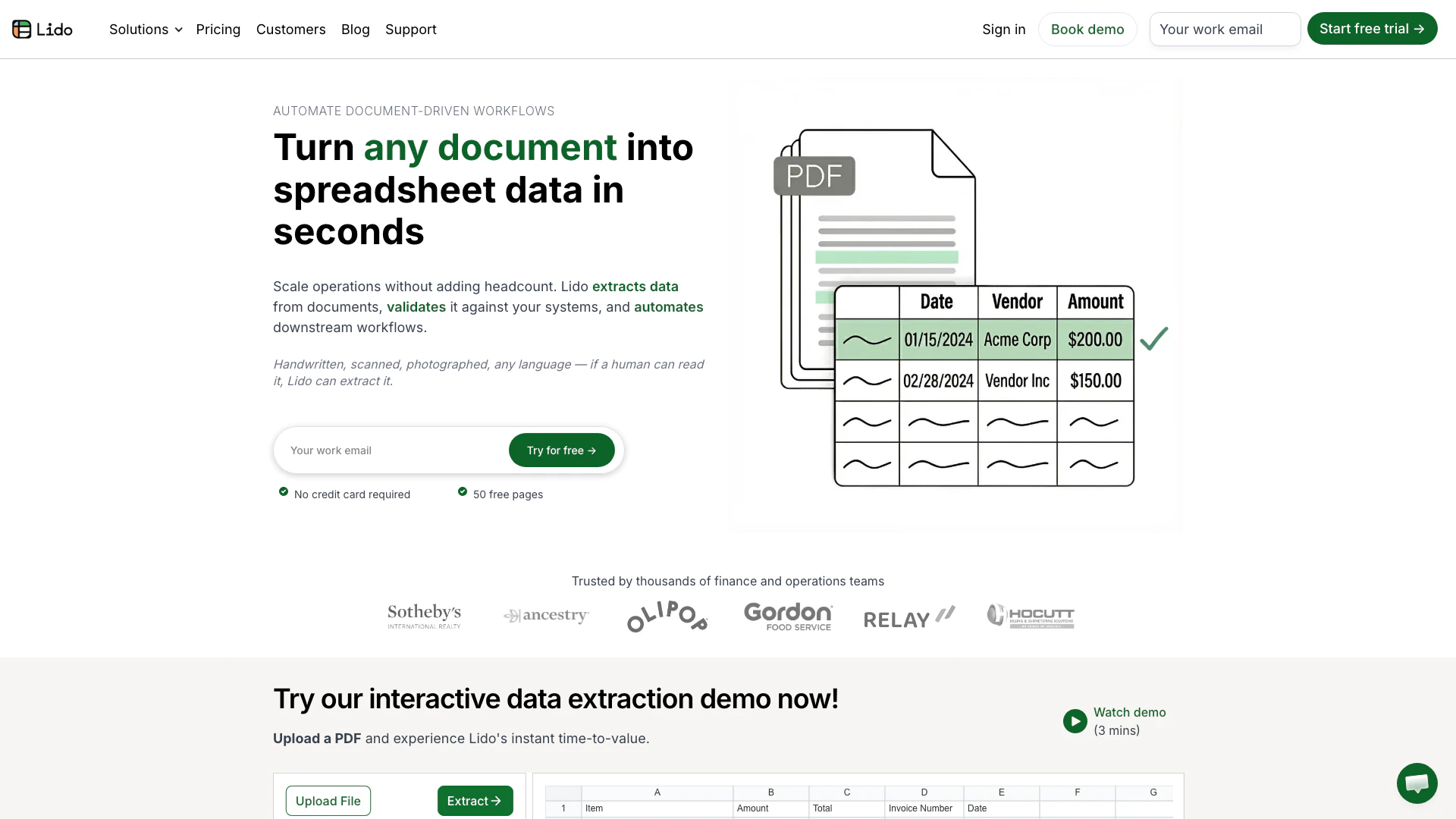




What is Lido?
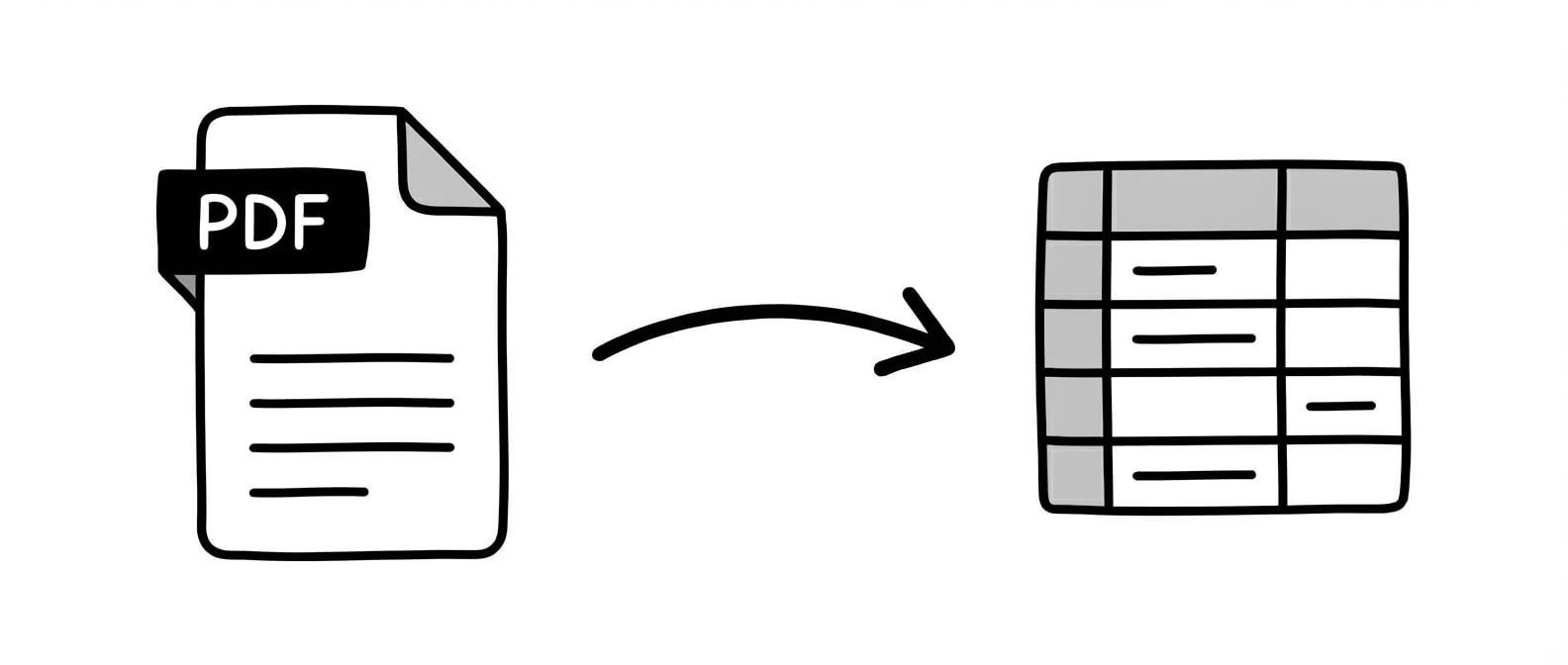
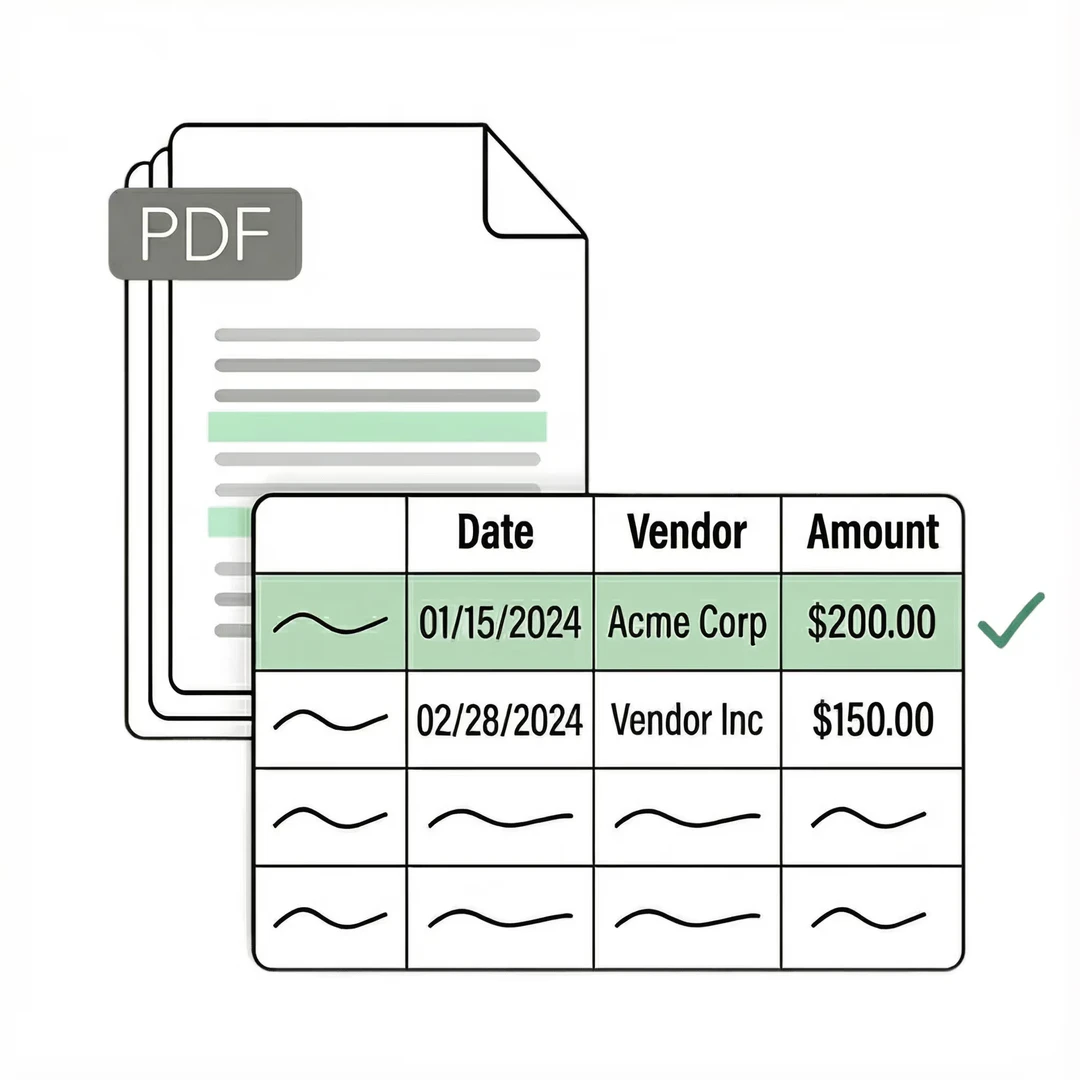
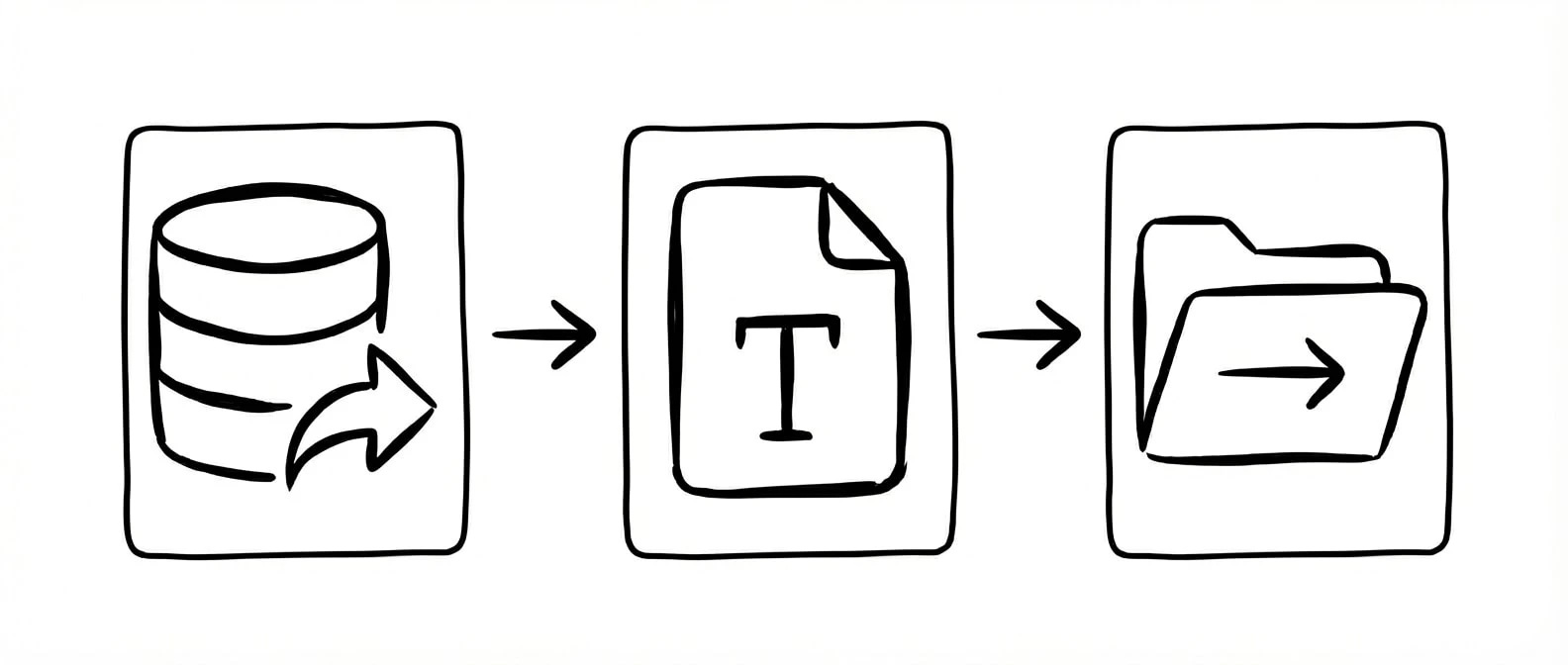
Lido is an AI-powered[1] document processing[2] platform designed to extract structured data from various document types, including PDFs, invoices, receipts, and scans, and convert it into formats like Excel or Google Sheets. With an impressive accuracy rate of over 99%, Lido eliminates the need for templates or manual data entry, making it an ideal solution for businesses looking to automate their document workflows. The platform is capable of handling diverse document formats, including handwritten documents and images, making it versatile for various industries.
How to use Lido?
- Sign Up: Create an account on the Lido website to access the platform.
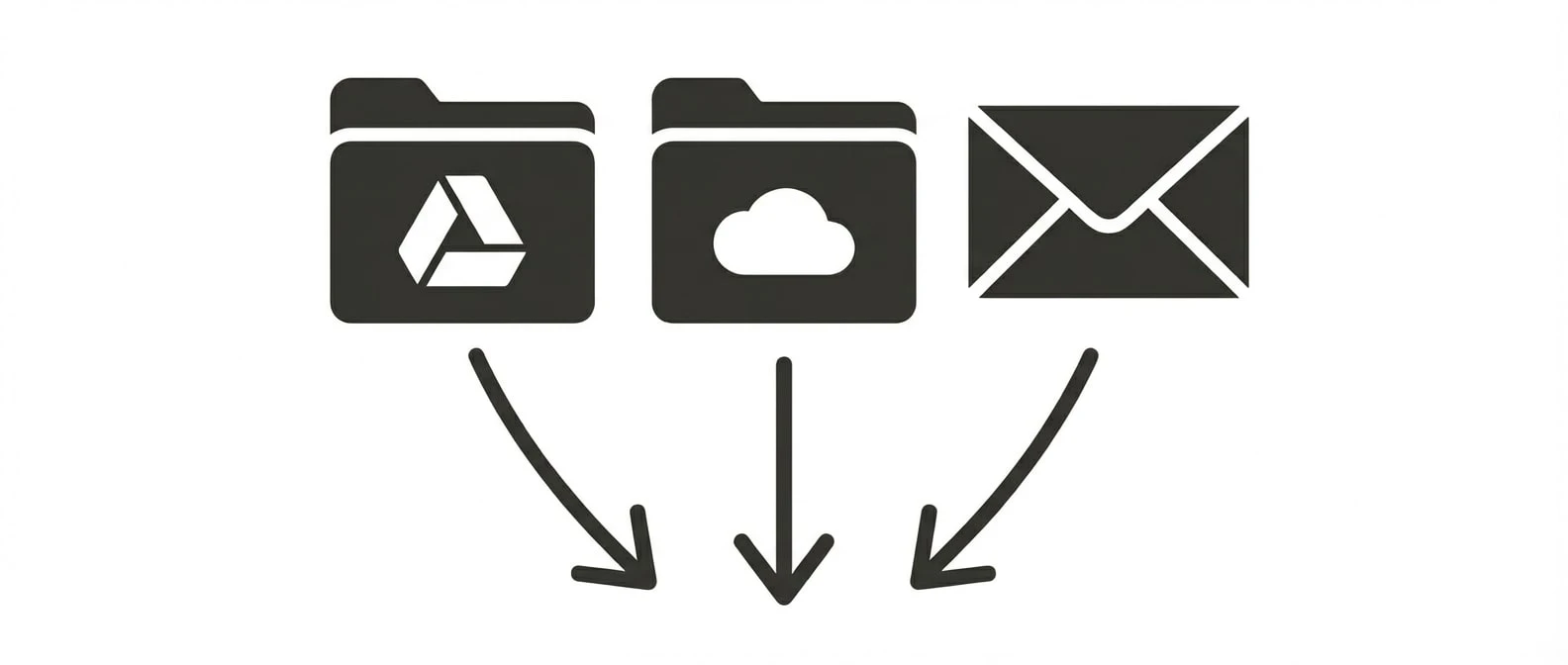
- Upload Documents: Choose the documents you want to process, such as PDFs or images, and upload them to Lido.
- Select Data Fields: Specify the data fields you want to extract, like invoice numbers or amounts, by entering column names.
- Extract Data: Initiate the extraction process. Lido will analyze the documents and convert the specified data into a structured format.
- Download or Integrate: Once extraction is complete, download the data in Excel or Google Sheets format, or automate the integration with your ERP system.
What are the main features of Lido?
- High Accuracy: Achieves over 99% accuracy[4] in data extraction[3] from structured documents.
- No Templates Required: Automatically understands document structure without the need for pre-defined templates.
- Multi-format Support: Processes various document types including PDFs, images, and handwritten notes.
- Batch Processing: Allows for batch uploads to handle multiple documents at once, increasing efficiency.
- AI Validation: Validates extracted data against internal systems to ensure accuracy and reliability.
Who is Lido for?
Lido is tailored for businesses and teams that handle large volumes of documents, such as finance and accounting departments, logistics and supply chain operations, and healthcare providers. It is particularly beneficial for organizations that require accurate and efficient data extraction from invoices, receipts, and other structured documents, allowing them to streamline their workflows and reduce manual processing time.
What are the use cases of Lido?
- Invoice Processing: Automate the extraction of data from invoices to streamline accounts payable workflows.
- Receipt Management: Quickly convert receipts into digital formats for expense tracking and reporting.
- Data Entry Automation: Reduce manual data entry tasks by extracting information from various document types into structured formats.
Product Images
Lido Pros and Cons
Pros
- High Data Extraction Accuracy: Lido achieves over 99% accuracy in data extraction from documents, significantly outperforming traditional OCR solutions which typically range from 50-90%.
- No Template Required: Unlike traditional OCR tools, Lido does not require any template setup, allowing for immediate data extraction from various document formats.
- Fast Implementation: Lido can be implemented in just one hour, compared to the 4-8 weeks often required for legacy OCR systems.
- Automated Workflow Integration: Lido automates multi-step document workflows, enabling users to extract, validate, and process data seamlessly without manual intervention.
Cons
No cons data detected for this tool
Lido Pricing
Standard
Best for fast, accurate extraction from PDFs and other documents. Includes 100 pages per month, 1 user, convert any file type, export to Excel, CSV.
Scale
Designed for teams automating multi-step document workflows, from extraction to validation to ERP. Includes 42,000 pages per year, up to 10 users, API & Workflow access, priority email & chat support.
Enterprise
Custom workflows, validation logic, and ERP integrations for complex, high-volume operations. Custom page limits, custom ERP integrations, dedicated US-based account manager, live US-based onboarding & support.
For the latest pricing, please visit this link: https://www.lido.app/pricing
Prices are subject to change. Please visit the official website for the most up-to-date pricing information.
Analytics of Lido
Lido Website Traffic Analysis
Visits Over Time
Traffic Sources
Nov 2025 - Jan 2026 Worldwide Desktop Only
- Search: 57.71%
- Direct: 34.25%
- Referrals: 5.57%
- Social: 1.76%
- Paid Referrals: 0.62%
- Mail: 0.09%
Top Regions
| Region | Percentage |
|---|---|
🇺🇸 United States | 48.71% |
🇮🇳 India | 7.02% |
🇳🇬 Nigeria | 2.86% |
🇬🇧 United Kingdom | 2.50% |
🇻🇳 Vietnam | 2.47% |
- United States: 48.71%
- India: 7.02%
- Nigeria: 2.86%
- United Kingdom: 2.50%
- Vietnam: 2.47%
Top Keywords
| Keyword | Volume | CPC | Estimated Value |
|---|---|---|---|
| pdf to excel | 941.64K | $0.15 | $1290.00 |
| convert pdf to excel | 180.71K | $0.19 | $820.00 |
| lido | 43.41K | $0.81 | $1750.00 |
| pdf to csv | 24.87K | $0.78 | $1040.00 |
| lido ocr | 1.11K | $5.12 | $830.00 |
Lido Reviews
Freed up 85% of our AP team's capacity. I explore a lot of solutions for our accounting needs, but none are as easy or effective as Lido.
Saves us 20 hours each week. What used to take us 20 hours each week now takes just 30 seconds per document.
Thanks to Lido, we’re processing ~400 weekly POs automatically with complete accuracy. This let us grow while avoiding a new hire.
For more reviews, visit this link: https://www.lido.app/#customer-testimonials
Lido Compare
| Tool Name | Introduction | Pricing | Type | Rating | Launch Date | Learn more |
|---|---|---|---|---|---|---|
🧠 AI-powered image resizer for social media | Free | June 8, 2021 | Get deal | |||
Edit your selfies to get the results you want with powerful and easy-to-use tools. Give your selfies the VIP treatment. Touch up, reshape & apply digital makeup. | Free | December 1, 2012 | Get deal | |||
Explore AI Lawyer for easy, quick, and budget-friendly legal help. Empowering consumers and lawyers with AI-driven solutions for all your legal needs. | Free | February 11, 2023 | Get deal |



Info current as of post date. Offers and availability may vary by location and are subject to change.
Lido Q&A
Lido is an AI-powered document processing platform that extracts structured data from any document and converts it into Excel, Google Sheets, or CSV. It works with PDFs, scans, images, and emails — no templates or manual data entry required. Lido supports invoices, receipts, bank statements, purchase orders, medical forms, and any other document type.
For more FAQs, please visit this link: https://help.lido.app/en/
Lido Alternatives

Box AI enhances enterprise productivity with intelligent content management and automation.
- Operations & Management
- AI Workflow Automation
- AI Productivity Tools
- AI Information Management Tools
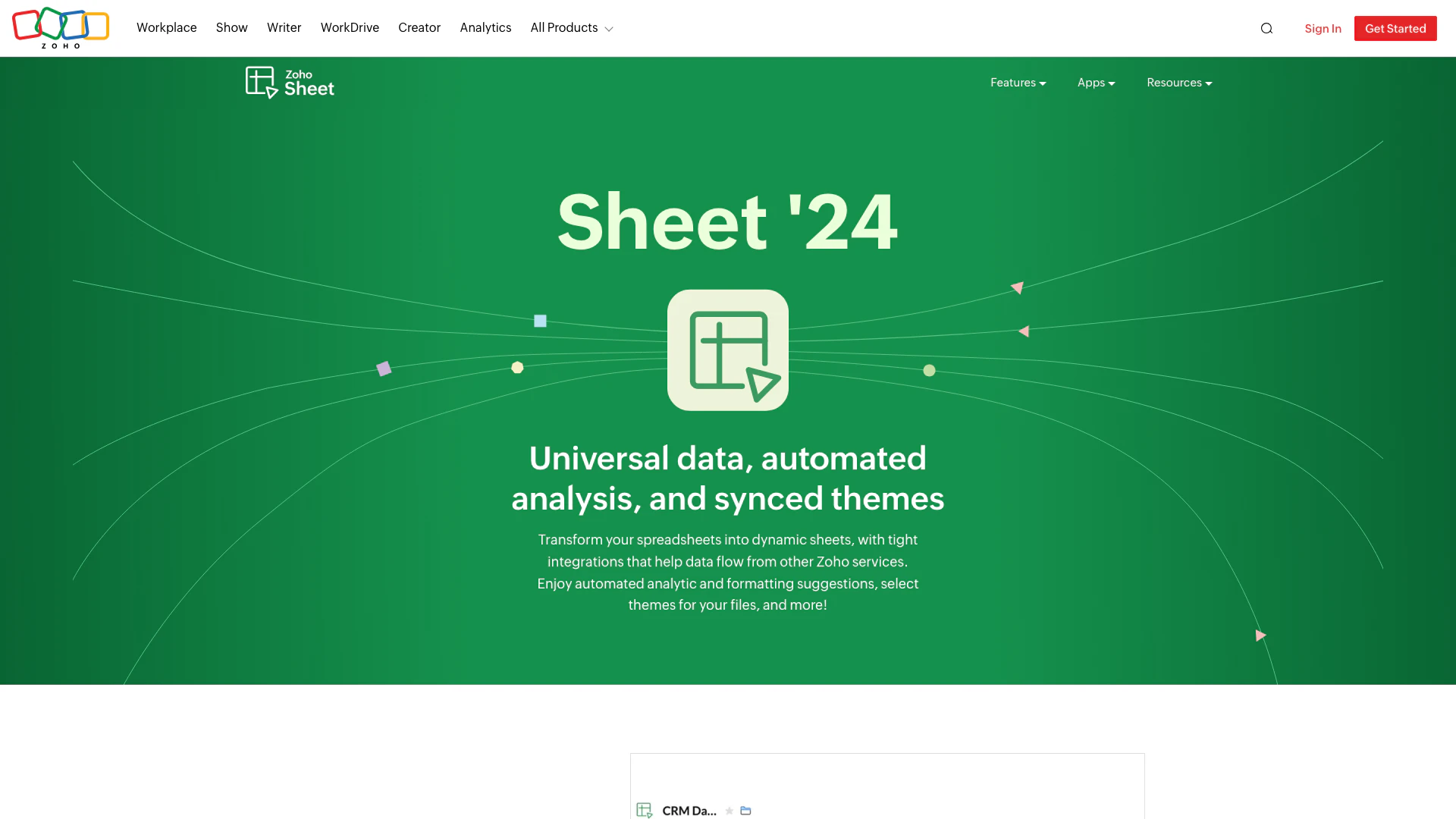
Transform your spreadsheets with Zoho Sheet's dynamic features.
- Productivity & Office
- AI Spreadsheet Tools
- AI Spreadsheet Automation Tools
- Productivity Maximization Tools
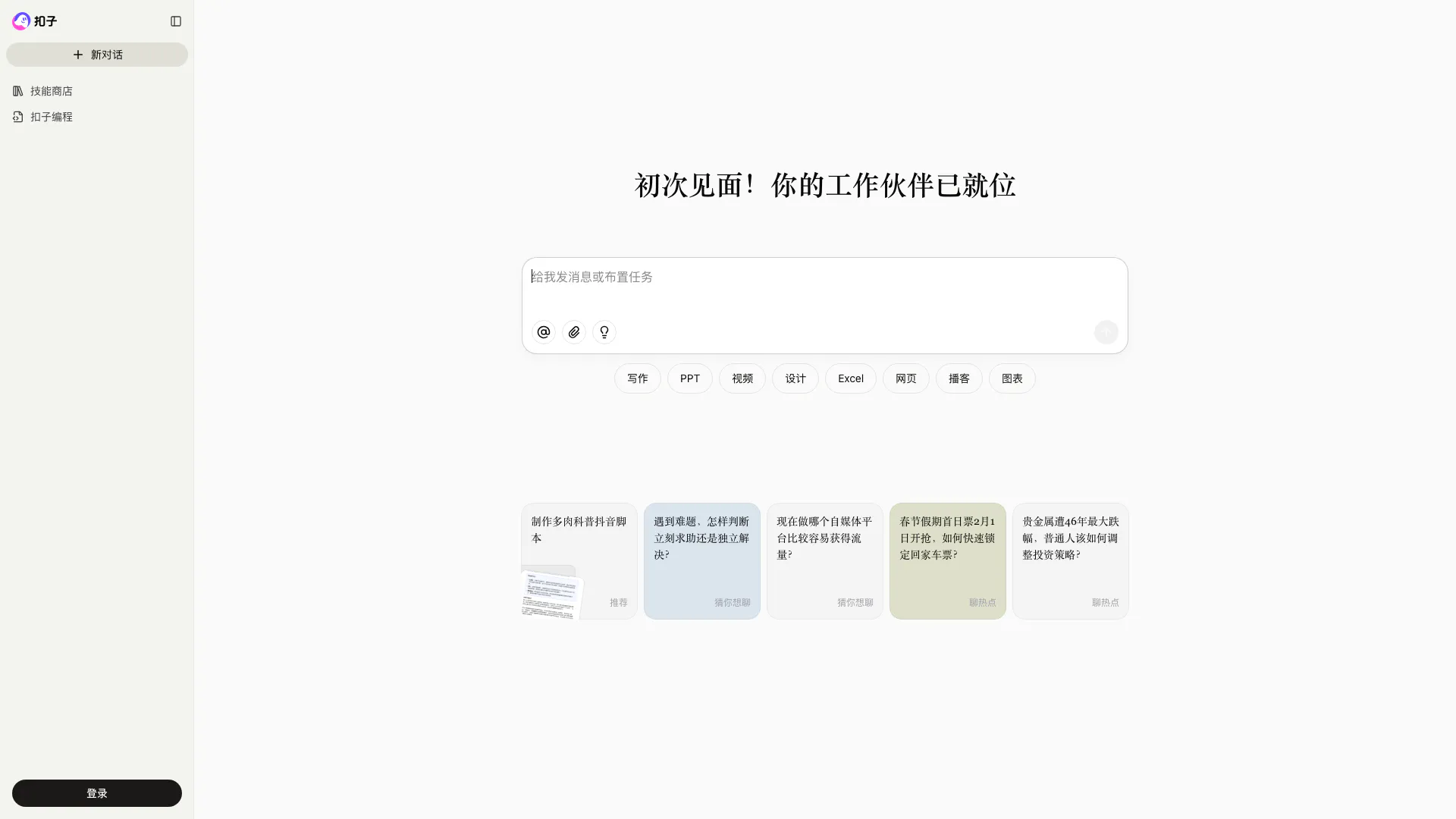
Coze is a powerful AI office assistant that enhances productivity through various automated tasks.
- Productivity & Office
- AI Productivity Tools
- AI Spreadsheet Tools
- AI File Management Tools