

Linkedslide





What is Linkedslide?
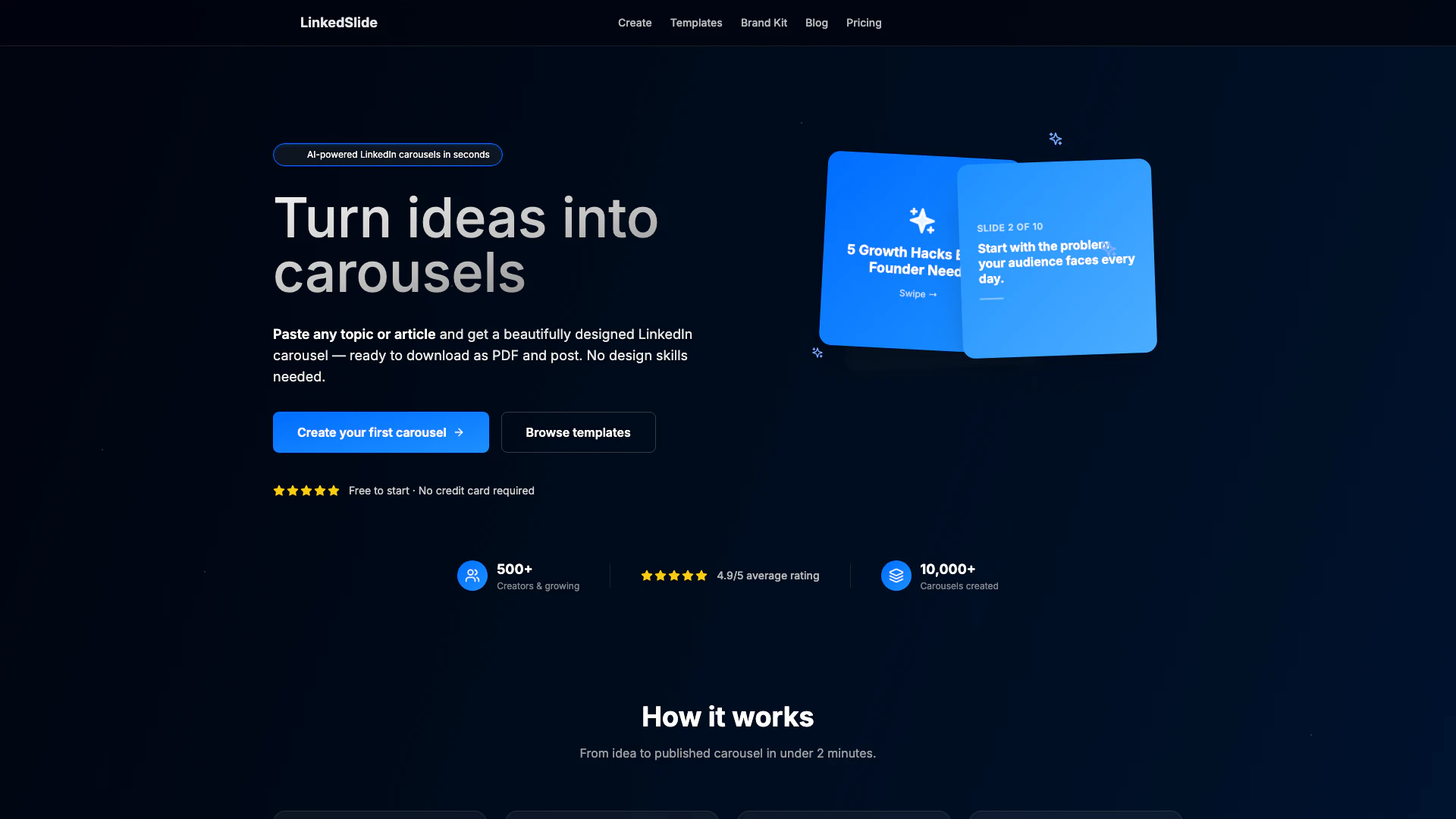
Linkedslide is an AI-powered tool designed to transform ideas into visually appealing LinkedIn carousels in seconds. Users can simply paste any topic or article, and the tool generates a polished carousel ready for download as a PDF. This innovative platform caters to individuals and businesses looking to enhance their LinkedIn presence without requiring any design skills. With a user-friendly interface and a focus on efficiency, Linkedslide allows users to create engaging content that captures attention and drives engagement on LinkedIn.
How to use Linkedslide?
- Enter your topic: Paste a blog post, article link, or type your topic idea directly into the tool.
- Pick your style & colors: Choose from three styles - Minimal, Bold, or Professional, and customize your brand colors.
- Generate & edit: The AI will create 8-12 slides, including hooks, key points, and a call to action. You can edit any slide as needed.
- Download & post: Once satisfied, download your carousel as a PDF and upload it to LinkedIn to share with your audience.
What are the main features of Linkedslide?
- AI-Powered Generation: Quickly generates 8-12 slide carousels from any topic or article.
- Three Beautiful Styles: Offers Minimal, Bold, and Professional styles to suit different branding needs.
- Brand Kit: Allows users to save their colors and logos for consistent branding across all carousels.
- Edit Before Download: Users can fine-tune text, reorder slides, and personalize their content.
- Download as PDF: Easy one-click download for LinkedIn-ready carousels.
- Carousel History: Keeps a record of all created carousels for easy access and re-download.
Who is Linkedslide for?
Linkedslide is ideal for content creators, marketers, entrepreneurs, and professionals looking to enhance their LinkedIn engagement. Whether you are a startup founder aiming to share insights, a marketer wanting to showcase your expertise, or an individual looking to build a personal brand, Linkedslide provides an accessible solution for creating visually appealing carousels without the need for extensive design skills. It is also suitable for businesses seeking to promote their products or services effectively on LinkedIn.
What are the use cases of Linkedslide?
- Content Marketing: Create engaging carousels to summarize blog posts or articles, driving traffic to your website.
- Personal Branding: Professionals can share insights, tips, or experiences in carousel format to build their personal brand on LinkedIn.
- Business Promotion: Companies can design carousels to showcase products, services, or success stories, increasing visibility and engagement.
Product Images

Linkedslide Pros and Cons
Pros
- AI-Powered Carousel Generation: Quickly create polished LinkedIn carousels from any topic or article in seconds using AI technology.
- User-Friendly Design: No design skills are required; the tool simplifies the process, allowing anyone to create engaging content easily.
- Customizable Styles: Choose from three beautiful styles (Minimal, Bold, Professional) to match your brand and maximize engagement.
Cons
No cons data detected for this tool
Linkedslide Pricing
Free
Perfect for trying out carousel creation. Includes 2 carousels per month, all 3 slide styles, PDF download, 6 starter templates, and the ability to edit slides before download.
Pro
Most popular plan. Includes unlimited carousels, all 3 slide styles, PDF & image download, all 12 templates (6 exclusive), brand kit (save colors & logo), carousel history & re-downloads, priority AI generation, and custom color themes.
For the latest pricing, please visit this link: https://linkedslide.com/pricing
Prices are subject to change. Please visit the official website for the most up-to-date pricing information.
Linkedslide Reviews
Just made my first LinkedIn carousel with @LinkedSlide and I'm blown away. Went from blog post to polished carousel in literally 30 seconds. My engagement is up 3x this week 🔥
I've been manually designing carousels in Canva for months. @LinkedSlide just saved me 5+ hours per week. The AI actually understands how to structure a good carousel — hook, value, CTA. Game changer for content creators.
The brand kit feature on @LinkedSlide is *chef's kiss*. Set my colors once and every carousel looks on-brand. My clients think I hired a designer 😂
For more reviews, visit this link: https://linkedslide.com/#what-creators-are-saying
Linkedslide Compare
| Tool Name | Introduction | Pricing | Type | Rating | Launch Date | Learn more |
|---|---|---|---|---|---|---|
Configure it once and automate your images forever without intervention—no need to review. Photos are ready to publish. Adjust backgrounds, lighting, banners, and more to fit your company branding. | Free | October 5, 2021 | Get deal | |||
Edit your selfies to get the results you want with powerful and easy-to-use tools. Give your selfies the VIP treatment. Touch up, reshape & apply digital makeup. | Free | December 1, 2012 | Get deal | |||
Tutor AI - Your personal AI tutor to learn anything | Free | September 23, 2007 | Get deal |



Info current as of post date. Offers and availability may vary by location and are subject to change.
Linkedslide Alternatives
Connect and share ideas on Twitter.
- Social Media Tools
- AI Social Media Tools
- AI Tweet Generator
- AI X/Twitter Tools
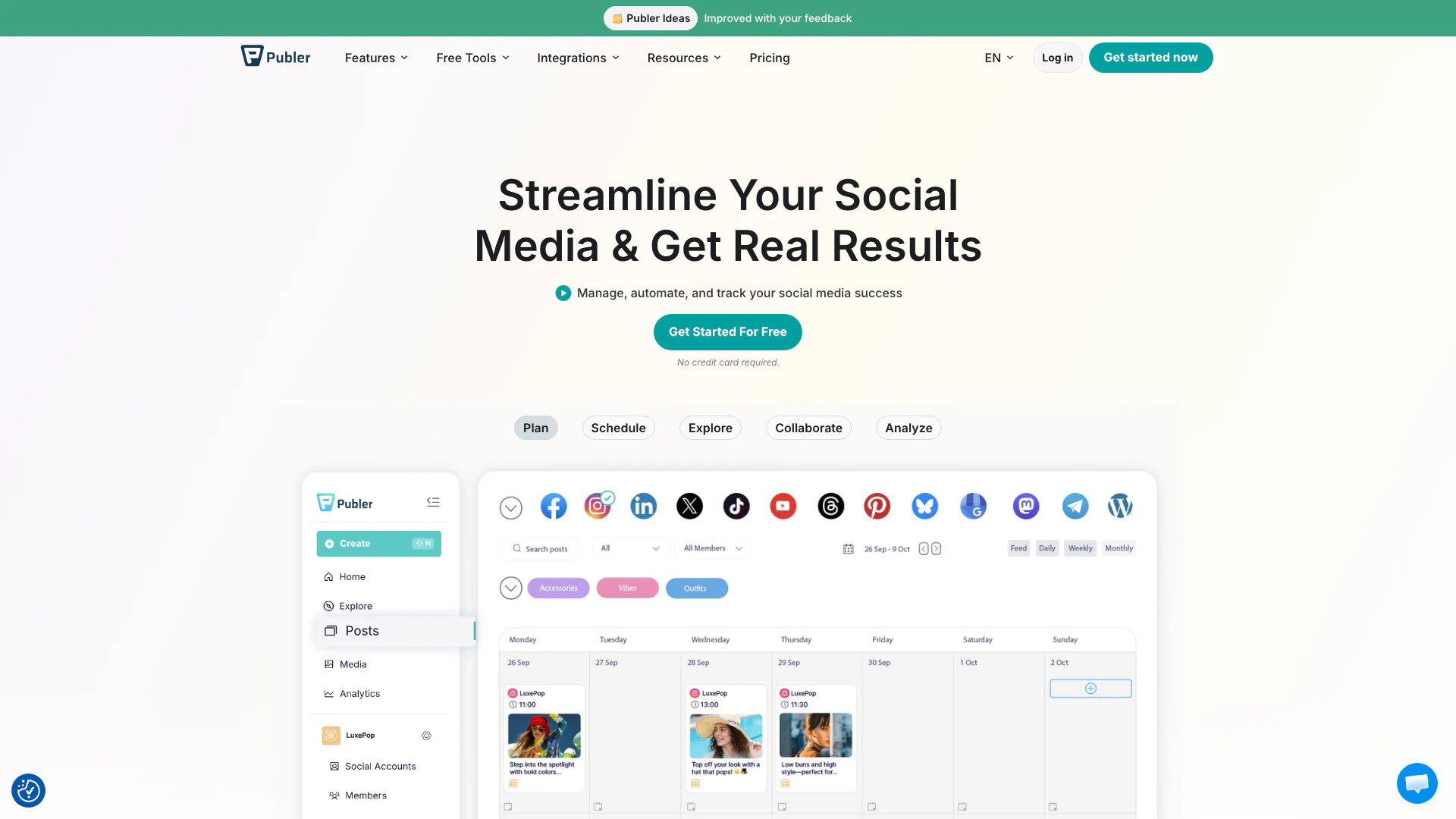
Boost your social media strategy with Publer’s suite of tools. Manage multiple accounts, schedule posts, collaborate with your team, and analyze performance—all in one place.
- Social Media Tools
- AI Social Media Tools

OpusClip turns long videos into high-quality viral clips for you to share on TikTok, YouTube Shorts, and Reels to increase social media reach.
- Writing & Editing
- AI Content Repurposing
- AI Text Generator
- AI Social Media Tools