

Lobe




What is Lobe?
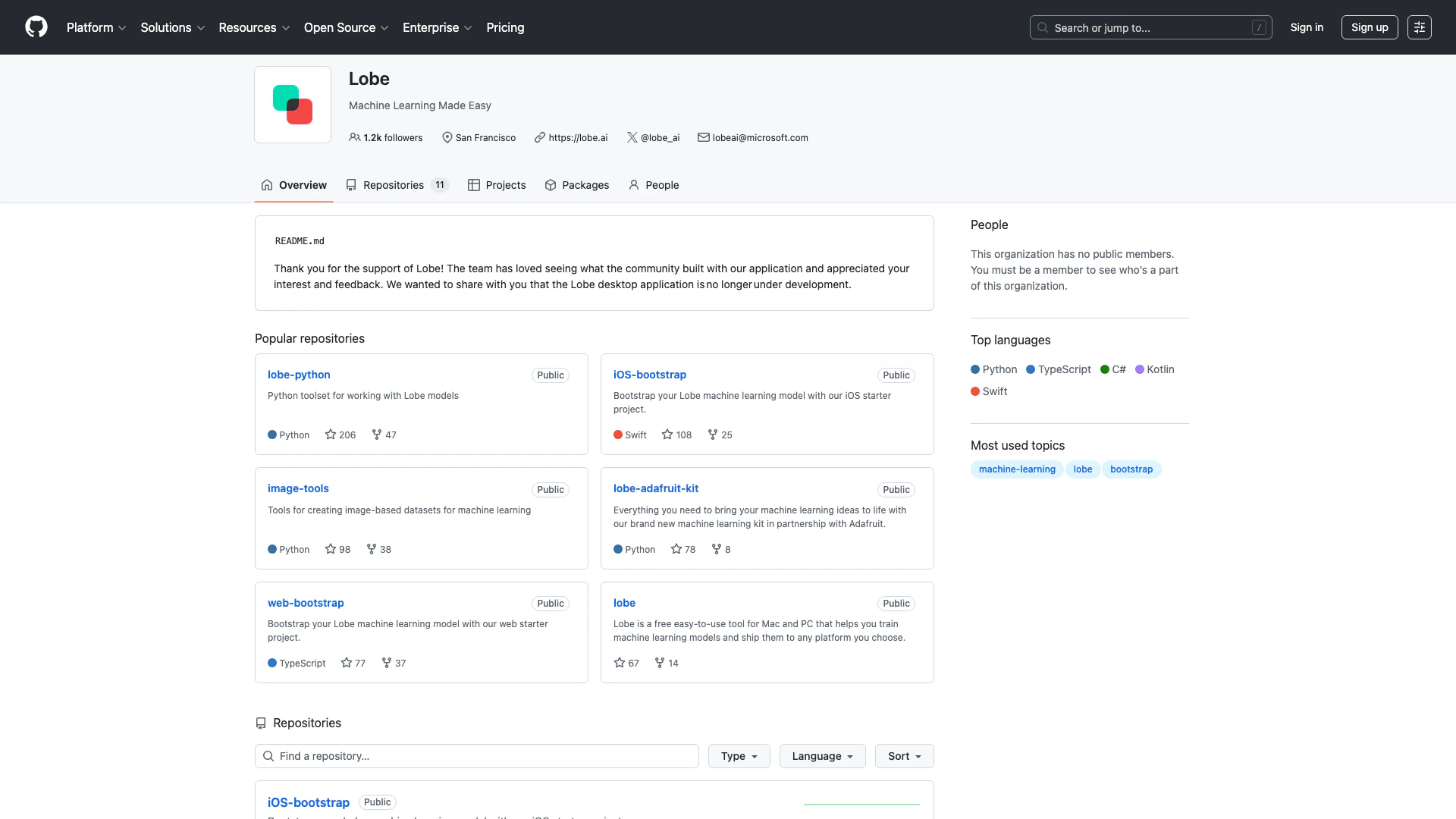
Lobe is a user-friendly machine learning tool designed to simplify the process of training machine learning models. It allows users to create, train, and deploy models without needing extensive coding knowledge. Lobe's intuitive interface makes it accessible for both beginners and experienced developers, enabling them to build machine learning applications efficiently. With a focus on ease of use, Lobe empowers users to turn their ideas into functional machine learning projects quickly.
How to use Lobe?
- Visit the Lobe website and sign up for an account.
- Download the Lobe application for your operating system (Mac or PC).
- Launch the application and select a project type based on your machine learning goals.
- Upload your dataset or use existing datasets available in the Lobe community.
- Utilize Lobe's built-in tools to train your model, adjusting parameters as necessary.
- Test your model within the application to ensure it meets your requirements.
- Once satisfied, deploy your model to your desired platform.
What are the main features of Lobe?
- Easy-to-use interface for building machine learning models.
- Support for various programming languages including Python, Swift, and TypeScript.
- Extensive repositories for community collaboration and resources.
- Tools for creating image-based datasets to enhance model training.
- Ability to deploy models across multiple platforms including web and mobile.
Who is Lobe for?
Lobe is designed for a diverse audience, including hobbyists, educators, and professional developers. It is particularly beneficial for those who want to explore machine learning without deep technical expertise. Educators can use Lobe as a teaching tool to introduce students to machine learning concepts, while developers can leverage its capabilities to quickly prototype and deploy machine learning applications.
What are the use cases of Lobe?
- Creating custom image recognition models for mobile applications.
- Developing machine learning tools for educational purposes in classrooms.
- Prototyping AI-driven applications that require quick deployment and testing.
- Building datasets and models for specific business needs, such as customer behavior analysis.
Analytics of Lobe
Lobe Website Traffic Analysis
Visits Over Time
Traffic Sources
Oct 2025 - Dec 2025 Worldwide Desktop Only
- Search: 40.77%
- Direct: 38.57%
- Referrals: 13.96%
- Social: 3.67%
- Paid Referrals: 2.11%
- Mail: 0.17%
Top Keywords
| Keyword | Volume | CPC | Estimated Value |
|---|---|---|---|
| lobe ai | 1.33K | $1.66 | $10.00 |
Lobe Compare
| Tool Name | Introduction | Pricing | Type | Rating | Launch Date | Learn more |
|---|---|---|---|---|---|---|
 | Invocom | Best customer service anytime, anywhere! | Free | -- | August 30, 2020 | Get deal | |
 | SEO WRITING - AI Writing Tool for 1-Click SEO Articles | Free | 💼Work🎨Creativity | December 6, 2021 | Get deal | |
 | Create and manage AI assistants for customer engagement. | Free | 💼Work | June 7, 2025 | Get deal |
Info current as of post date. Offers and availability may vary by location and are subject to change.
Lobe Alternatives

Get started faster, find what you’re looking for, and stay in the flow—with AI tools build for your workflows. Sign up for free today and harness the power of Figma AI.
- Productivity & Office
- Ai Diagram Generator
- Ai Design Generator

Framer: Create a professional website, free. No code website builder loved by designers.
- Art & Design
- AI Graphic Design Tools
- Ai Website Builder
- No Code Low Code

PixVerse | Create Amazing AI Videos from Text & Photos with AI Video Generator
- Art & Design
- AI Design Generator
- AI Video Generator
- AI Image to Video