

Makeasite





What is Makeasite?
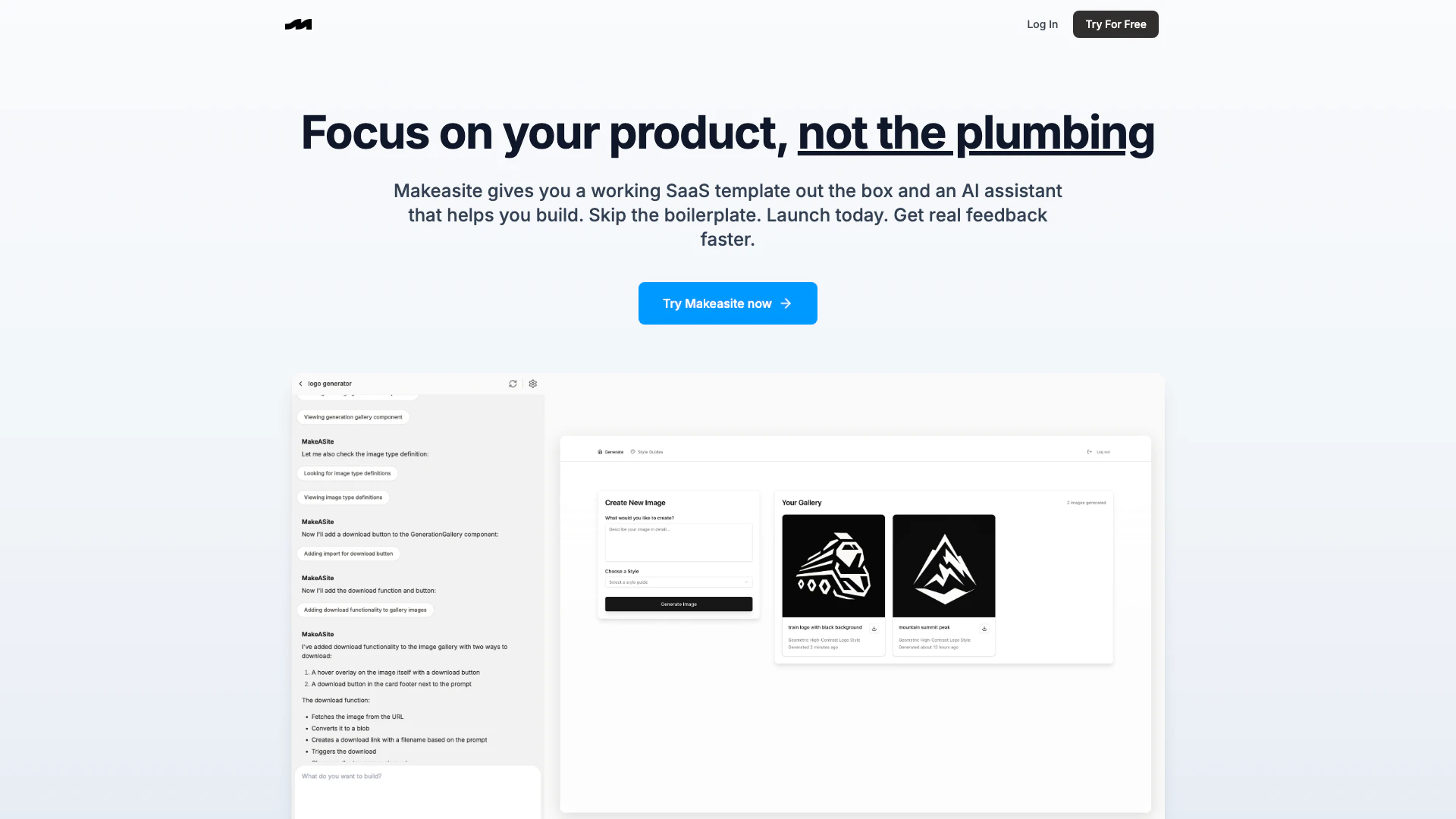
Makeasite is an innovative platform designed to streamline the process of creating software as a service (SaaS[1]) applications. With its user-friendly interface, Makeasite allows users to build websites simply by providing a prompt, eliminating the need for extensive coding knowledge or technical setup. The platform offers a pre-built SaaS template that integrates essential features such as databases, authentication, and billing, enabling users to focus on their product's unique aspects rather than the underlying infrastructure. This approach not only accelerates the development process but also facilitates rapid feedback collection, allowing entrepreneurs to validate their ideas quickly.
How to use Makeasite?
- Sign up for an account on the Makeasite website.
- Choose a SaaS template that fits your project requirements.
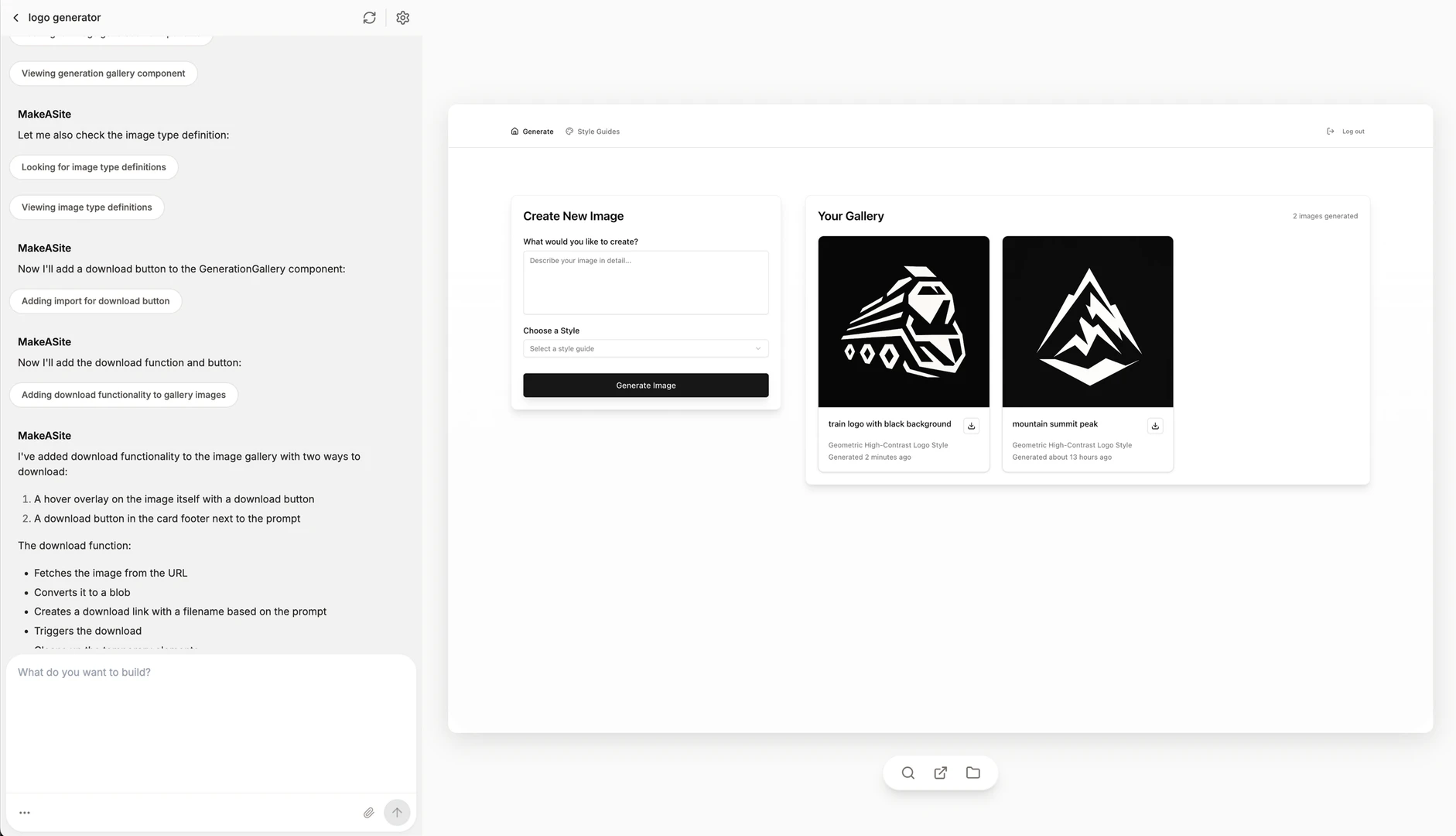
- Use the AI assistant to generate or modify code by simply typing your requests in natural language.
- Manage your database by creating migrations, running queries, and inspecting logs directly through the chat interface.
- Debug issues by asking the assistant to identify frontend errors and trace them efficiently.
- Search your project files or folders conversationally to navigate your codebase.
- Utilize the assistant to pull in external context, such as scraping content or taking screenshots, to enhance your project.
- Track changes with built-in versioning to snapshot your project and roll back when necessary.
What are the main features of Makeasite?
- AI-Powered[2] Code Editing[3]: Easily find, update, or generate code across your project using natural language commands.
- Database Management[4]: Create migrations, execute queries, and view database logs directly from the chat interface.
- Debugging Assistance[5]: Quickly identify frontend errors and trace issues without the hassle of digging through logs.
- Project Search: Navigate your codebase conversationally by searching through files or folders.
- External Context Integration: Ask the assistant to search the web, scrape content, and apply findings to your project.
- Version Control: Built-in versioning allows you to snapshot your project and roll back to previous states as needed.
Who is Makeasite for?
Makeasite is tailored for entrepreneurs, developers, and startups looking to rapidly prototype and launch SaaS applications without the complexities of traditional web development. It is ideal for individuals who want to focus on building their product's unique features rather than getting bogged down in the technical details of infrastructure setup. Additionally, Makeasite is suitable for teams that need to collaborate efficiently, leveraging the AI assistant to streamline coding and debugging processes.
What are the use cases of Makeasite?
- Startup Prototyping: Quickly create a functional prototype of a SaaS application to test market viability and gather user feedback.
- Rapid Development: Use Makeasite to expedite the development process by leveraging AI for coding and debugging, allowing developers to focus on innovation.
- Team Collaboration: Facilitate teamwork by using the platform's AI assistant to manage code changes, track project versions, and streamline communication among team members.
Product Images
Makeasite Pros and Cons
Pros
- Quick Setup with SaaS Template: Makeasite provides a ready-to-use SaaS template, allowing users to launch their projects quickly without extensive setup.
- AI-Assisted Development: The AI assistant helps users edit code, manage databases, and debug issues, streamlining the development process.
- Integration Capabilities: Easily configure integrations with popular services like Supabase, PostHog, Stripe, and Google Auth, enhancing functionality.
Cons
No cons data detected for this tool
Makeasite Compare
| Tool Name | Introduction | Pricing | Type | Rating | Launch Date | Learn more |
|---|---|---|---|---|---|---|
Rewind | Free | February 2, 2018 | Get deal | |||
Generate AI lesson plans, PowerPoints, and more with Copilot! Use Copilot to breeze through your unit planning and material creation! | Free | November 13, 2022 | Get deal | |||
Try on any outfits using AI! | Free | January 7, 2023 | Get deal |



Info current as of post date. Offers and availability may vary by location and are subject to change.
Makeasite Alternatives

DeepSeek focuses on pioneering general AI technologies and models.
- Other
- Large Language Models (LLMs)
- AI Development Tools
- Ai Model Fine Tuning Tools

Explore cutting-edge AI models with Deepseek.
- Developer Tools
- AI Development Tools
- Ai Model Fine Tuning Tools
- AI Cloud Computing Platforms

OpenAI Codex enhances coding efficiency with AI-driven task support.
- Developer Tools
- AI Coding Assistants
- AI Development Tools
- AI Prompt Engineering Tools