

Makeui
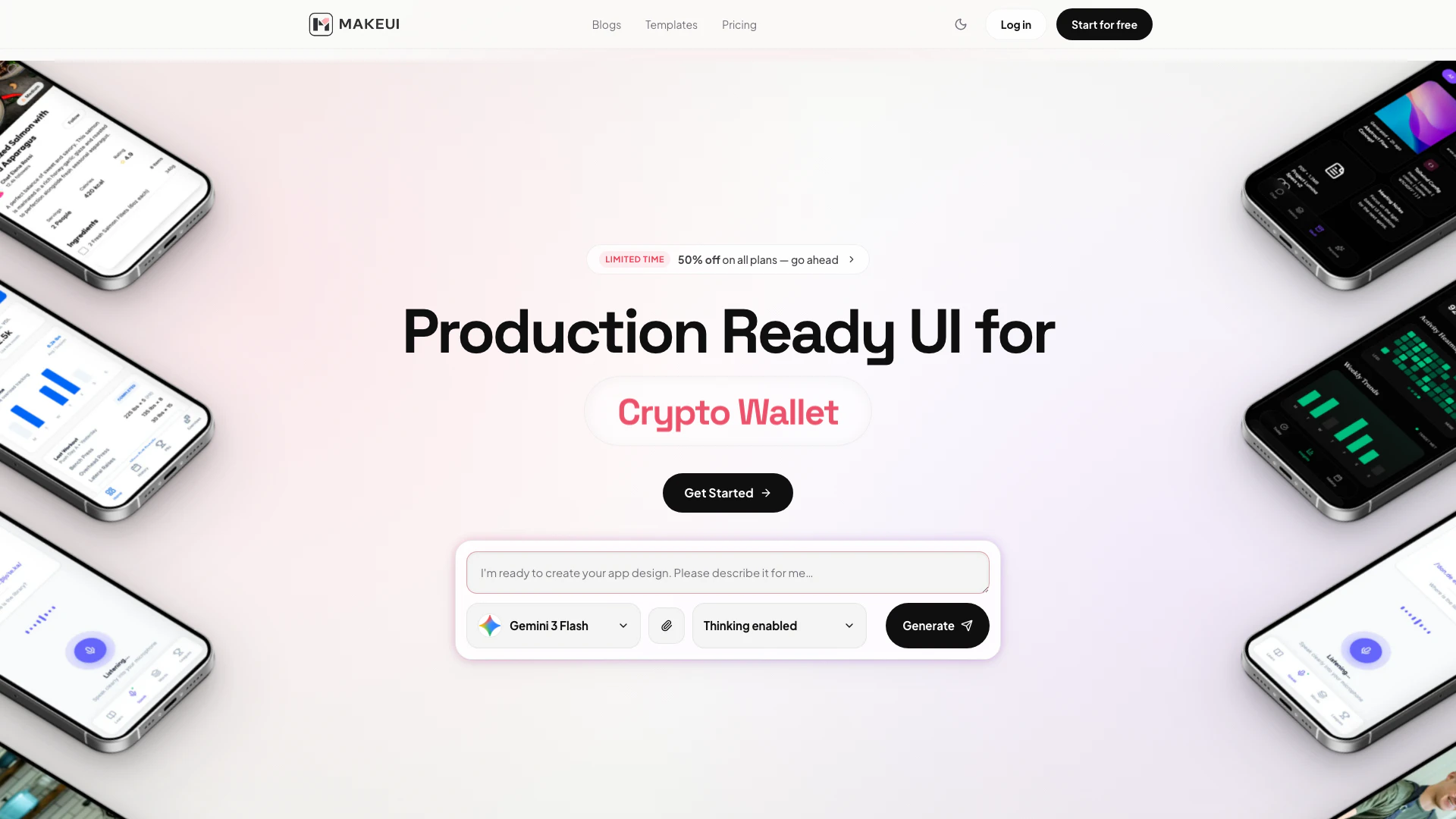




What is Makeui?
Makeui is an innovative AI-powered tool designed to generate production-ready mobile user interface (UI) designs. It allows users to describe a screen and receive fully designed mobile screens complete with proper layouts, spacing, and design tokens. Makeui is powered by advanced AI models including Claude, Gemini, and GPT, ensuring high-quality outputs suitable for various applications. This tool is particularly beneficial for designers and developers looking to streamline their UI design process, enabling them to export designs as editable Figma layers or clean HTML/CSS code.
How to use Makeui?
- Visit the Makeui website and create an account or log in.
- Type a detailed description of the mobile screen you want to generate in the provided prompt area.
- Click on the 'Generate' button to create your screen design.
- Review the generated design, which includes navigation, cards, forms, and color tokens.
- Export the design to Figma for further editing or copy the clean HTML/CSS code for use in your project.
What are the main features of Makeui?
- AI-driven screen generation for mobile UIs.
- Exports designs as editable Figma layers for seamless collaboration.
- Generates clean HTML and CSS code for easy integration into projects.
- Powered by cutting-edge AI models like Claude, Gemini, and GPT.
- Offers a user-friendly interface for quick and efficient design creation.
- Supports various project types, including finance, productivity, health, and more.
Who is Makeui for?
Makeui is ideal for a wide range of users including UI/UX designers, mobile app developers, and product teams who need to create high-quality mobile interfaces quickly. It is particularly useful for freelancers, small agencies, and larger enterprises that require rapid prototyping and design iterations. Additionally, those looking to enhance their design workflow with AI capabilities will find Makeui to be a valuable asset.
What are the use cases of Makeui?
- Rapid prototyping of mobile app interfaces for client presentations.
- Creating consistent UI designs for various applications such as expense trackers, to-do lists, and fitness apps.
- Streamlining the design process by exporting ready-to-use code for integration into web projects.
- Facilitating collaboration among design teams by exporting designs to Figma for further refinement.
- Enhancing productivity for solo developers and agencies by automating the UI design process.
Makeui Pros and Cons
Pros
- AI-Powered Design Generation: MakeUI utilizes advanced AI models like Claude, Gemini, and GPT to generate production-ready mobile UI designs quickly and efficiently.
- Seamless Figma Integration: Users can export their designs as editable layered frames directly into Figma, facilitating easy design reviews and hand-offs.
- Flexible Pricing Plans: MakeUI offers a range of pricing plans, including a free tier, allowing users to choose a plan that fits their needs and budget.
Cons
No cons data detected for this tool
Makeui Pricing
Free
Perfect to test the waters. 7 Free Credits, 1 Project, Access to All Models, Unlimited Export to Code, Unlimited Export to Figma, Priority Support.
Indie
For solo developers. 100 Credits / mo. Each screen/edit takes 1 credit per screen with Gemini Flash 3.0 Mode. Unlimited Projects, Access to All Models, Unlimited Export to Code, Unlimited Export to Figma, Purchase additional credits, Priority Support.
Pro
For agencies and studios. 300 Credits / mo. Each screen/edit takes 1 credit per screen with Gemini Flash 3.0 Mode. Unlimited Projects, Access to All Models, Unlimited Export to Code, Unlimited Export to Figma, Purchase additional credits, Priority Support.
Power
For enterprise scale. 700 Credits / mo. Each screen/edit takes 1 credit per screen with Gemini Flash 3.0 Mode. Unlimited Projects, Access to All Models, Unlimited Export to Code, Unlimited Export to Figma, Purchase additional credits, Priority Support.
For the latest pricing, please visit this link: https://makeui.design/pricing
Prices are subject to change. Please visit the official website for the most up-to-date pricing information.
Makeui Compare
| Tool Name | Introduction | Pricing | Type | Rating | Launch Date | Learn more |
|---|---|---|---|---|---|---|
🧠 AI-powered image resizer for social media | Free | June 8, 2021 | Get deal | |||
AI-Based Cloud Cost Reduction Platform | Profisea Labs | Free | May 1, 2020 | Get deal | |||
Generate AI lesson plans, PowerPoints, and more with Copilot! Use Copilot to breeze through your unit planning and material creation! | Free | November 13, 2022 | Get deal |



Info current as of post date. Offers and availability may vary by location and are subject to change.
Makeui Q&A
Yes. The generated design output can be used in your production workflow, then refined further inside your existing product process.
Makeui Alternatives

Adobe empowers users to create and optimize digital content.
- Art & Design
- AI Graphic Design Tools
- AI UX/UI Design
- AI Creative Suite
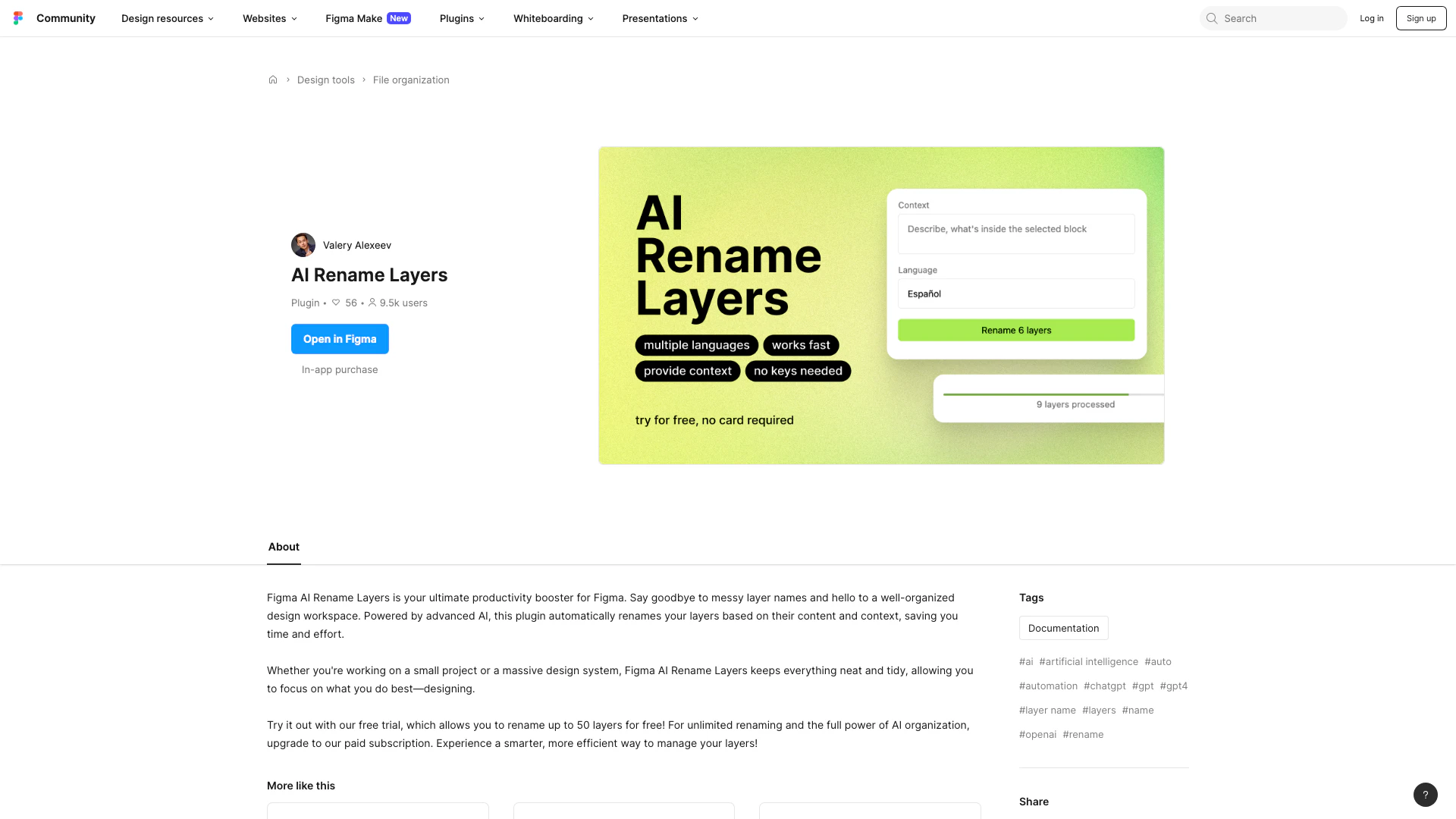
Automate layer renaming in Figma for better organization.
- Art & Design
- AI Design Assistant
- AI Graphic Design Tools
- AI UX/UI Design
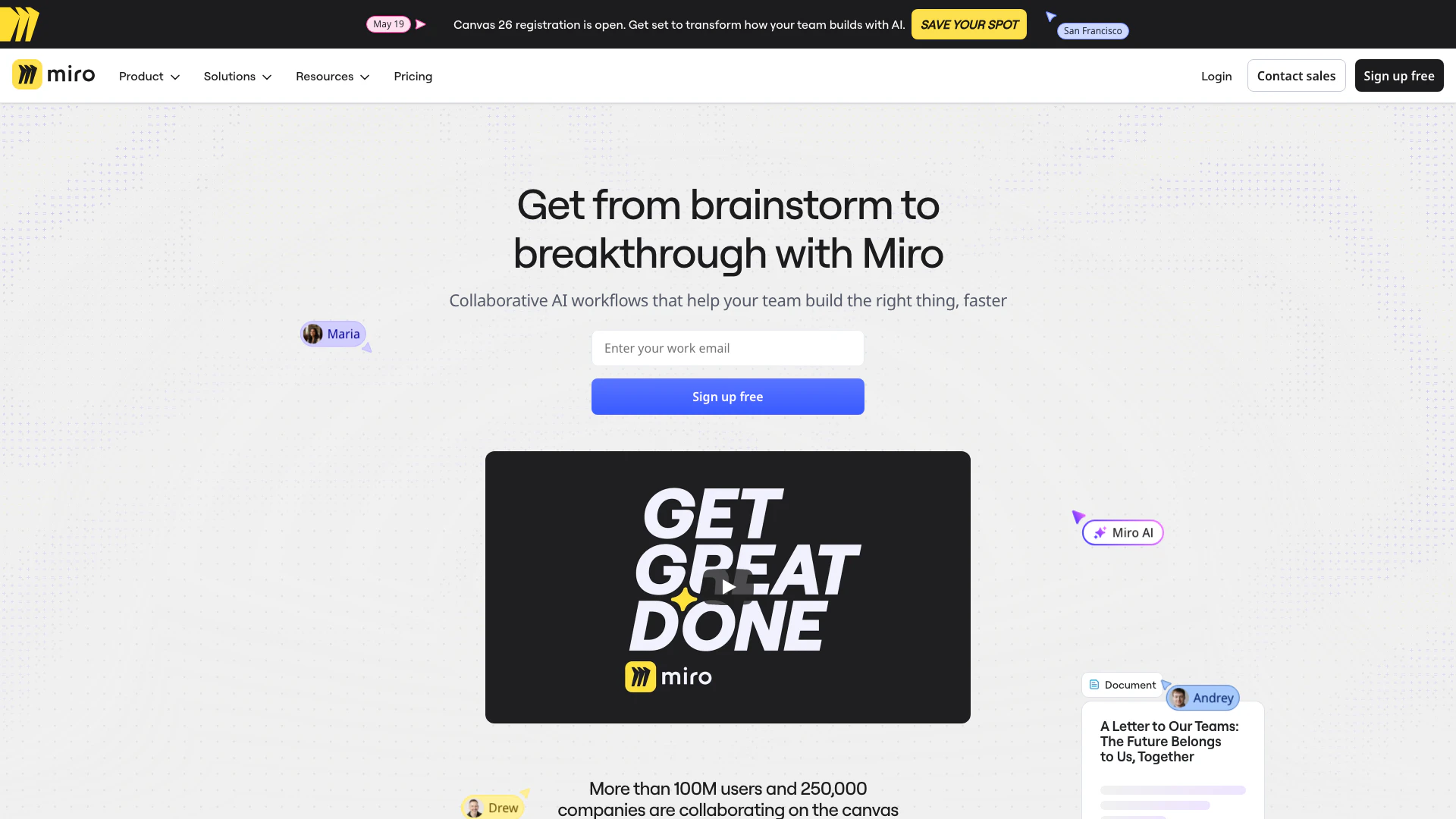
Speed up product development from ideation to launch. Align teams, break tool silos, and ship what customers need in one AI-powered visual platform.
- Art & Design
- AI Design Assistant
- AI UX/UI Design
- Ai Whiteboard