

Melo





What is Melo?
Melo is an innovative productivity tool that combines notes, tasks, AI capabilities, web browsing, and calendar functionalities into one cohesive spatial canvas. Designed to enhance your workflow, Melo operates on a local-first model, ensuring that users have permanent access to their data through a one-time purchase. This unique approach allows for seamless organization and management of various aspects of personal and professional tasks, making it an essential tool for anyone looking to streamline their workflow.
How to use Melo?
- Download and install Melo from the official website.
- Launch the application and create a new workspace.
- Utilize the spatial canvas to add notes, to-dos, and calendar events by simply dragging and dropping them onto the canvas.
- Use the AI assistant to summarize your workspace and manage tasks effectively.
- Customize your workspace with themes, fonts, and other personalization options to suit your style.
What are the main features of Melo?
- All-in-one spatial canvas for notes, tasks, AI, web browsing, and calendar.
- Local-first software with a one-time purchase model.
- AI assistant that reads your board and automates task management.
- Gesture controls for intuitive navigation without the need for additional controllers.
- Highly customizable with over 20 themes and various font options.
- Ability to embed websites directly into the canvas for easy access.
Who is Melo for?
Melo is designed for a diverse range of users, including students, professionals, developers, and entrepreneurs. It is ideal for individuals who need a comprehensive tool to organize their thoughts, manage tasks, and integrate different aspects of their workflow into one platform. Whether you are a student looking to streamline your study materials, a developer managing multiple projects, or a founder planning your business roadmap, Melo provides the flexibility and functionality to meet your needs.
What are the use cases of Melo?
- Students can use Melo to organize study notes, manage assignments, and keep track of deadlines in a visually appealing way.
- Developers can utilize the tool to manage project tasks, document code snippets, and embed resources directly into their workspace for quick reference.
- Entrepreneurs can plan business strategies, track progress, and collaborate with team members through shared workspaces, enhancing overall productivity.
Melo Pros and Cons
Pros
- All-in-One Workflow Tool: Melo combines notes, tasks, AI, web browsing, and calendar functionalities into a single spatial canvas, streamlining your workflow.
- Local-First Approach: Melo operates with a local-first model, ensuring that your data is stored locally and accessible without an internet connection.
- One-Time Purchase: Unlike subscription-based models, Melo offers a one-time purchase option, providing permanent access without ongoing fees.
Cons
No cons data detected for this tool
Melo Pricing
Melo
Full Access to All Melo Features
For the latest pricing, please visit this link: https://melo.so/#canvas
Prices are subject to change. Please visit the official website for the most up-to-date pricing information.
Melo Compare
| Tool Name | Introduction | Pricing | Type | Rating | Launch Date | Learn more |
|---|---|---|---|---|---|---|
Rewind | Free | February 2, 2018 | Get deal | |||
The easiest and quickest way to build your beautiful portfolio website, landing page or anything. No code. All creative freedom. | Free | July 6, 2017 | Get deal | |||
Paraphrasing Tool (Ad-Free and No Sign-up Required) - QuillBot AI | Free | December 31, 1984 | Get deal |


Info current as of post date. Offers and availability may vary by location and are subject to change.
Melo Alternatives

Boost Productivity in HubSpot with Breeze Copilot | HubSpot
- Operations & Management
- AI CRM Tools
- Ai Productivity Tools

OpusClip turns long videos into high-quality viral clips for you to share on TikTok, YouTube Shorts, and Reels to increase social media reach.
- Writing & Editing
- AI Content Repurposing
- AI Text Generator
- AI Social Media Tools
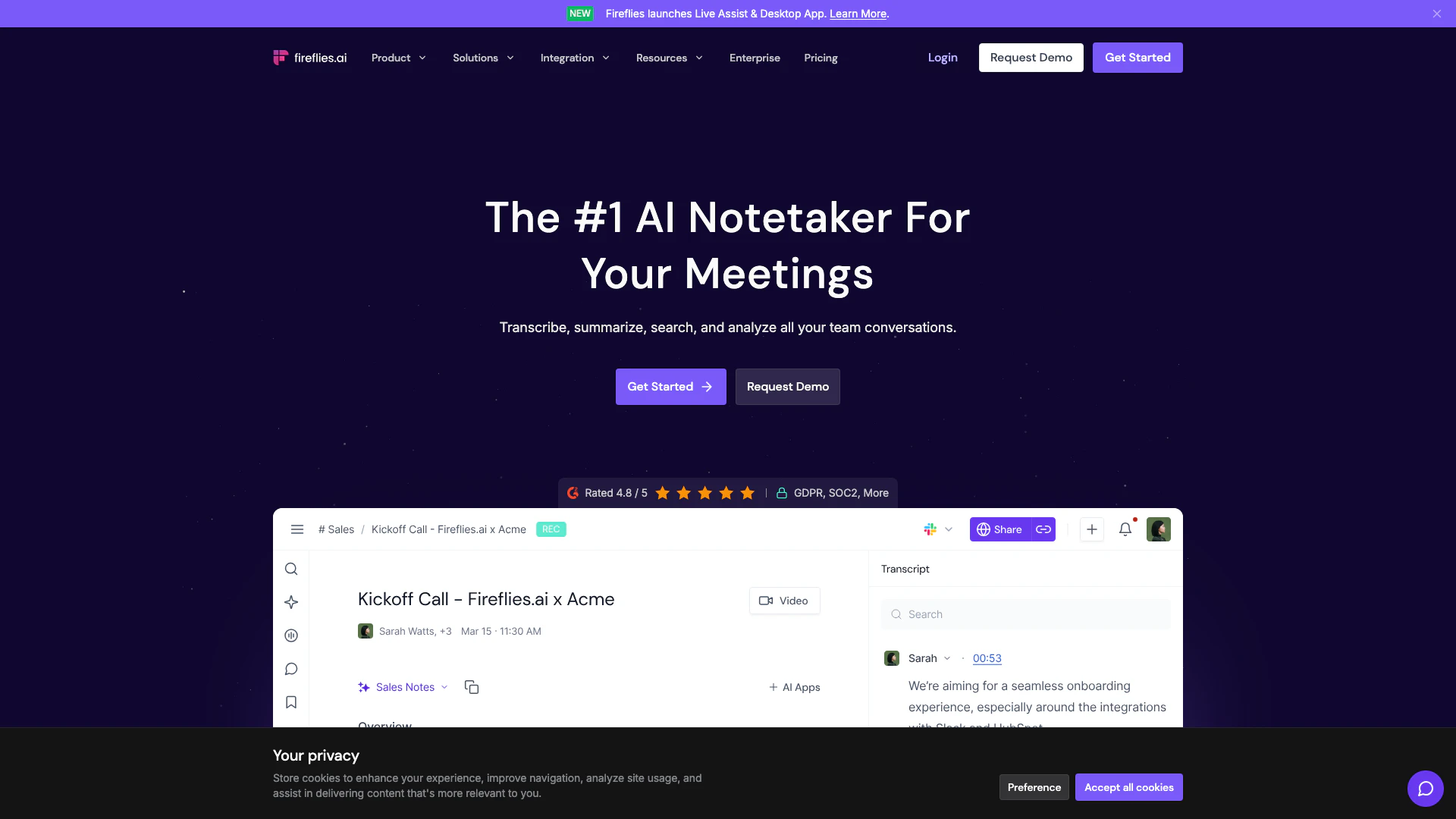
Streamline your meetings with AI-powered notes and insights.
- Productivity & Office
- Ai Meeting Assistant
- Ai Note Taker
- AI Meeting Insights Tools